• Flickering when adjusting image effects

    Moved
    2
    1 Votes
    2 Posts
    3k Views
    VectorStylerV
    @Ingolf I think both the flickering and the black outline could be solved if selection highlight would not show while adjusting the effect. I added this to the backlog.
  • Bug / feature in shape builder tool

    Moved
    3
    0 Votes
    3 Posts
    4k Views
    VectorStylerV
    @Ingolf Yes, the Divide results in overlapping edges and these are difficult to handle for the shape builder (as well as subsequent boolean operations). I have an open bug on these issues.
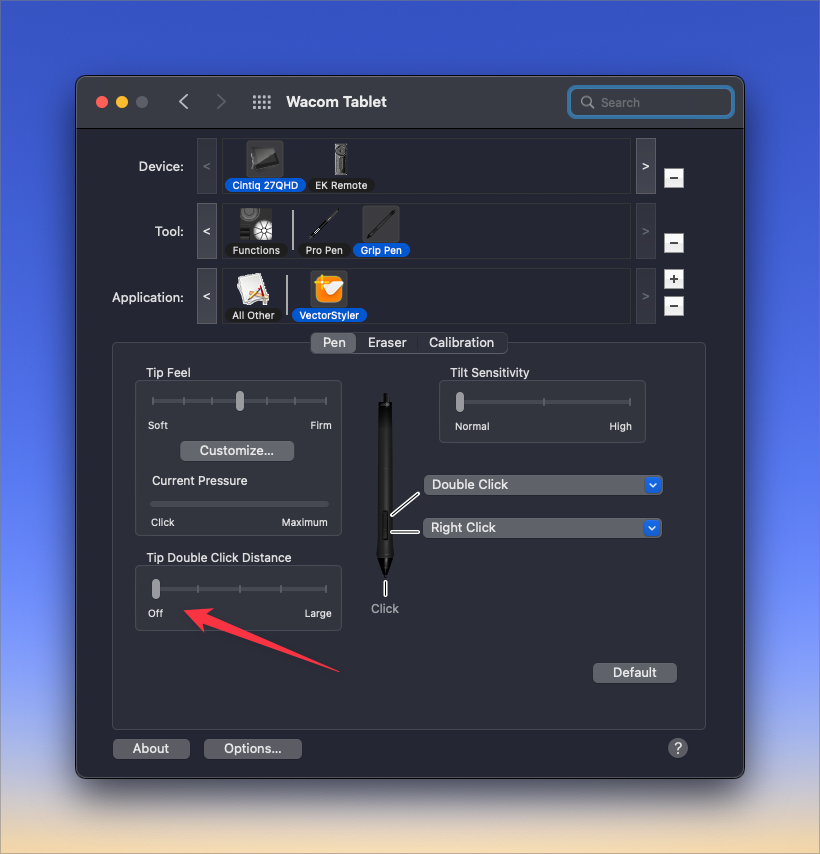
  • Wacom pen tool still leaving double nodes at start of path lines

    Moved
    2
    2
    1 Votes
    2 Posts
    3k Views
    VectorStylerV
    @Boldline I open a bug on this one, and will try to replicate it.
  • Access to image effects on locked layers

    Moved
    2
    1
    0 Votes
    2 Posts
    3k Views
    VectorStylerV
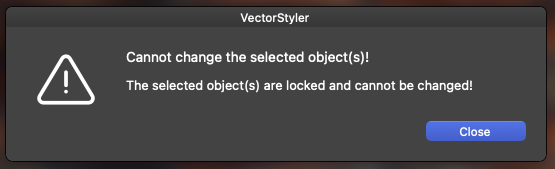
    @Ingolf said in Access to image effects on locked layers: A warning should appear much earlier, the moment you click the image effects icon on a locked layer and try to access the dialog. I added this to the backlog. Image effects should still be accessible, for example to save them as presets or styles.
  • Inconsistent Colour Editing

    Moved
    2
    0 Votes
    2 Posts
    3k Views
    VectorStylerV
    @William-Kansepa Yes, this behaves differently. The main issue is that when editing a color in the palette, previewing would result in a document wide change, which is somewhat more expensive, so preview is not available for now.
  • Open Document file list greyed out

    Moved
    8
    0 Votes
    8 Posts
    10k Views
    IgullI
    @VectorStyler said in Open Document file list greyed out: @Igull Cannot replicate it here. Maybe a recording or a screenshot might give some hint. Mmmm, this morning for some reason it is taking only a second to show exactly the same listing that took 10s yesterday. I'll try loading up the app with some more files and see if it starts to choke. I have around 4 other apps open - same as yesterday - and no shortage of RAM - 32Gb. If it continues to happen, I'll note down any changes and make a video. Neil
  • Rotate with track pad

    Moved
    5
    0 Votes
    5 Posts
    5k Views
    S
    Awesome, thank you!
  • Small blink on click and drag

    Moved
    6
    0 Votes
    6 Posts
    5k Views
    VectorStylerV
    @Ingolf Yes, a small blink can be observed on Windows here also. I will try to find a solution.
  • Fascinating bug

    Moved
    3
    0 Votes
    3 Posts
    4k Views
    IngolfI
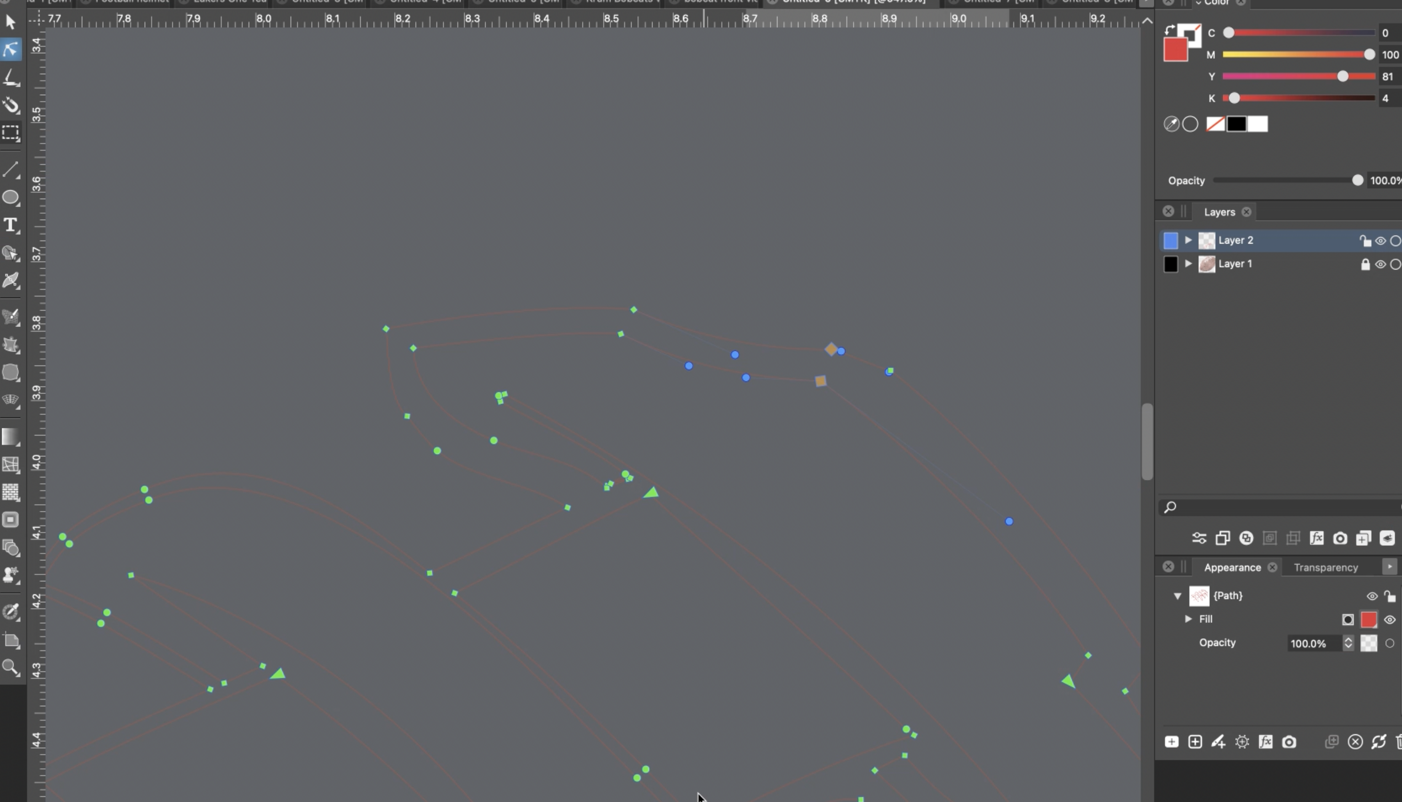
    @VectorStyler said in Fascinating bug: @Ingolf Added this to the backlog. Also this confuses me - the blue dots movement, acceleration : [image: ZS7KOim.gif]
  • Artboard Tool not always selecting artboard

    Moved
    7
    0 Votes
    7 Posts
    6k Views
    VectorStylerV
    @Boldline This can be replicated. Will be fixed ASAP.
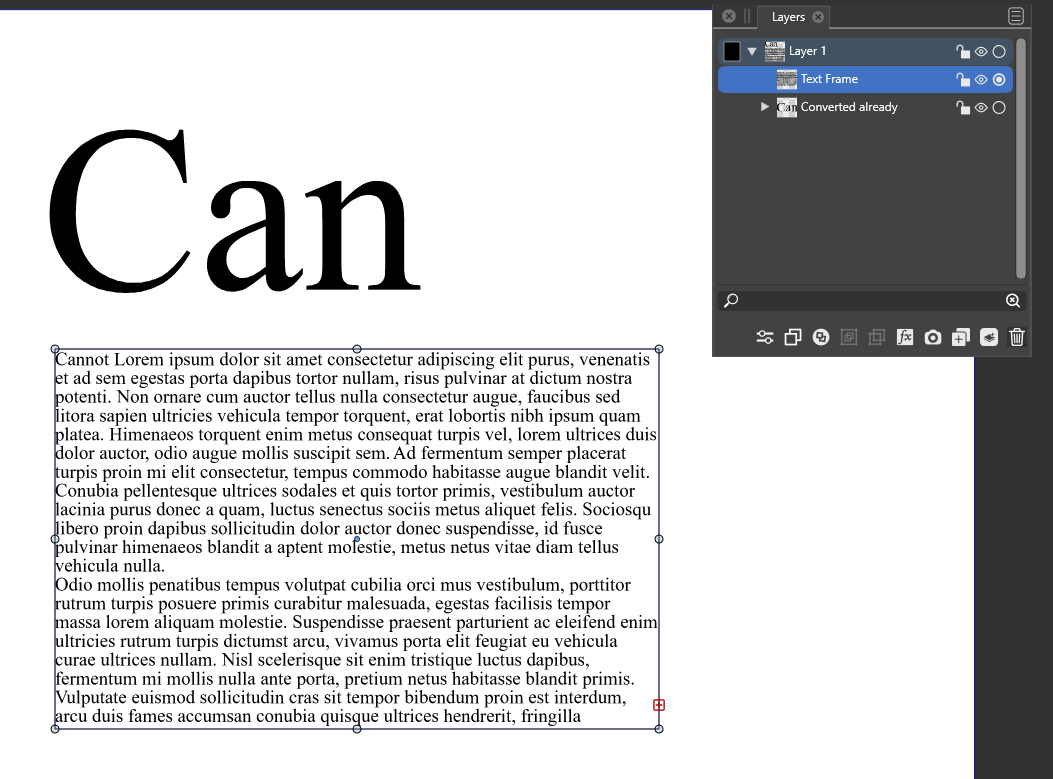
  • I cannot convert a text frame to curves

    Moved
    12
    1
    0 Votes
    12 Posts
    11k Views
    S
    @Boldline As an alternative, you could also use the Shape Picker tool, I guess. See Video [image: 1660750606832-shape-picker-tool.png]
  • 0 Votes
    2 Posts
    3k Views
    VectorStylerV
    @Boldline I think what happens here is that VS will assume that all recovered files are not yet saved. I will try to fix this ASAP.
  • 0 Votes
    6 Posts
    6k Views
    BoldlineB
    This is certainly related - on the Mac Mini with 16GB of RAM and not many other programs open and VS using less than 1GB of RAM) - just switching back to VS from using another program, the screen is gray and stays that way until I press a tool or scale the document view. Short video of this happening.
  • 0 Votes
    4 Posts
    4k Views
    BoldlineB
    @VectorStyler I just sent you an email with those files attached - let me know if you need anything else specifically and I can gather it and send over. thanks for looking into this
  • 0 Votes
    2 Posts
    3k Views
    VectorStylerV
    @Boldline There seems to be a bug here. When painting over the black fill it should not disappear. Send me a file by email where I can replicate the bug. I will add the option to have each brush paint an independent object. Currently this can be achieved by using "Selected Objects" and then pressing Escape after each paint.
  • 1 Votes
    2 Posts
    3k Views
    VectorStylerV
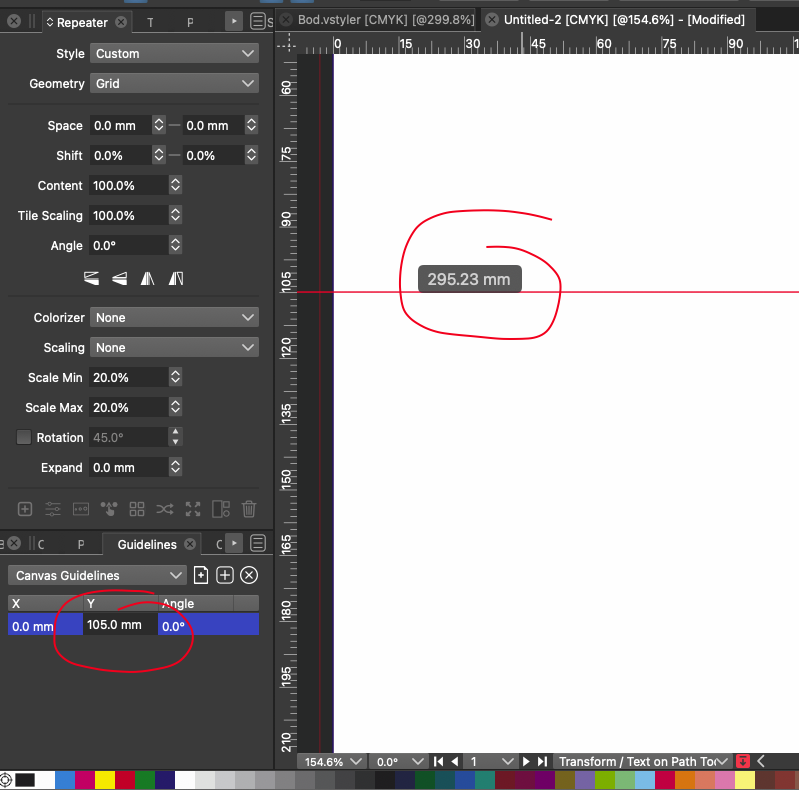
    @Boldline Yes, this can be replicated. I added it to the backlog, and will try to fix it ASAP. In the case where is the scaling is uniform, there could be a workaround: select the text and in the "Text on Path" command, select Radial Position and a suitable angle.
  • Top-down coordinates guides confusion

    Moved
    3
    1
    1 Votes
    3 Posts
    4k Views
    DazmondoD
    @VectorStyler
  • Object Distribution Bug

    Moved
    5
    0 Votes
    5 Posts
    5k Views
    VectorStylerV
    @Igull said in Object Distribution Bug: the default would have been geometric Yes, this could be easily changed. The problem is that one of the first (expected) behavior of alignment is to select an object, then shift+select an other and align left/right/top/bottom/center. And this case relies on the selection order. On the other hand, once selected, the alignment order remains persistent after restart also.
  • Should the history panel be editable?

    Moved
    2
    1
    0 Votes
    2 Posts
    3k Views
    VectorStylerV
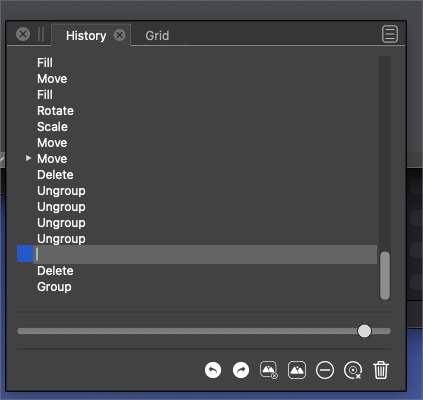
    @Boldline By editing the name, it is possible to create a snapshot at that location. This snapshot will show up in the Edit -> Snapshot menu.
  • Command-D not duplicating a layer

    Moved
    4
    0 Votes
    4 Posts
    5k Views
    BoldlineB
    @VectorStyler @b77 - Thanks! that was my issue. Tried it just now with the round button selected and it worked properly.