• Snap to Guidlines Issue

    Moved
    8
    0 Votes
    8 Posts
    8k Views
    IgullI
    @VectorStyler said in Snap to Guidlines Issue: This causes snapping to break Great, glad you found something ! Neil
  • Area Zoom Broken

    Moved
    7
    0 Votes
    7 Posts
    6k Views
    VectorStylerV
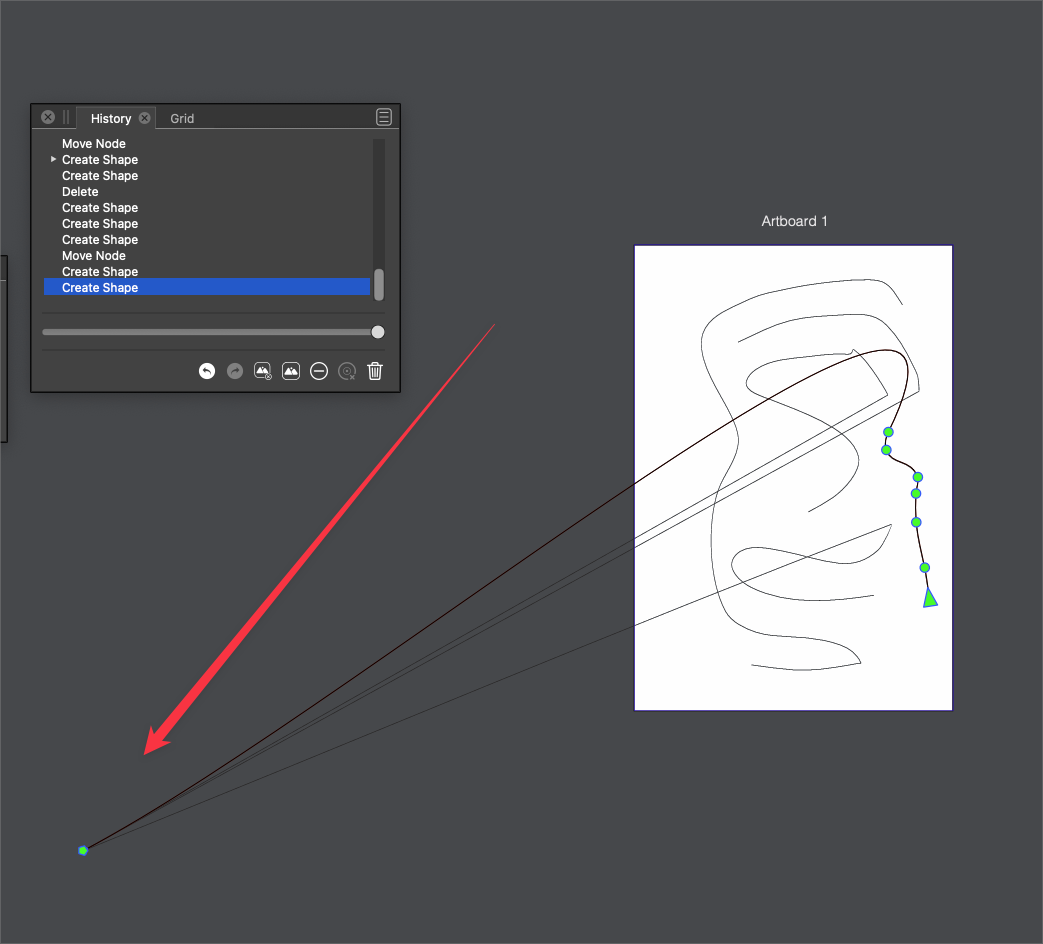
    @Igull Added this to the backlog as a bug.
  • Node Highlighting with Shape Editor Tool

    Moved
    11
    0 Votes
    11 Posts
    10k Views
    IngolfI
    I've processed thousands of bug reports and feedback from all sorts of people, and increasingly appreciate visual explanations: Because I don't always read sentences correctly Because people very often don't get written what they think they wrote Because the brain and one's cognitive system is visual Because I remember the subject more easily when I see it visually a week later Because I am simply drowning in information and text on a daily basis in my work and leisure time, and simply digest even more text and information less well during the day Because the international aspect you mention I'm sure @vectorstyler feels the same way, and he even has to link it to the programming code. Ungh. Best methods I know: Steps to reproduce in short language and bullet points Video as well In addition, you can fill in all sorts of chit chat, as is my habit Apart from that, I think you are right @Igull - but my Saturday brain asked my Monday brain to assess it.
  • 0 Votes
    7 Posts
    7k Views
    BoldlineB
    @VectorStyler Just sharing more info as I come across it. the double-click then release then grab issue is the easiest way to reproduce the error - but it can also occur often when grabbing existing nodes on a path, especially from medium range on out. It gets easier to grab and pull when the screen is zoomed in close. Here is an example of this struggle - all of this is with the wacom stylus on a cintiq. the mouse has less difficulty - just the occasional issue with selecting I've essentially had to give up using the stylus for making paths with the pen tool and either use the mouse only, or use the pencil tool and adjust the nodes afterward with the stylus as best I can. I'm considering temporarily uninstalling VS and installing an older build still available on the forum and see if I have the same issues there - because it was not always like this. my stylus driver is current and and has not needed updating in quite a while... I've tried calibrating the stylus as well. I'm at a loss
  • 1 Votes
    2 Posts
    3k Views
    VectorStylerV
    @Boldline Changing preferences files may clear the recovery file list. I added this to the backlog, there are some improvements planned for 1.2 for file recovery, I will try to include this.
  • 0 Votes
    2 Posts
    3k Views
    VectorStylerV
    @Boldline This seems to be a regression.
  • Minor Eraser Tool Issue

    Moved
    3
    0 Votes
    3 Posts
    3k Views
    IgullI
    @VectorStyler Great, thanks. Neil
  • Pen tool overshoot at times even with mouse

    Moved
    3
    1
    0 Votes
    3 Posts
    3k Views
    BoldlineB
    @VectorStyler ok that makes sense - thanks for checking
  • Objects no longer selected after drag and drop in layers panel

    Moved
    2
    1 Votes
    2 Posts
    3k Views
    VectorStylerV
    @Ingolf said in Objects no longer selected after drag and drop in layers panel: they are no longer selected after the move has been performed This is a bug. I added it to the backlog.
  • Adding separators to contextual menus does not work

    Moved
    8
    0 Votes
    8 Posts
    11k Views
    VectorStylerV
    @Ingolf said in Adding separators to contextual menus does not work: Nothing happens when I hit the button. macOS. This is a bug. I added it to the backlog.
  • 1 Votes
    2 Posts
    4k Views
    VectorStylerV
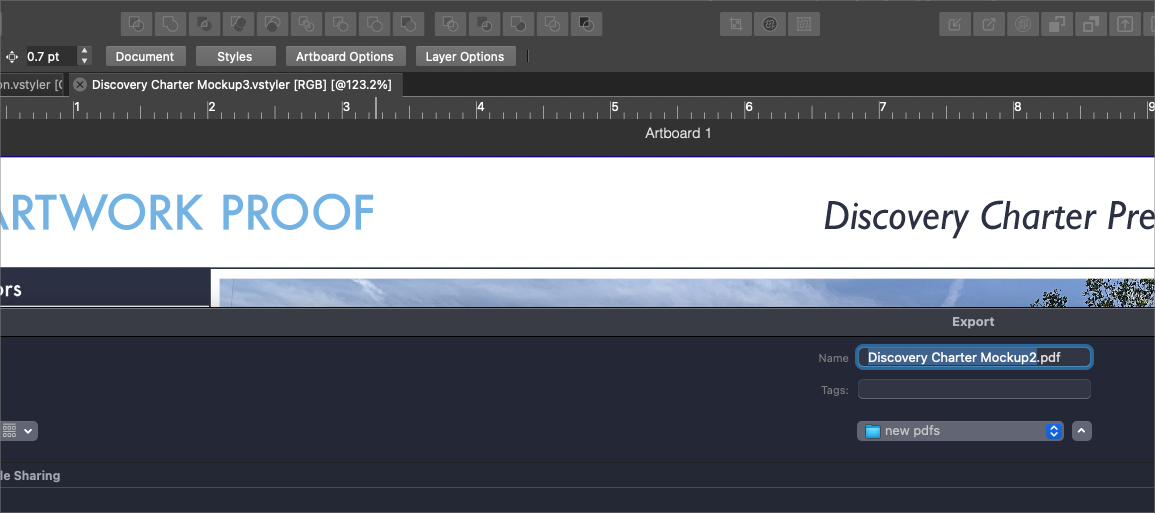
    @Boldline Yes, this happens because when exporting, VS stores the exported file name to be used in Export Again.
  • Show or hide grid icon is reversed

    Moved
    16
    1
    1 Votes
    16 Posts
    14k Views
    IgullI
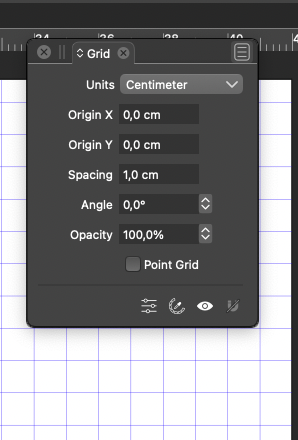
    @Ingolf I completely agree that the button logic is reversed I also came across this previously and was confused - I've also seen it used elsewhere in the app. I don't bother with the grid panel anyway - I have mine permanently set at 10mm and have a no selection contextual menu item that says show grid and hide grid - simple and does exactly what it says on the tin (menu that is ) Just a quick right mouse click and everything's there in the one place - no hunting. I simply love that VS allows you to tweak the interface to suit your personal preference Neil
  • Text on a path issues

    Moved
    5
    1
    0 Votes
    5 Posts
    5k Views
    BoldlineB
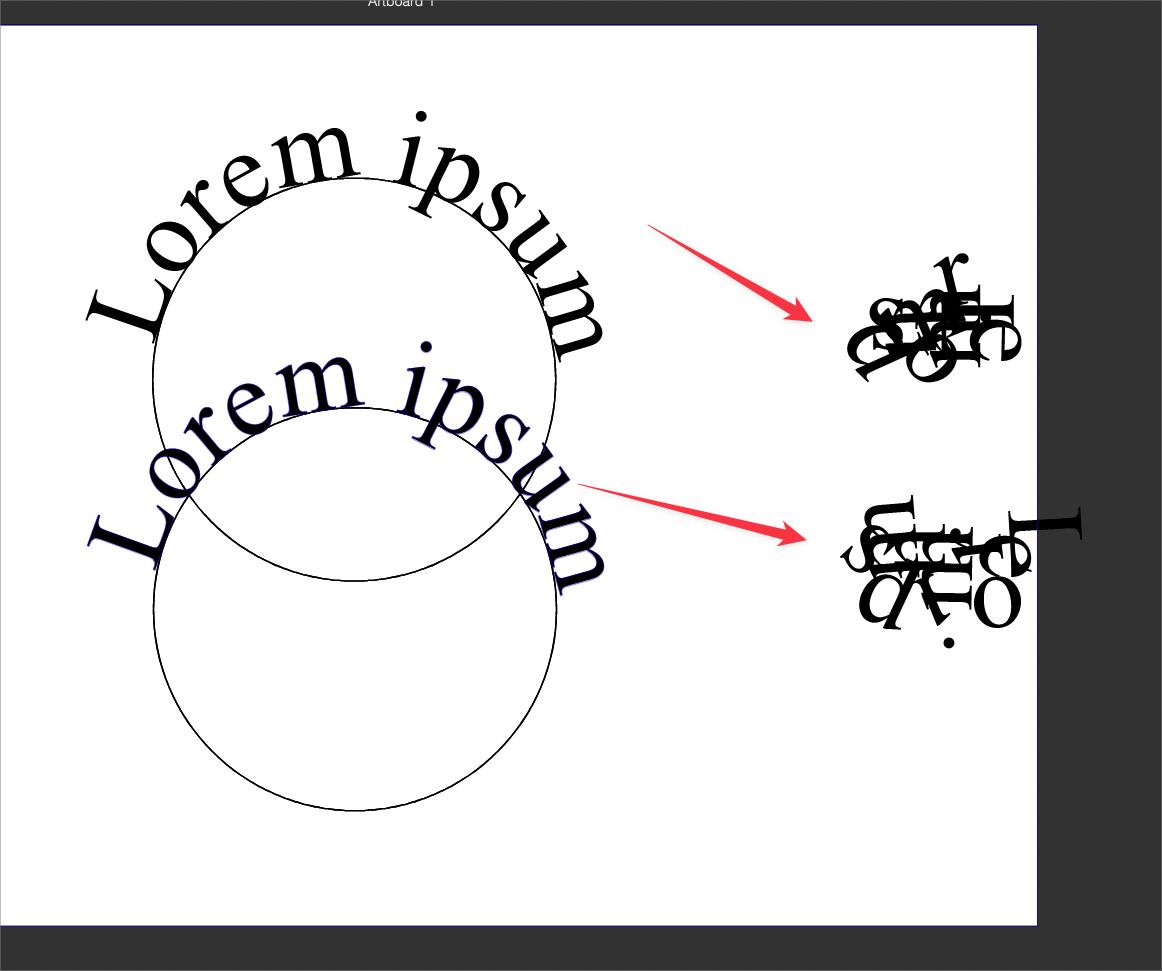
    @VectorStyler said in Text on a path issues: @Boldline Yes, but if the both the path and the text are selected, then clicking on the text will not deselect the path. ok I tested it again and I understand now - the copied path and text are both still selected when I go to use the move text on path tool - if I deselect and then use that tool, the top text moves freely - thanks for your patience in explaining. I'm still seeing that secondary issue however, where the text bunches up in a box off to the side like in the first example...is there a reason this is happening? [image: 1658241160643-8014b4d3-d944-4b07-8771-03ea17d928cd-bld-2022-07-19-at-10.32.23-resized.png]
  • 1 Votes
    6 Posts
    7k Views
    S
    @Boldline said in Holding down command while still using pencil tool causes strange result upon pencil release: @Subpath said in Holding down command while still using pencil tool causes strange result upon pencil release: The Command key is only used to select any other Stroke The command key can also be used to temporarily switch to the node editing tool and edit the nodes on the path for as long as it's held down This seems logical to me, because the Shape Editor is intended for editing nodes. I only use a side effect of this possibility, because this also selects a stroke. So there is nothing new ore added.
  • Erase blend mode causes VS crash each time selected

    Moved
    6
    0 Votes
    6 Posts
    6k Views
    BoldlineB
    @VectorStyler I'm glad you found the issue! I'm trying to remember why I turned off the transparency backdrop. You mentioned its in the display options - but what section is that? I am looking in the preferences for it now Ok I remember now - I was thinking of the preferences section because it related to my custom preferences, but it's tied to the display options panel [image: 1658234682283-2829052a-5632-4d41-aee0-045ccad73861-bld-2022-07-19-at-08.44.28.png] I had turned this feature off because of the white outlines it was creating when I was working on designs - vectors that sat over the top of others would have that thin white unwanted line....
  • Difficulty clicking a second time to get a cusp node - ends path instead

    Moved
    18
    1 Votes
    18 Posts
    16k Views
    BoldlineB
    @VectorStyler Would it make sense to have the last node that is getting hovered over and then clicked a second time on to make it a cusp, change color or have a subtle hint that it is engaged? Right now when I hover and slowly move my cursor over the last node, there's no indication of anything - what if that node changed color or a small thin outer circle was added - something to visually indicate an action could take place there.
  • Object Snapping Issues

    Moved
    3
    1 Votes
    3 Posts
    4k Views
    IgullI
    @VectorStyler OK on the pixel dimension, understood - I hadn't considered that Neil
  • Expanded Text grouping creates unwanted result with warp tool applied

    Moved
    9
    2
    0 Votes
    9 Posts
    9k Views
    VectorStylerV
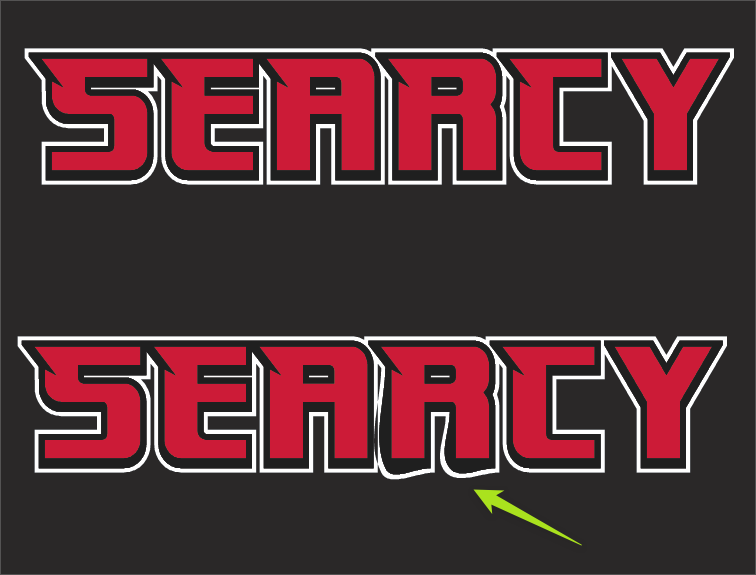
    @Boldline The node smoothing in distortion problem is fixed in build 1.1.049
  • 0 Votes
    4 Posts
    5k Views
    VectorStylerV
    @Boldline This problem should be fixed in 1.1.049. There is a new option in preferences to enable automatic closing of the lasso shape. If the lasso shape is left open (also possible), then only the object intersecting the lasso outline are selected.
  • Shifted line when drawing

    Moved
    5
    0 Votes
    5 Posts
    5k Views
    VectorStylerV
    @Devil-Dinosaur This problem should be fixed in 1.1.049