• 1 Votes
    5 Posts
    5k Views
    BoldlineB
    @VectorStyler ok that makes sense and that worked. thank you
  • 0 Votes
    15 Posts
    13k Views
    B
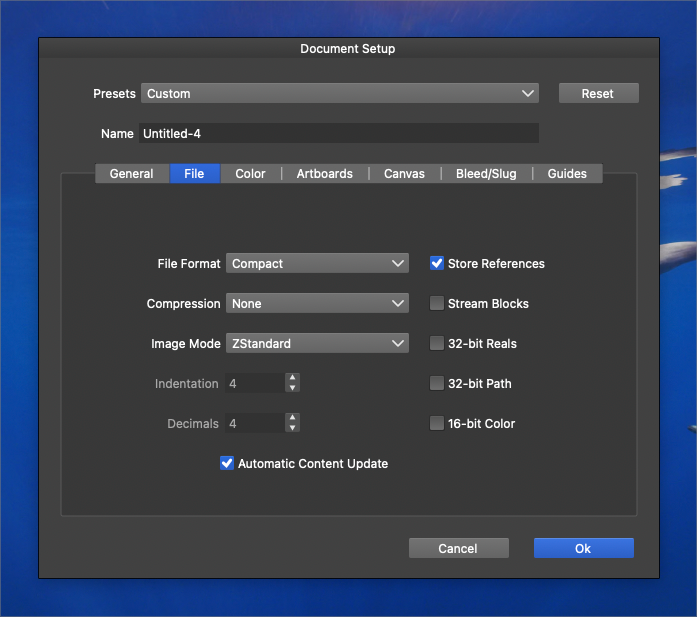
    @VectorStyler said in [Add an option in "Document Setup" to save current configuration as a new template option?] Some of these features are a combination of several options and maybe not well documented. It's not for me to say , but the lack of case studies makes it difficult for me (perhaps others) to read the documentation. It would be good to include an example of the various aspects of using VS and its multiple options, such as the uses of the document setup options, the use of guides/grids options, of different canvas (reference and others... still to be studied), etc. In my humble opinion, this would help some users to master the various options and use VS by default

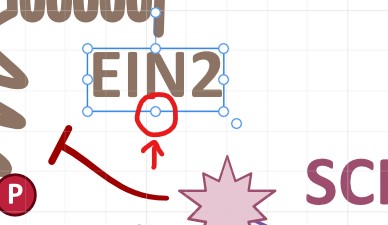
  • Scaling up or down live text feels very jumpy

    Moved
    2
    2 Votes
    2 Posts
    3k Views
    VectorStylerV
    @Boldline I opened a bug on this one.
  • 0 Votes
    6 Posts
    7k Views
    VectorStylerV
    @Boldline I will add the preset saving option to the New Document Setup view also.
  • Link to Preset Manager from New Document Setup Panel?

    Moved
    2
    0 Votes
    2 Posts
    3k Views
    VectorStylerV
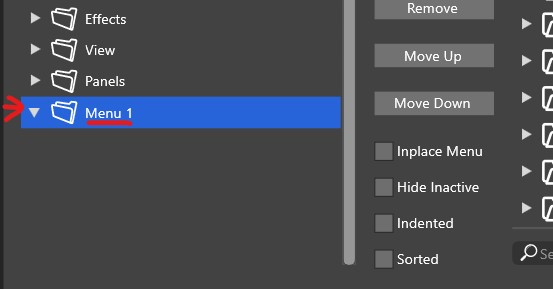
    @Boldline Scroll down on the right side and there is a more options button.
  • Adjusting a text frame to fit the text

    Moved
    15
    1
    0 Votes
    15 Posts
    15k Views
    VectorStylerV
    @861475_VctSt I added these to the task.
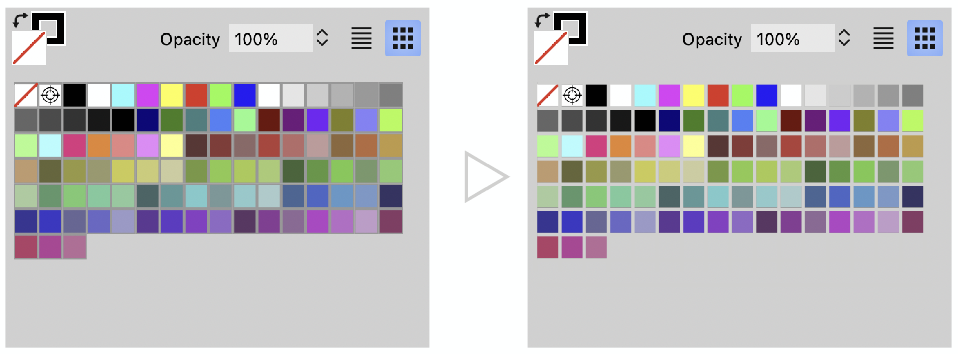
  • Simplifying gridded color palette separator?

    Moved
    2
    1
    2 Votes
    2 Posts
    3k Views
    VectorStylerV
    @Ayo I added this to the backlog.
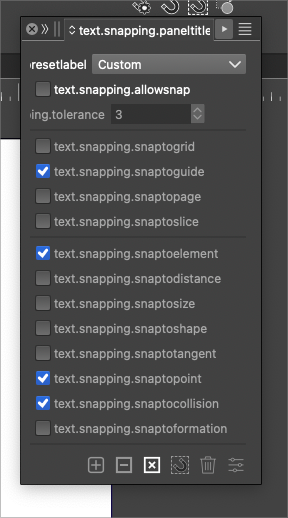
  • Snapping descriptors are not in plain speak in version 1.2011

    Moved
    4
    1
    1 Votes
    4 Posts
    5k Views
    VectorStylerV
    @Boldline @b77 Fix is available now.
  • beta 1.2.011

    Moved
    5
    8 Votes
    5 Posts
    6k Views
    VectorStylerV
    I uploaded a fix with the text resources issue.
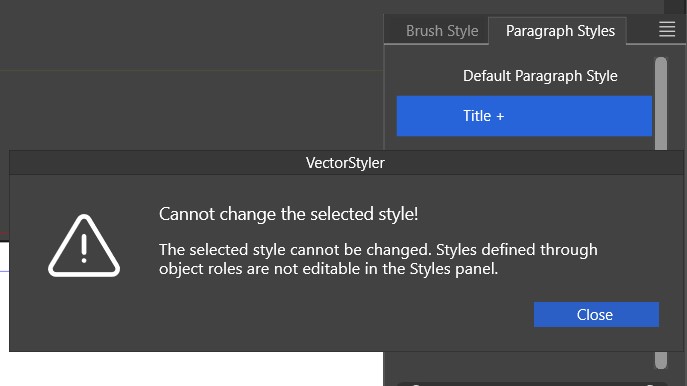
  • Paragraph style - can't be changed through the panel

    Moved
    49
    1
    0 Votes
    49 Posts
    113k Views
    VectorStylerV
    @Pat said in Paragraph style - can't be changed through the panel: when I create a new style and the cursor remains on the modified text from which I created it, this specific new style is never selected in the styles panel but always the previous style with the "+" sign This is by design. Creating a style (in general) from a selection does not automatically apply that style.
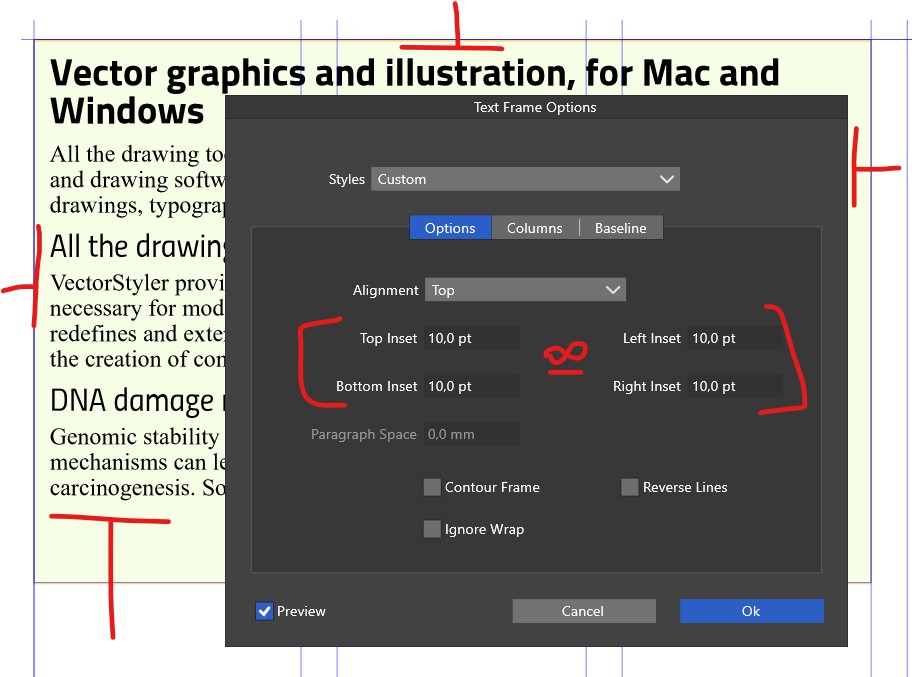
  • Text Frame options & inset

    Moved
    2
    1
    1 Votes
    2 Posts
    3k Views
    VectorStylerV
    @Pat said in Text Frame options & inset: In the Text Frame Options panel, would it be possible to add the option of entering a single value for all insets? I will try to add this.
  • Creating a document: 'template folders' versus 'select folders'

    Moved
    4
    2
    0 Votes
    4 Posts
    7k Views
    VectorStylerV
    @Pat said in Creating a document: 'template folders' versus 'select folders': create templates that we find in 'Doc presets The "New Document" template list contains not just templates but all sorts of other presets. A template is actually a vstyler file that may contain any other content. But when creating new documents we also need document presets (contains document settings), and various page profiles (size, resolution), and these are not actually templates.
  • Creating folders to organize symbols

    Moved
    5
    0 Votes
    5 Posts
    6k Views
    B
    @b77 Thanks yes, it is & I can see folders in one of my files: [image: 1706953073409-s1-resized.jpg] apparently, "create group is missing" in the symbol panel options.
  • 0 Votes
    4 Posts
    5k Views
    b77B
    @VectorStyler Yes, an official Pantone palette in my case and a custom one in Boldline's case.
  • 0 Votes
    2 Posts
    3k Views
    VectorStylerV
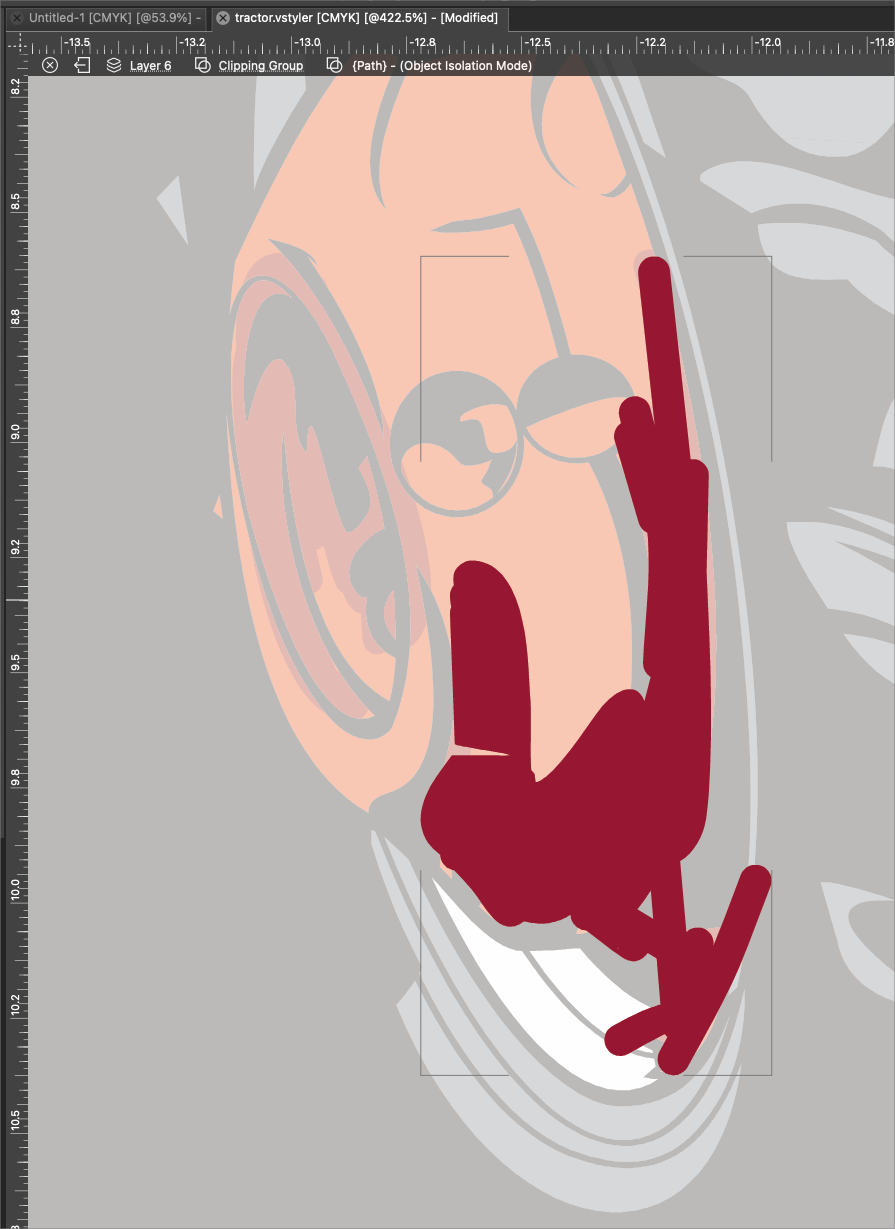
    @Boldline This is clearly a bug, but I could not replicate this here with 1.2.010. It could be a workspace issue, or the document causing a layer panel update. I opened a bug on this.
  • Evolution of VS after version 1.2

    Moved
    2
    0 Votes
    2 Posts
    3k Views
    BoldlineB
    Speaking only for myself, here are some of the things I'd love to see focused on in version 1.3: Scripting and plugins: This would allow users to customize and interact with VS in a deeper way and expedite future growth as these scripts and plugins can be shared and even added to the default VS configuration along the way pen tool - bezigon option & Curvature tool: both of these tools would do a lot to help create arcs and user defined perfect curves Recoloring Panel/Quick artwork recoloring features from a single panel (shortcuts to existing color effects): @FastVector made a post highlighting some great features for this panel. I added on to that post that as a screen print designer, I'd love to have VS show me every color active in the file and allow them to be edited and swapped in that panel Asset panel: Much like what Affinity designer uses currently. A panel where different shapes and groupings can be stored and easily accessed by pulling them into the document. This would be handy for adding a frequently used logo, splatter, halftone splash, etc.. without having to go search for it. The panel could link to a folder on the user's computer where all of these are stored locally Text note panel: basic internal text panel that saves with the VS document and can be edited and exported as needed. Create and edit 3D perspective groups. Unified and separate perspective modes: For now I'd love the quick option much like what Astute uses Another similar example Essentially, being able to pull out a shadow/3d effect and scale it for perspective Mirrored symmetry mode: I know there are workarounds for this currently, but building it in as a quick option would be great Export each top layer separately in artboard export. Would be very helpful in terms of exporting for print separations, variations on a themeetc.
  • Square?

    Moved
    3
    1
    0 Votes
    3 Posts
    3k Views
    B
    @VectorStyler good point, exactly that... I don't even know what I did to lock the shape sizes, it's not a panel I use (very often)
  • Strange issue with Blend

    Moved
    4
    1 Votes
    4 Posts
    4k Views
    VectorStylerV
    @Li-Xiao said in Strange issue with Blend: Additionally, there is another issue where sometimes a few of pentagon appears in during hexagon blending Yes, this is a bug. It is caused by enabling the Blend Shapes option. A workaround for the other blend bug (when moving) is to use Control+R (Refresh) to reset the blend.
  • New Document Setup Rename/Delete Functions

    Moved
    2
    0 Votes
    2 Posts
    3k Views
    VectorStylerV
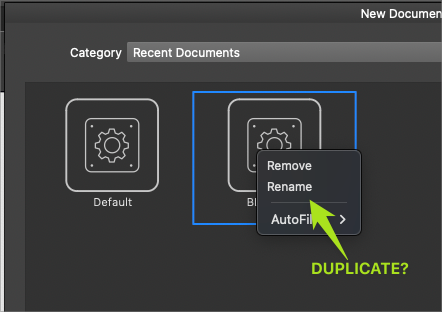
    @Boldline Currently the Delete key should delete in the template list. I did not add the right-click menu, because it would have been for a single function (Delete) only, and it seemed a bit too much for that. EDIT: I will find a way to do rename in the list.
  • New document setup - the landscape option is misplaced

    Moved
    4
    2
    1 Votes
    4 Posts
    5k Views
    BoldlineB
    I had mentioned a while back about the addition of a double arrow flip button that would swap the height and width, much like this example from Clip Studio Paint. (Although the UI design in my example is less than ideal) I'm also not opposed to the option like what Freehand offered [image: 1706477517486-31225fc0-c986-4018-8164-a522bdc078f2-bld-2024-01-28-at-16.31.18.png]