• SVG Export Issues

    5
    3
    1 Votes
    5 Posts
    5k Views
    VectorStylerV
    @chuckl Replicated the issue. What happens is that Layers with a single object are "expanded" into the object. This will not be done in the next build.
  • Min Max Leading

    2
    1
    0 Votes
    2 Posts
    3k Views
    VectorStylerV
    @Ayo Limits the leading to a min/max value, regardless of XHeight or other leading options. There are some issues when setting the value (same bug as other text formatting issues). Fix will be in the next build.
  • Clear all content from the object?

    21
    1
    0 Votes
    21 Posts
    28k Views
    AyoA
    @VectorStyler said in Clear all content from the object?: Clear Content should clear all content from the object Was wondering if Clear Content isn't the same as Clear object Style.
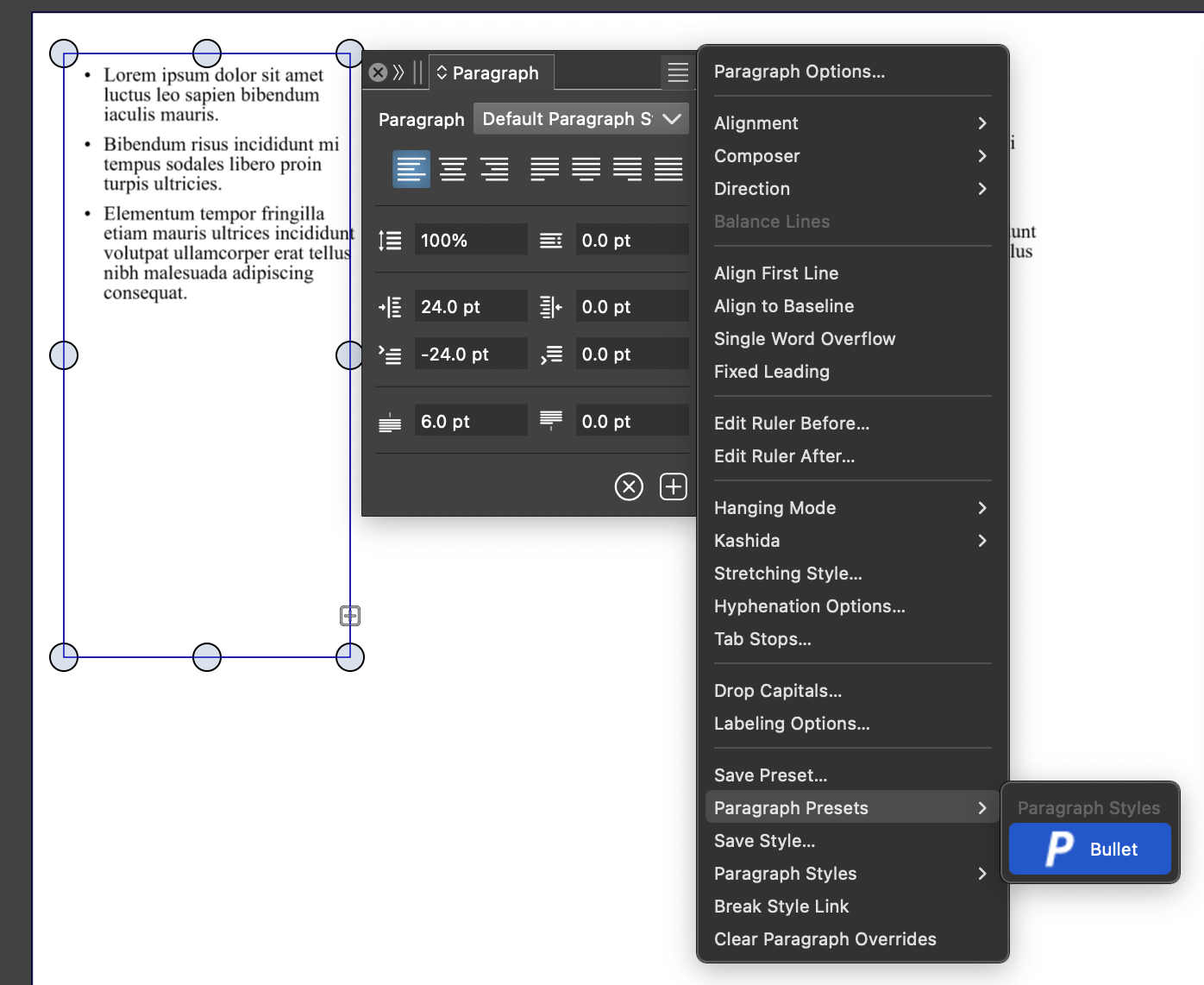
  • Purpose Extra Line Spacing in Paragraph Panel

    8
    0 Votes
    8 Posts
    7k Views
    VectorStylerV
    @Ayo I opened a bug on this one and will try to replicate it.
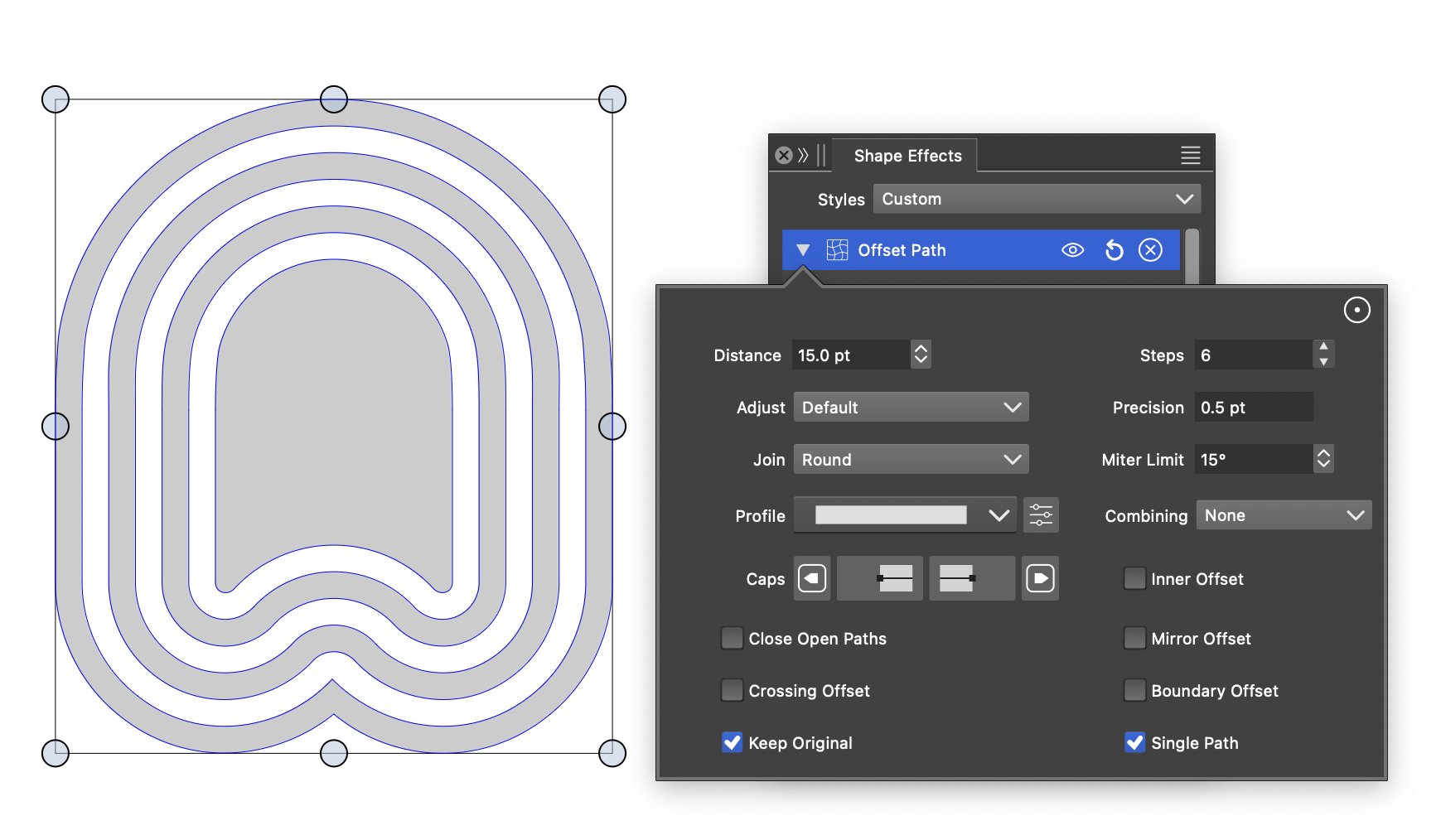
  • Offsetpath tool - corners

    3
    1
    0 Votes
    3 Posts
    3k Views
    K
    @VectorStyler Thanks for the quick reply and help.
  • Color Palettes opacity setting confusion

    3
    1
    0 Votes
    3 Posts
    4k Views
    AyoA
    @VectorStyler Crossing messages. Thanks for your reply to (/forum/topic/3679/what-does-adjust-style-opacity-do). I'm starting to get a picture together with this. Nevertheless, very confusing, impure and incorrect in my opinion. Glad I can turn off the Palette Tools.
  • What does "Adjust Style Opacity" do?

    2
    0 Votes
    2 Posts
    3k Views
    VectorStylerV
    @Ayo said in What does "Adjust Style Opacity" do?: Adjust Style Opacity When enabled, the opacity value of the Color panel is set for the "fill" or "stroke" of the selected object. When disabled, the opacity value is set for the object.
  • How to set 'My Snapping Preset' as default

    2
    0 Votes
    2 Posts
    3k Views
    VectorStylerV
    @Ayo The current snapping settings should be the default for a new document (unless opened from a template). If other than the current settings are needed as defaults, then the only solution is to use a document template. The default document template for new documents can be changed in Settings -> Document Files -> New Template
  • Shape Builder or Paint Tool integral approach

    13
    2
    0 Votes
    13 Posts
    10k Views
    VectorStylerV
    @Ayo said in Shape Builder or Paint Tool integral approach: Here you see the miracle happen: https://recordit.co/0bc8r77OyW Got it!
  • Why do I lose my text and text frame?

    5
    0 Votes
    5 Posts
    5k Views
    VectorStylerV
    @Ayo Yes, there was a mixup with text duplication. The fix will be in the next build. The text can be reassigned from the Links panel, by double clicking on the text item.
  • How to assign a blend

    19
    1
    0 Votes
    19 Posts
    16k Views
    AyoA
    @b77 Very clear and beautiful! but there are more groups than Blend Mode on the menu
  • 1 Votes
    8 Posts
    9k Views
    VectorStylerV
    @Ayo said in Feel like a digital dummy working with Vectorstyler or how to ungroup all groups in layer: Here the piece of land cover. Thanks! This will help a lot. I have now a bit of a backlog of fixes to do, but I should get to this soon
  • More questions

    4
    0 Votes
    4 Posts
    4k Views
    AyoA
    @VectorStyler (1) Only a frame indicator is sufficient [image: 1698655672834-0392f7de-737d-4e51-9020-49bc1fb11b84-image.png] (2) I understand
  • Node selection problem

    5
    0 Votes
    5 Posts
    5k Views
    AyoA
    @Li-Xiao OK! The 'Shift' does the job also. But I think I prefer "select nodes from all objects". Faster and fewer errors (include previously covered points). Thanks.
  • Snapping panels redundancy

    10
    1
    1 Votes
    10 Posts
    9k Views
    AyoA
    @b77 In any case, it does not help to solve this location spaghetti tombola [image: 1698579368004-febbe298-7615-4cc0-9af2-7f8ab3242d06-image.png] !
  • Node Tool object selection

    3
    0 Votes
    3 Posts
    3k Views
    AyoA
    @VectorStyler My wish/goal is to make the Node Editing tool as versatile as possible, resulting in fewer tool changes during editing.
  • Second color selector options

    2
    1
    0 Votes
    2 Posts
    3k Views
    VectorStylerV
    @Ayo Not possible. The "Edit Color" in the panel menu has such option.
  • How to clear selection while in Node Tool mode?

    19
    0 Votes
    19 Posts
    15k Views
    VectorStylerV
    @b77 said in How to clear selection while in Node Tool mode?: @VectorStyler I would include this among the default node editing shortcuts, for former CDR users. Will be added.
  • Problem with bending of point/shape text

    2
    0 Votes
    2 Posts
    3k Views
    VectorStylerV
    @Ayo I opened a bug on this, and will try to fix it.
  • Brush style

    4
    5
    0 Votes
    4 Posts
    4k Views
    VectorStylerV
    @Kumr Gradient is not supported in vector brush.