• Customizing icons positive and negative versions

    9
    0 Votes
    9 Posts
    8k Views
    VectorStylerV
    @Ayo Got it thanks.
  • Issue with grid design and its parameters

    11
    2
    0 Votes
    11 Posts
    9k Views
    VectorStylerV
    @Pat Styles -> Preset Manager, in Preset drop down select Grids, then it is listed. Select what you want to remove, and "Remove Items"
  • Does snapping not support snap the shape own

    11
    0 Votes
    11 Posts
    9k Views
    VectorStylerV
    @Li-Xiao said in Does snapping not support snap the shape own: I hope an option for creating polygons based on the length of sides can be added. I added this to the backlog. Snap to the last shape while drawing will work better in the next build. snapping to edges This is a bit difficult for object resizing. It can work for special cases (as in Corel), but we need something like collision snapping that works for movements only.
  • 0 Votes
    2 Posts
    3k Views
    VectorStylerV
    @Boldline This seems to be a bug. Will be fixed.
  • Corner editor cursor

    8
    3
    0 Votes
    8 Posts
    8k Views
    VectorStylerV
    @Li-Xiao @b77 @Kumr This issue can be replicated on MacOS Sonoma. It is a compatibility issue with the new OS, I will try to have this fix in the next build.
  • What does this Artboard Context Menu icon do?

    2
    1
    0 Votes
    2 Posts
    3k Views
    VectorStylerV
    @Boldline Adjusts the artboard size to the extent of the objects inside the artboard.
  • Context Panel lost - how to restore it?

    3
    1
    0 Votes
    3 Posts
    3k Views
    H
    @b77 said in Context Panel lost - how to restore it?: @Harry On Windows I think it's View > Workspaces > Default Workspace. Thank you! I didn't think it was that easy
  • Applying zigzag outline effect

    4
    2
    1 Votes
    4 Posts
    4k Views
    K
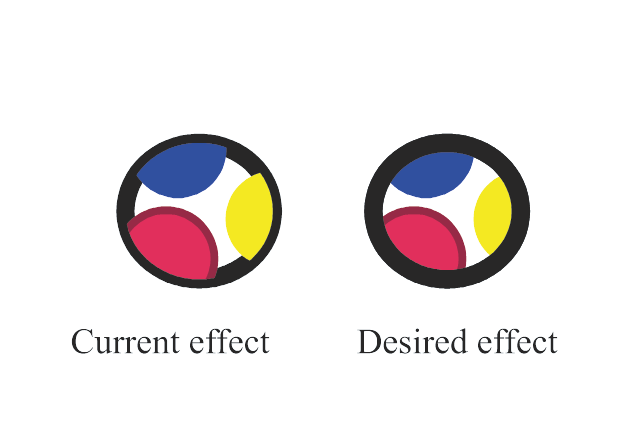
    @Kumr Working in new update. Thanks
  • Customizing the contextual menu

    15
    0 Votes
    15 Posts
    15k Views
    AyoA
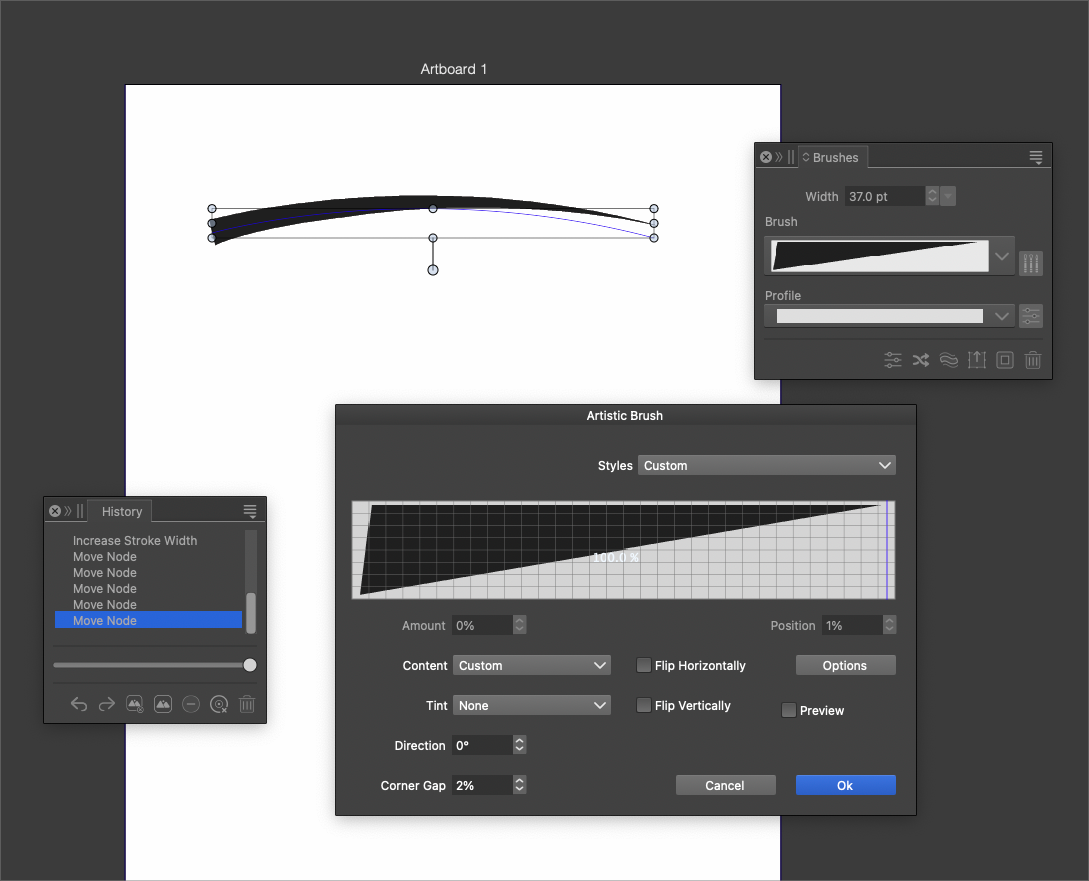
    @b77 said in Customizing the contextual menu: that's why it is edited with 'Customize Toolboxes' (plural) I was thinking more of this kind of plural [image: 1700339461014-d2d004cd-b692-4fc4-bd59-e1f5e0e85cdd-image-resized.png]
  • Text on path

    14
    1
    0 Votes
    14 Posts
    11k Views
    K
    @VectorStyler Thanks.
  • Can I create tables in VectorStyler?

    8
    1 Votes
    8 Posts
    7k Views
    S
    @Kumr gladly
  • Transform Selection Node rotate along with the shape

    2
    1
    1 Votes
    2 Posts
    3k Views
    VectorStylerV
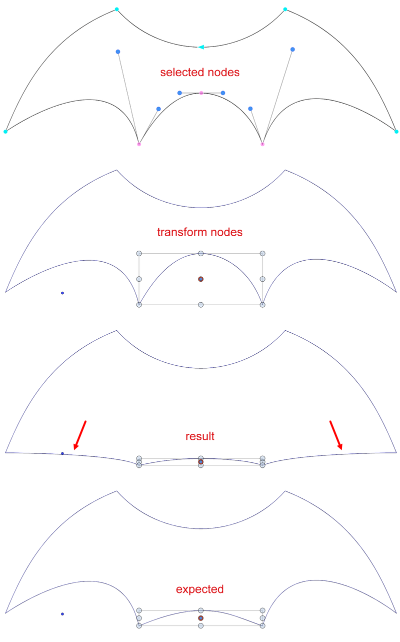
    @Ayo said in Transform Selection Node rotate along with the shape: Shouldn't the Transform Selection Node (when using a rectangle) rotate along with the shape? I will try to add this.
  • VS Presets vs Styles

    2
    0 Votes
    2 Posts
    3k Views
    VectorStylerV
    @Ayo said in VS Presets vs Styles: If exported, does this become a preset? Both possible: It is still a style (when exported into a separate file) but can only be used if imported to another document. In the "Styles -> Document Styles" -> Options button there is Export to Presets to export styles to presets.
  • Turn off measurement readout

    6
    1
    0 Votes
    6 Posts
    6k Views
    L
    @VectorStyler Thank you. I'm aware of the method to use spacing in the Alignment panel for positioning. However, it would be faster and more flexible in this case. Some improvements are needed on the Alignment panel to make it easier to use. I'll take some time to record.
  • Aspect Ratio locked

    3
    1
    0 Votes
    3 Posts
    3k Views
    AyoA
    @VectorStyler said in Aspect Ratio locked: Settings -> Editing -> Proportional Object Scaling That was the cause. Hit in my search for stroke scaling.
  • Tiny Square

    4
    1
    0 Votes
    4 Posts
    4k Views
    VectorStylerV
    @Ayo said in Tiny Square: clicking beside object to clear In drawing mode, do not use click to clear selection, that will open the shape options view to create a new shape. Use the Esc key for selection clearing.
  • Partially responsive icons in side tool bar

    10
    1
    0 Votes
    10 Posts
    9k Views
    K
    @b77 Thanks for the suggestion
  • What does 'Show Eraser/Knife/Brush Shape' setting do?

    6
    0 Votes
    6 Posts
    5k Views
    AyoA
    @VectorStyler Naming that better describes the content would be desirable here? Could you say this? Show Eraser Shape > Preview Eraser Shape Smoothing Show Knife Shape > Preview Knife Shape Smoothing
  • Create guidelines

    8
    1
    1 Votes
    8 Posts
    7k Views
    K
    @VectorStyler thanks
  • Paragraph Leading

    3
    1
    2 Votes
    3 Posts
    3k Views
    K
    @VectorStyler Thanks. Similar leading options s are available in the character but not in paragraph panel (% value only). Changing leading value in character panel is not updating with converted values to the method used under paragraph panel or vice versa. [image: 1699172620848-screenshot-2023-11-05-at-1.53.08-pm-resized.png]