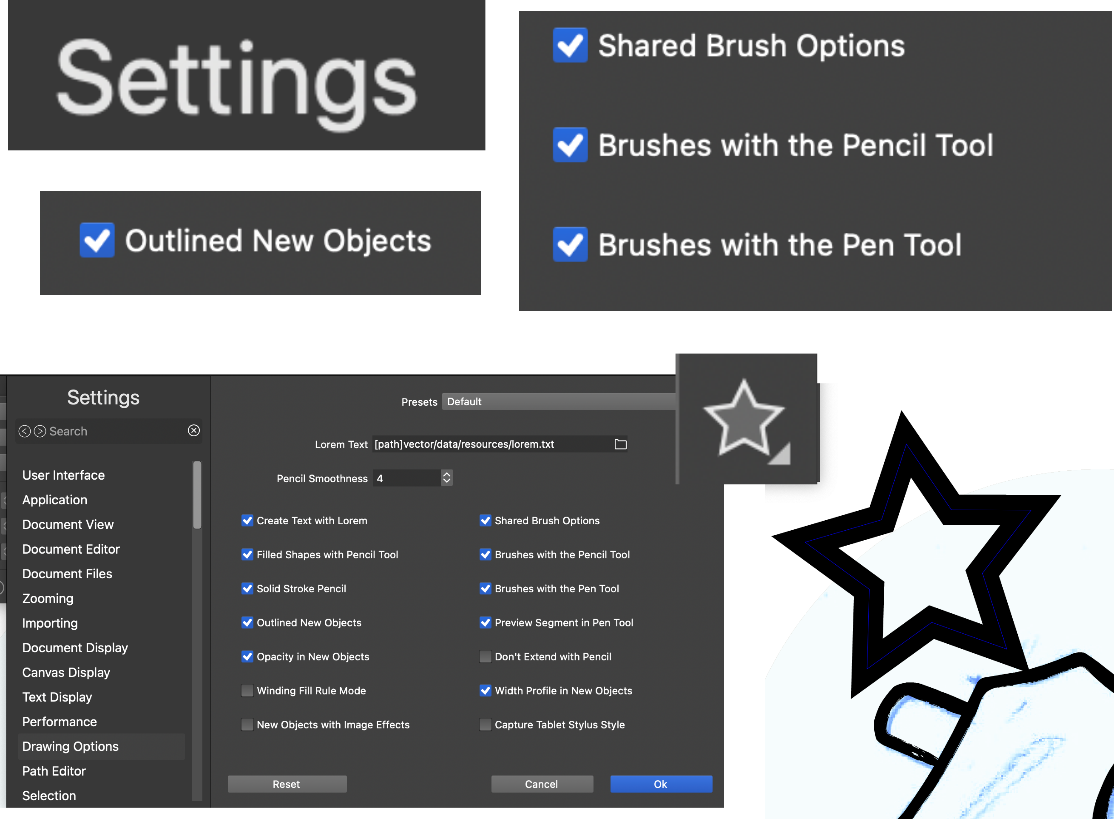
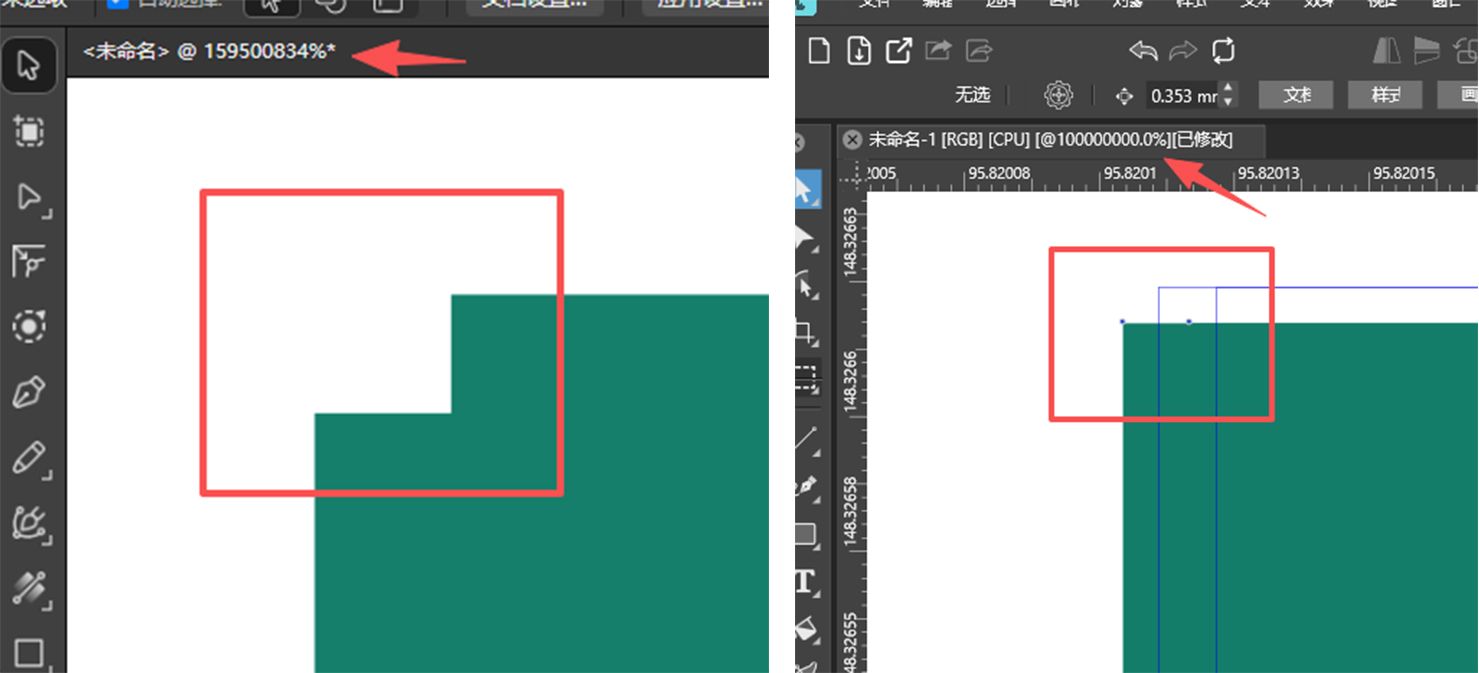
• Default zoom level?

    3
    1 Votes
    3 Posts
    585 Views
    nocturnalYLN
    OK, got it.
  • IMport svg produves rasterized image

    3
    3
    1 Votes
    3 Posts
    638 Views
    VectorStylerV
    @gentle Can you send me the SVG file ?
  • PEn tool direction handle isn't visible after a few strokes

    2
    1 Votes
    2 Posts
    478 Views
    VectorStylerV
    @gentle Clearly there is a bug here, I will try to fix this as soon as possible.
  • Blend along a path : can objects be shifted vs path ?

    8
    1
    1 Votes
    8 Posts
    1k Views
    E
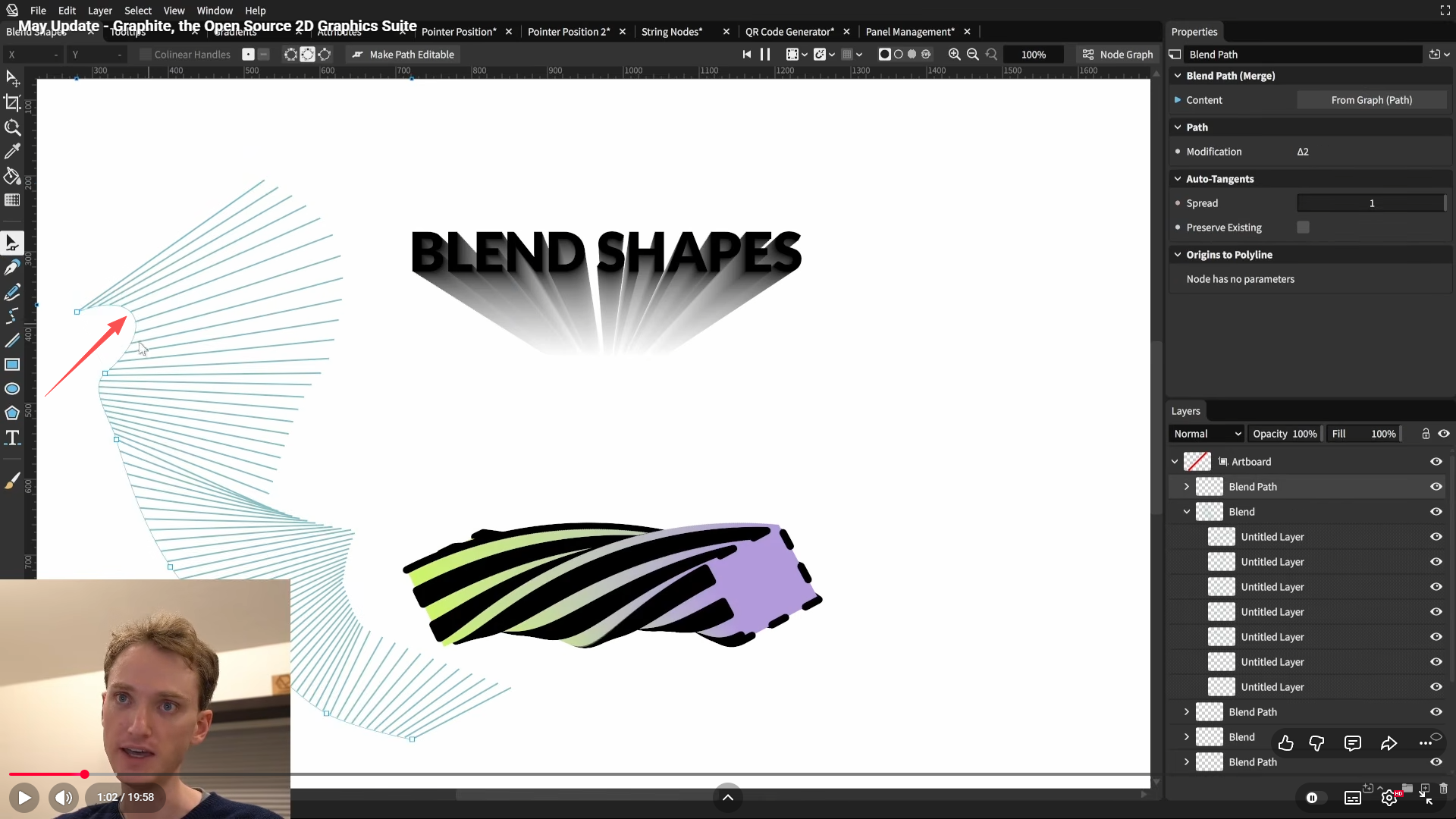
    @Li-Xiao thanks for the tip. Yes bending is actually a good idea. I found it easy to control by grouping the path and blended shapes together before applying blending shape effect. Everything stays well connected [image: 1763834044155-eef04f3a-cc32-402b-968a-13fe70973b89-image-resized.png]
  • 1 Votes
    11 Posts
    2k Views
    VectorStylerV
    @EricP said in Scaled object copies by 75% are bigger instead smaller when using Randomness.: was this changed in a recent release ? Yes, there were changes here.
  • Exporting artboards

    4
    1 Votes
    4 Posts
    2k Views
    VectorStylerV
    @Harry said in Exporting artboards: but the list of dragged and dropped artboards is always numbered in order from 1 to, for example, 10 This is because those artboards are not named. The "Artboard 1" name is automatically generated if the name is empty.
  • Image resolution when exporting PDF

    2
    1 Votes
    2 Posts
    1k Views
    VectorStylerV
    @Dahzee There seems to be an issue with this, I opened a bug and will provide a fix for the next built.
  • Detail optimization and function enhancement

    87
    2 Votes
    87 Posts
    97k Views
    VectorStylerV
    @monsterfox said in Detail optimization and function enhancement: However, selecting "Show All" results in the same entry appearing five consecutive times — is this a bug? Yes, this is a bug.
  • Could low decay values in spiral tool have a smoother transition ?

    4
    1
    1 Votes
    4 Posts
    1k Views
    VectorStylerV
    @Subpath I reopened this issue
  • Vectorstyler on Linux?

    13
    1 Votes
    13 Posts
    8k Views
    VectorStylerV
    @vegenaut said in Vectorstyler on Linux?: I too would love a Linux port! Thanks for the purchase, and I will get to this soon.
  • 0 Votes
    3 Posts
    1k Views
    RaaskotR
    @VectorStyler Sorry, it works somehow but offsets very odd. https://go.screenpal.com/watch/cT6ZIFnbMTr Please, try out the file .. 0_1761311781240_1080x1750-UI-01.vstyler
  • How do I get artboard back to normal

    2
    1
    0 Votes
    2 Posts
    765 Views
    RaaskotR
    @Raaskot Update. Found the reason: I had pressed the opt-cmd-G combination Checker Board
  • Blending mode in layer settings / how is this in VS?

    7
    1
    2 Votes
    7 Posts
    2k Views
    VectorStylerV
    @MrDixioner I will try fix the previewing issue. But the Transparency panel should also work with the layer selected.
  • Scale the shape WITHOUT scaling the stroke

    5
    1
    0 Votes
    5 Posts
    2k Views
    M
    @Raaskot I also have everything working fine by default, meaning I didn't configure anything when I first launched the program. In such cases, deleting the program's settings files is usually recommended, but you could lose all your settings, so the choice is yours.
  • This topic is deleted!

    1
    1
    0 Votes
    1 Posts
    2 Views
    No one has replied
  • Strange offset paste issue

    2
    1
    1 Votes
    2 Posts
    909 Views
    VectorStylerV
    @Raaskot said in Strange offset paste issue: I opened a bug on this and will try to fix it.
  • Distorting an imported raster image -- how?

    3
    1
    1 Votes
    3 Posts
    1k Views
    RaaskotR
    Ah, very cool. Thanks [image: 1761131373843-46836f04-353b-4fec-b2e4-99d182c3a956-image.png]
  • Is there a "lock children" feature ?

    3
    1 Votes
    3 Posts
    1k Views
    E
    @VectorStyler thank you !
  • Expand Appearance is not documented

    5
    1 Votes
    5 Posts
    2k Views
    S
    @MrDixioner always gladly, nice that it was helpful Btw, double left click on a tool icon brings up a little panel where you could change the settings of a tool. Try also different Tools this way.
  • How does Path Eraser Tool work?

    6
    1
    1 Votes
    6 Posts
    2k Views
    VectorStylerV
    @Raaskot said in How does Path Eraser Tool work?: I've tried to change all settings to full ("8"), but nothings seems to happen. It is not in the settings. Activate the eraser tool (not the path eraser, but the other one), and set the brush size in the context panel.