• Effects preview checkbox

    2
    0 Votes
    2 Posts
    5k Views
    VectorStylerV
    The state of the preview button is kept as follows: shape effects each keep a common state for all shape effect types. image effects each keep a common state for all image effect types. individual color effects keep a separate state (this may be a problem). I added to the bug list to have a common state for Color Effects (first section of the Effect menu). Will also reconsider the default state (to be on).
  • humble wish of the now: Faster mouse wheel scrolling

    3
    0 Votes
    3 Posts
    6k Views
    JoycoJ
    Dooh!! I wish I would have figured that out sooner on my own without having to bother. Thanks for the tip. I will try harder next time to find my own answers first.
  • Pixels

    10
    0 Votes
    10 Posts
    16k Views
    VectorStylerV
    New build fixes this (and several other issues) with unit selection.
  • Search?

    2
    0 Votes
    2 Posts
    5k Views
    VectorStylerV
    Have to look into this more. The installed search plugin is not working.
  • Post support question here.

    Locked
    10
    0 Votes
    10 Posts
    16k Views
    B
    I think I figured out what I was doing wrong; I was using the tool on a layer that was highlighted, while a different layer was selected. The layers had objects that overlapped, and I thought the tool wasn't working. In short: User error .
  • Display text size in points

    2
    0 Votes
    2 Posts
    5k Views
    VectorStylerV
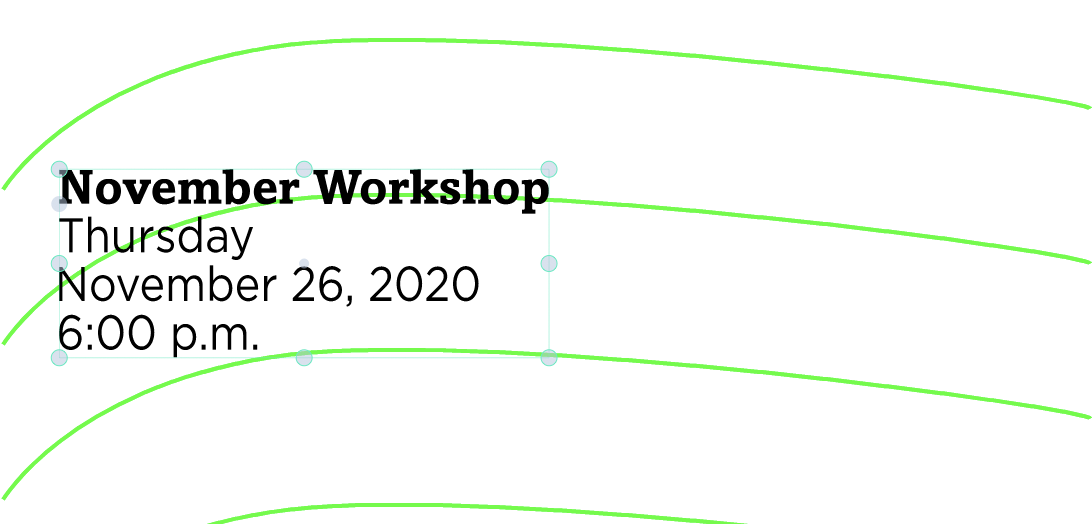
    The 24 pt size should show as 0.33 inch (maybe the field is small and the 0. is not visible). Will add a separate unit option for font sizes as this is a problem.
  • Drag-and-drop produces document in floating window...

    3
    0 Votes
    3 Posts
    7k Views
    D
    Got it...I don't know how the floating window was created initially, probably ID10T problem; it works as you suggest above. Thanks for your help.