VectorStyler
    • Categories
    • Unread
    • Recent
    • Tags
    • Popular
    • Register
    • Login
    1. Home
    2. Features and Ideas
    3. Implemented Features
    Log in to post
    Load new posts
    • Recently Replied
    • Recently Created
    • Most Posts
    • Most Votes
    • Most Views
    • BoldlineB

      Line Shape Grid Panel improvement

      Watching Ignoring Scheduled Pinned Locked Moved
      8
      2 Votes
      8 Posts
      10k Views
      VectorStylerV
      @Boldline @encart This feature is available now in 1.1.002 (beta)
    • BoldlineB

      "Break apart" order

      Watching Ignoring Scheduled Pinned Locked Moved
      4
      1 Votes
      4 Posts
      6k Views
      b77B
      @vectoradmin Great!
    • S

      A iterative saving option.

      Watching Ignoring Scheduled Pinned Locked Moved
      4
      1 Votes
      4 Posts
      6k Views
      VectorStylerV
      @Subpath This feature is available now in 1.1.002 (beta)
    • BoldlineB

      Is there a way to know when stroke handle is aligned with stroke angle?

      Watching Ignoring Scheduled Pinned Locked Moved
      13
      1
      0 Votes
      13 Posts
      16k Views
      VectorStylerV
      @Vector-Rock Node shape customization is available now in 1.1.002 (beta)
    • V

      Calculate basic Math Operations and Convert Units in all numeric entry fields

      Watching Ignoring Scheduled Pinned Locked Moved
      8
      1 Votes
      8 Posts
      14k Views
      VectorStylerV
      @Vector-Rock This feature is available now in 1.1.002 (beta)
    • BoldlineB

      sample colors from document for fill and stroke in context bar

      Watching Ignoring Scheduled Pinned Locked Moved
      5
      1
      0 Votes
      5 Posts
      7k Views
      VectorStylerV
      @Boldline There is a color sampling button now in the Color Panel.
    • BoldlineB

      Collapsed panels should stay collapsed when moved

      Watching Ignoring Scheduled Pinned Locked Moved
      3
      0 Votes
      3 Posts
      6k Views
      VectorStylerV
      @Boldline This feature is available now in 1.1.002 (beta)
    • BoldlineB

      Clicking on Font name scroll-down menu puts blinking cursor in search box

      Watching Ignoring Scheduled Pinned Locked Moved
      6
      0 Votes
      6 Posts
      8k Views
      VectorStylerV
      @Boldline This feature is available now in 1.1.002 (beta)
    • V

      Faster pop-up speed of Description/Tips when Hovering with Cursor

      Watching Ignoring Scheduled Pinned Locked Moved
      2
      1 Votes
      2 Posts
      5k Views
      VectorStylerV
      @Vector-Rock Tooltip delay option is available now in preferences.
    • V

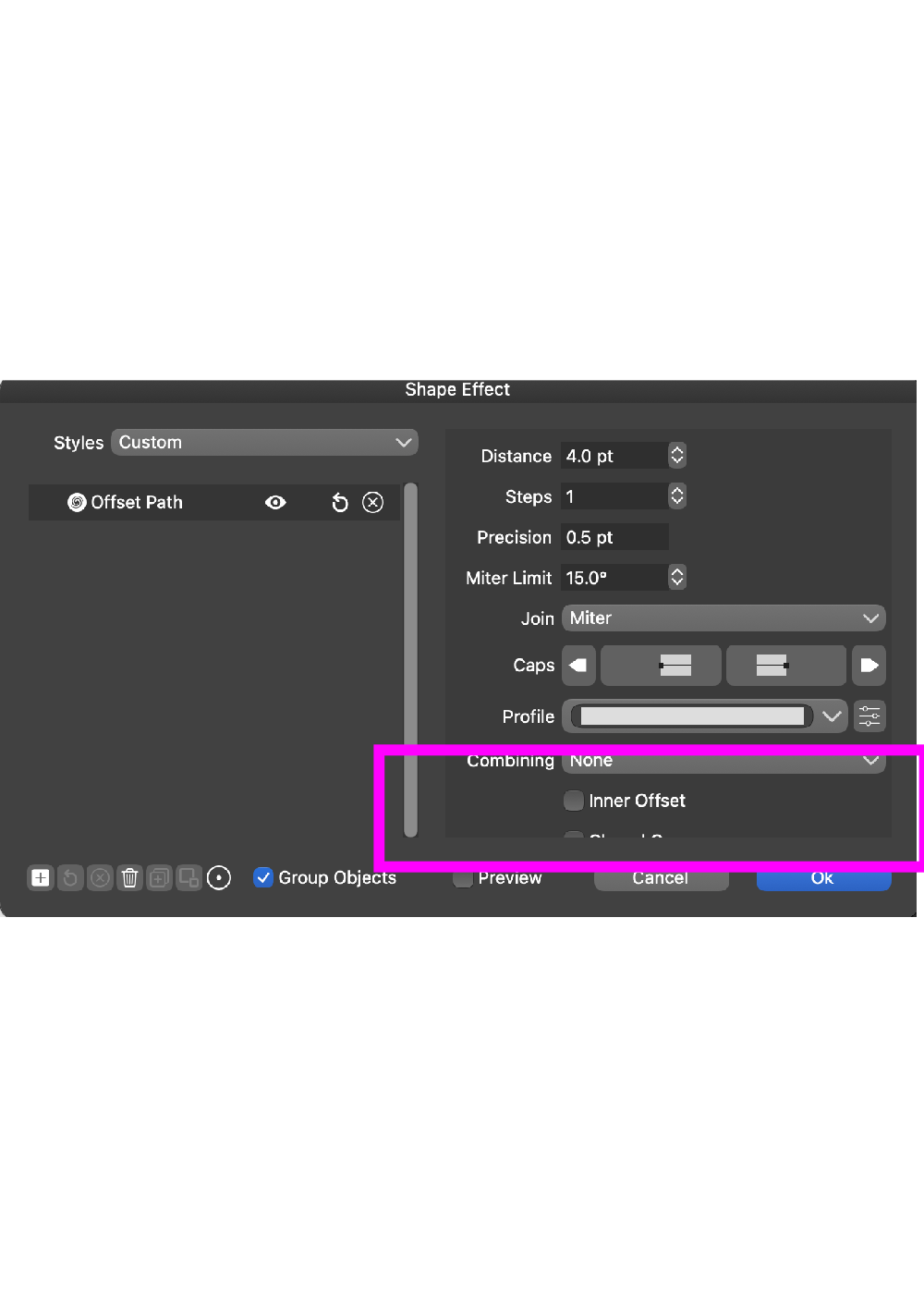
      Improvements for Offset Path

      Watching Ignoring Scheduled Pinned Locked Moved
      2
      1
      1 Votes
      2 Posts
      4k Views
      VectorStylerV
      @Vector-Rock Most of these features are available now in 1.1.002 (beta)
    • V

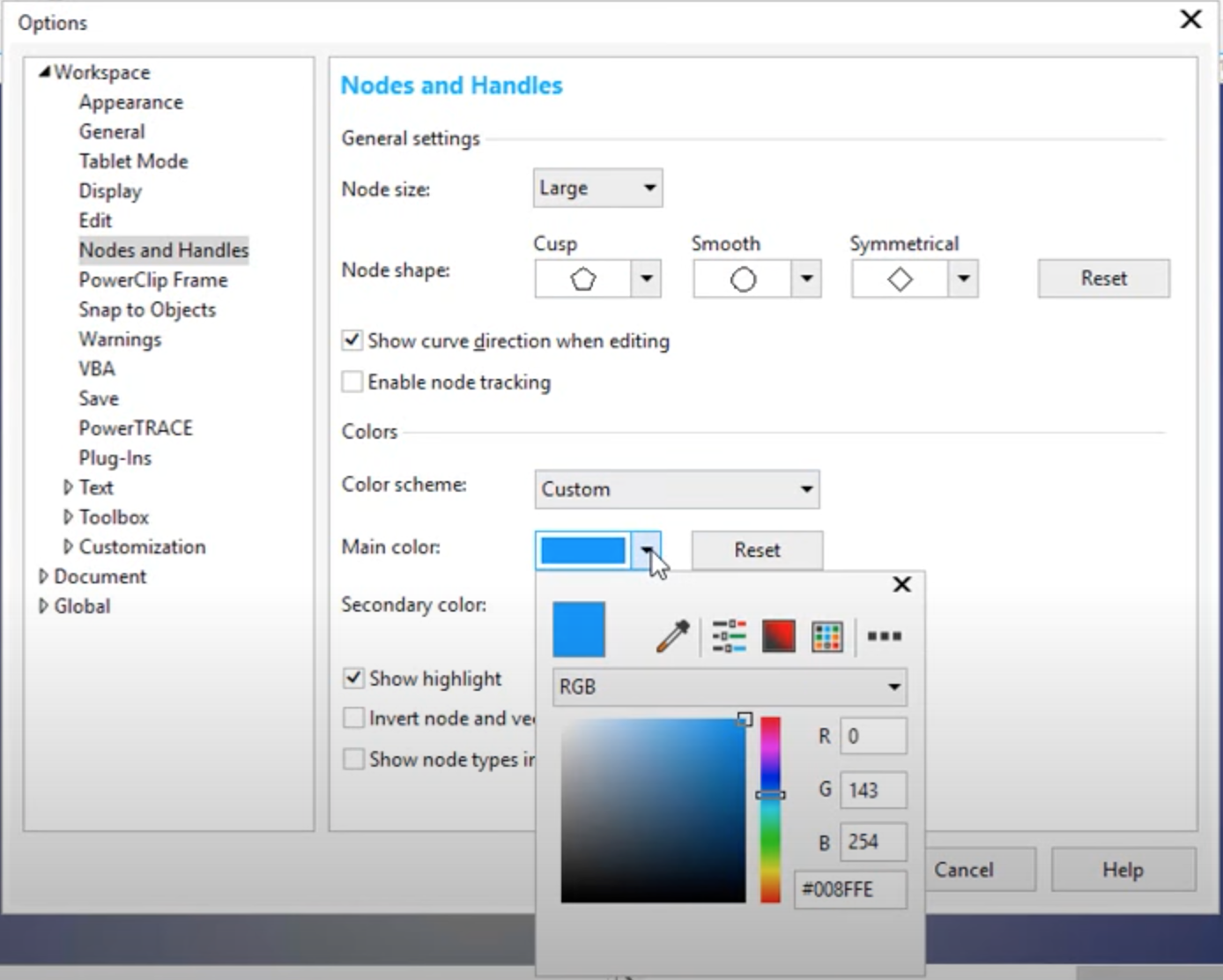
      Option to Customize and assign each Node Type a Different SHAPE indicator

      Watching Ignoring Scheduled Pinned Locked Moved
      3
      4
      3 Votes
      3 Posts
      5k Views
      VectorStylerV
      @Vector-Rock This feature is available now in 1.1.002 (beta)
    • IngolfI

      Double click preference

      Watching Ignoring Scheduled Pinned Locked Moved
      15
      2 Votes
      15 Posts
      16k Views
      VectorStylerV
      @Ingolf said in Double click preference: @vectoradmin Question: panel options -> Isolate on control + click. On macOS I get the context sensitive menu? This affects the Layers panel only, if an object Control+Clicked in the panel, then it isolates that object (default behavior). If disabled, Control+Click will select the object both in the Layers panel and on the Canvas.
    • BoldlineB

      Saving Files when Quitting VS should correspond with visual of each open file individually

      Watching Ignoring Scheduled Pinned Locked Moved
      2
      0 Votes
      2 Posts
      5k Views
      VectorStylerV
      @Boldline The Save alert, should bring forward the document it refers to. At least it does here both on Mac and Windows
    • IngolfI

      Gradients - delete gradient stops directly

      Watching Ignoring Scheduled Pinned Locked Moved
      5
      0 Votes
      5 Posts
      7k Views
      IngolfI
      Wild goose chase - it works. Ignore.
    • IngolfI

      Brighter checkerboard and customisable color + size

      Watching Ignoring Scheduled Pinned Locked Moved
      7
      6
      1 Votes
      7 Posts
      8k Views
      IngolfI
      @Ingolf I will try to find a good solution for the preview background issue. You did! Options in beta 1.1 elegantly solved the problem. Thanks again!
    • IngolfI

      Color dropper available everywhere - almost

      Watching Ignoring Scheduled Pinned Locked Moved
      5
      1
      0 Votes
      5 Posts
      6k Views
      BoldlineB
      @Ingolf said in Color dropper available everywhere - almost: Many words, I hope I made myself understandable I do this all the time intentionally because I am always trying to be clear and leave no room for confusion
    • IngolfI

      Keypad support - Apple Magic keyboard with numeric keypad

      Watching Ignoring Scheduled Pinned Locked Moved
      4
      2 Votes
      4 Posts
      6k Views
      IngolfI
      @vectoradmin said in Keypad support - Apple Magic keyboard with numeric keypad: @Ingolf @encart I will add this to the backlog, there have been some bugs around this. The + and - keys may need to stay as they are (no differentiation for numeric keypad). Of course
    • W

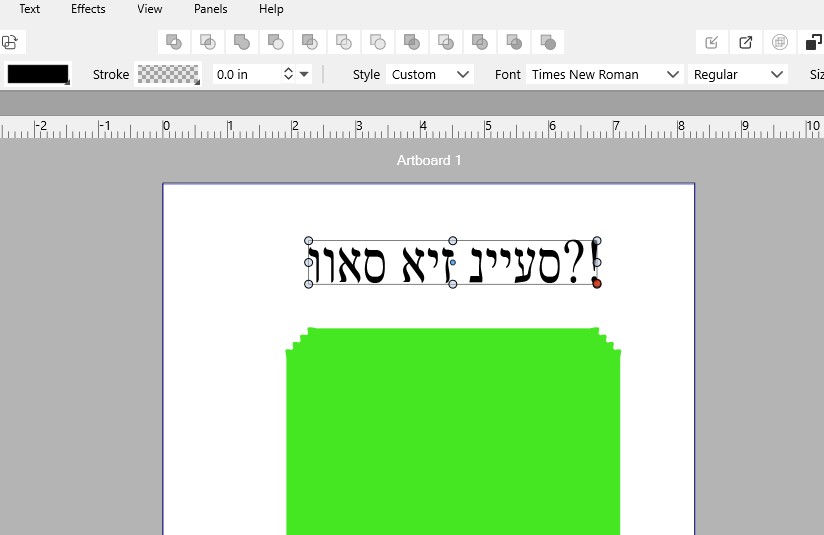
      Please support Right To Left Languages!

      Watching Ignoring Scheduled Pinned Locked Moved
      22
      1
      1 Votes
      22 Posts
      43k Views
      B
      @vectoradmin I would suggest you look at the SBL font that has the full set of vowels and other diacritic marks. If you have that font working, then everything else should work! They provide it as a TrueType font: https://www.sbl-site.org/educational/biblicalfonts_sblhebrew.aspx
    • BoldlineB

      Should the pencil tool default to whatever is in the fill and stroke panel?

      Watching Ignoring Scheduled Pinned Locked Moved
      15
      1 Votes
      15 Posts
      18k Views
      Prevalent ArtsP
      Awesome.
    • BoldlineB

      Improving Path Brush tool

      Watching Ignoring Scheduled Pinned Locked Moved
      6
      1
      1 Votes
      6 Posts
      8k Views
      BoldlineB
      @vectoradmin Thanks for explaining all of that. I look forward to trying out the new settings for the path brush tool in the next build and I'll give you my feedback. On the topic of path brush location, it's interesting because you're thinking of it from a developer standpoint and I'm viewing it as a designer. I certainly do not claim to know the best place for it. I think it would make sense in a literal way for the path brush and vector eraser to be in the brush section, but I'd love to hear other thoughts