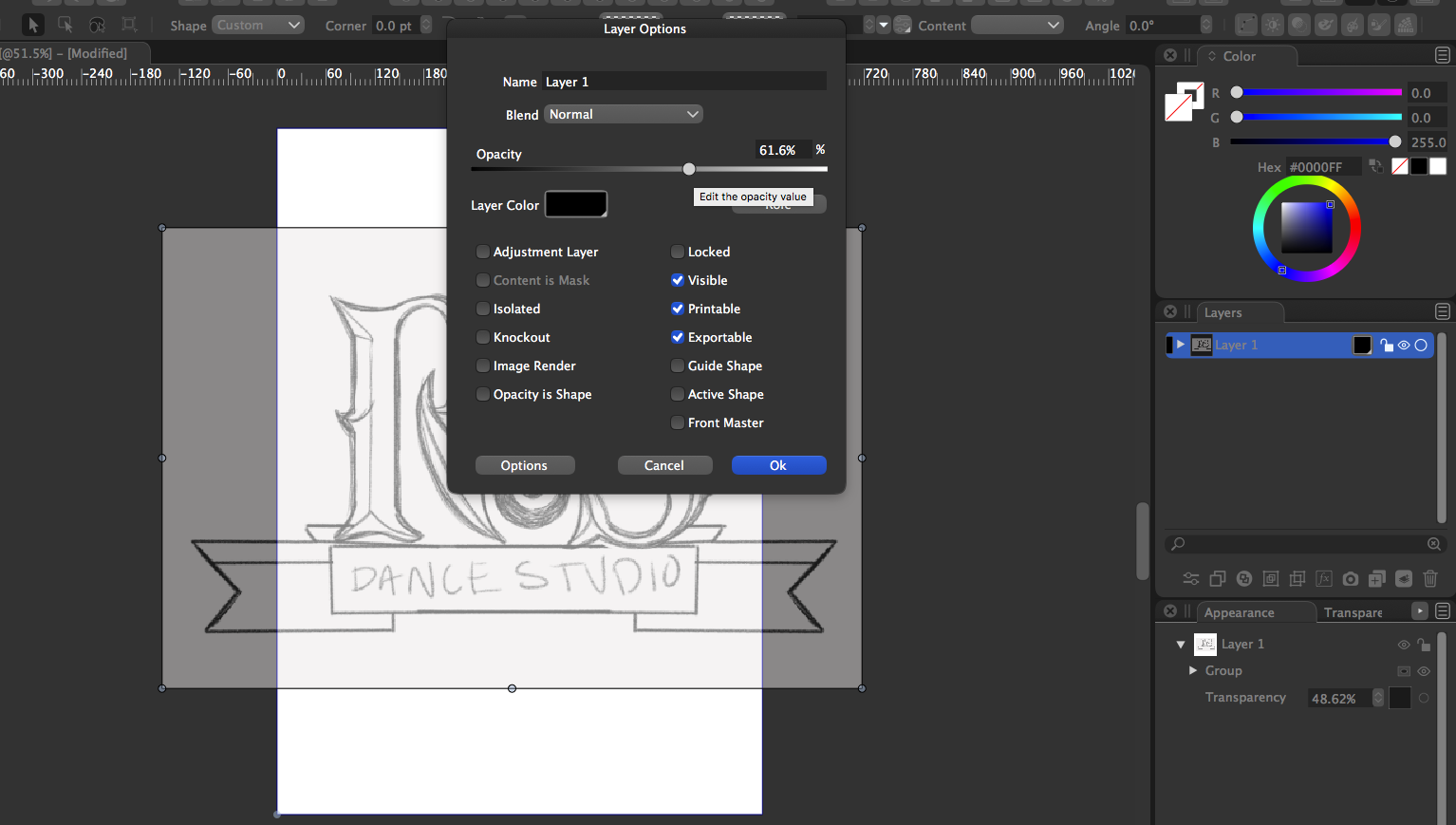
@Boldline Following steps:
open both the Layers and the Transparency panels.
select the whole layer in the Layers panel, by clicking on the round circle at the end of the row with the layer name.
this creates a single object selection, where the object is the layer (can only be done in this way.
now with the layer selected, adjust the Opacity slider in the Transparency panel.
the result can also be verified, that it applied to the layer (and not those objects) in the Layer Options (or just double click the layer name in the panel).
[image: 1609192578232-transparency-resized.png]