Subcategories

  • These issues have been resolved and closed

    863 Topics
    5k Posts
    VectorStylerV
    @Raaskot said in Transform: Up-dwn-keys act strange on stepping values i value fields: Is it supposed to act in that way? No, this looks like a bug, but I cannot replicate it here. Could be caused by some changes in the workspace or settings.
  • Everyone makes mistakes. Help us correct ours. Let us know how to improve VectorStyler.

    10 Topics
    41 Posts
    VectorStylerV
    @jpsimmons Yes, this can be replicated and it is a bug. I will try to fix it for the next build.
  • Everyone makes mistakes. Help us correct ours. Let us know how to improve VectorStyler.

    579 Topics
    3k Posts
    G
    @VectorStyler said in Slow Typing Performance: @gotanidea I'm testing these issues with slow typing performance. The new document has no issue with speed (the old is till slow). What configuration you use for these tests? and which text is edited in the new document. I'm trying to replicate as close as possible. Can you please click the first text box ("Before rigging any character geometry ....") at the top-left region of the new document using the Text Tool, then hold the "a" key? I use: VectorStyler v1.3.001 Windows 11 Home 64-bit AMD Ryzen 7 5800H with Radeon Graphics (16 CPUs) ~3.2GHz 16384MB RAM NVIDIA GeForce RTX 3060 Laptop GPU
  • Bug reports on the 1.2 beta of VectorStyler

    282 Topics
    2k Posts
    W
    This issue has been resolved in the latest update. Thank you!
  • These bugs were posted for 1.2 and should be resolved

    228 Topics
    1k Posts
    XRAYX
    @VectorStyler Hi, this is on Windows 11 24H2 and the settings are "checked" inside of performance settings such as !"Direct Preview of Changes" or "GPU for Mesh" and "GPUfor Distortion" but don't seem to actually be working. Selecting ok seems to fix "Direct Preview of Changes" but no way to be sure about the GPU settings.
  • Repeater selection using gradient is not working as expected

    8
    1 Votes
    8 Posts
    2k Views
    S
    @EricP Thanks, that was helpful. I'm so used to using the repeater the way I do that I completely forgot about the other options. By the way, I'd never tried the Selection option you showed in your post above before. Very interesting. Thanks for that as well.
  • Repeater is not always linking symbols

    4
    1 Votes
    4 Posts
    1k Views
    VectorStylerV
    @EricP The shape can still be selected: in the Layers panel, open the repeater, and select the object inside. But it will show it at the center of the repeater.
  • antialiasing with TIFF export 4K 600 dpi

    2
    1 Votes
    2 Posts
    586 Views
    VectorStylerV
    @ZATOPEK Did not upload the file for some reason. Can you send it to me by email to support at vectorstyler.com
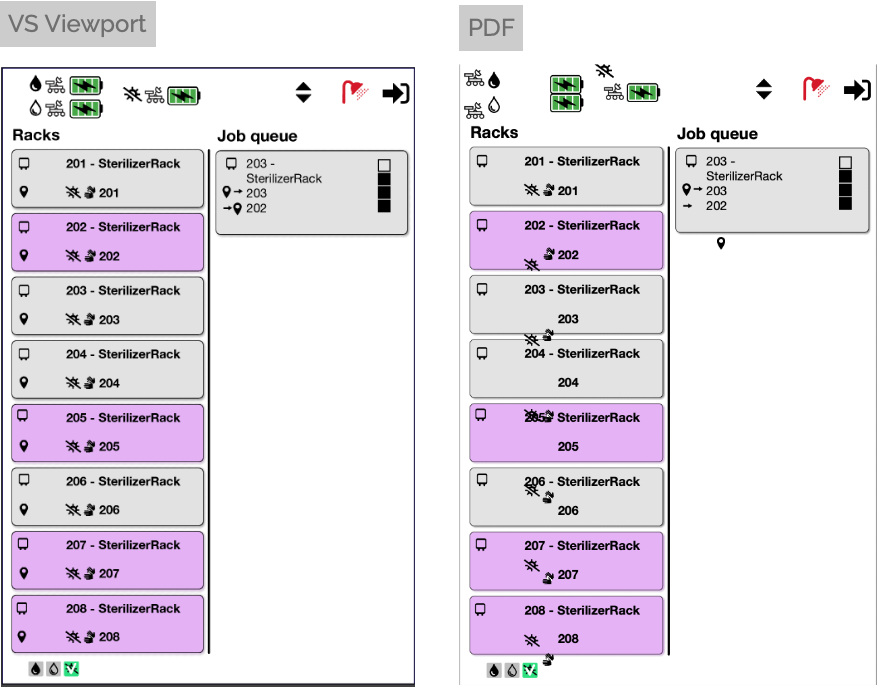
  • Exporting a VS document as pdf with symbols returns a mess

    3
    1
    1 Votes
    3 Posts
    2k Views
    RaaskotR
    @VectorStyler Just updated VS. It seems to work fine now
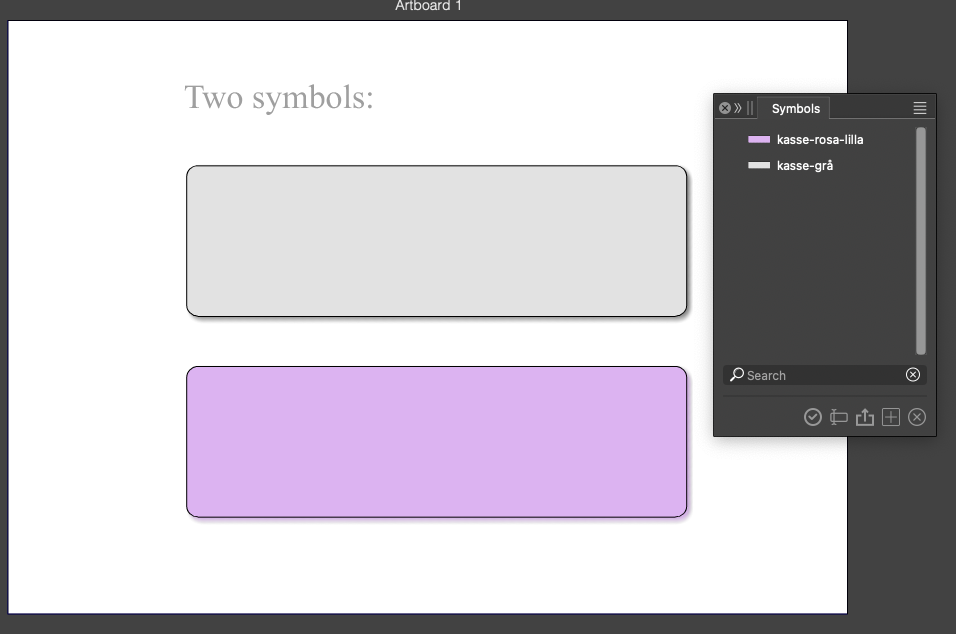
  • Reference artboard, symbol...

    5
    1
    0 Votes
    5 Posts
    1k Views
    B
    @VectorStyler I've sent you a file but I didn't test all issues.
  • Unexpected offset when swapping symbols

    5
    1
    1 Votes
    5 Posts
    2k Views
    RaaskotR
    @VectorStyler Confirmed
  • Stroke width will be scaled on every imported File

    4
    1 Votes
    4 Posts
    1k Views
    VectorStylerV
    @Subpath said in Stroke width will be scaled on every imported File: Does that mean there is no way to turn this effect off? There is, individually for each stroke
  • Shape/symbol disappears, no undo available and VS subsequently crashes

    2
    1 Votes
    2 Posts
    771 Views
    VectorStylerV
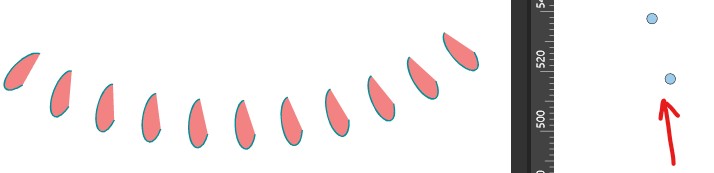
    @Raaskot I opened a bug on this and will try to fix it ASAP.
  • list of errors

    46
    1 Votes
    46 Posts
    33k Views
    M
    @VectorStyler The outline effect is fine. I just realized I accidentally turned off the eye icon while operating.[image: 1760625721249-mmexport1760625669307-resized.jpg] By the way, could you help me figure out why this function in my workspace isn’t working?
  • copy multiple objects with the right mouse button doesnt work anymore

    2
    0 Votes
    2 Posts
    1k Views
    VectorStylerV
    @Subpath I will try to fix this ASAP.
  • 1 Votes
    3 Posts
    1k Views
    BoldlineB
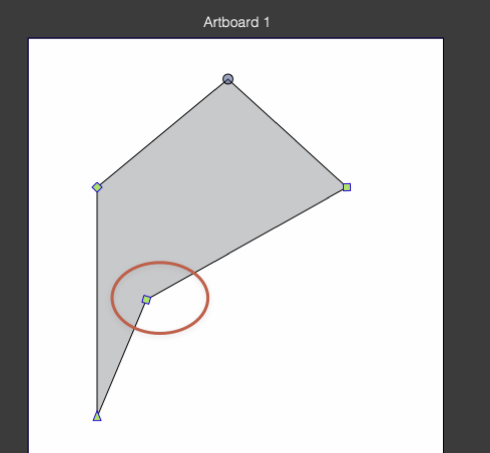
    @VectorStyler said in Control key modifier when moving node, the bottom right node moves as well: @Boldline It should work with holding Shift. If I use shift, it does not want to cooperate and go straight upward. UPDATE: I had "constrain line angle" checked. When I turned this off, it allowed for shift to work as intended. [image: 1759855207120-90a63bef-fe52-4cce-85d2-a1656a1702a7-cleanshot-2025-10-07-at-12.38.27-resized.png]
  • Shape effects are lost on copy/paste

    5
    1
    1 Votes
    5 Posts
    2k Views
    M
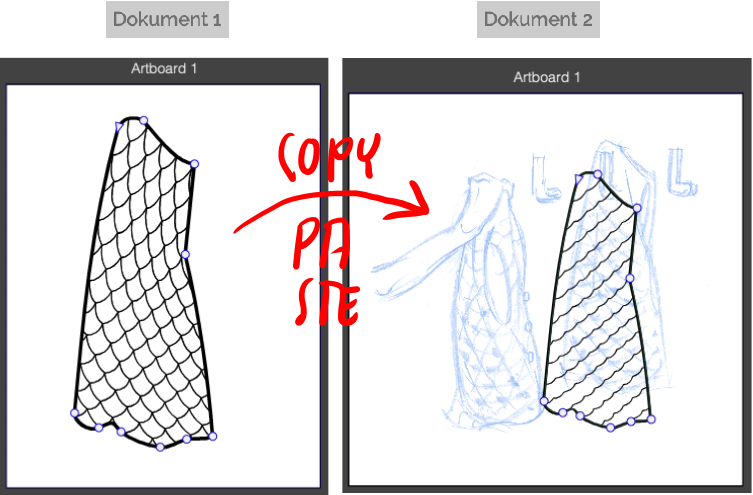
    @VectorStyler https://youtu.be/7PFPP9QXqNA?feature=shared 0_1759503919233_556.vstyler
  • Unable to copy / paste formatted text between documents

    5
    1 Votes
    5 Posts
    3k Views
    VectorStylerV
    @MWK Can be replicated here also, I will try to fix this
  • No cmd-v (or -c) file names when saving to new file

    2
    1
    1 Votes
    2 Posts
    1k Views
    VectorStylerV
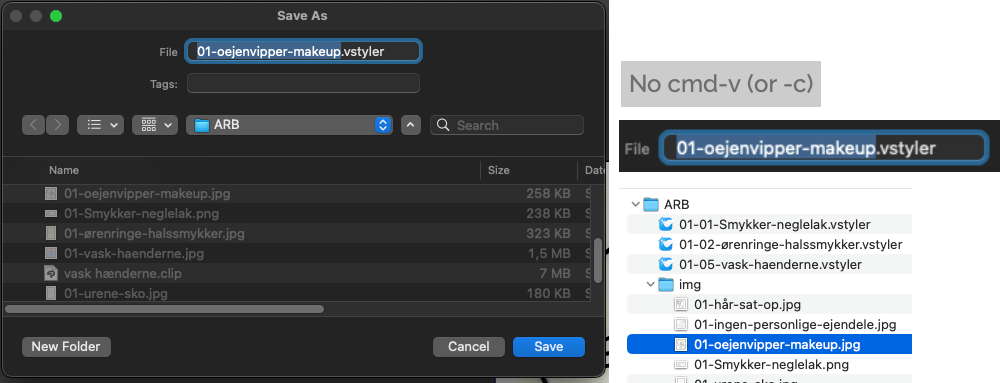
    @Raaskot This is an open issue still (has been for some time). I will try to find a solution
  • 2 minor issues

    6
    1 Votes
    6 Posts
    2k Views
    Devil DinosaurD
    @VectorStyler , yes, that works.
  • Missing samples in the palette panel

    7
    1
    0 Votes
    7 Posts
    3k Views
    F
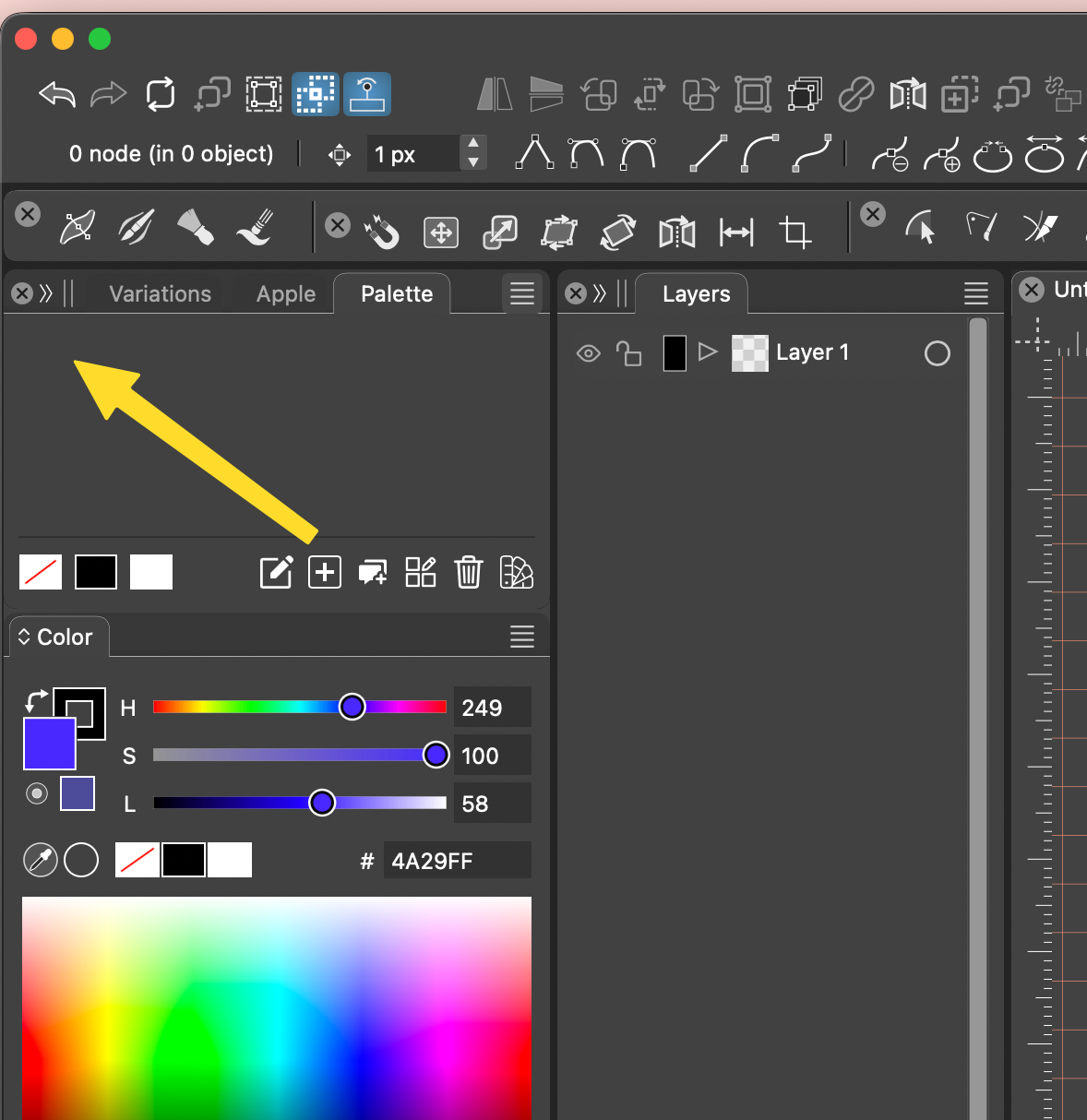
    @VectorStyler Latest build fixed the problem. Thank you so much
  • Sharp Corner - Option Key not working?

    3
    1 Votes
    3 Posts
    2k Views
    O
    @VectorStyler Just updated to VS version 1.2.083. Bug fixed and option key with Sharper Corner works! Thank you.
  • Missing artboards in Canvas Data Grid

    6
    1
    1 Votes
    6 Posts
    2k Views
    H
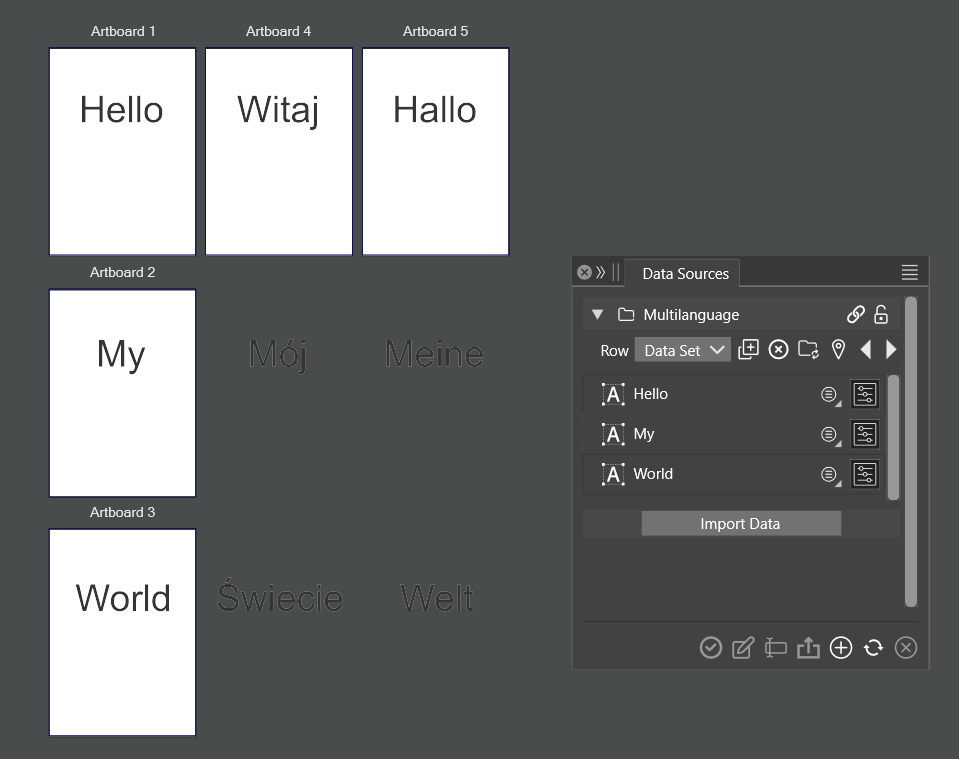
    @VectorStyler said in Missing artboards in Canvas Data Grid: There is also batch export support to export files with variations (rows) from a data source, without the need for creating canvases Ok, thanks. For future reference for other users: This method works for artboards also, but in Canvas / Canvas Data Grid, "No Data" option should be selected. Still, I have to experiment with the template canvas!
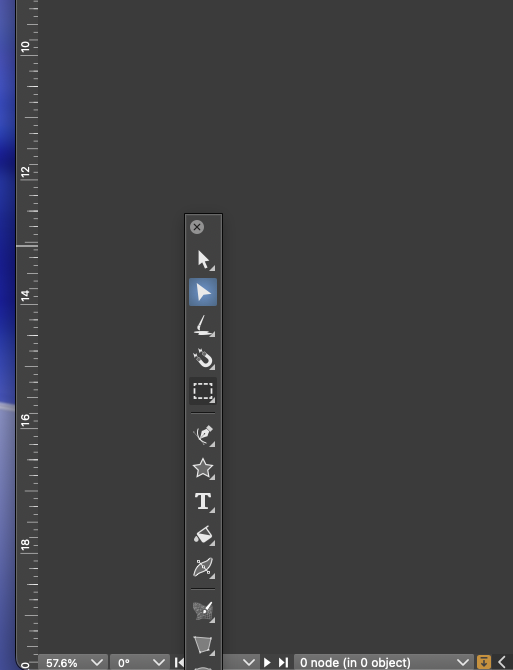
  • vertical toolbar drops to bottom of screen when detached

    5
    1
    0 Votes
    5 Posts
    2k Views
    VectorStylerV
    @Boldline I tested with the previous settings file and cannot replicate it. Send me the ones where this occurs.
  • Difficulty selecting inner shape

    3
    1
    2 Votes
    3 Posts
    1k Views
    BoldlineB
    @VectorStyler just realized the link was broken in my original post. Even though you seem to have it replicated there, I'll still post the video again