• Commands not working

    2
    1 Votes
    2 Posts
    4k Views
    VectorStylerV
    @William-Kansepa Can be replicated on Windows, I will try to find the fix before the next release
  • "Shift+Click to deselect a single selected object" issue

    5
    1
    1 Votes
    5 Posts
    9k Views
    VectorStylerV
    @larsherold Box+Shift Click issue can be replicated here. I will fix this ASAP.
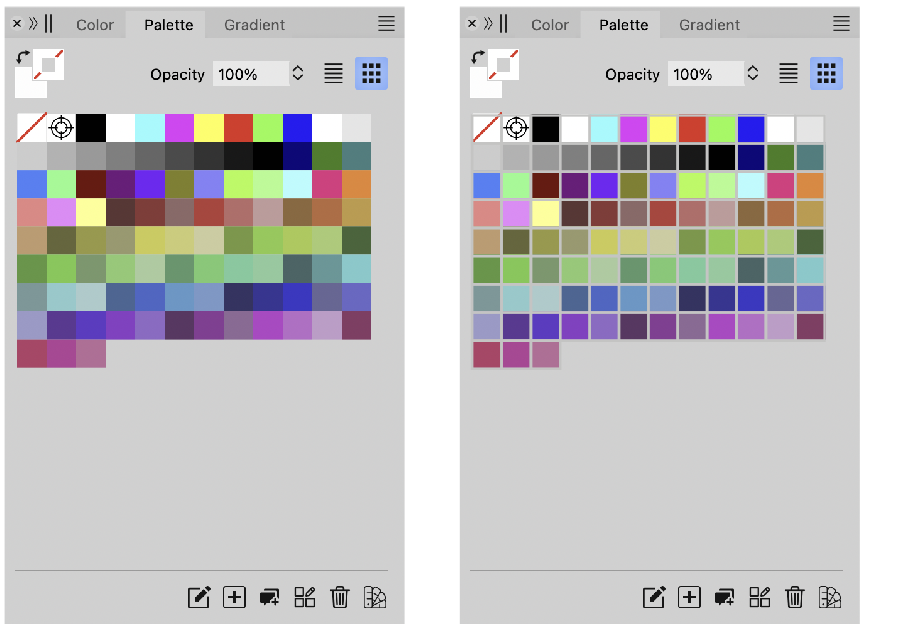
  • Weird colour swatch behaviour

    6
    5
    1 Votes
    6 Posts
    8k Views
    W
    @VectorStyler, thank you for the response.
  • Panel Submenus show MacOS system services

    4
    1
    1 Votes
    4 Posts
    9k Views
    IngolfI
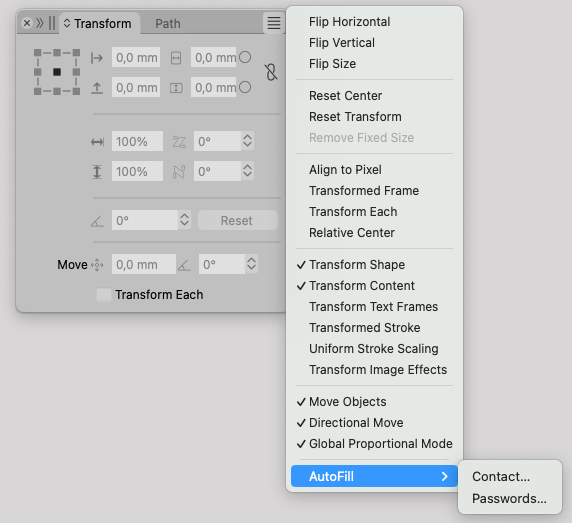
    A robot friend says this - may help, may not: To fix unexpected autofill or contacts in macOS context menus using C++ and Objective-C++, check these areas: Context Menu Implementation: Ensure menus only show relevant items for the context. Event Handling: Verify correct handling of right-click events. Input Field Attributes: Disable unwanted autofill attributes (e.g., autocomplete="off"). Custom Menu Items: Remove unwanted system items and ensure custom items are properly defined. Debugging and Logging: Add logs to trace unwanted menu additions. Use Xcode Instruments for profiling. Frameworks and Libraries: Check third-party libraries for side effects. Update to latest versions. Here is an example of how to implement a context menu in C++ with Objective-C++: // ViewController.h #import <Cocoa/Cocoa.h> @interface ViewController : NSViewController <NSMenuDelegate> @end // ViewController.mm #import "ViewController.h" @implementation ViewController (void)viewDidLoad { [super viewDidLoad]; NSMenu *menu = [[NSMenu alloc] initWithTitle:@"Context Menu"]; [menu setDelegate:self]; NSMenuItem *menuItem = [[NSMenuItem alloc] initWithTitle:@"Custom Action" action:@selector(customAction) keyEquivalent:@""]; [menu addItem:menuItem]; [self.view setMenu:menu]; } (void)customAction { // Handle custom action } (void)menuNeedsUpdate:(NSMenu *)menu { [menu removeAllItems]; NSMenuItem *menuItem = [[NSMenuItem alloc] initWithTitle:@"Dynamic Action" action:@selector(customAction) keyEquivalent:@""]; [menu addItem:menuItem]; } @end // main.cpp #include <Cocoa/Cocoa.h> int main(int argc, const char * argv[]) { return NSApplicationMain(argc, argv); } In this example, ViewController implements the NSMenuDelegate protocol to dynamically update the context menu. The menuNeedsUpdate: method ensures that the context menu only contains relevant items. This example combines C++ (in main.cpp) with Objective-C++ (in ViewController.mm), which is commonly used in macOS development.
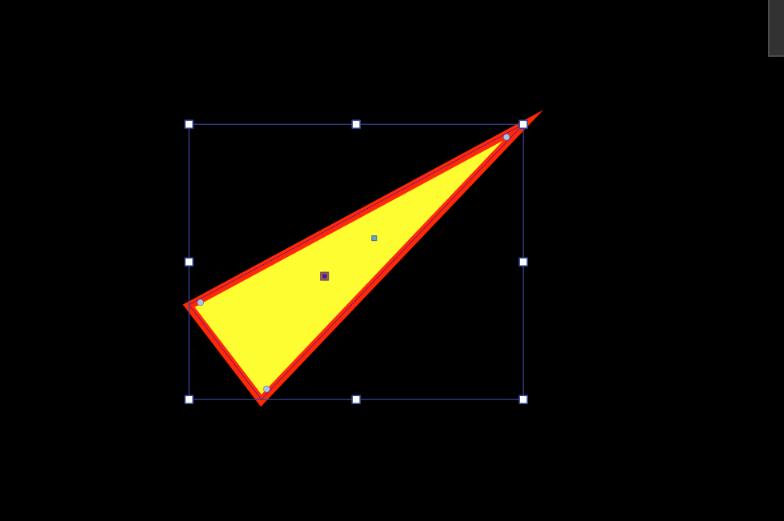
  • "Keep Locked with Artboard" issue

    2
    1 Votes
    2 Posts
    4k Views
    VectorStylerV
    @larsherold I will address this issue in the next build
  • BUG - PANELS ON EXTERNAL MONITOR IN SLEEP MODE

    2
    1
    3 Votes
    2 Posts
    4k Views
    VectorStylerV
    @colorweber Thanks for reporting this issue, and welcome to VectorStyler. I opened a bug on this external monitor issue, and will try to fix it as soon as possible.
  • Color swatch separator frame

    Moved
    4
    1
    3 Votes
    4 Posts
    6k Views
    VectorStylerV
    @debraspicher said in Color swatch separator frame: I like this quite a bit. Can be enabled with the Color Palette panel menu -> Display -> Show Grid Margin
  • The Super Ellipse producing too many nodes when converted to curves

    2
    1 Votes
    2 Posts
    4k Views
    VectorStylerV
    @William-Kansepa I got 16 nodes with the default curvature. But it might be more with other parameters. Send me a file with the super ellipse shape that has too many nodes when converted to curves. I will try to improve this, but super-ellipses are difficult to approximate with beziers.
  • Some Select sub-menus under the Select menu misfiring

    3
    0 Votes
    3 Posts
    6k Views
    W
    @VectorStyler Thank you!
  • Gradient Flip Colours not working

    2
    1 Votes
    2 Posts
    4k Views
    VectorStylerV
    @William-Kansepa Can be replicated here also. This is a bug, and will be fixed for the next build
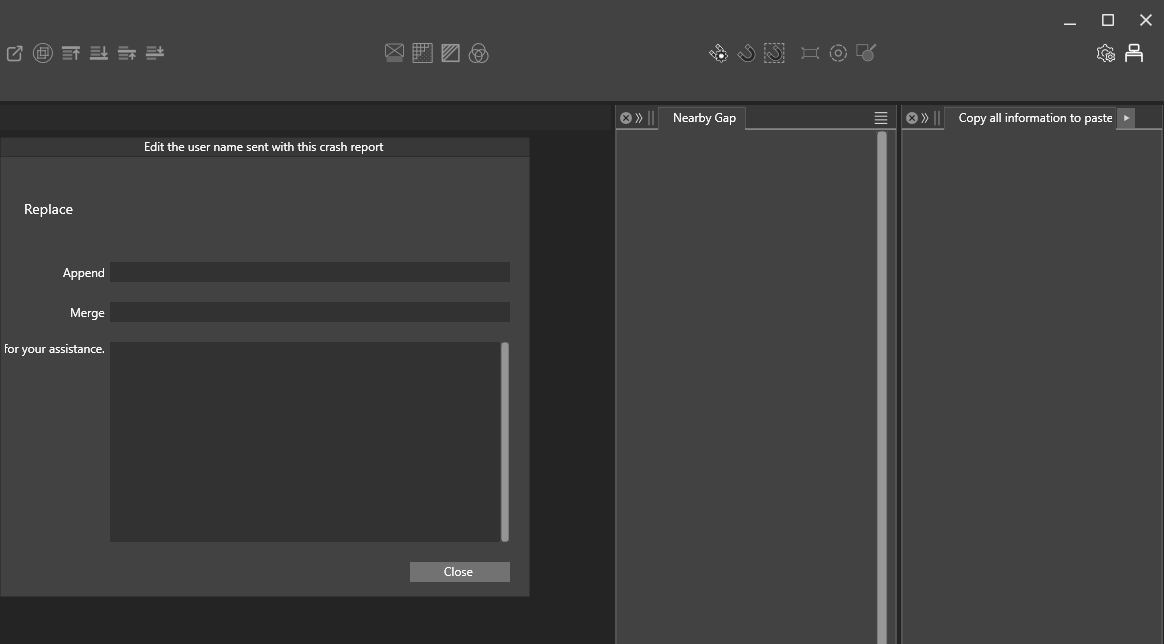
  • Programme behaving weirdly

    6
    1
    0 Votes
    6 Posts
    7k Views
    S
    @ambros You can manually delete the crash files in x:\ProgramData\NumericPath\Crash Logs\
  • Up-down arrow for numeric values not working

    6
    2
    2 Votes
    6 Posts
    8k Views
    debraspicherD
    @jkwchui I noticed this too and yes, it's giving the impression that we can micromanage increment the field, not pull up the slider.
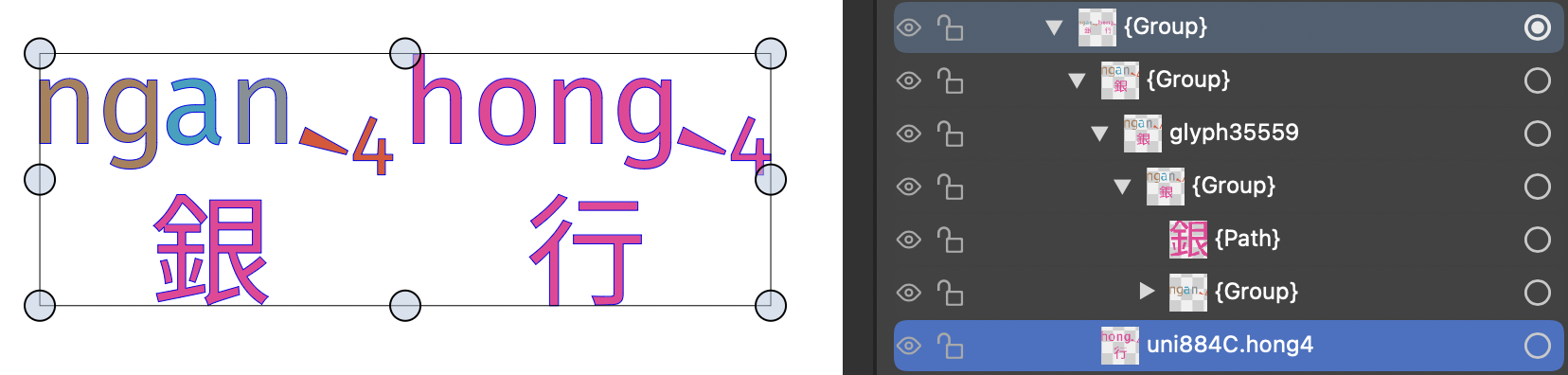
  • Convert to Curves: OpenType SVG One-to-Many Incorrectly Expanded

    2
    2
    1 Votes
    2 Posts
    4k Views
    VectorStylerV
    @jkwchui Can you send me a VS file with that text (before expansion) using the font. I assume that this is the VF-Canto font.
  • Regression: Colour Picker failing to copy colour from images

    2
    1 Votes
    2 Posts
    3k Views
    VectorStylerV
    @William-Kansepa Download and install again by removing the current version. I added this fix a bit too late, and there was no version increase for automatic update.
  • Animated panels?

    3
    0 Votes
    3 Posts
    5k Views
    W
    @VectorStyler Sent to your email. Thank you.
  • Importing and placing images faults

    5
    0 Votes
    5 Posts
    6k Views
    W
    @William-Kansepa said in Importing and placing images faults: After importing and dragging an image into VS, the program somehow shifts the intended position and thereby fails to maintain x and y coordinates of the placed image. Placing images is now working as expected in VS 1.2.0.25. X and Y coordinates are now being maintained after clicking and dragging. Thank you @VectorStyler!
  • Shape Paint irregularities

    3
    1 Votes
    3 Posts
    4k Views
    W
    So far so good in VS 1.2.0.25. The Shape Paint objects are updating perfectly after transforming. Thank you @VectorStyler!
  • Scaling artwork/text from the centre is a hit-and -miss

    2
    0 Votes
    2 Posts
    3k Views
    VectorStylerV
    @William-Kansepa I think the difference (to other apps) might be that in VS you have to press the Control after the scaling started. Also: it is possible to customize the key in Preferences -> Modifier Keys -> "Centered Adjustment" row.
  • Corrupted files after exporting / pasting

    4
    4
    0 Votes
    4 Posts
    7k Views
    VectorStylerV
    @William-Kansepa said in Corrupted files after exporting / pasting: Exporting artboard at 300dpi is working, but at 400dpi the previous challenge still persists I will try to replicate this.
  • Canvas Guidelines duplicated in panel

    2
    1 Votes
    2 Posts
    3k Views
    VectorStylerV
    @William-Kansepa I added this to the backlog.