VectorStyler
    • Categories
    • Unread
    • Recent
    • Tags
    • Popular
    • Register
    • Login
    1. Home
    2. Bugs in VectorStyler
    3. VectorStyler 1.2 beta
    Log in to post
    Load new posts
    • Recently Replied
    • Recently Created
    • Most Posts
    • Most Votes
    • Most Views
    • BoldlineB

      Rectangle and oval tool amongst others, are again warping when pulled with the transform tool.

      Watching Ignoring Scheduled Pinned Locked Moved
      2
      1
      0 Votes
      2 Posts
      3k Views
      VectorStylerV
      @Boldline The stroke width is scaled (a document level option) and it is not scaled uniformly.
    • H

      Trim and Join Tool - bug?

      Watching Ignoring Scheduled Pinned Locked Moved
      3
      0 Votes
      3 Posts
      4k Views
      VectorStylerV
      @Harry Added this to the backlog, looks like a bug.
    • S

      Question, how to "Convert Dashes to Curve" ?

      Watching Ignoring Scheduled Pinned Locked Moved
      3
      1
      0 Votes
      3 Posts
      5k Views
      S
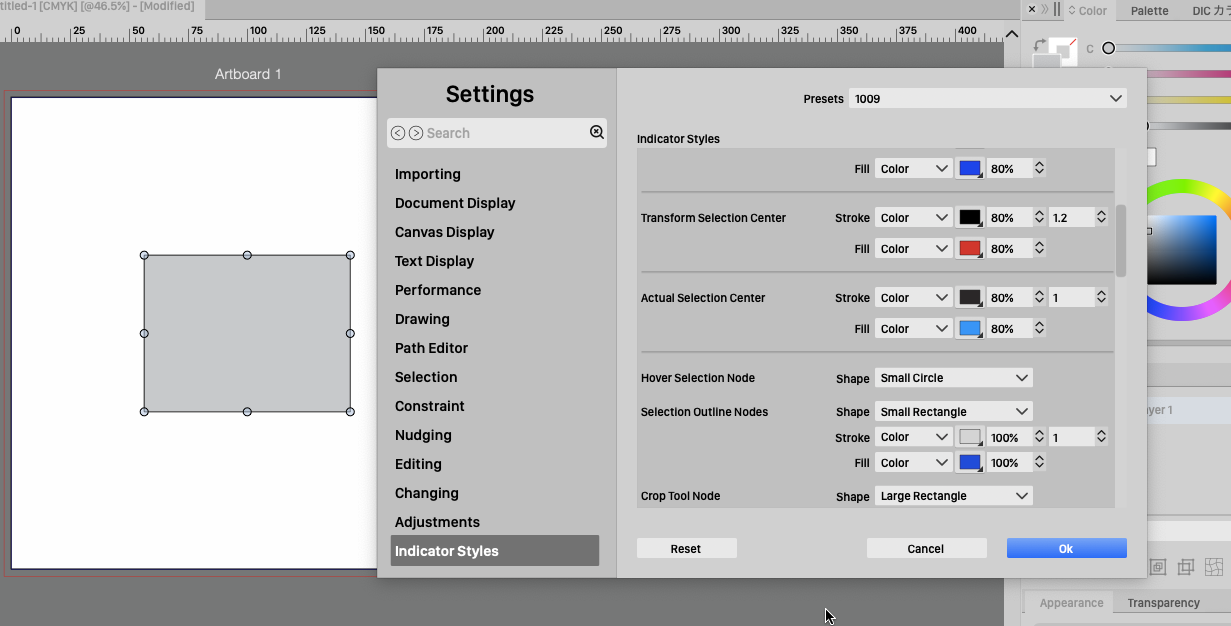
      @VectorStyler , thanks Have overlooked this arrow and the option below it. Thought the arrow might be a bit more prominent ? Hadn't guessed that the option was under Object > Shape. I was looking/searching in the brush stroke panel. But cool to have that option [image: 1696507092214-arrow-on-menus-2.png]
    • H

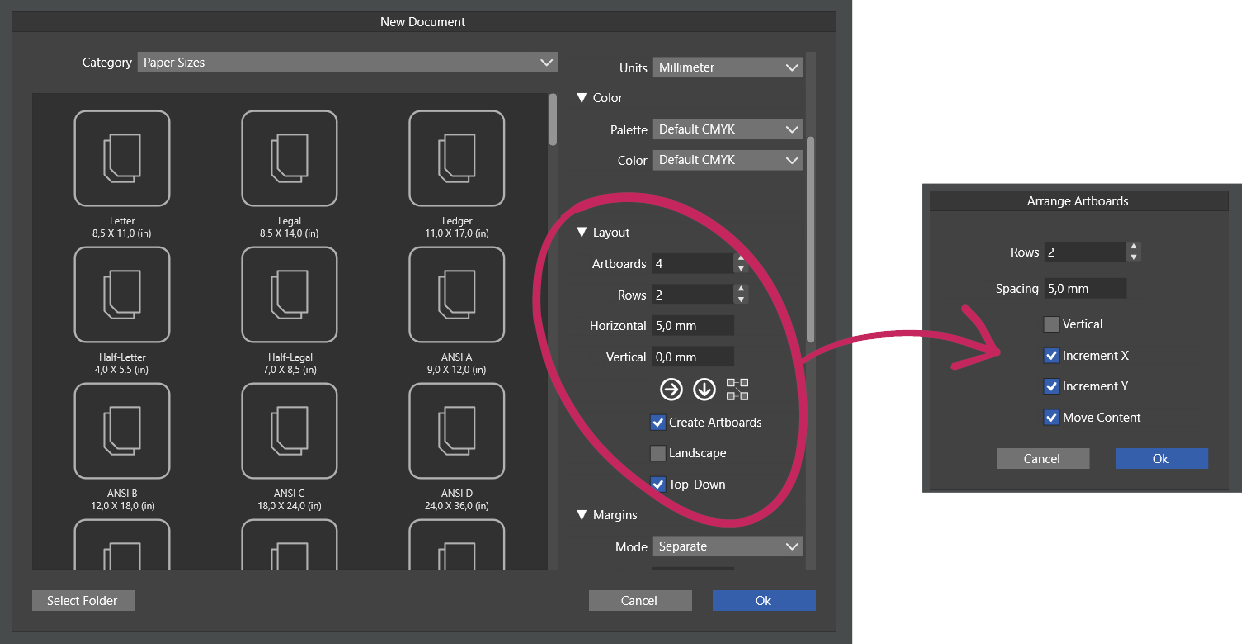
      Not enough options in "Arrange Artboards" panel

      Watching Ignoring Scheduled Pinned Locked Moved
      2
      1
      1 Votes
      2 Posts
      3k Views
      VectorStylerV
      @Harry Added this to the backlog.
    • B

      Issue with the Shape builder tool

      Watching Ignoring Scheduled Pinned Locked Moved
      6
      3
      0 Votes
      6 Posts
      7k Views
      B
      @VectorStyler File sent. Two rectangles induce the issue (showed by arrows)
    • encartE

      Setting the font size by dragging the mouse does not work.

      Watching Ignoring Scheduled Pinned Locked Moved
      5
      0 Votes
      5 Posts
      6k Views
      VectorStylerV
      @encart Pressing Alt first and then pressing+dragging the mouse works here.
    • BoldlineB

      Editing vector mask inside transform>mask>drawing has location paste discrepancy

      Watching Ignoring Scheduled Pinned Locked Moved
      2
      0 Votes
      2 Posts
      3k Views
      VectorStylerV
      @Boldline Added this to the backlog.
    • H

      Old problem with long paths is back in 1.2

      Watching Ignoring Scheduled Pinned Locked Moved
      6
      1 Votes
      6 Posts
      6k Views
      VectorStylerV
      @Boldline said in Old problem with long paths is back in 1.2: @VectorStyler is it worth keeping your overall mode as an option? I think it might be. In some cases it could be important to see the precise shape of the erased area. Same goes for the path brush.
    • B

      Issue with the Blend panel

      Watching Ignoring Scheduled Pinned Locked Moved
      7
      0 Votes
      7 Posts
      7k Views
      VectorStylerV
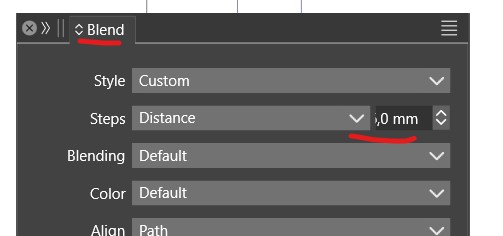
      @Pat I opened a bug on this one.
    • B

      Issue with stroke profile

      Watching Ignoring Scheduled Pinned Locked Moved
      8
      2
      0 Votes
      8 Posts
      8k Views
      B
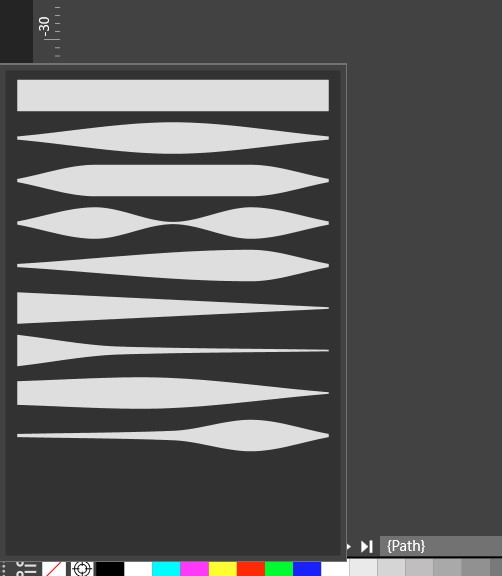
      @VectorStyler You can try with the file I sent you.
    • B

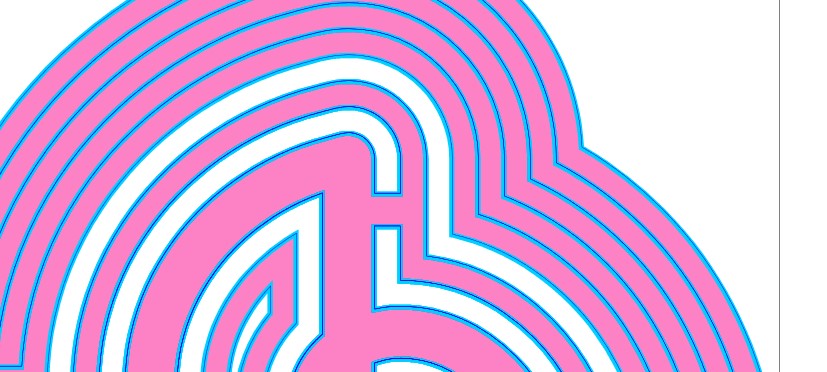
      Issue with offset?

      Watching Ignoring Scheduled Pinned Locked Moved
      3
      2
      1 Votes
      3 Posts
      5k Views
      B
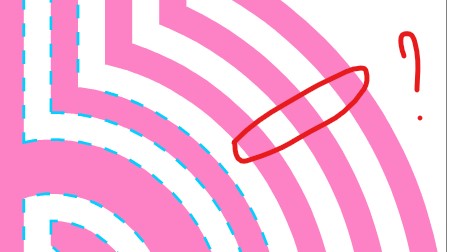
      @VectorStyler I've sent you the file with this specific object
    • 861475_VctSt8

      UI, Theme

      Watching Ignoring Scheduled Pinned Locked Moved
      4
      1
      0 Votes
      4 Posts
      6k Views
      VectorStylerV
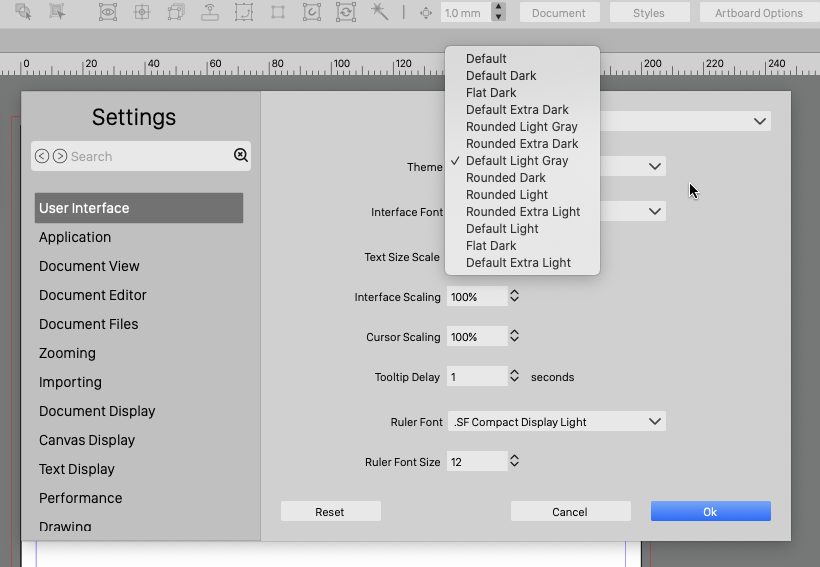
      @861475_VctSt I will review "Flat Dark".
    • B

      Gradient panel: not visible

      Watching Ignoring Scheduled Pinned Locked Moved
      6
      0 Votes
      6 Posts
      7k Views
      B
      @VectorStyler It is fine now, I can display or hide the panel.
    • 861475_VctSt8

      Regression

      Watching Ignoring Scheduled Pinned Locked Moved
      3
      0 Votes
      3 Posts
      5k Views
      VectorStylerV
      @861475_VctSt I can replicate the issue. It is only in the beta, (1.1.110 does not have this regression). The earlier fix was done in the resources of the 1.1 fork only and forgot to check that in to 1.2 also. Fix will be in the next build
    • B

      Blend panel

      Watching Ignoring Scheduled Pinned Locked Moved
      2
      1
      0 Votes
      2 Posts
      3k Views
      VectorStylerV
      @Pat Will fix this ASAP.
    • 861475_VctSt8

      JIS paper size

      Watching Ignoring Scheduled Pinned Locked Moved
      1
      0 Votes
      1 Posts
      3k Views
      No one has replied
    • B

      Paragraph styles

      Watching Ignoring Scheduled Pinned Locked Moved
      3
      1
      0 Votes
      3 Posts
      5k Views
      B
      @VectorStyler file sent. Thanks
    • B

      Artboard layout - issue with snapping to guides

      Watching Ignoring Scheduled Pinned Locked Moved
      3
      4
      0 Votes
      3 Posts
      4k Views
      VectorStylerV
      @Pat Got the file, and opened a bug on this one.
    • BoldlineB

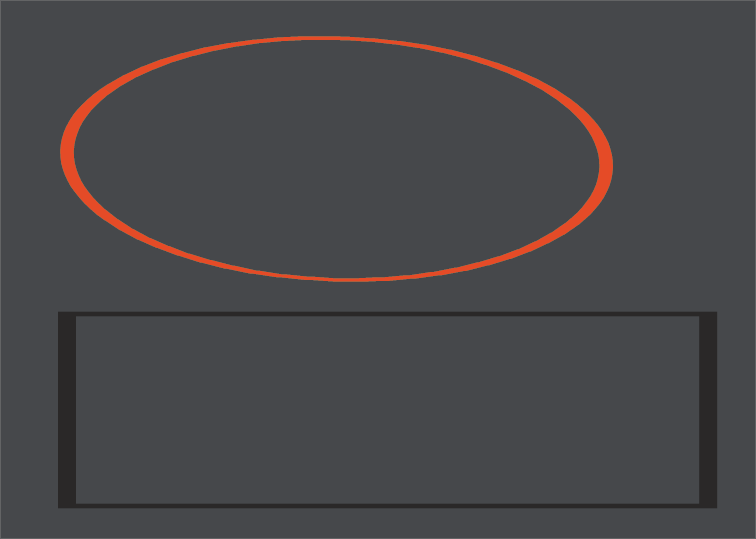
      Horizontal orange temporary guide line when moving objects, the horizontal line seems thinner than the others

      Watching Ignoring Scheduled Pinned Locked Moved
      5
      0 Votes
      5 Posts
      6k Views
      VectorStylerV
      @Boldline I cannot replicate this here on retina.
    • BoldlineB

      Is resetting the workspace to default supposed to also set the settings to default?

      Watching Ignoring Scheduled Pinned Locked Moved
      3
      0 Votes
      3 Posts
      5k Views
      VectorStylerV
      @Boldline I will test this, normally it should not reset the settings.