VectorStyler
    • Categories
    • Unread
    • Recent
    • Tags
    • Popular
    • Register
    • Login
    1. Home
    2. Bugs in VectorStyler
    3. VectorStyler 1.2 beta
    Log in to post
    Load new posts
    • Recently Replied
    • Recently Created
    • Most Posts
    • Most Votes
    • Most Views
    • L

      There is a bug in the Blended Shape Style feature

      Watching Ignoring Scheduled Pinned Locked Moved
      3
      0 Votes
      3 Posts
      4k Views
      L
      @VectorStyler Understood, it's good as long as the program doesn't crash.
    • BoldlineB

      Alternative Option to Knife Tool Break Apart for objects with a negative space Needed

      Watching Ignoring Scheduled Pinned Locked Moved
      7
      1
      1 Votes
      7 Posts
      8k Views
      VectorStylerV
      @Boldline Got the file, I will try to replicate this.
    • LoginErrorL

      Bug report: Recursion breaks layer display

      Watching Ignoring Scheduled Pinned Locked Moved
      4
      1
      1 Votes
      4 Posts
      5k Views
      LoginErrorL
      Noted, thank you.
    • LoginErrorL

      Bug report: Dragging a group of panels on top of their original location causes them to vanish

      Watching Ignoring Scheduled Pinned Locked Moved
      2
      4
      1 Votes
      2 Posts
      4k Views
      VectorStylerV
      @LoginError I opened a bug on this one and will try to replicate it.
    • encartE

      VS highlights current selected font only for installed font

      Watching Ignoring Scheduled Pinned Locked Moved
      2
      1 Votes
      2 Posts
      4k Views
      VectorStylerV
      @encart This issue can be replicated here, and the fix will be in the next build.
    • H

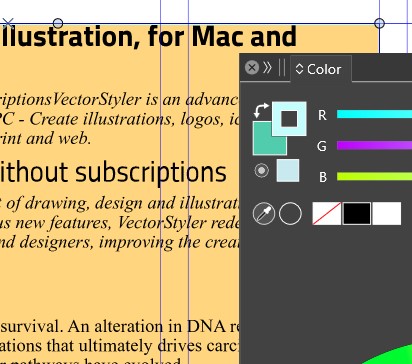
      VS doesn't save color setting after restart

      Watching Ignoring Scheduled Pinned Locked Moved
      2
      0 Votes
      2 Posts
      3k Views
      VectorStylerV
      @Harry This is a bug, and can be replicated here also. I will try to fix this ASAP.
    • BoldlineB

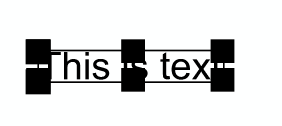
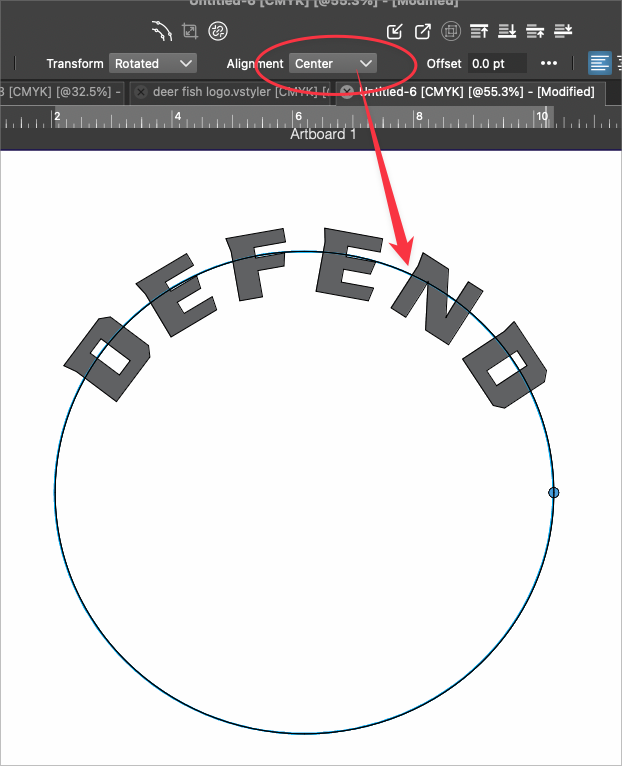
      The text on a path alignment is set to "center", but is not showing true center of font

      Watching Ignoring Scheduled Pinned Locked Moved
      3
      1
      1 Votes
      3 Posts
      5k Views
      VectorStylerV
      @Boldline What font is used here? The centered alignment should be about half between the ascent and descent, but it might vary based on the font.
    • B

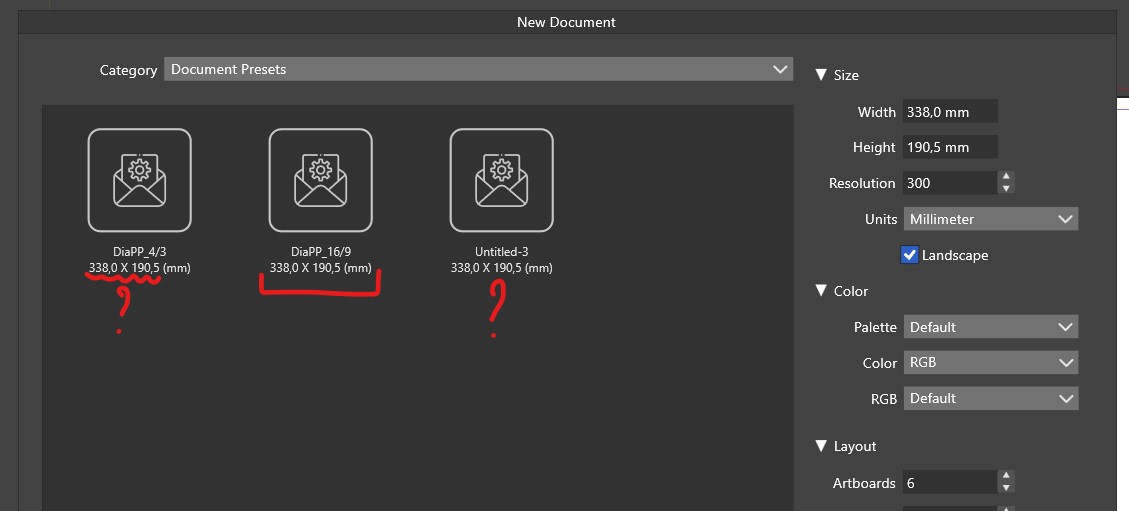
      New document - Doc preset

      Watching Ignoring Scheduled Pinned Locked Moved
      3
      1
      1 Votes
      3 Posts
      4k Views
      B
      @VectorStyler The issue is quickly solved, I simply reintroduced the correct parameters.
    • VectorStylerV

      beta 1.2.014

      Watching Ignoring Scheduled Pinned Locked Moved
      20
      8 Votes
      20 Posts
      18k Views
      VectorStylerV
      @Pat said in beta 1.2.014: @VectorStyler Once I've selected an object with the Shape tool, I can no longer modify it with the Node tool. A "Convert to Curves" will make the shape editable again.
    • H

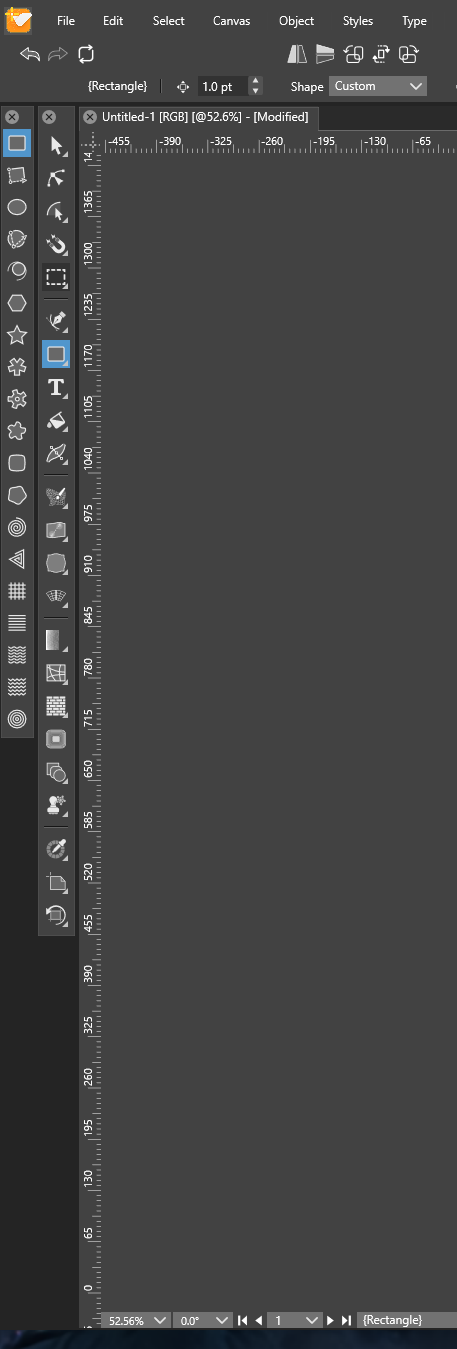
      New document's artboard not visible/centered

      Watching Ignoring Scheduled Pinned Locked Moved
      8
      1 Votes
      8 Posts
      9k Views
      VectorStylerV
      @Harry No problem, it was still a bug, as it should have centered the view regardless of the resolution. The bug will be fixed in the next build.
    • H

      Path Dash, Stripe and Profile not highlighted in blue in Stroke panel

      Watching Ignoring Scheduled Pinned Locked Moved
      3
      1 Votes
      3 Posts
      4k Views
      H
      I personally prefer highlighted values
    • H

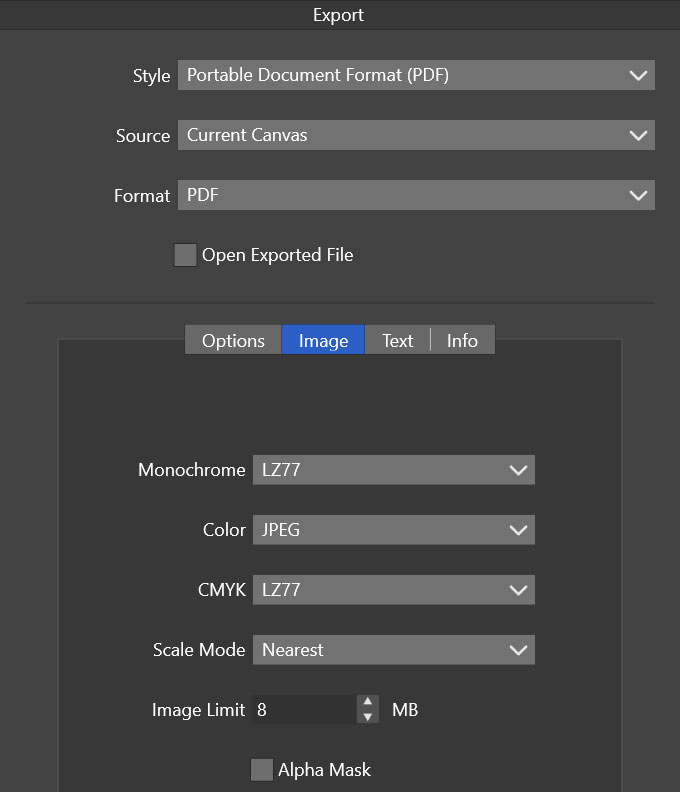
      How do I get rid of strokes on traced and exported images?

      Watching Ignoring Scheduled Pinned Locked Moved
      5
      2
      0 Votes
      5 Posts
      6k Views
      b77B
      @Harry I misunderstood, thinking the issue is strictly related to export (the settings I suggested are found in the Export window).
    • BoldlineB

      Create divide between "Drawing Place" Icon and "Snapping Tools" icons

      Watching Ignoring Scheduled Pinned Locked Moved
      2
      1
      1 Votes
      2 Posts
      4k Views
      VectorStylerV
      @Boldline I added this to the backlog.
    • BoldlineB

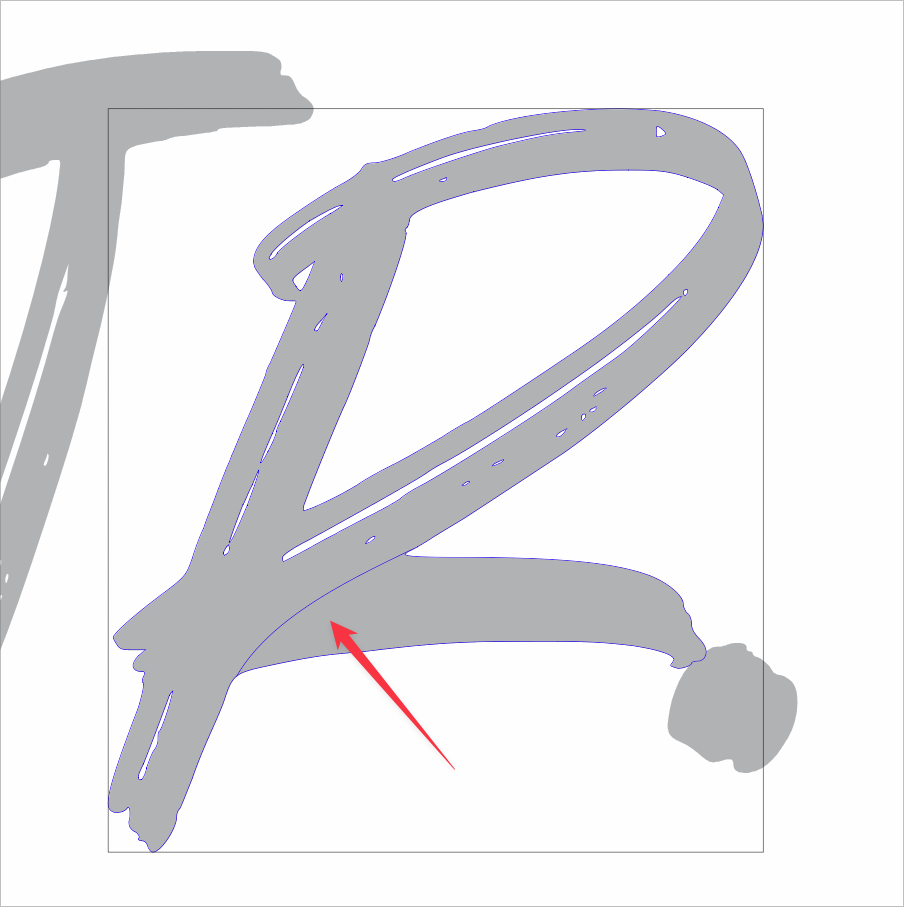
      How do I hade the outline around the clipped composite shape?

      Watching Ignoring Scheduled Pinned Locked Moved
      2
      1
      0 Votes
      2 Posts
      3k Views
      VectorStylerV
      @Boldline I don't get this outline in the example file emailed earlier. What is the active tool when this outline is shown?
    • BoldlineB

      Why does the background change color and give a flash effect each time a node is moved or edited inside a clipping group isolation?

      Watching Ignoring Scheduled Pinned Locked Moved
      1
      0 Votes
      1 Posts
      3k Views
      No one has replied
    • BoldlineB

      How do I edit an isolated shape inside clipping mask?

      Watching Ignoring Scheduled Pinned Locked Moved
      4
      1
      0 Votes
      4 Posts
      5k Views
      BoldlineB
      @VectorStyler said in How do I edit an isolated shape inside clipping mask?: Isolating and Node tool should work. ok I got it to happen again where it dialed down to a specific path. At that level, literally no tool will function.
    • VectorStylerV

      beta 1.2.013

      Watching Ignoring Scheduled Pinned Locked Moved
      16
      7 Votes
      16 Posts
      14k Views
      VectorStylerV
      @Pat You need to download and install manually, the version was not incremented for this fix.
    • B

      Customization, application menu

      Watching Ignoring Scheduled Pinned Locked Moved
      4
      1
      0 Votes
      4 Posts
      4k Views
      B
      @VectorStyler @b77 Thank you, my double click was too fast. Got it now
    • M

      Appearance panel "FX"

      Watching Ignoring Scheduled Pinned Locked Moved
      4
      2
      1 Votes
      4 Posts
      4k Views
      S
      is the third icon from the left [image: 1708155550557-shape-effect.png]
    • BoldlineB

      Double tapping the "L" key often switches to the Path Sketch tool

      Watching Ignoring Scheduled Pinned Locked Moved
      5
      1 Votes
      5 Posts
      6k Views
      BoldlineB
      @VectorStyler sent the files...but realized it may have just needed a reboot of VS (it had been open for a day) because now it's working fine with both the default and the custom settings installed. I'll let you know if it comes up again.