• Why did "Actions" disappear from the Preset Manager's Preset list?

    8
    1
    0 Votes
    8 Posts
    7k Views
    P
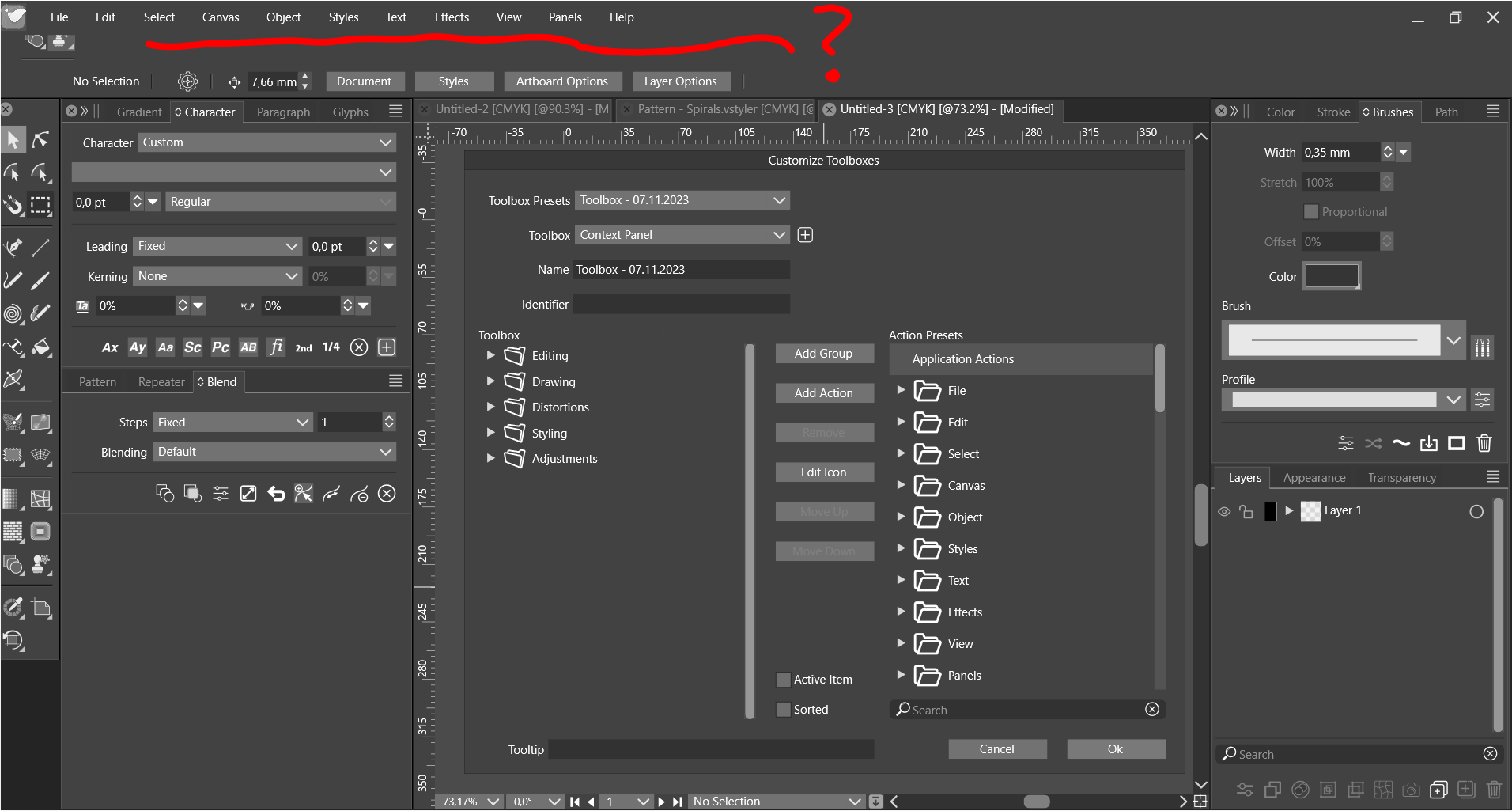
    @VectorStyler Ah, that's right! That's what it was! I knew I added the actions to the Preset Mgr somehow but I forgot how I did it. SELECTION! You have to select the group! Yes, that's what it was. It's not as obvious because the only indication that the group in the Action panel is selected is that more icons get enabled at the bottom of the panel. And it's easy to overlook. Maybe because I'm using a dark theme...? Will have to see how the light one looks.
  • Weird line on hover

    11
    0 Votes
    11 Posts
    9k Views
    VectorStylerV
    @pentool There is a bug with composite shapes containing transformed shapes. Can be replicated here also, will try to fix ASAP. As a workaround, convert all (including the lines) into curves before making a composite shape. That will "bake" the transform into the lines.
  • Weird preview line after editing a node with the pen tool

    5
    1 Votes
    5 Posts
    4k Views
    VectorStylerV
    @pentool said in Weird preview line after editing a node with the pen tool: Once you adjust/edit a node with the pen tool and then want to continue drawing the line, the preview segment will be heavily curved. It should be straight because the last point is a cusp node. Added this to the backlog.
  • Contour Tool > Smooth Steps - no changes

    2
    0 Votes
    2 Posts
    2k Views
    VectorStylerV
    @pentool Added this to the backlog, looks like a bug.
  • 0 Votes
    2 Posts
    3k Views
    VectorStylerV
    @pentool it is the Eraser checkbox, I will update the documentation.
  • UI Theme: "Size:"

    2
    1
    1 Votes
    2 Posts
    2k Views
    VectorStylerV
    @pentool Some resource name referencing issue (again), will be fixed ASAP.
  • Weird frame

    6
    1
    0 Votes
    6 Posts
    5k Views
    VectorStylerV
    @Ingolf I will try to replicate this.
  • How do I change the color of all text of a certain color?

    4
    1
    0 Votes
    4 Posts
    4k Views
    VectorStylerV
    @Boldline Select by shape (and other selection) commands cannot select parts of the text only. I tested this, and here I get all text shapes selected as objects. So only the use of color styles remain for this.
  • Snapping Gap vs Snapping Tolerance

    2
    1
    0 Votes
    2 Posts
    3k Views
    VectorStylerV
    @pentool There might be a bug here, will be fixed ASAP.
  • 0 Votes
    2 Posts
    3k Views
    P
    Try moving the shape - and the text will move with it. Select the shape first (not the text). https://www.youtube.com/watch?v=6KmANbdIt7w
  • Copy Option/drag object constraign angle 45 degrees.

    5
    0 Votes
    5 Posts
    5k Views
    AyoA
    @VectorStyler said in Copy Option/drag object constraign angle 45 degrees.: @Ayo I will add the diagonal case. 1.1.095 Simple but feels much better now. Thanks
  • Why does Shape Builder has a very tough time recognizing shapes?

    7
    2
    0 Votes
    7 Posts
    7k Views
    b77B
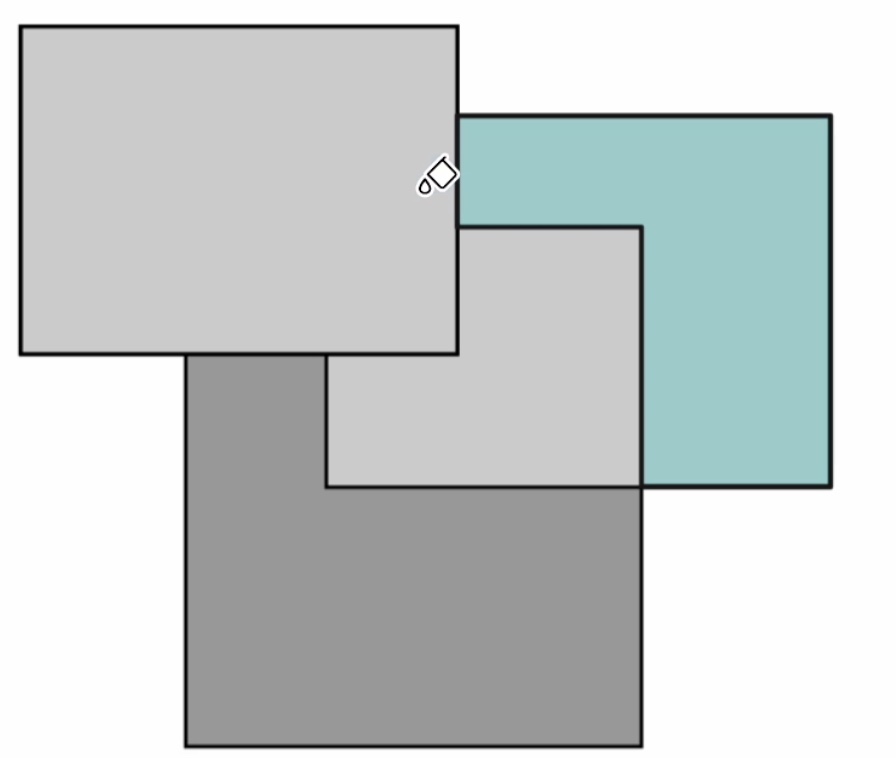
    @VectorStyler Should the default value for 'Overlapping Gap' be kept at 0.1 px?
  • Why I'm getting double grid snapping guide lines?

    7
    0 Votes
    7 Posts
    9k Views
    P
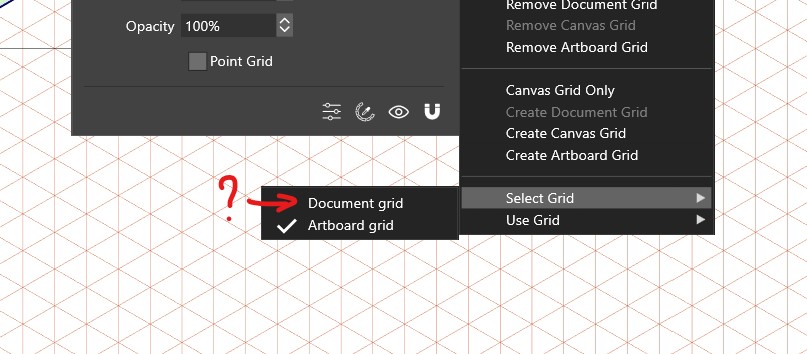
    Well, there are a LOT of grids. There are reference, parent and artboard canvases. They all can have grids (they have a little grid icon next to them in the Canvas & Artboard panel). Furthermore, all these canvases can have any number of artboards and they all can have grids. Phew... So even if you delete all the grids (in the Grid Editor) for all canvases and artboards except the artboard you are working on, you'll still have this issue. So not sure where the extra set of grids are hiding, if there are any.
  • Xform rotation angle precision

    2
    0 Votes
    2 Posts
    3k Views
    VectorStylerV
    @pentool No option for this for now.
  • Documentation: No "Limit" options for Grid Panel

    4
    0 Votes
    4 Posts
    4k Views
    VectorStylerV
    @pentool Yes, it was removed from the panel and only available in the modal view. I will update the documentation.
  • 0 Votes
    3 Posts
    3k Views
    VectorStylerV
    @pentool After a bit more inspection, the bug was only half fixed. Additional fix will be in the next build.
  • Cannot delete actions. Cannot create new action folder.

    13
    0 Votes
    13 Posts
    13k Views
    VectorStylerV
    @pentool I will try to replicate this. It might be a bug in how custom actions files are handled.
  • presetname.adjustmentfilter

    2
    1
    0 Votes
    2 Posts
    2k Views
    VectorStylerV
    @pentool It is a missing text resource name, will be fixed in the next build.
  • Why am I getting these weird line working with the Anchor Point Tool?

    3
    0 Votes
    3 Posts
    4k Views
    VectorStylerV
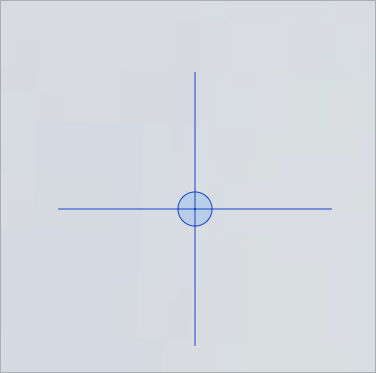
    @pentool THat last line is the control point and handle of the curve to be continued by the pen tool. It should not be visible in the anchor point tool, I will fix this ASAP.
  • 0 Votes
    3 Posts
    4k Views
    VectorStylerV
    @Boldline Yes, this could happen with certain curves (control points aligned on the curve, or retracted to the ending). Send me that shape, and I will try to improve this.