• Document Scrolls while Toolbox Flyout is Opened

    Moved
    2
    0 Votes
    2 Posts
    4k Views
    VectorStylerV
    Yes, this can be replicated. Added to the list of bugs. Fix will be in the next build.
  • Image Trace Panel - Expand Content and Original Image features

    Moved
    2
    0 Votes
    2 Posts
    4k Views
    VectorStylerV
    This could be easily done, but it becomes a panel design/layout problem. Added to the bug list but might skip it. But it can be added to the panel menu. The image is not fully removed from the document. It can be restored with undo. The image can be accessed in the Content Links panel, even after expansion, and can be placed into other rectangles (or any shape for clipping).
  • suggestion of the now: Smart fill tool

    Moved
    2
    0 Votes
    2 Posts
    5k Views
    VectorStylerV
    This is very interesting, I think some similar features are also in VS: [image: 1599107520260-tools.png] The first is Shape Maker, and can freely color (and cut out) parts of shapes or overlapping shapes. The second is Shape Painter, and it does the same in a dynamic way, on a Shape Paint Group (see Style menu), where the shapes can be modified after coloring the various regions, creating new cutout parts (and then can be expanded into separate shapes). May be not as direct or quick, but I think they are similar to the above feature.
  • A review of the 8 shape tools under the node tool

    Moved
    4
    0 Votes
    4 Posts
    7k Views
    JoycoJ
    Fantastic! I had fun playing with the knife tool the most! I felt like I was cutting a roll of sushi. Yum! All that aside, I will keep a lookout in case I come across anything that seems off enough to mention. Nonetheless, I couldn't put it any better myself!
  • A pixel is a pixel is not a pixel

    Moved
    5
    1
    0 Votes
    5 Posts
    9k Views
    VectorStylerV
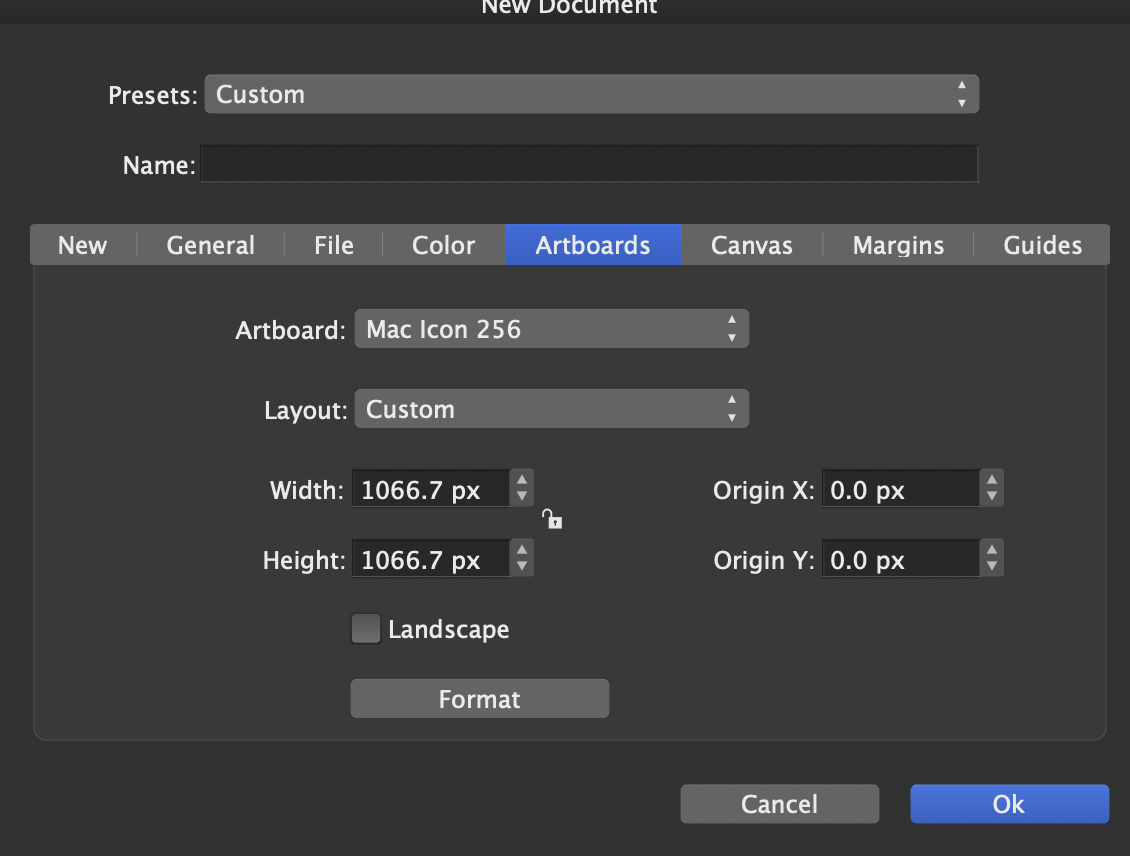
    Removed the alphabetical ordering of the artboard size presets.
  • Field tab entry in Transform

    Moved
    3
    1
    0 Votes
    3 Posts
    6k Views
    VectorStylerV
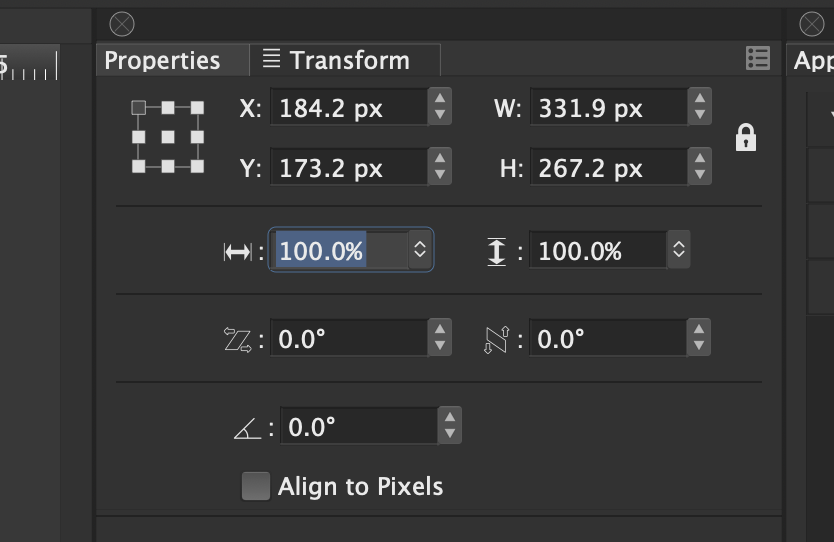
    Transform panel tab order has been changed in build 159
  • Right Click / Control Click to get contextual menu

    Moved
    3
    0 Votes
    3 Posts
    6k Views
    VectorStylerV
    right-click should work in the new build
  • Stuck in the document tree? Stuck too far inside an object.

    Moved
    3
    0 Votes
    3 Posts
    6k Views
    VectorStylerV
    The Go Back button of isolated mode is fixed in build 157.
  • UI Elements - Increase / Decrease Arrows and Sliders

    Moved
    2
    3
    0 Votes
    2 Posts
    8k Views
    VectorStylerV
    Will think of better icons. Case 1 and 2 are different (scroll vs popup slider). Case 3 has a scroll and a popup slider and a drop down list.
  • Crops / Printer's Marks not showing in Print to File

    Moved
    2
    0 Votes
    2 Posts
    5k Views
    VectorStylerV
    The printing mark (and selection) bugs should be fixed in build 156
  • New Document Default File Name

    Moved
    9
    0 Votes
    9 Posts
    14k Views
    VectorStylerV
    The document name issue has been fixed in build 155
  • Hairline Stroke and Outline removal

    Moved
    12
    2
    0 Votes
    12 Posts
    18k Views
    VectorStylerV
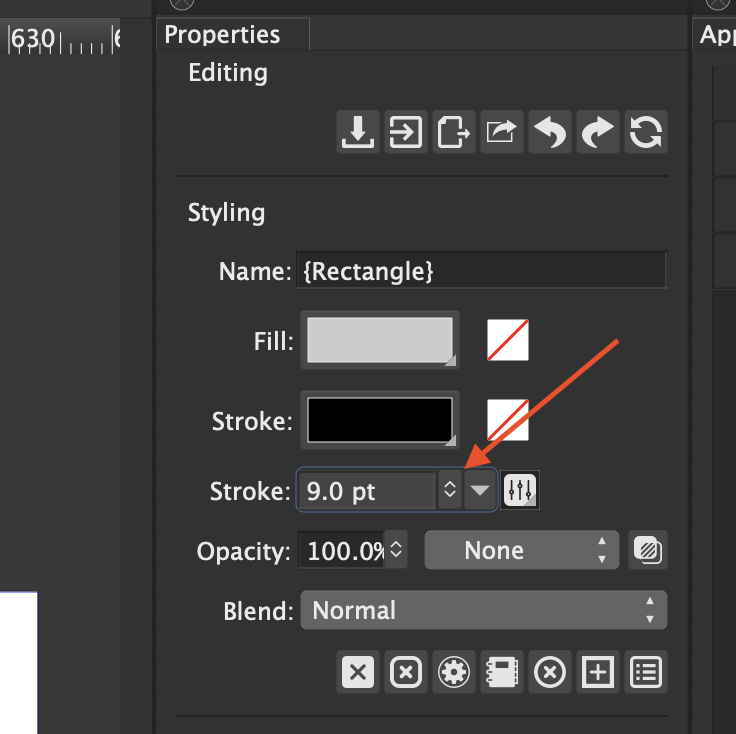
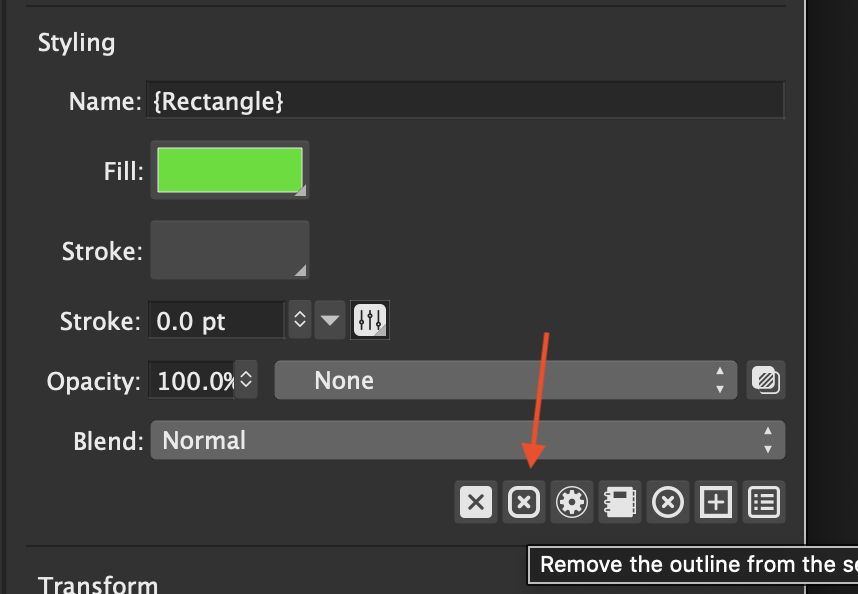
    @badcat The transparency thing is by design. The bottom one (visible before opening the Fill) is the object level transparency (for everything in the object). And each individual style on the object (multiple fill or stroke, object content, etc) can have its own separate transparency setting, applied only to that style.
  • LCH Document Color Defaults

    Moved
    7
    0 Votes
    7 Posts
    10k Views
    VectorStylerV
    Thanks for the video. Will look into this more. There might be a some issue on the setup view.
  • LCH Gradients appear broken

    Moved
    5
    1
    0 Votes
    5 Posts
    8k Views
    VectorStylerV
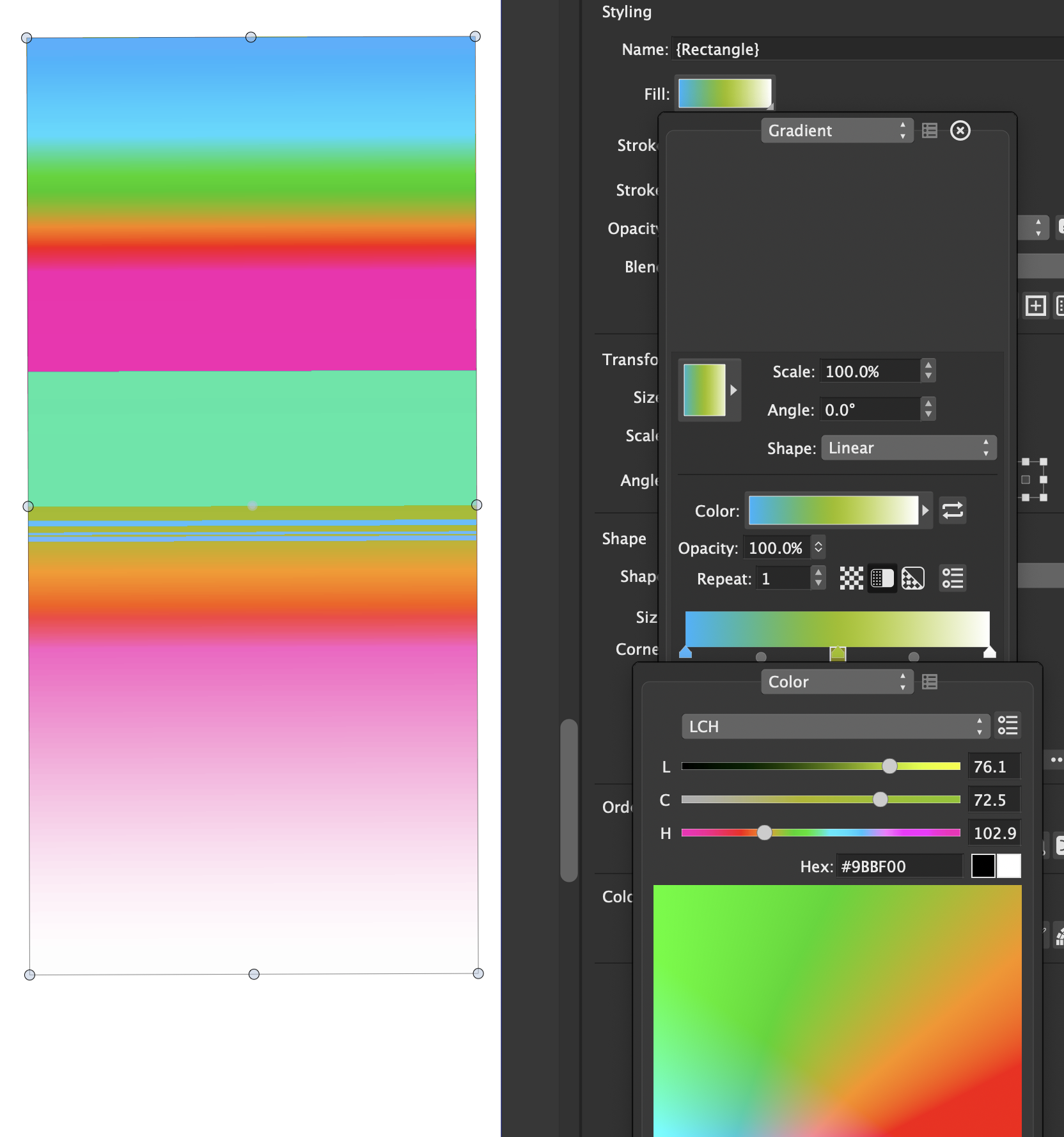
    About the LCH space: LCH is a device independent space (similar to Lab, but better controls) components are Luminosity, Chroma, Hue. the Hue component is circular (like in HSB, or other Hue based spaces). the benefit of LCH is to define colors independently of specific calibration. RGB and CMYK are device dependent (screen and ink), while LAB and LCH are device independent. When transitioning colors in LCH, the H component rotates around the Hue circle. this rotation is either clockwise or counter-clockwise (gradient color editor view). as it rotates around the Hue circle (for example from a larger to a smaller value), it may result in a rainbow, depending on the Hue selection. It is possible to get the same gradient transitions in an LCH document as in an RGB one, by selecting the color mode of the gradient. Click on the right arrow next to the Color: preview. This opens the gradient color view. There in the Color Mode: field you can select the color mode used for the gradient (Default is the document color mode). Hope this helps

  • Measurement Inputs

    Moved
    5
    0 Votes
    5 Posts
    8k Views
    VectorStylerV
    Can replicate this. will think of a solution
  • Flickering cursor using Pointer/Selector tools

    Moved
    4
    0 Votes
    4 Posts
    8k Views
    VectorStylerV
    Cursor issues in Catalina should be fixed in build 150, available for download.
  • Stroke Panel UI/UX Bug

    Moved
    8
    0 Votes
    8 Posts
    12k Views
    VectorStylerV
    fixed in build 147
  • Node changes to smooth after merged and move

    Moved
    3
    0 Votes
    3 Posts
    6k Views
    VectorStylerV
    fixed in build 147
  • bug in align stroke

    Moved
    5
    0 Votes
    5 Posts
    8k Views
    VectorStylerV
    fixed in build 147
  • Shape Corner Effect Bug

    Moved
    3
    0 Votes
    3 Posts
    6k Views
    VectorStylerV
    This is fixed in build 146