• Can not create symbols

    Moved
    5
    0 Votes
    5 Posts
    8k Views
    P
    I will check this out, thanks for your hard work!
  • MacBook 12 inch: Toolbar cropped

    Moved
    7
    0 Votes
    7 Posts
    9k Views
    michaelokrajM
    great! thank you
  • Typographic details in panels

    Moved
    5
    1 Votes
    5 Posts
    7k Views
    michaelokrajM
    updateing … will check it out over the weekend
  • Collaboraboration with Affinity

    Moved
    14
    1 Votes
    14 Posts
    21k Views
    VectorStylerV
    @lenogre it could be that your mac does not support Metal. Are you running on Sierra? If so, select OpenCL for compute engine in the Preferences -> Performance section.
  • Window manager & VS

    Moved
    4
    0 Votes
    4 Posts
    6k Views
    michaelokrajM
    @vectoradmin I confirm: works perfect with mirror and the zoom bug is not more Thank you.
  • 0 Votes
    13 Posts
    16k Views
    VectorStylerV
    Additional fixes to the zoom tool are available with build 190. This should fix the broken zoom animation.
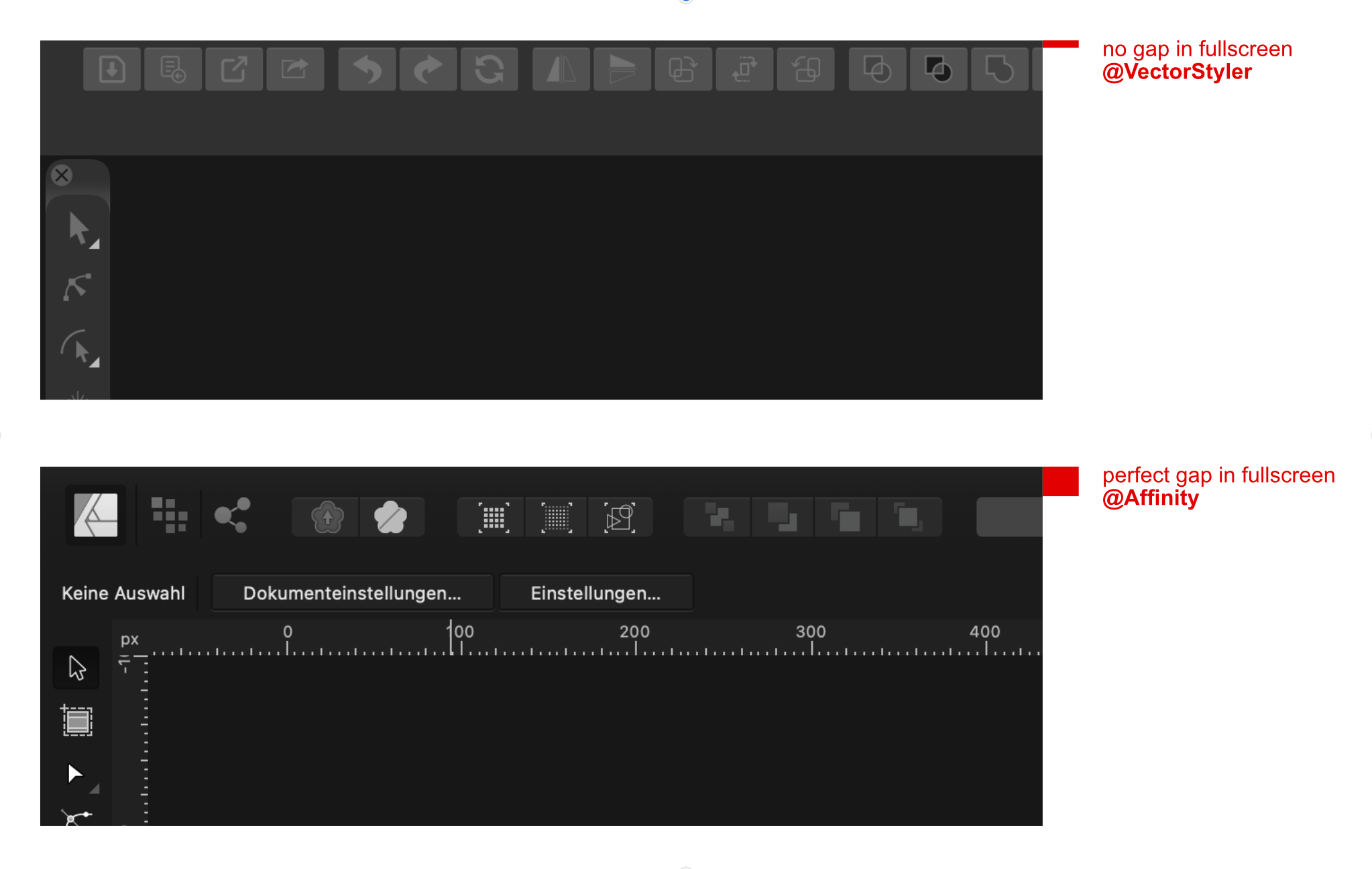
  • Gap optimization in FullScreen

    Moved
    4
    1
    0 Votes
    4 Posts
    6k Views
    michaelokrajM
    That is the BEST customer service there is Thank you. Now it not only looks great but also you don't get the finder menu bar coming at you everytime you get to the top edge of the screen.
  • Tear-Off Tool Groups crash app when combining

    Moved
    5
    2
    0 Votes
    5 Posts
    8k Views
    VectorStylerV
    This crash should be fixed in build 187. Let me know if it works for you also, or if it still crashes.
  • Warped Distortion Effects

    Moved
    4
    0 Votes
    4 Posts
    7k Views
    F
    Yes, this is now working as I would expect it to.
  • 4-Point Text Distortion

    Moved
    7
    0 Votes
    7 Posts
    10k Views
    F
    Thanks, finally got back to this and verified this is no longer happening in the current version.
  • Specific Tear-Off Tool groups close upon interaction

    Moved
    3
    0 Votes
    3 Posts
    5k Views
    badcatB
    @vectoradmin how strange. Today I could not replicate this either, yet v184 was doing this yesterday. Will look at this more closely. ¯_(ツ)_/¯ UPDATE: This is working correctly. I did download 184, but did not click the update (Ugh). So the issue was with v181, not 184. Sorry.
  • Eyedropper color selection from anywhere

    Moved
    5
    0 Votes
    5 Posts
    8k Views
    VectorStylerV
    The color should be updated in the panel. This is a bug.
  • File Open/Import of .jpg or .png saved with a CMYK color profile.

    Moved
    8
    0 Votes
    8 Posts
    15k Views
    VectorStylerV
    Hi, The new build should fix this problem.
  • Cursor offset when in node tool editing

    Moved
    6
    0 Votes
    6 Posts
    11k Views
    A
    @vectoradmin Nice! Thank you!
  • Build 166166

    Moved
    5
    1
    0 Votes
    5 Posts
    7k Views
    badcatB
    @vectoradmin Yes! you fixed it
  • Gradient tool

    Moved
    10
    0 Votes
    10 Posts
    13k Views
    VectorStylerV
    Hi, Just wanted to give an update on this one. Support for Intel HD 4000 had to be disabled, as it has problematic Metal compute driver implementation (other developers observed also). In the new build, the Metal option is not available for IntelHD 4000. It is recommended to use the OpenCL (Open Compute Language) option for the compute engine selection in the VectorStyler preferences.
  • Inset Stroke Fun

    Moved
    3
    1
    0 Votes
    3 Posts
    6k Views
    VectorStylerV
    The stroke handling has been improved in the new build, but not completely out of the woods yet. Some extreme offsets may still create strange shapes.
  • Image Trace Panel - inactive slider becomes draggable area

    Moved
    3
    0 Votes
    3 Posts
    6k Views
    VectorStylerV
    This problem should be fixed in the latest build. Panels can be dragged only from their title or a new knob next to the close icon. Horizontal panels (a new thing) can still be dragged from inside, including over inactive fields, to facilitate easier docking.
  • Pan view jumps while using pen tool

    Moved
    4
    0 Votes
    4 Posts
    7k Views
    VectorStylerV
    Hi, build 165 fixes the mouse issues.
  • Shape Distortion Brushes vs. Wacom Tablets

    Moved
    6
    0 Votes
    6 Posts
    9k Views
    VectorStylerV
    This might be a different bug: the first touch should be over a location covered by the modified object. This might be difficult with a three finger gesture. It helps if the object (or group) is selected first, by taping on it. Will keep the bug open and find a better solution.