Subcategories

  • These issues have been resolved and closed

    863 Topics
    5k Posts
    VectorStylerV
    @Raaskot said in Transform: Up-dwn-keys act strange on stepping values i value fields: Is it supposed to act in that way? No, this looks like a bug, but I cannot replicate it here. Could be caused by some changes in the workspace or settings.
  • Everyone makes mistakes. Help us correct ours. Let us know how to improve VectorStyler.

    10 Topics
    41 Posts
    VectorStylerV
    @jpsimmons Yes, this can be replicated and it is a bug. I will try to fix it for the next build.
  • Everyone makes mistakes. Help us correct ours. Let us know how to improve VectorStyler.

    579 Topics
    3k Posts
    G
    @VectorStyler said in Slow Typing Performance: @gotanidea I'm testing these issues with slow typing performance. The new document has no issue with speed (the old is till slow). What configuration you use for these tests? and which text is edited in the new document. I'm trying to replicate as close as possible. Can you please click the first text box ("Before rigging any character geometry ....") at the top-left region of the new document using the Text Tool, then hold the "a" key? I use: VectorStyler v1.3.001 Windows 11 Home 64-bit AMD Ryzen 7 5800H with Radeon Graphics (16 CPUs) ~3.2GHz 16384MB RAM NVIDIA GeForce RTX 3060 Laptop GPU
  • Bug reports on the 1.2 beta of VectorStyler

    282 Topics
    2k Posts
    W
    This issue has been resolved in the latest update. Thank you!
  • These bugs were posted for 1.2 and should be resolved

    228 Topics
    1k Posts
    XRAYX
    @VectorStyler Hi, this is on Windows 11 24H2 and the settings are "checked" inside of performance settings such as !"Direct Preview of Changes" or "GPU for Mesh" and "GPUfor Distortion" but don't seem to actually be working. Selecting ok seems to fix "Direct Preview of Changes" but no way to be sure about the GPU settings.
  • rounded corner damage

    2
    1 Votes
    2 Posts
    2k Views
    VectorStylerV
    @monsterfox I opened a bug on this.
  • “SAME FILE NAME”

    5
    0 Votes
    5 Posts
    3k Views
    M
    @VectorStyler Yes.
  • Inverted gradient when importing an '.ai' file

    2
    1 Votes
    2 Posts
    2k Views
    VectorStylerV
    @adrian Salut! Replicated and fixed! New build will be available in a day.
  • Copy and paste does not work after Windows 11 wake-up

    3
    1 Votes
    3 Posts
    3k Views
    encartE
    @VectorStyler After doing this the problem does not occur.
  • 'Bug

    5
    1 Votes
    5 Posts
    3k Views
    VectorStylerV
    @monsterfox Yes, it can be replicated easily, and it is a bug. The fix will be in the next build.
  • Snapping forces orthogonal

    11
    0 Votes
    11 Posts
    7k Views
    F
    @VectorStyler said in Snapping forces orthogonal: if the "Allow Snapping" (in Snapping panel) is disabled, then is there an issue? no issues when "Allow snapping" is disabled. I'm not having any problems at the moment with the snapping. I'll let you know. Thanks
  • stroke sizing popup remains permanently on the screen

    3
    1
    1 Votes
    3 Posts
    2k Views
    M
    @Boldline I often encounter this problem too, but I just had a flash of inspiration. Maybe refreshing can solve it. You can try it next time.
  • 1 Votes
    3 Posts
    4k Views
    encartE
    @VectorStyler Thank you for fixing that in latest build. Until now, I have had to use the import window. That was real pain in the neck.
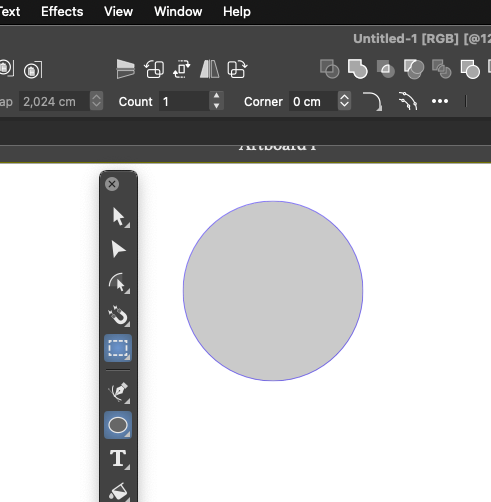
  • Circles with corners?

    2
    1
    1 Votes
    2 Posts
    2k Views
    VectorStylerV
    @Ingolf The corner option is shown for the case where the ellipse is a pie (starting and ending angle can be set in the Shape panel).
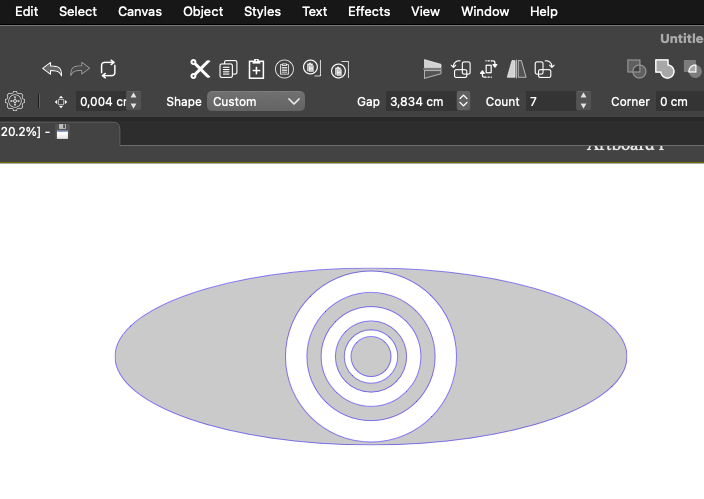
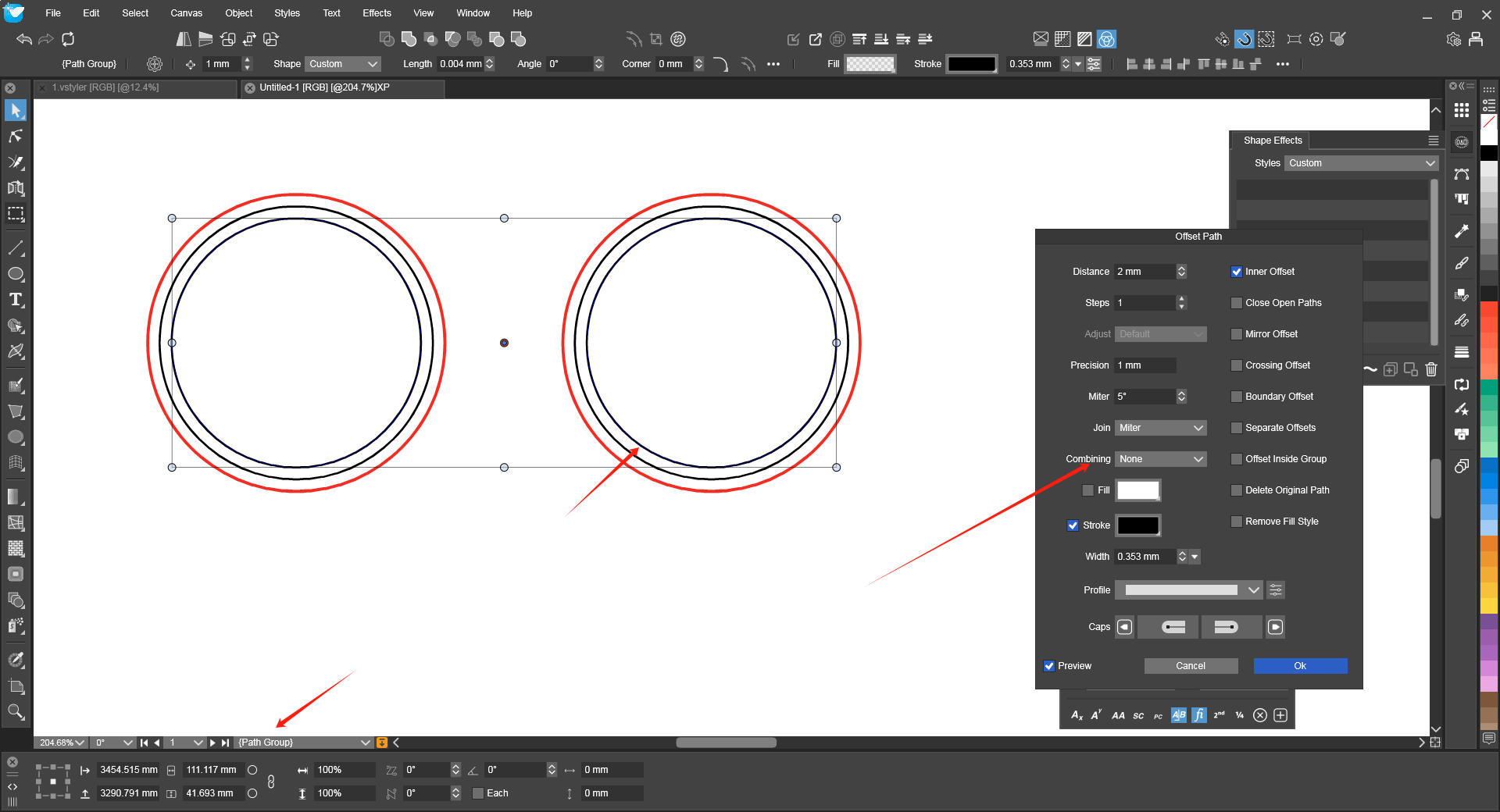
  • Strange behavior observed when drawing concentric ellipses

    2
    2
    1 Votes
    2 Posts
    2k Views
    VectorStylerV
    @Ingolf Yes, this is a bug.
  • Noise fill doesn't apply

    4
    1 Votes
    4 Posts
    3k Views
    E
    I've just downloaded 1.2.072 and I see that the bug is fixed. Thank you !
  • Repeater Transform Issue

    4
    1 Votes
    4 Posts
    3k Views
    L
    @VectorStyler Thanks. It's a minor issue. this can be skipped.
  • 0 Votes
    2 Posts
    2k Views
    VectorStylerV
    @Boldline said in Changing stroke color with the option modifier enabled does not let me do so from objects on the artboard: Am I missing something to allow that? No, this is not supported. If not, could that be added? I will try to add this, have to check if there is an available modifier for this while picking color.
  • Issues with the default printer, and Adobe PDF

    2
    1
    1 Votes
    2 Posts
    3k Views
    VectorStylerV
    @Arde This could be caused by loading the last used printer options at startup. Try printing with an other printer and change the last used printer.
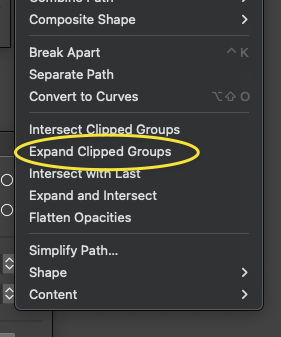
  • Could active blends be expanded with the expand clip groups?

    3
    2
    1 Votes
    3 Posts
    2k Views
    BoldlineB
    @VectorStyler Just to clarify, my issue was that I could not figure out what step I had forgotten to do at the end of the project. I had left the blend active in case I needed to make a change later. When I got the error while expanding the clipped live blend, it took me a while to realize my issue. So whether there is a warning that pops up that reminds the user they have live blends to attend to before it can act or it just expands it automatically for them - whatever is best for VS is what I prefer.
  • Trim and join tool bug

    3
    1
    1 Votes
    3 Posts
    2k Views
    F
    @VectorStyler Ok, thanks
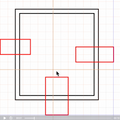
  • Not a group.

    2
    1
    1 Votes
    2 Posts
    2k Views
    VectorStylerV
    @monsterfox It is not a bug, more like a naming issue. In VS there is a shape type that contains multiple paths. This is called the "Path Group" shape.
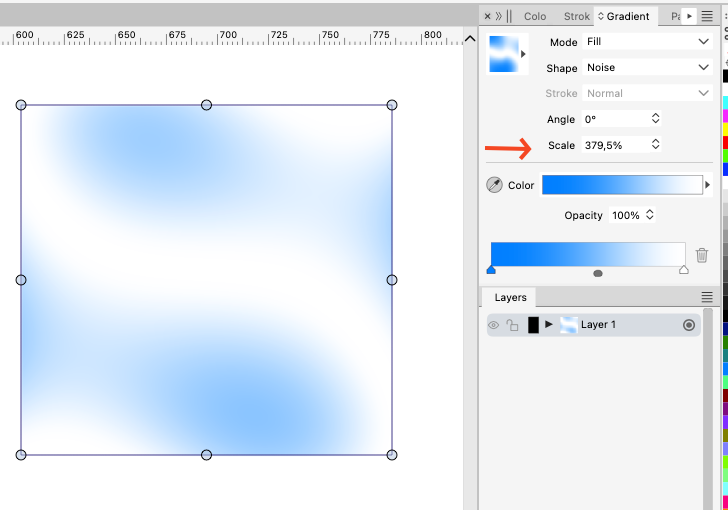
  • noise gradient doesn't rescale

    2
    1
    1 Votes
    2 Posts
    2k Views
    VectorStylerV
    @EricP Yes, it can be replicated here. The Scale (maybe should be named Stretch) value is not supported by the Noise mode. I opened a bug on this to find a solution.
  • 1 Votes
    3 Posts
    2k Views
    BoldlineB
    @VectorStyler let me know if you need me to send over anything or make another video to help narrow it down
  • curve

    2
    1 Votes
    2 Posts
    2k Views
    VectorStylerV
    @monsterfox I opened a bug on this.