• Font dropdown list continued (Windows)

    Moved
    4
    0 Votes
    4 Posts
    6k Views
    VectorStylerV
    @Gremriel This problem was replicated (finally), and the fix should be in build 1.1.048
  • Base color is visible when stroke Align is set to 100% inside.

    Moved
    13
    1
    1 Votes
    13 Posts
    12k Views
    S
    @encart that's what I like about experimenting and associating you try out a diffuse idea it evolves and you find something spectacular
  • Separator Line Bug

    Moved
    2
    0 Votes
    2 Posts
    3k Views
    VectorStylerV
    @Igull This sounds like a bug. I added it to the backlog.
  • Navigator panel - background color not updating

    Moved
    4
    0 Votes
    4 Posts
    5k Views
    b77B
    @plrang Maybe it happens only with complex drawings?
  • Merge deletes certain fills not others

    Moved
    3
    1
    0 Votes
    3 Posts
    4k Views
    BoldlineB
    @VectorStyler Thanks for explaining - makes sense now. A solution has been elusive so far but I have total faith you'll eventually find a great solution. Until then we'll make do!
  • unexpected blend results

    Moved
    4
    1
    0 Votes
    4 Posts
    4k Views
    b77B
    @Boldline For more complex shapes where the blending is not exactly right due to node count differences sometimes adding a node or two is needed.
  • 0 Votes
    6 Posts
    6k Views
    BoldlineB
    @VectorStyler said in Taking a preferences file used on an intel mac and installing it on an M1 makes the artboard all gray: @Boldline Check the display mode in Preferences -> Performance. OpenGL is not working on M1. Yes that was the issue. When i switched the display mode to metal, it worked just fine in the M1 - thanks! (this preferences file did not fix the issue with making cusp nodes with the pen tool - so that must be something else)
  • Some pattern brush options cause VS to freeze up and hang

    Moved
    4
    3
    1 Votes
    4 Posts
    4k Views
    BoldlineB
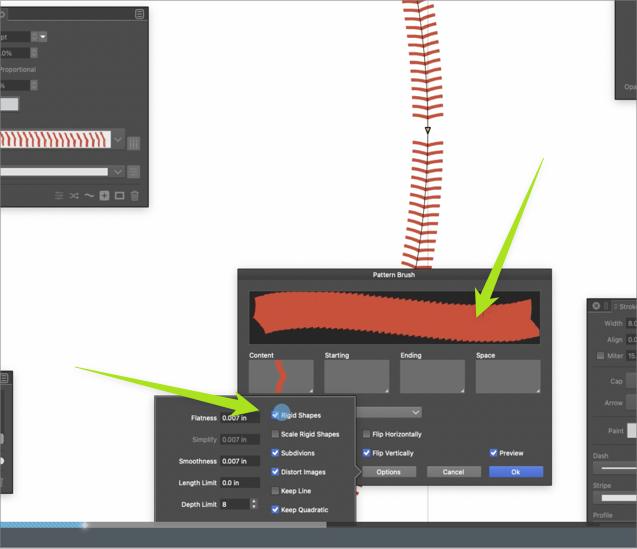
    @VectorStyler some interesting observations when I tried out settings on the pattern brush. I had forgotten to use "convert to curves" in order set the shape to a path. So it appears, when the shape is used instead of a path, it creates that unwanted gap. However, I can use the shape, set it to "rigid shapes" and then if I hit the "scale rigid shapes" it will give me the perfect gap-free pattern in an oval. [image: 1657642958079-e2625a6d-1233-4a61-b302-feab0a181048-bld-2022-07-12-at-12.22.22.png] 0_1657643122202_pattern brush gap.vstyler
  • Imported images flip when rotated by a 90 angle.

    Moved
    2
    0 Votes
    2 Posts
    3k Views
    VectorStylerV
    @encart This is a bug, will be fixed ASAP.
  • Too big preview while moving objects in Layers

    Moved
    5
    0 Votes
    5 Posts
    5k Views
    ?
    @VectorStyler Here it is after a factory reset so that my preferences do not affect behavior.
  • 0 Votes
    4 Posts
    5k Views
    VectorStylerV
    @Boldline I will try to replicate this issue. Added it to the backlog, let me know if you have more info.
  • Divide boolean not getting clean results

    Moved
    8
    2
    0 Votes
    8 Posts
    8k Views
    VectorStylerV
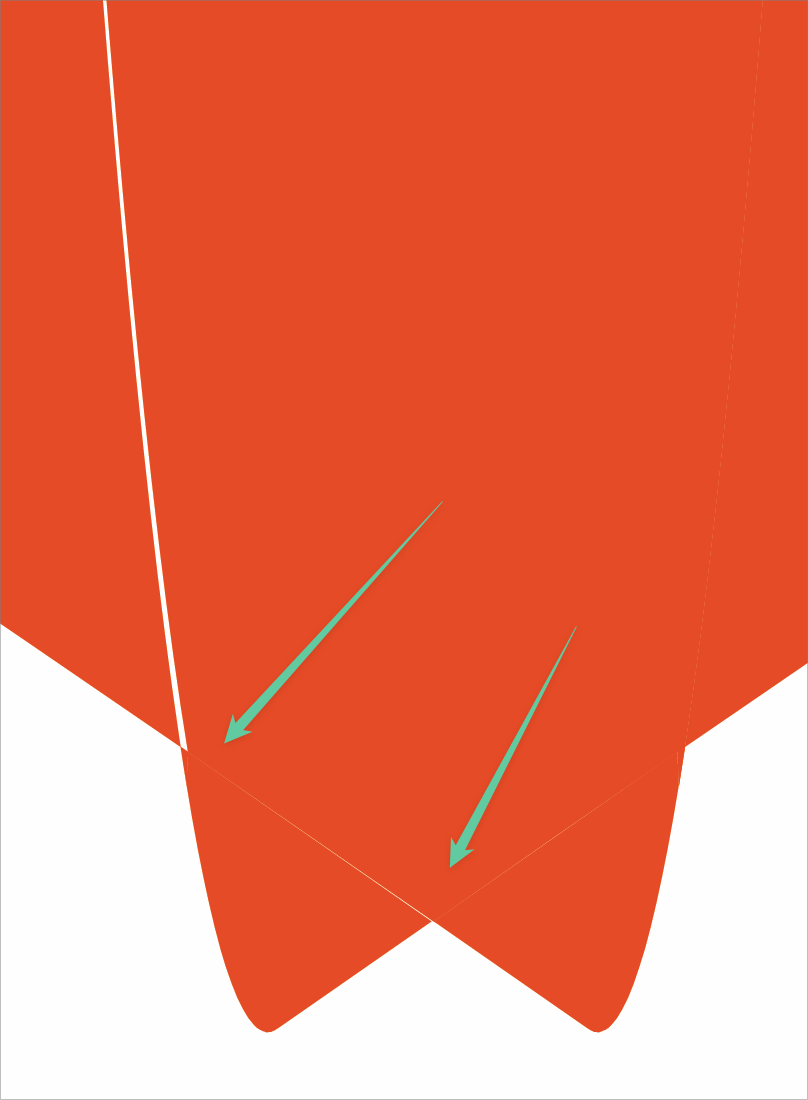
    @Boldline @b77 This can be replicated, and it seems to be a precision bug in the divide operation. It can be worked around by adjusting the handles.
  • 0 Votes
    3 Posts
    4k Views
    VectorStylerV
    @Boldline This seems to be a regression, as hairline width strokes should not be expanded. As a workaround turn off stroke expansion for Divide: in the Path panel menu -> Shape Combine Options, select Divide for the Operation and uncheck Expand All. I added this to the backlog as a bug.
  • Cursor Icon Changes

    Moved
    10
    0 Votes
    10 Posts
    9k Views
    IgullI
    @Boldline said in Cursor Icon Changes: @Igull Interesting - how would you know it was selected? How would you go about selecting something behind it? Normally, to select an object that's below another object, you just click some visible part of the other object or you can command click to drill down to it. As soon as you mouseover an object in any other app, the object highlights - either by changing the outline colour or (as in VS) it will highlight it's nodes and outlines some way. That shouldn't change when you mousedown over the object, the nodes etc are still highlighted, you are just not transforming them - only offering the ability to move the object. You should only be able to transform the object by selecting (ie click and release the mousebutton - mouseup) it with the transform tool then use the same tool to do the transform or simply use the shape editor directly - without the need to select. Having said all that, if that is no longer the way you want it to work, then a preference would be the solution to allow that option for geriatric folks with all those years of muscle memory and ingrained understandings of the way things are (were ). Neil

  • Conflicting Keyboard Shortcuts

    Moved
    7
    1 Votes
    7 Posts
    9k Views
    VectorStylerV
    @b77 said in Conflicting Keyboard Shortcuts: Not sure, but maybe doing the same with the 'C' key for the Collider tool would be useful? Will do that.
  • 1 Votes
    7 Posts
    7k Views
    VectorStylerV
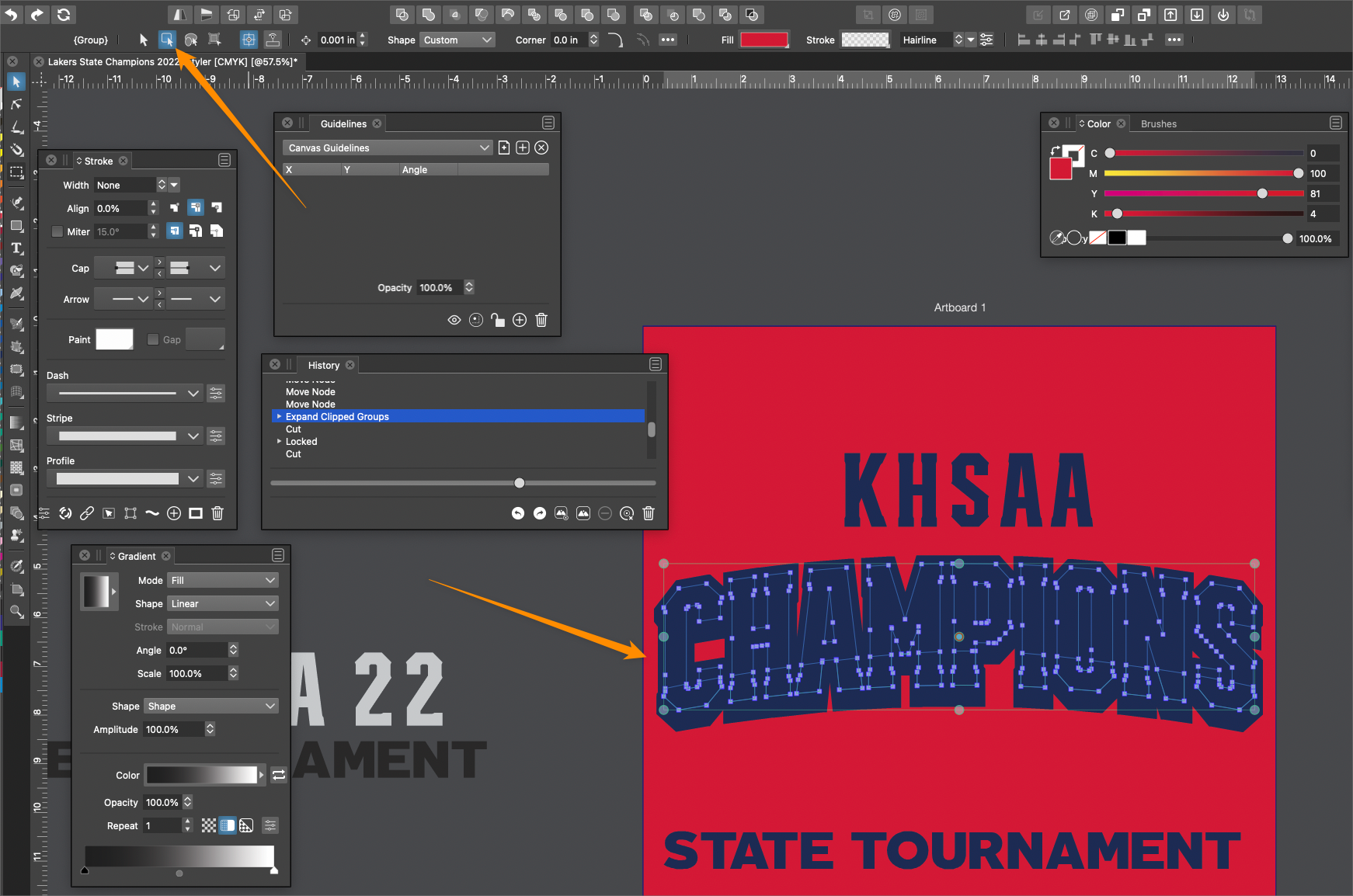
    @Boldline said in Issues always occur if mistakenly set to Transform option (select and transform members of grouped objects): @Ok thanks that helps. Can we delve further in the second issue in that post? If I mistakenly use the wrong transform tool version and it creates a mess like in the screenshot. If you go back in the history panel you can't recover it In the file I have I could not find the "Expand Clipped Objects" step. BTW: if the "Expand Clipped Objects" is used on objects inside a clipped group, but not on the whole group, then there might be some issue.
  • VS different behaviour on different computer

    Moved
    7
    2
    0 Votes
    7 Posts
    7k Views
    VectorStylerV
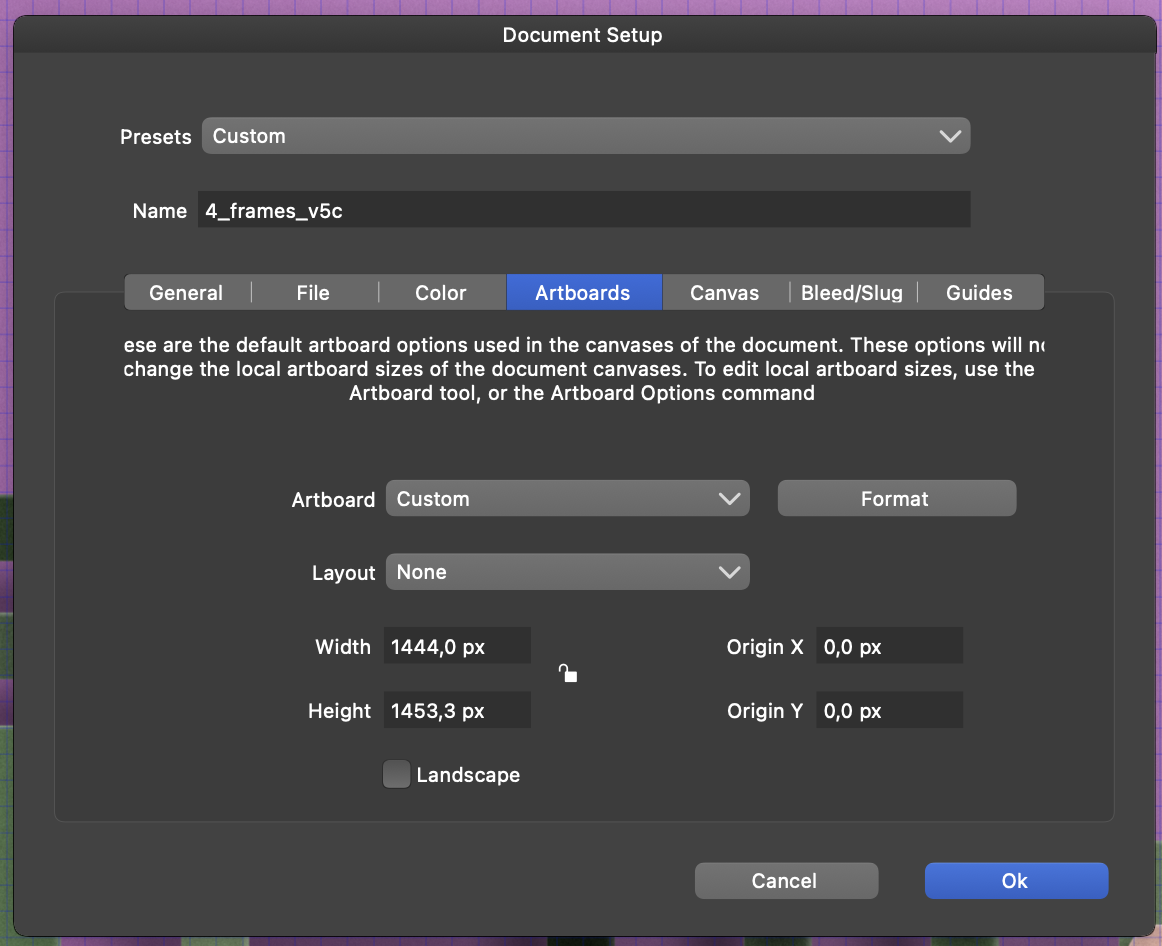
    @fde101 Yes, the "Actual Size" zoom mode will result in a discrepancy.
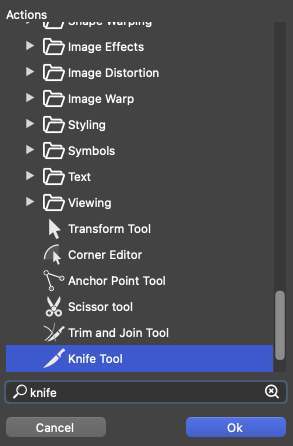
  • Difficulties when searching in the shortcut editor

    Moved
    5
    2
    0 Votes
    5 Posts
    5k Views
    IngolfI
    @b77 Yes, I accidentially assigned C to the corner palette first, where it worked flawlessly, but thanks for the suggestion!
  • Some bugs with Coner points and centre pivot

    Moved
    6
    0 Votes
    6 Posts
    6k Views
    VectorStylerV
    @Jayanta-Das said in Some bugs with Coner points and centre pivot: This is what other program does. And I think this is more easy to manipulate. I added this to the backlog, will try to find a solution.
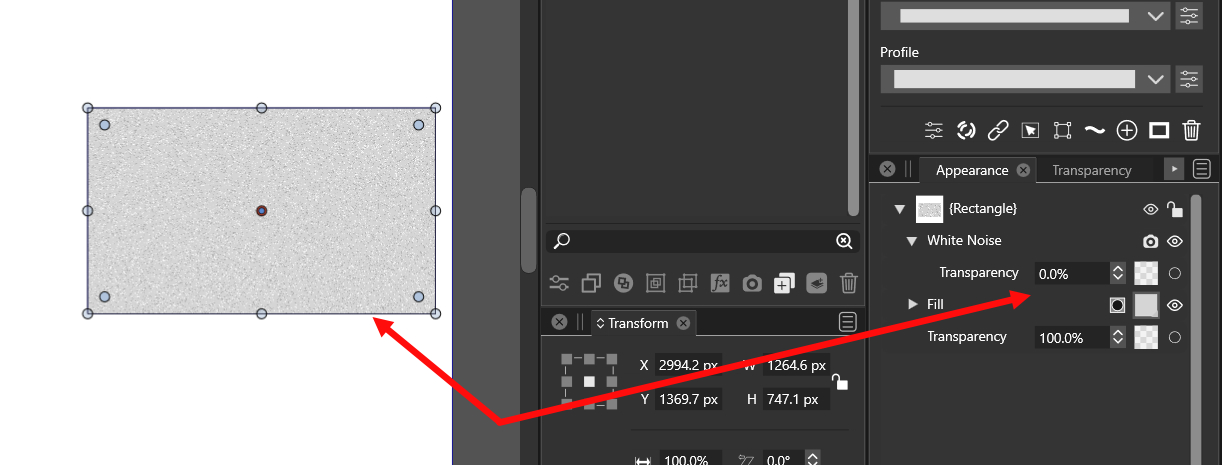
  • Image Effect transparency

    Moved
    5
    1
    0 Votes
    5 Posts
    5k Views
    J
    @VectorStyler Yes Opacity would be more appropriate.