• Shape Builder not detecting consistently the intersections

    Moved
    13
    1
    0 Votes
    13 Posts
    14k Views
    b77B
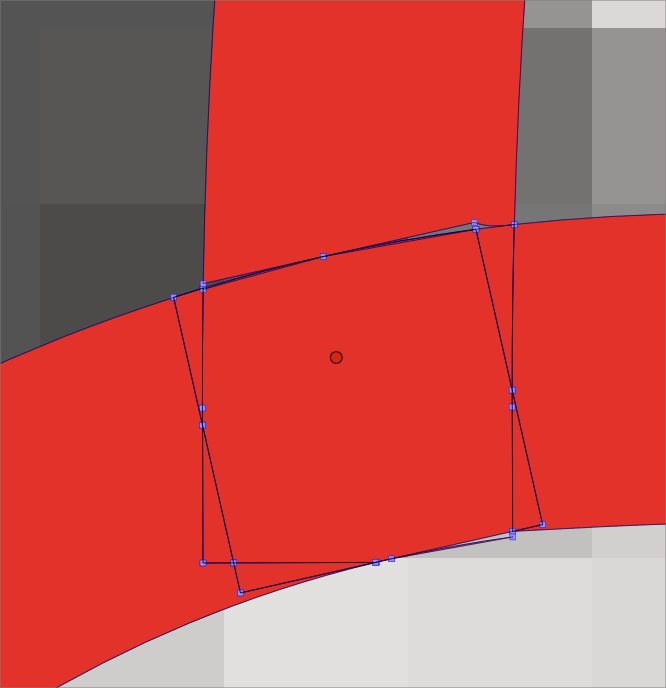
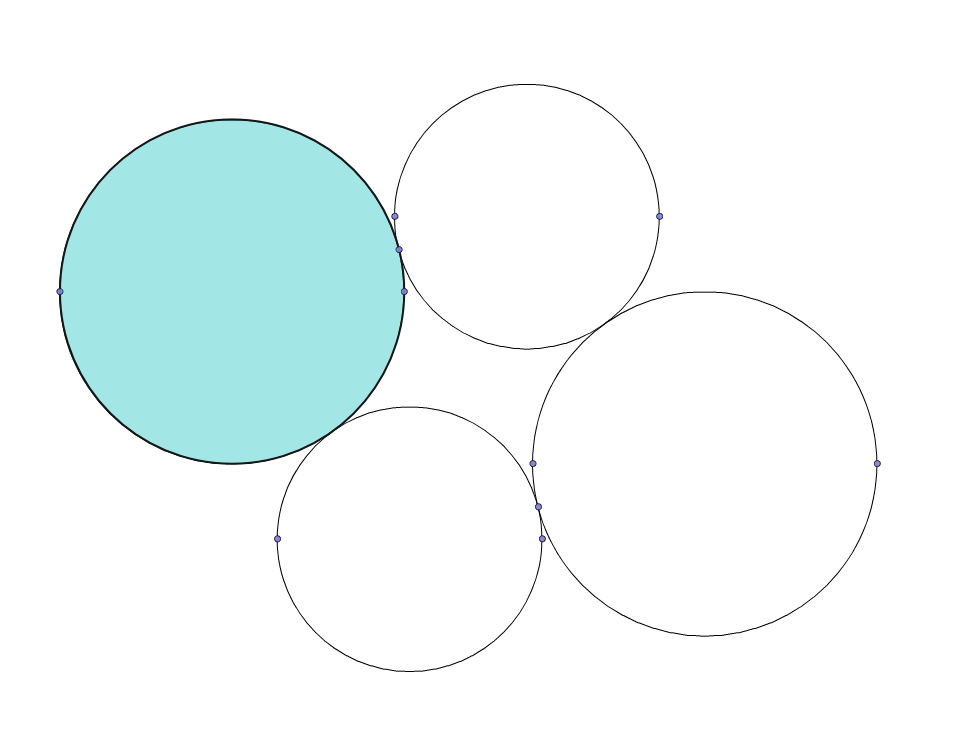
    @VectorStyler said in Shape Builder not detecting consistently the intersections: If you set the stroke width to zero, and zoom in at where the shapes supposed to intersect, there is a very small gap. I would just switch to Outline Mode (Cmd-Y) to check things like these.
  • 0 Votes
    2 Posts
    3k Views
    VectorStylerV
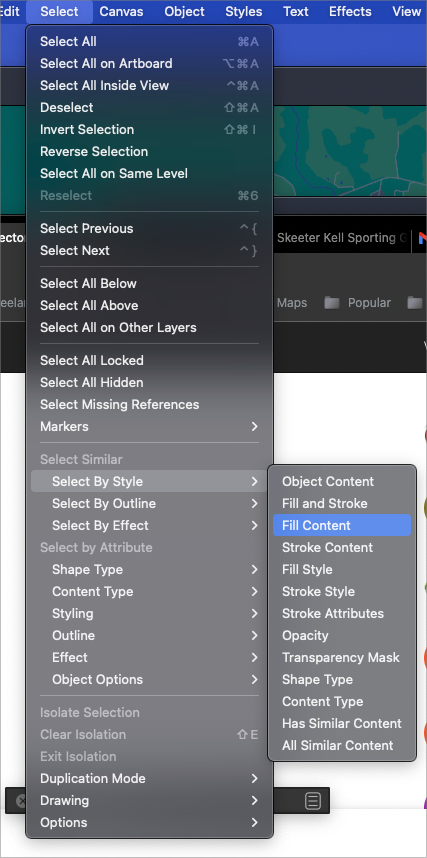
    @Boldline I could not replicate this. In some cases maybe using the "Fill Style" (two items down) is better when selecting same by fill. The Fill Content might contain some other options that do not match.
  • Copy/Paste issue

    Moved
    10
    0 Votes
    10 Posts
    10k Views
    Devil DinosaurD
    I noticed something : I think there's a bad habit I have : to be fast, I copy and paste a shape with the keyboard shortcuts while being on the shape editor tool activated instead of prior going back to the transform tool. The result is that I sometimes use the shortcut while having a node selected... it seems to explain the moves.
  • Vectorstyler won't export png files

    Moved
    5
    0 Votes
    5 Posts
    5k Views
    VectorStylerV
    @Guthrart We will need an example file, and (if possible) a short video (we use https://recordit.co) to figure out what is going on. What MacOS version is on the Mac?
  • Performance problems?

    Moved
    2
    1
    0 Votes
    2 Posts
    3k Views
    VectorStylerV
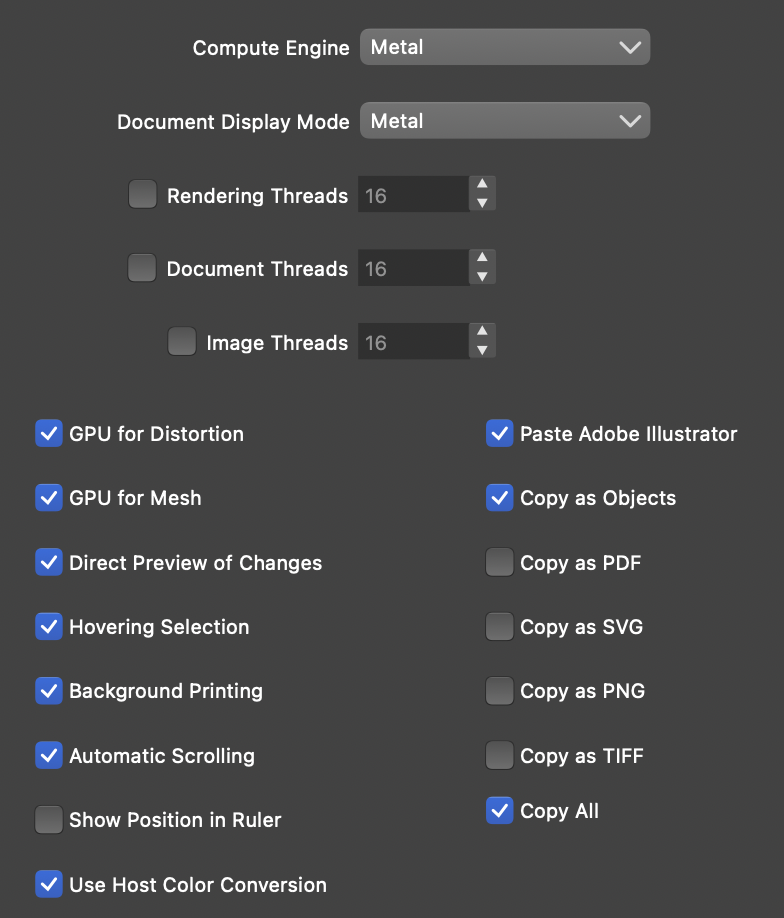
    @MajorTom Yes, this looks too slow. The settings are OK and the machine config is also good. What are the inner shadow and Gaussian blur effect settings? Are the blurs scaled or rotated? There are a number of issues that could cause this slow down, but in this case, it might also be a bug. If you can send the file (by email) to csraba at vectorstyler.com I will try to find out what is the issue.
  • Not possible to import certain JPG

    Moved
    2
    0 Votes
    2 Posts
    3k Views
    VectorStylerV
    @MajorTom send them to csraba at vectorstyler.com . The files will be removed once the bug is fixed.
  • Panel Resizing

    Moved
    4
    0 Votes
    4 Posts
    5k Views
    J
    [image: 1652957053170-screenshot-2022-05-19-161149-resized.png] After removing the other panels, still seem appearance panel cutout. Can we have scroll bar like in properties panel in stroke panel? It seem stroke panel doesnot have scroll bar. If properties panel is dock in place of stroke panel there is no issue.
  • Expanded and Divided Boolean results creates less than desired results

    Moved
    12
    1
    0 Votes
    12 Posts
    11k Views
    BoldlineB
    @VectorStyler thank you for looking into it and doing what you can to improve it
  • No smoothness in the path sketch tool

    Moved
    3
    0 Votes
    3 Posts
    4k Views
    VectorStylerV
    @Wurstkäs Replicated here. Seems that the smothness editing does not register for the path sketch tool. Will get fixed ASAP.
  • Can't maximize on second monitor (Windows 10)

    Moved windows dual-monitor
    4
    1
    0 Votes
    4 Posts
    9k Views
    VectorStylerV
    @vczf Hi, I will try to replicate this on Windows. Added it to the backlog.
  • Annoying highlight in drop down list and menu

    Moved
    4
    2 Votes
    4 Posts
    5k Views
    BoldlineB
    @Victor-Vector said in Annoying highlight in drop down list and menu: I have similar issues after a prolonged session On a side note: I'm not running Windows 11 - but even on the mac, there are certain issues (not necessarily this one in particular) tat seem to pop up after extended session of VS use. Those are the ones that are hard to show and send over for replication.
  • command paste not working to paste copied text into save box

    Moved
    2
    1
    0 Votes
    2 Posts
    4k Views
    VectorStylerV
    @Boldline Yes this happens on Intel Macs also. Will try to fix it.
  • Offset Path creates unwanted objects.

    Moved
    6
    0 Votes
    6 Posts
    7k Views
    BoldlineB
    @vectoradmin Mentioning this again now only because the general topic was brought up - any improvements to the way offset path handles complex vector shapes, such as expanded shape words and shapes made initially with a brush texture are appreciated!
  • Sleeping my Win 11 PC sometimes disables the interface buttons

    Moved
    2
    0 Votes
    2 Posts
    3k Views
    VectorStylerV
    @Victor-Vector This probably does not depend on a specific file, but it is a Windows adaptation issue. I added this to the backlog, and I will try to replicate it.
  • Sharing workspaces between operating systems

    Moved
    4
    2 Votes
    4 Posts
    4k Views
    VectorStylerV
    @Ingolf said in Sharing workspaces between operating systems: You should consider implementing one setting importer-exporter where the user can select exactly what categories of settings to import or export. Yes, this is in the backlog.
  • Fill transparency in appearance

    Moved
    8
    1
    0 Votes
    8 Posts
    8k Views
    VectorStylerV
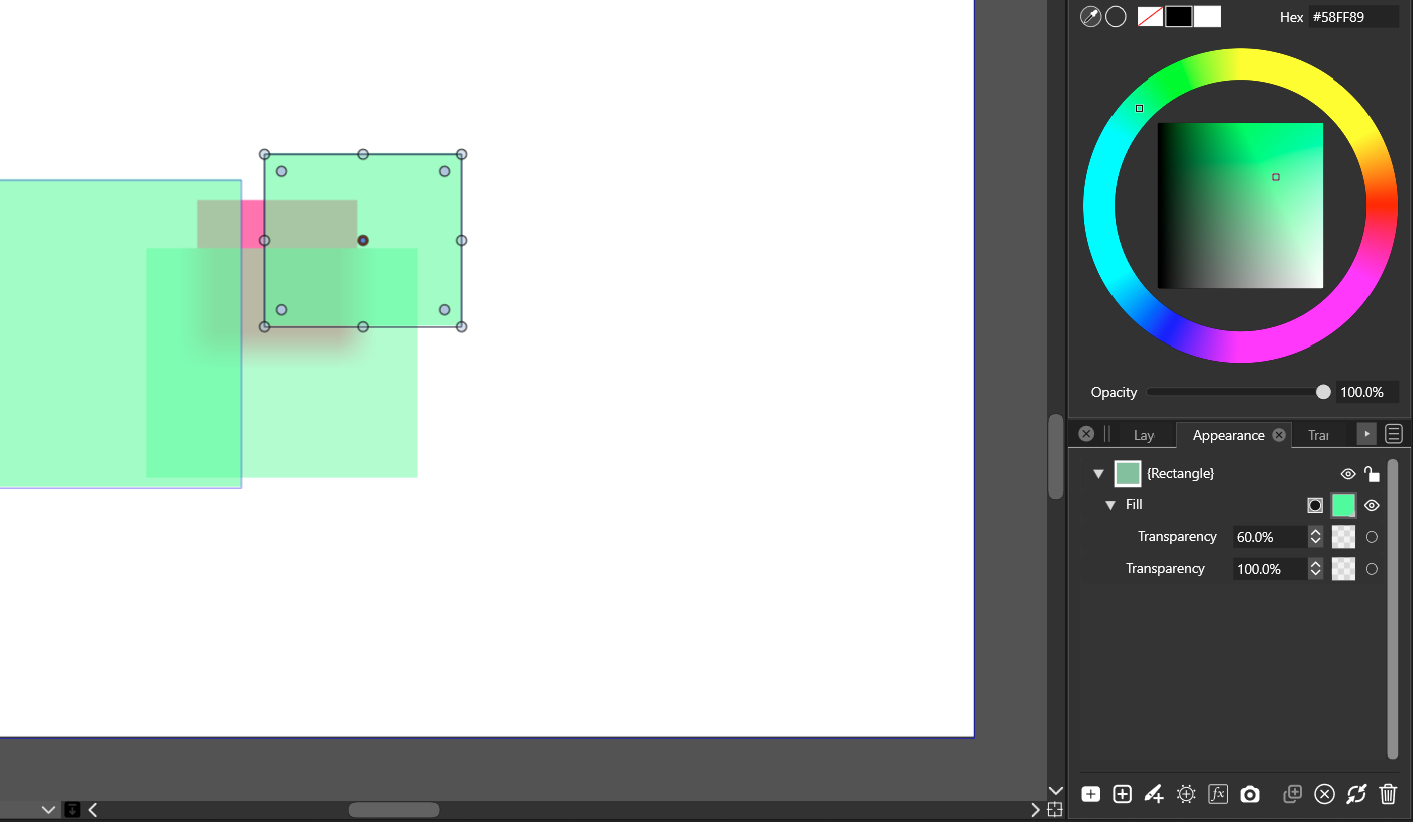
    @Jayanta-Das said in Fill transparency in appearance: Is this implemented Not yet. It is in the current feature backlog, features to be implemented for 1.2, more on this later
  • Abnormal pop-up and freezing

    Moved
    5
    1
    0 Votes
    5 Posts
    5k Views
    W
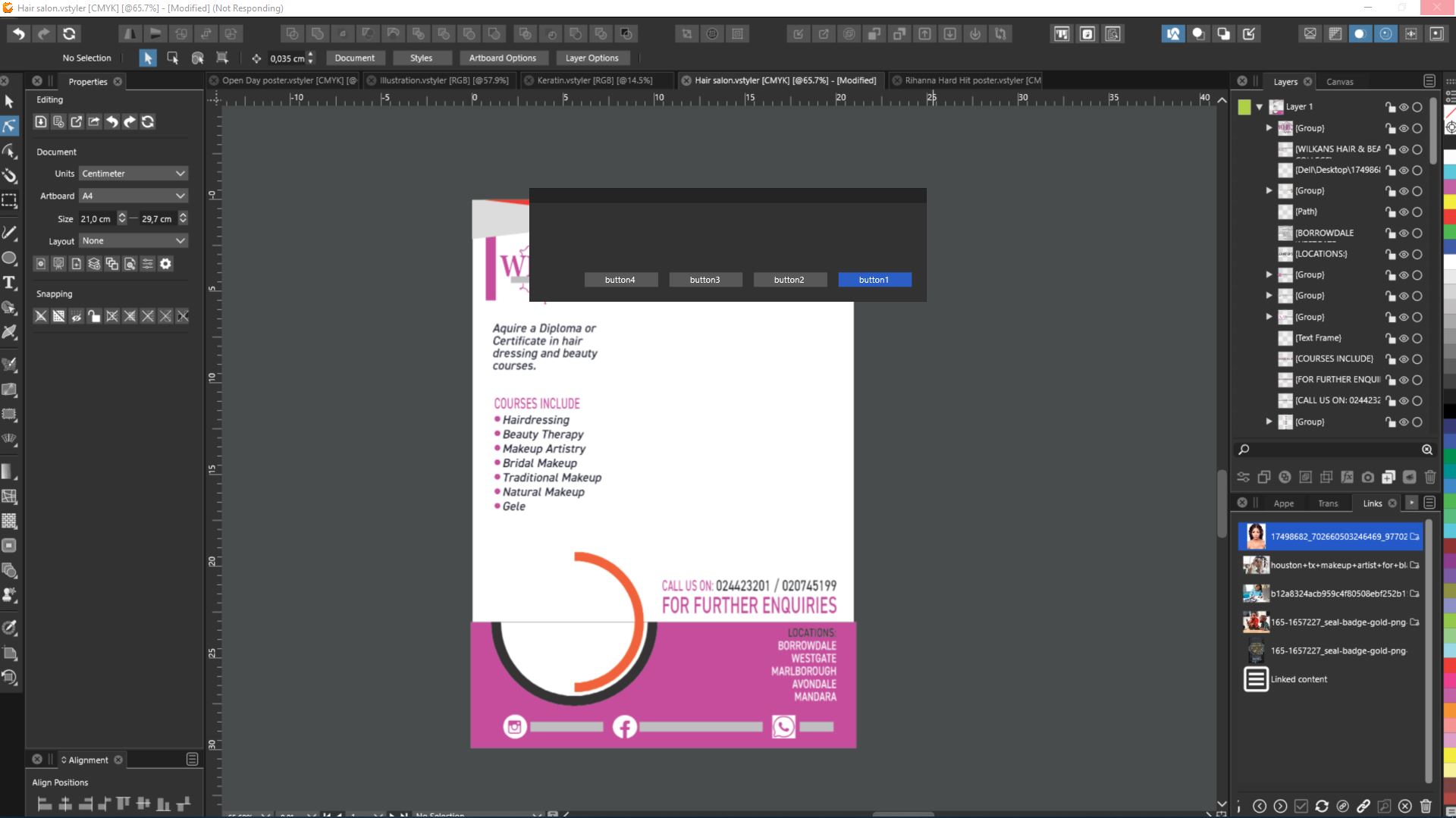
    @vectoradmin Thank you so much. I did as you suggested and it appears the problem is gone! I will give you an update if I come across any hiccups pertaining to this issue, but so far so good.
  • Changing the colour palette, bug?

    Moved
    4
    1
    0 Votes
    4 Posts
    5k Views
    VectorStylerV
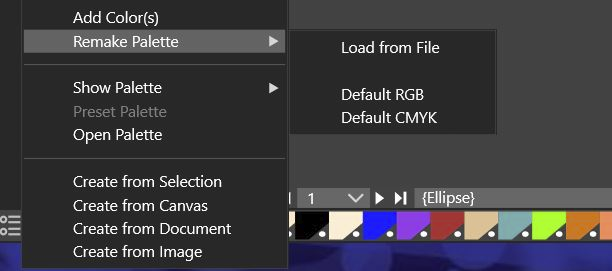
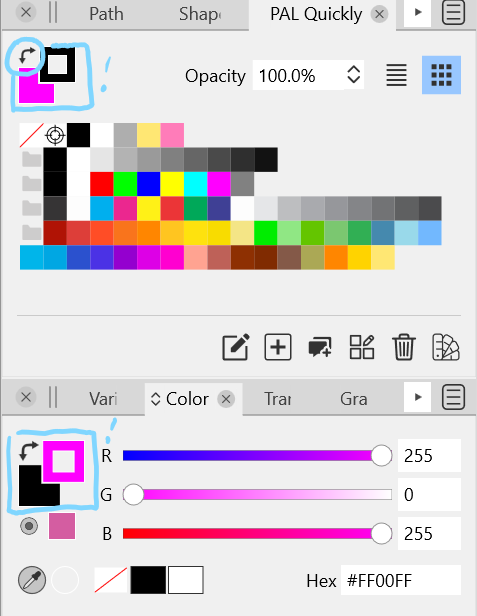
    @PatrickM I think the issue here is that Remake Palette should be inactive (not visible) when the color panel or color bar is showing another palette than the document palette. "Remake Palette" is available for the document palette only.
  • Palette and Color Panels Swap Mismatch

    Moved
    4
    1
    0 Votes
    4 Posts
    6k Views
    VectorStylerV
    @Victor-Vector No need for the xml files for now. I will try to replicate with this info.
  • Doublebacking with path brush often causes unwanted results

    Moved
    4
    1
    1 Votes
    4 Posts
    4k Views
    VectorStylerV
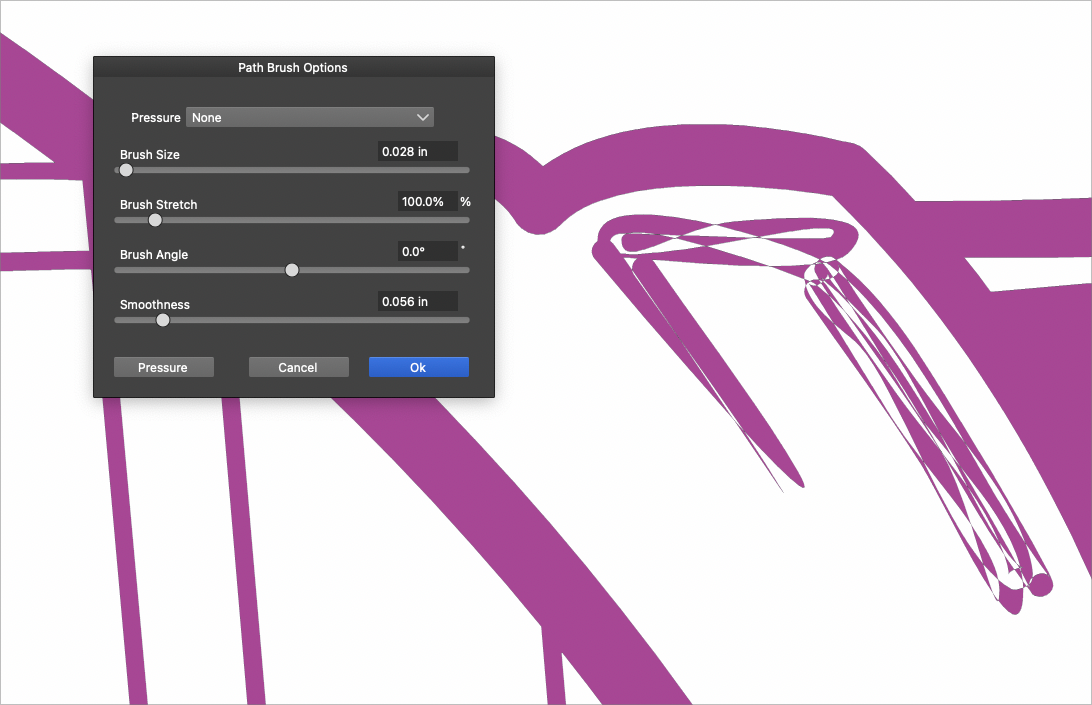
    @Boldline said in Doublebacking with path brush often causes unwanted results: @vectoradmin I'm using a stylus - would that be a factor? It could be, styluses generate much more points (sometimes overlapping points), so an increased smoothness and setting "Approximate" or "Curvature" in the Stabilize might also help (Rope is even better).