• Trouble with Eraser tools

    Moved
    2
    3
    0 Votes
    2 Posts
    3k Views
    VectorStylerV
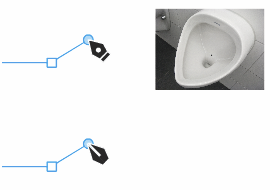
    @Ayo Looks like the path eraser tool has a bug when erasing the whole shape. Added these issues to the backlog.
  • Pen Tools Dot

    Moved
    3
    2
    2 Votes
    3 Posts
    4k Views
    AyoA
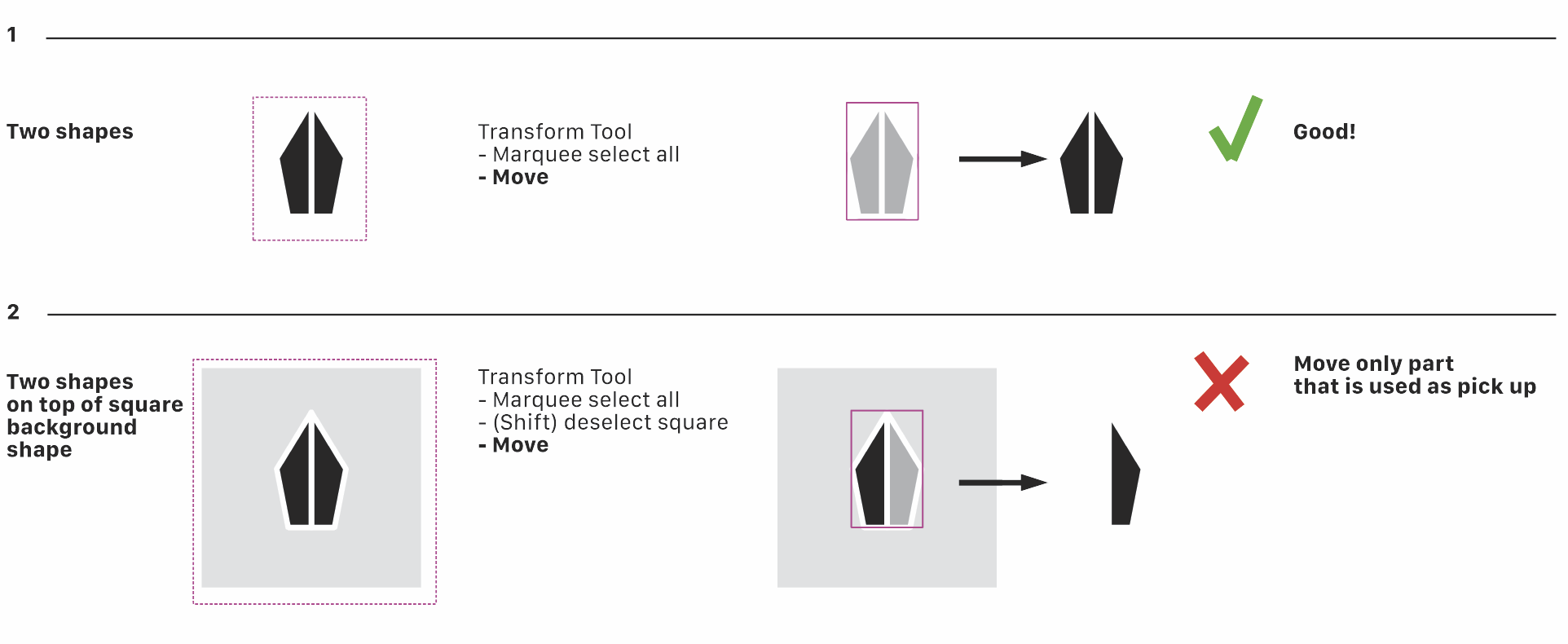
    @Subpath said in Pen Tools Dot: The gap in the new one could be a little narrower for my taste It's just a suggestion to illustrate my point. No optimized design. However, I immediately noticed when creating the symbol that a center line must be thicker than the white overall outline. For overall weight balance and preventing filling up in tiny size.
  • Can't move combined selection

    Moved
    24
    1
    0 Votes
    24 Posts
    42k Views
    AyoA
    @b77 Using a mouse. Followed your procedure and problem is solved Indeed! Still annoying that that happens. Will send the .xml files to the developer's email.
  • Some comments and advice about the Layers panel

    Moved
    17
    1
    2 Votes
    17 Posts
    16k Views
    H
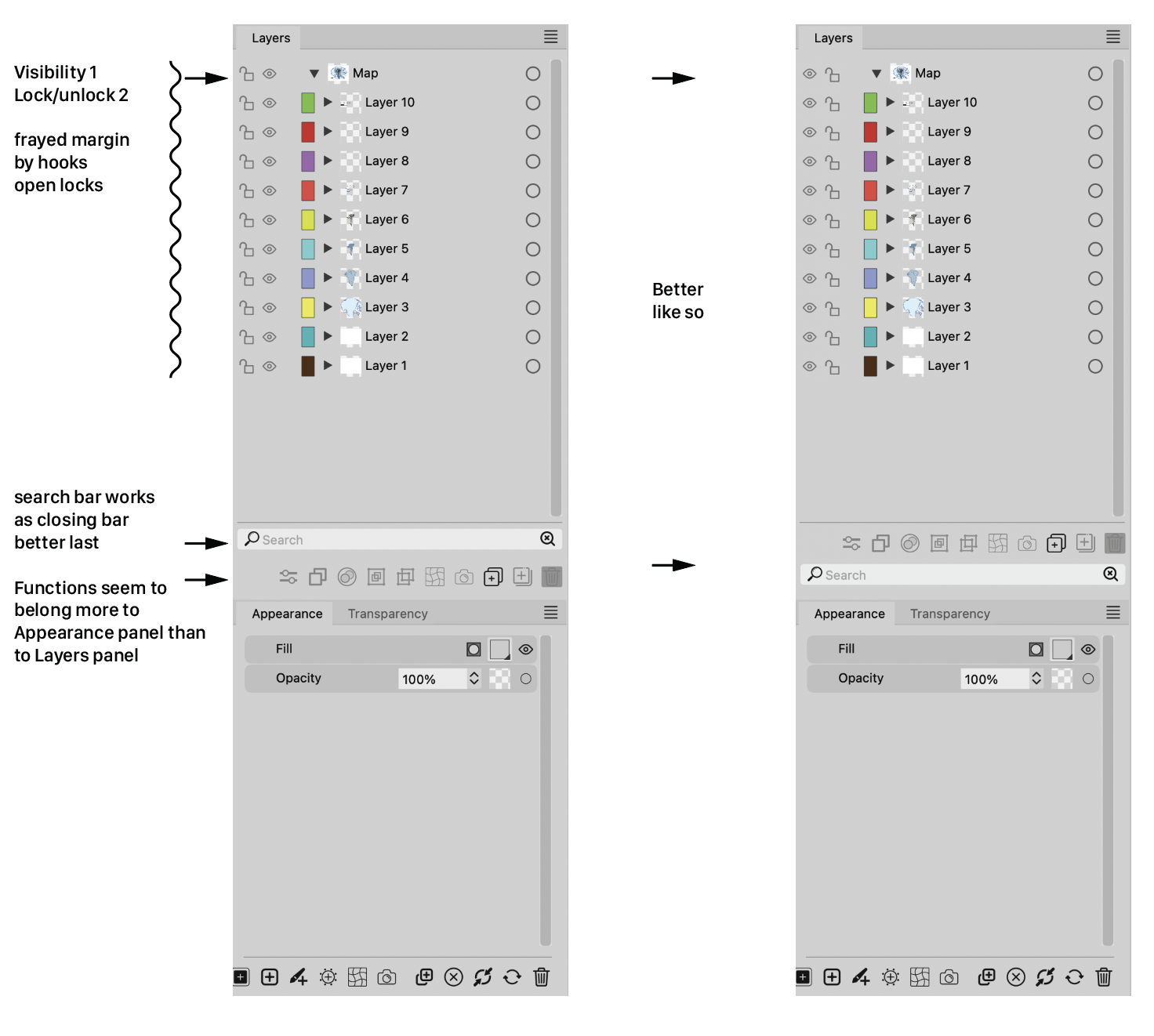
    @Ayo said in Some comments and advice about the Layers panel: I also wonder why there is the need for two magnifying glasses. One seems sufficient to me. Symbol on the right with the tiny cross is probably intended as a 'Clear' symbol. In that case, a simple cross will symbolize its function more clearly. @Ingolf said in Some comments and advice about the Layers panel: The current bottom placement is therefore my favorite when it is displayed permantly. I actually forgot it was there because it never distracted me. So all in all I prefer it in the bottom if it will always be visible. Same for me.
  • Using Record It does not allow me to see panels or press buttons in VS

    Moved
    9
    0 Votes
    9 Posts
    9k Views
    b77B
    @Boldline said in [Using Record It does not allow me to see panels or press buttons in VS] Hmm I just updated both machines to the new Sonoma OS. Edit your signature!
  • Quite pleasantly surprised with the Extend path tool

    Moved
    15
    1
    0 Votes
    15 Posts
    14k Views
    VectorStylerV
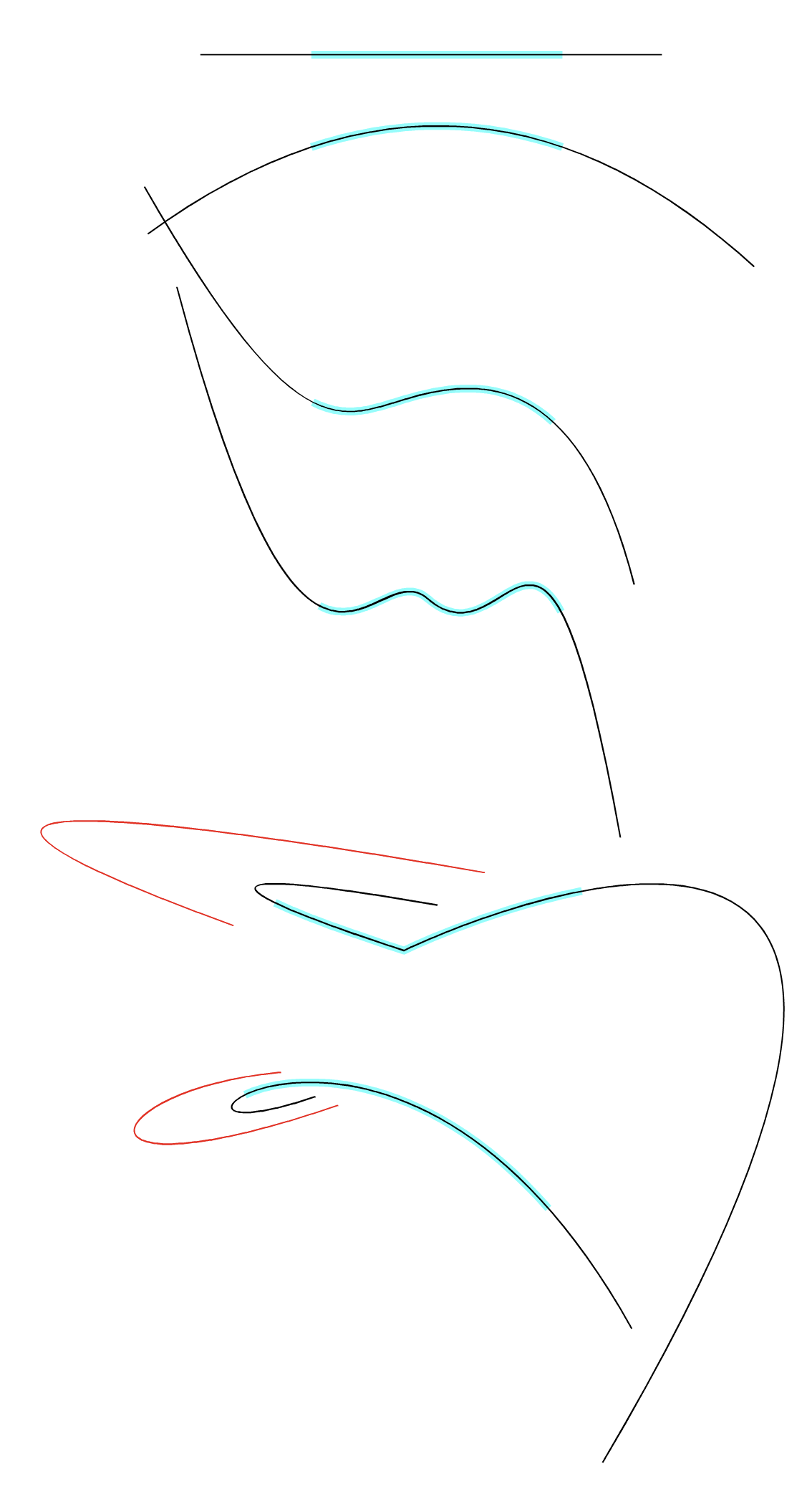
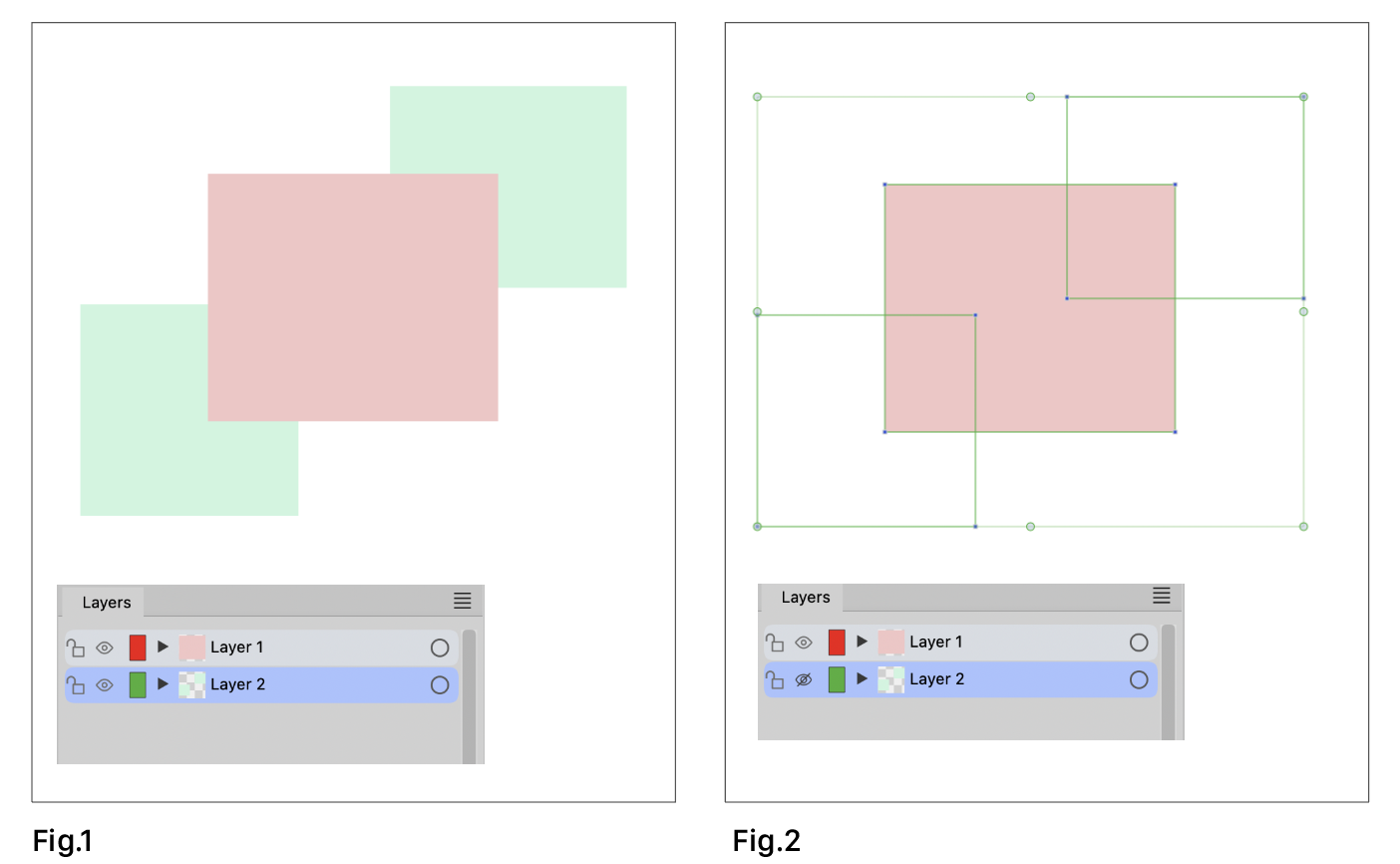
    @encart BTW: a path can also be extended automatically to the next intersection with the Trim and Join tool.
  • Artboard Label seems not to work

    Moved
    2
    1 Votes
    2 Posts
    3k Views
    VectorStylerV
    @Ayo Thanks for reporting this. I added it to the backlog as a bug.
  • Homeless objects

    Moved
    3
    2
    0 Votes
    3 Posts
    4k Views
    AyoA
    @VectorStyler I thought so. Somewhere else you call it 'containers'. It is more a stack order panel. Layers, groups or containers, it is simply not correct to include varieties of pears under the heading of apples.
  • Send objects to current layer

    Moved
    11
    0 Votes
    11 Posts
    10k Views
    AyoA
    @VectorStyler This is actually an older discussion and/or feature request. https://www.vectorstyler.com/forum/topic/3294/ideas-to-improve-the-vectorstyler-layers-panel/48
  • Indicators showing while invisible

    Moved
    7
    1
    1 Votes
    7 Posts
    7k Views
    AyoA
    @VectorStyler said in Indicators showing while invisible: find a solution Perhaps 'Invisible = locked too (in the background)'? Locked can be visible.
  • Some settings comments

    Moved
    2
    1
    1 Votes
    2 Posts
    2k Views
    VectorStylerV
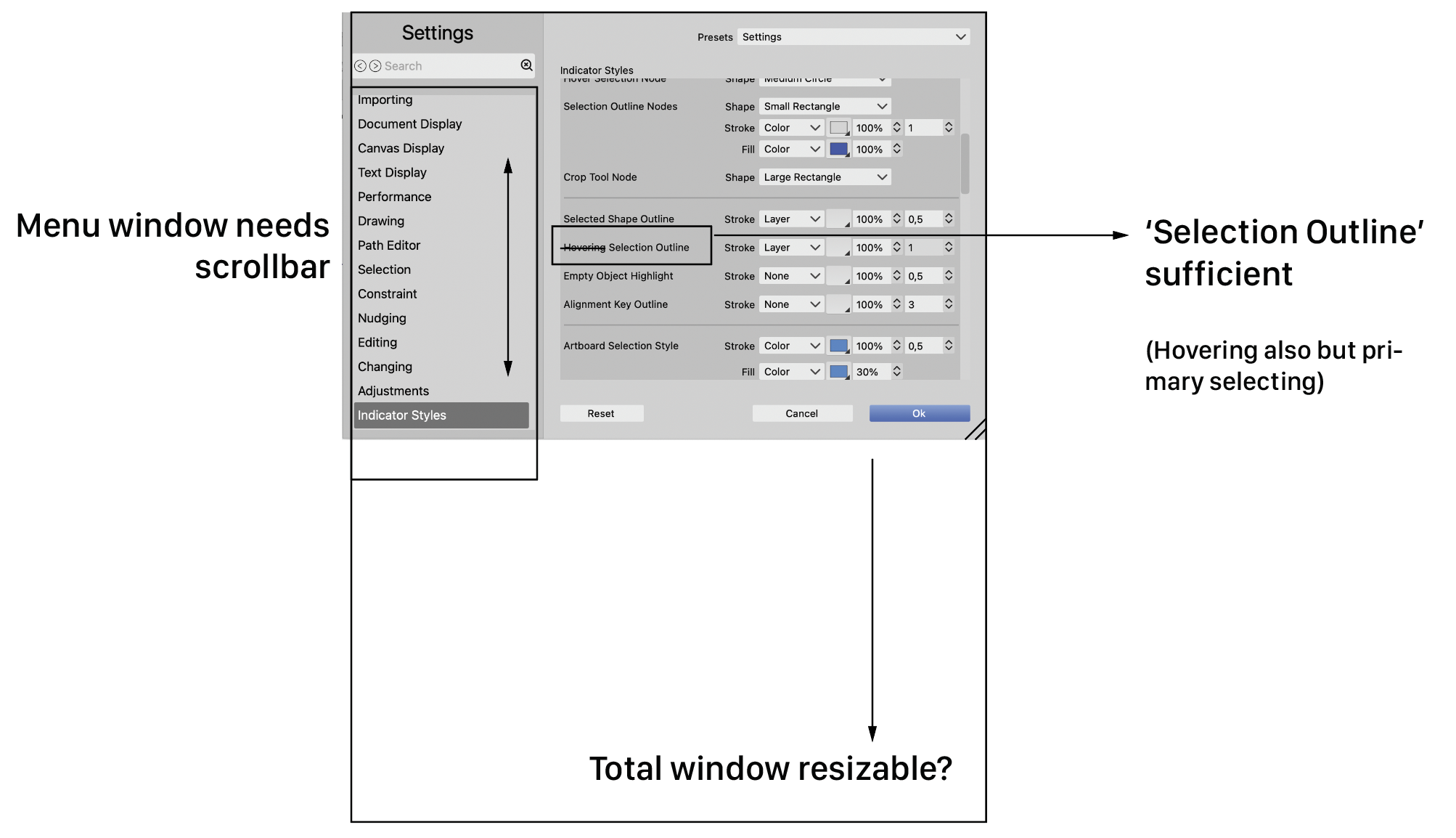
    @Ayo Thanks for reporting this. Will be fixed ASAP.
  • Canvas Color setting

    Moved
    3
    0 Votes
    3 Posts
    4k Views
    b77B
    @Ayo After changing the canvas color in Document Setup > Guides you can save the document as a preset: [image: 1698056168266-gsef.png] Any new document will have this setting by default until you change it or add a different preset. (The preset will be available in File > New Document Setup > Document Presets).
  • Release to Layer[s]

    Moved
    4
    1
    0 Votes
    4 Posts
    4k Views
    VectorStylerV
    @Ayo Will improve this while in beta.
  • There seems to be an issue with the Blend

    Moved
    5
    0 Votes
    5 Posts
    5k Views
    L
    @VectorStyler Thank you. I have recorded videos. However, you already understood. https://youtu.be/c64KMjRy2ag https://youtu.be/3fLopwxuFlo
  • 1 Votes
    7 Posts
    8k Views
    VectorStylerV
    @b77 said in Tapping "L" key twice to convert a selected node to a cusp is also switching me to the path sketch tool: Here pressing L the second time retracts the node handles "under" the node I have to replicate this.
  • There seems to be a problem with shape replace

    Moved
    8
    0 Votes
    8 Posts
    8k Views
    VectorStylerV
    @Li-Xiao said in There seems to be a problem with shape replace: @VectorStyler Yes. Can it be fixed? Opened a bug on this one, will try to fix it for the next build
  • Some panel rows disappear after closing last document

    Moved
    2
    0 Votes
    2 Posts
    3k Views
    VectorStylerV
    @Harry Yes, this is a bug, it is caused by the Palette panel.
  • Panels disappear when VS works in background

    Moved
    18
    0 Votes
    18 Posts
    17k Views
    BoldlineB
    @VectorStyler said in Panels disappear when VS works in background: @Boldline Replicated! Awesome!!! Glad you could replicate it
  • Did the beta change the auto switch back option in the tools?

    Moved
    5
    0 Votes
    5 Posts
    6k Views
    VectorStylerV
    @Boldline said in Did the beta change the auto switch back option in the tools?: Can you explain the command selection? When holding the Command+ an alternate tool is selected temporarily, and should return to the original tool when releasing. Each tool may have a different alternate tool, and some tools have no alternates.
  • eraser/path brush not the same as before 1.2 beta

    Moved
    3
    1
    0 Votes
    3 Posts
    4k Views
    BoldlineB
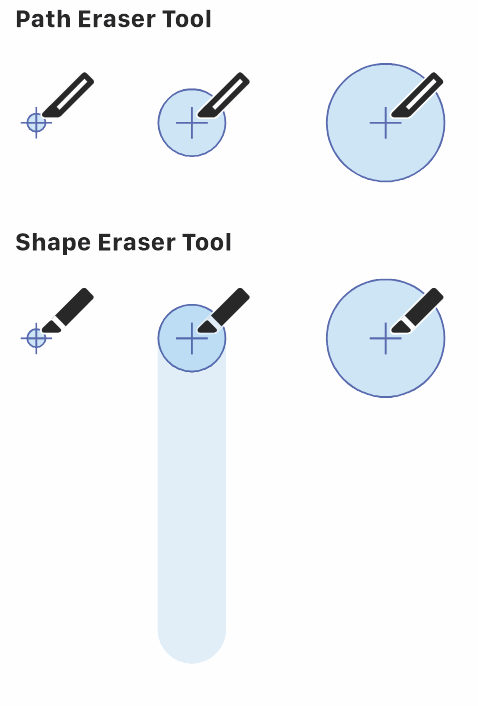
    @VectorStyler said in eraser/path brush not the same as before 1.2 beta: If you enable the "Show Eraser Shape" option the preview will be more precise (but it will also change as the mouse moves). This is an area where ultimately, an option like what Illustrator has with their blob tool and eraser would be ideal for me. Where the result is free flowing and fills where the cursor circle goes, almost like you are painting. So there's almost no real need for a preview because the end result I will record some video of that and share it.