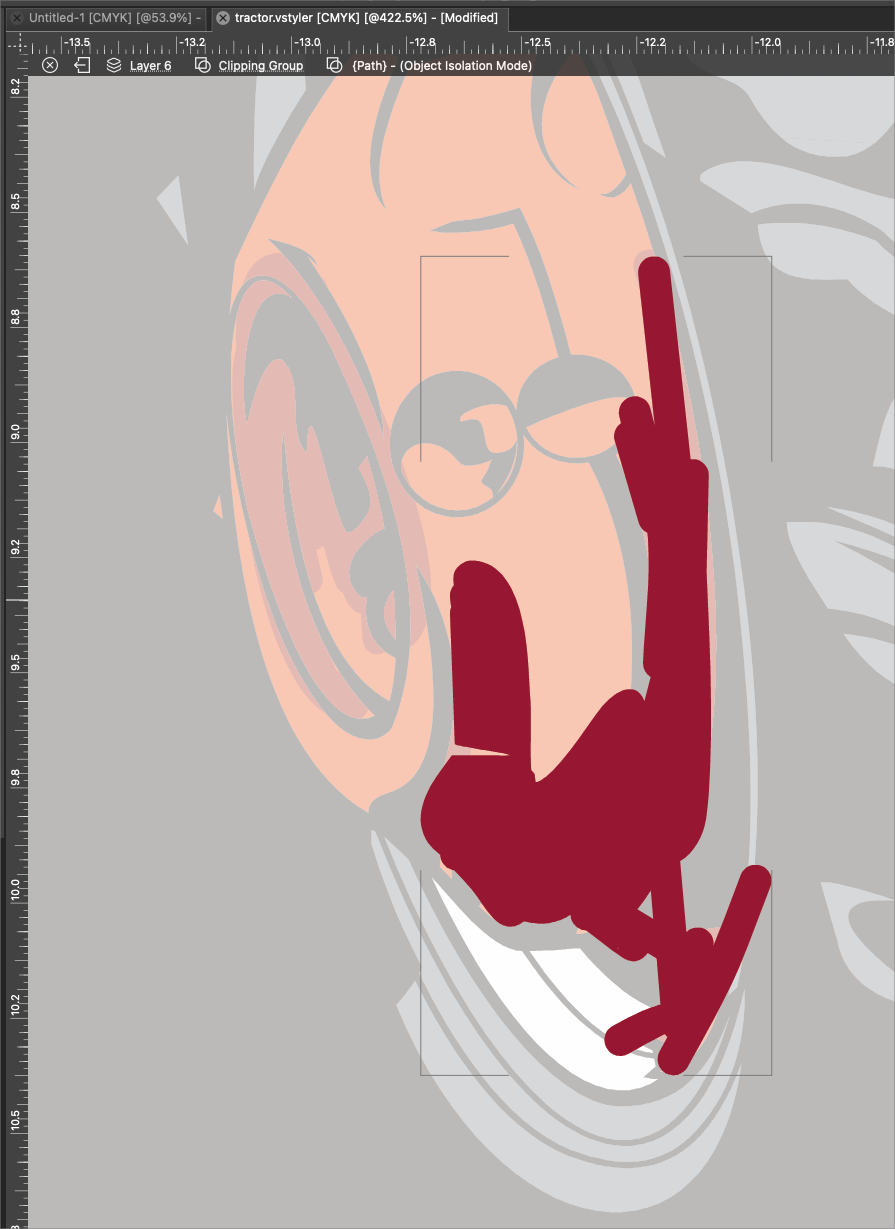
• How do I hade the outline around the clipped composite shape?

    Moved
    2
    1
    0 Votes
    2 Posts
    3k Views
    VectorStylerV
    @Boldline I don't get this outline in the example file emailed earlier. What is the active tool when this outline is shown?
  • 0 Votes
    1 Posts
    3k Views
    No one has replied
  • How do I edit an isolated shape inside clipping mask?

    Moved
    4
    1
    0 Votes
    4 Posts
    5k Views
    BoldlineB
    @VectorStyler said in How do I edit an isolated shape inside clipping mask?: Isolating and Node tool should work. ok I got it to happen again where it dialed down to a specific path. At that level, literally no tool will function.
  • beta 1.2.013

    Moved
    16
    7 Votes
    16 Posts
    14k Views
    VectorStylerV
    @Pat You need to download and install manually, the version was not incremented for this fix.
  • Customization, application menu

    Moved
    4
    1
    0 Votes
    4 Posts
    4k Views
    B
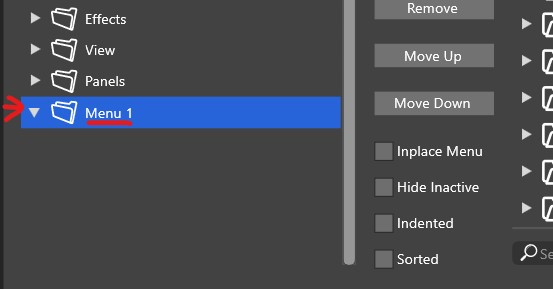
    @VectorStyler @b77 Thank you, my double click was too fast. Got it now
  • Appearance panel "FX"

    Moved
    4
    2
    1 Votes
    4 Posts
    4k Views
    S
    is the third icon from the left [image: 1708155550557-shape-effect.png]
  • Double tapping the "L" key often switches to the Path Sketch tool

    Moved
    5
    1 Votes
    5 Posts
    6k Views
    BoldlineB
    @VectorStyler sent the files...but realized it may have just needed a reboot of VS (it had been open for a day) because now it's working fine with both the default and the custom settings installed. I'll let you know if it comes up again.
  • 1 Votes
    5 Posts
    5k Views
    BoldlineB
    @VectorStyler ok that makes sense and that worked. thank you
  • 0 Votes
    15 Posts
    13k Views
    B
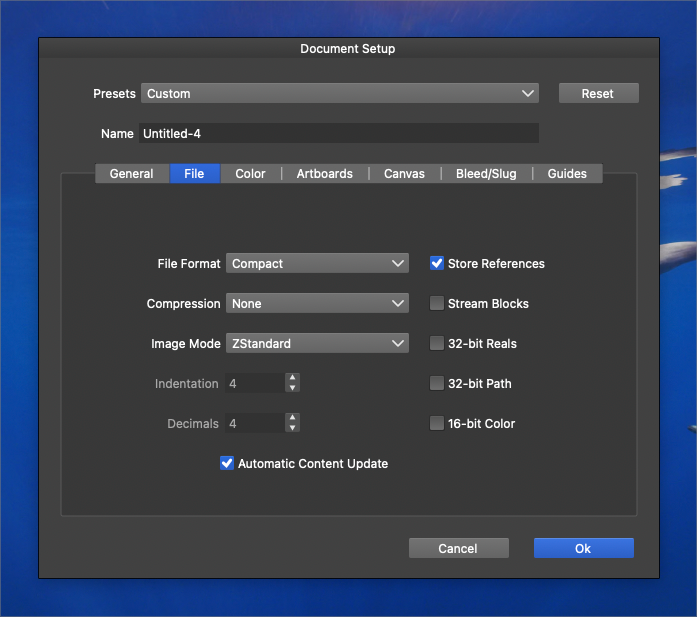
    @VectorStyler said in [Add an option in "Document Setup" to save current configuration as a new template option?] Some of these features are a combination of several options and maybe not well documented. It's not for me to say , but the lack of case studies makes it difficult for me (perhaps others) to read the documentation. It would be good to include an example of the various aspects of using VS and its multiple options, such as the uses of the document setup options, the use of guides/grids options, of different canvas (reference and others... still to be studied), etc. In my humble opinion, this would help some users to master the various options and use VS by default

  • Scaling up or down live text feels very jumpy

    Moved
    2
    2 Votes
    2 Posts
    3k Views
    VectorStylerV
    @Boldline I opened a bug on this one.
  • 0 Votes
    6 Posts
    7k Views
    VectorStylerV
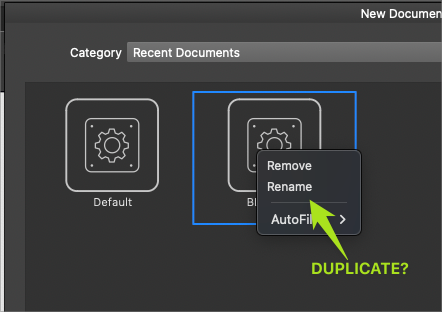
    @Boldline I will add the preset saving option to the New Document Setup view also.
  • Link to Preset Manager from New Document Setup Panel?

    Moved
    2
    0 Votes
    2 Posts
    3k Views
    VectorStylerV
    @Boldline Scroll down on the right side and there is a more options button.
  • Adjusting a text frame to fit the text

    Moved
    15
    1
    0 Votes
    15 Posts
    15k Views
    VectorStylerV
    @861475_VctSt I added these to the task.
  • Simplifying gridded color palette separator?

    Moved
    2
    1
    2 Votes
    2 Posts
    3k Views
    VectorStylerV
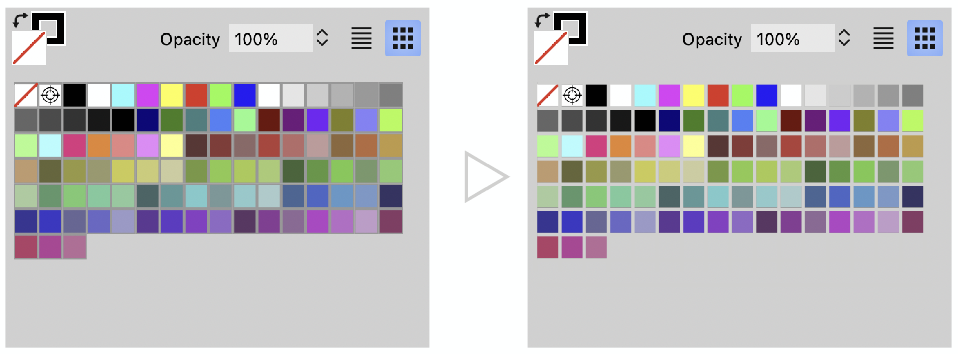
    @Ayo I added this to the backlog.
  • Snapping descriptors are not in plain speak in version 1.2011

    Moved
    4
    1
    1 Votes
    4 Posts
    5k Views
    VectorStylerV
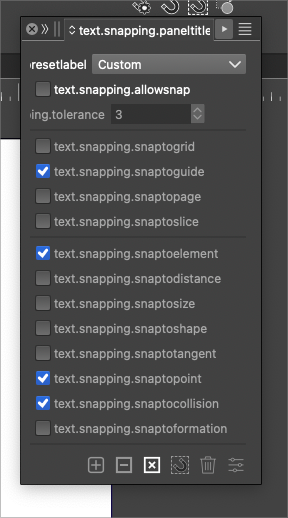
    @Boldline @b77 Fix is available now.
  • beta 1.2.011

    Moved
    5
    8 Votes
    5 Posts
    6k Views
    VectorStylerV
    I uploaded a fix with the text resources issue.
  • Paragraph style - can't be changed through the panel

    Moved
    49
    1
    0 Votes
    49 Posts
    113k Views
    VectorStylerV
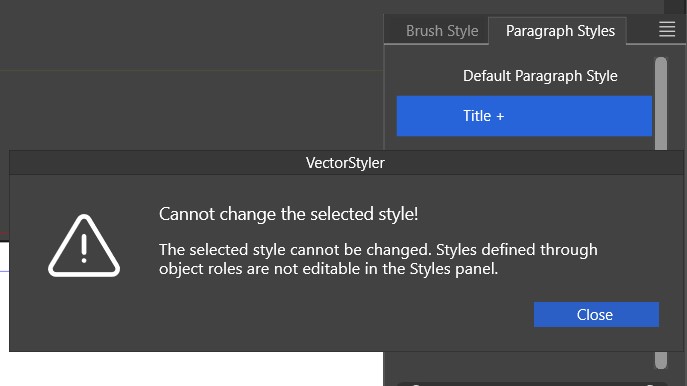
    @Pat said in Paragraph style - can't be changed through the panel: when I create a new style and the cursor remains on the modified text from which I created it, this specific new style is never selected in the styles panel but always the previous style with the "+" sign This is by design. Creating a style (in general) from a selection does not automatically apply that style.
  • Text Frame options & inset

    Moved
    2
    1
    1 Votes
    2 Posts
    3k Views
    VectorStylerV
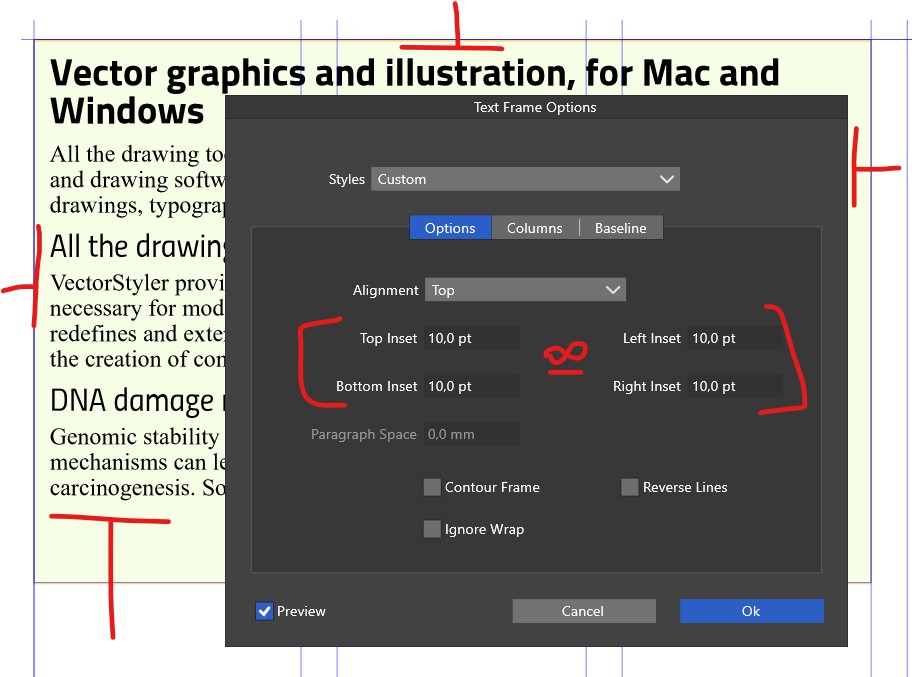
    @Pat said in Text Frame options & inset: In the Text Frame Options panel, would it be possible to add the option of entering a single value for all insets? I will try to add this.
  • Creating a document: 'template folders' versus 'select folders'

    Moved
    4
    2
    0 Votes
    4 Posts
    7k Views
    VectorStylerV
    @Pat said in Creating a document: 'template folders' versus 'select folders': create templates that we find in 'Doc presets The "New Document" template list contains not just templates but all sorts of other presets. A template is actually a vstyler file that may contain any other content. But when creating new documents we also need document presets (contains document settings), and various page profiles (size, resolution), and these are not actually templates.
  • Creating folders to organize symbols

    Moved
    5
    0 Votes
    5 Posts
    6k Views
    B
    @b77 Thanks yes, it is & I can see folders in one of my files: [image: 1706953073409-s1-resized.jpg] apparently, "create group is missing" in the symbol panel options.