• 0 Votes
    4 Posts
    5k Views
    b77B
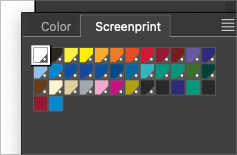
    @VectorStyler Yes, an official Pantone palette in my case and a custom one in Boldline's case.
  • 0 Votes
    2 Posts
    3k Views
    VectorStylerV
    @Boldline This is clearly a bug, but I could not replicate this here with 1.2.010. It could be a workspace issue, or the document causing a layer panel update. I opened a bug on this.
  • Evolution of VS after version 1.2

    Moved
    2
    0 Votes
    2 Posts
    3k Views
    BoldlineB
    Speaking only for myself, here are some of the things I'd love to see focused on in version 1.3: Scripting and plugins: This would allow users to customize and interact with VS in a deeper way and expedite future growth as these scripts and plugins can be shared and even added to the default VS configuration along the way pen tool - bezigon option & Curvature tool: both of these tools would do a lot to help create arcs and user defined perfect curves Recoloring Panel/Quick artwork recoloring features from a single panel (shortcuts to existing color effects): @FastVector made a post highlighting some great features for this panel. I added on to that post that as a screen print designer, I'd love to have VS show me every color active in the file and allow them to be edited and swapped in that panel Asset panel: Much like what Affinity designer uses currently. A panel where different shapes and groupings can be stored and easily accessed by pulling them into the document. This would be handy for adding a frequently used logo, splatter, halftone splash, etc.. without having to go search for it. The panel could link to a folder on the user's computer where all of these are stored locally Text note panel: basic internal text panel that saves with the VS document and can be edited and exported as needed. Create and edit 3D perspective groups. Unified and separate perspective modes: For now I'd love the quick option much like what Astute uses Another similar example Essentially, being able to pull out a shadow/3d effect and scale it for perspective Mirrored symmetry mode: I know there are workarounds for this currently, but building it in as a quick option would be great Export each top layer separately in artboard export. Would be very helpful in terms of exporting for print separations, variations on a themeetc.
  • Square?

    Moved
    3
    1
    0 Votes
    3 Posts
    3k Views
    B
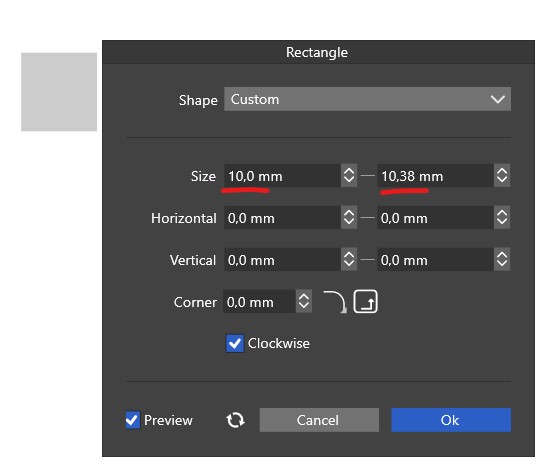
    @VectorStyler good point, exactly that... I don't even know what I did to lock the shape sizes, it's not a panel I use (very often)
  • Strange issue with Blend

    Moved
    4
    1 Votes
    4 Posts
    4k Views
    VectorStylerV
    @Li-Xiao said in Strange issue with Blend: Additionally, there is another issue where sometimes a few of pentagon appears in during hexagon blending Yes, this is a bug. It is caused by enabling the Blend Shapes option. A workaround for the other blend bug (when moving) is to use Control+R (Refresh) to reset the blend.
  • New Document Setup Rename/Delete Functions

    Moved
    2
    0 Votes
    2 Posts
    3k Views
    VectorStylerV
    @Boldline Currently the Delete key should delete in the template list. I did not add the right-click menu, because it would have been for a single function (Delete) only, and it seemed a bit too much for that. EDIT: I will find a way to do rename in the list.
  • New document setup - the landscape option is misplaced

    Moved
    4
    2
    1 Votes
    4 Posts
    5k Views
    BoldlineB
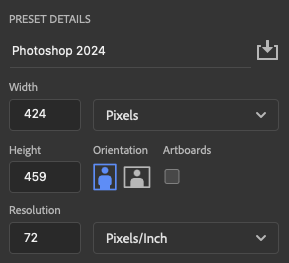
    I had mentioned a while back about the addition of a double arrow flip button that would swap the height and width, much like this example from Clip Studio Paint. (Although the UI design in my example is less than ideal) I'm also not opposed to the option like what Freehand offered [image: 1706477517486-31225fc0-c986-4018-8164-a522bdc078f2-bld-2024-01-28-at-16.31.18.png]
  • beta 1.2.010

    Moved
    17
    8 Votes
    17 Posts
    15k Views
    BoldlineB
    @FastVector said in beta 1.2.010: @VectorStyler said in beta 1.2.010: Show separators in color swatches Is it possible as a user to turn off the separators? I personally preferred it without the separators as it looked cleaner and was easier view. The only time it was more of an issue was if the swatches in a section were very close in color
  • The issue with flipping symbol objects within a clipping frame

    Moved
    9
    3 Votes
    9 Posts
    10k Views
    L
    @VectorStyler fixed. thanks
  • The issue with the automatic refresh of cloned shapes

    Moved
    4
    2 Votes
    4 Posts
    5k Views
    L
    @VectorStyler Perfect, everything has been fixed.
  • Symbol + Customize corner shape + Repeater causing program crashes

    Moved
    4
    0 Votes
    4 Posts
    5k Views
    L
    @VectorStyler Fixed. thanks
  • The bug causing program crashes when using Elastic Warp

    Moved
    3
    1 Votes
    3 Posts
    6k Views
    L
    @VectorStyler Fixed. thanks
  • Rounded dark theme white outline

    Moved
    2
    3
    1 Votes
    2 Posts
    3k Views
    VectorStylerV
    @Ingolf I will try to replicate this issue.
  • TAB key to change fields in Document Setup screens

    Moved
    2
    0 Votes
    2 Posts
    3k Views
    VectorStylerV
    @Victor-Vector said in TAB key to change fields in Document Setup screens: In the File > New Document Setup window or the File > Document Setup window, using the TAB key to switch fields within the interface will "skip" fields and not go to what should be the next field. These seems to be a bug. I added it to the backlog.
  • File > New Document Setup - Should units update?

    Moved
    2
    1
    1 Votes
    2 Posts
    3k Views
    VectorStylerV
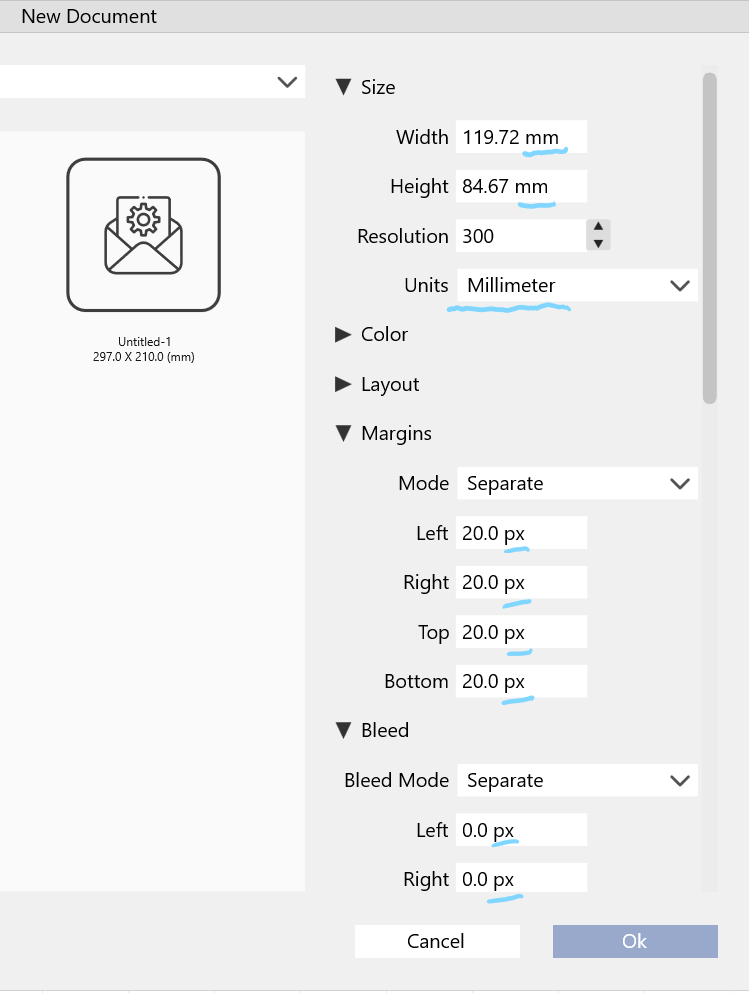
    @Victor-Vector said in File > New Document Setup - Should units update?: Margins and Bleed section will still have the old unit and not update. This is a bug.
  • 2 Votes
    2 Posts
    3k Views
    VectorStylerV
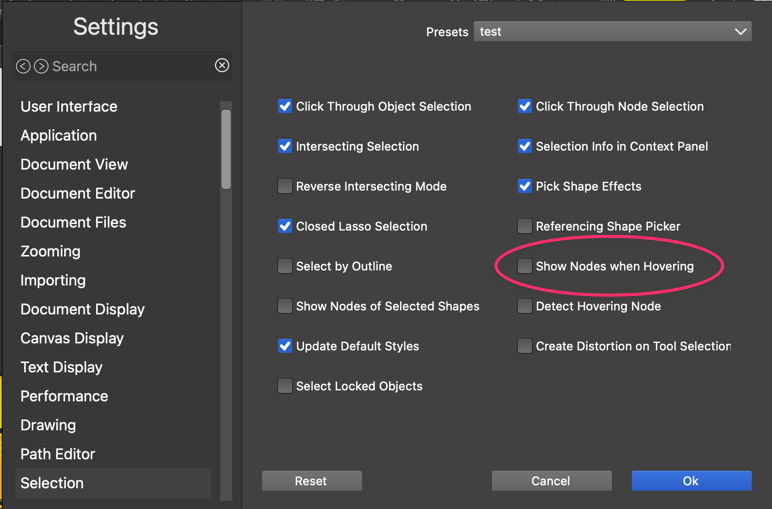
    @Boldline That option is for not showing nodes when in transform mode. I will make this work for the node editing mode also.
  • Repeater feature: space between objects

    Moved
    4
    3
    2 Votes
    4 Posts
    5k Views
    VectorStylerV
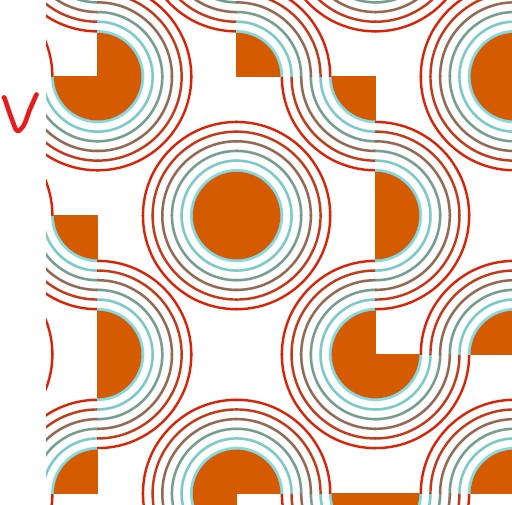
    Pat This kind of "touching edges" rendering artifacts exists with anti-aliasing in certain kind of rendering algorithms. I think Affinity has them too. The problem is that I do not yet have a solution that does not degrade the rendering performance.
  • Image Trace handle multiple raster images at Same Time?

    Moved
    5
    1
    0 Votes
    5 Posts
    5k Views
    BoldlineB
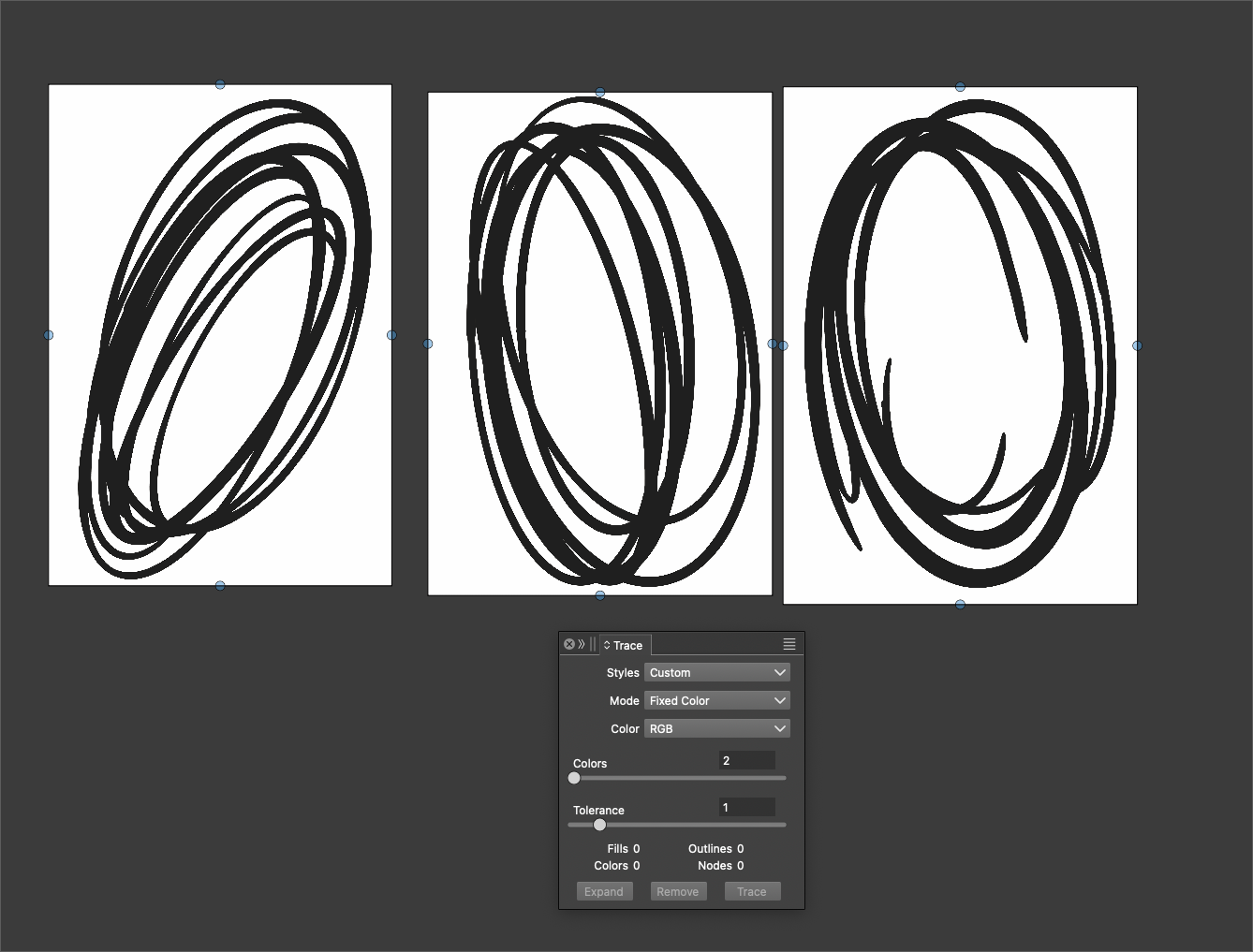
    @VectorStyler By the way, the image trace has improved vastly. I don't remember when you fixed it but it's a lot easier to use and the results are more predictable and useful. I've been using it more frequently than of the stand-alone specialized trace software I bought years ago. Can't wait until the feature requests for image trace we've made over the last couple years get implemented - it will be hands-down the best
  • Transform tool mode needs to be more obvious during active use

    Moved
    10
    3
    2 Votes
    10 Posts
    11k Views
    BoldlineB
    @VectorStyler said in Transform tool mode needs to be more obvious during active use: @Boldline said in Transform tool mode needs to be more obvious during active use: What was the reasoning to move them out? Too many tools. Maybe I am not fully understanding? I would only move the three additional tools circled here in red into the transform tool on the vertical toolbar [image: 1706025999446-2d847b88-bf9f-4671-ac87-bcc2a4c8f8c9-bld-2024-01-23-at-11.06.05.png] Respectfully, most of the tools in the vertical tool bar have more than the three tools that would be in the transform pull-out: [image: 1706025923267-adca0562-a108-4083-88bf-2fb81c9d4d94-bld-2024-01-23-at-11.04.36.png] Not trying to cause an argument, merely trying to understand UPDATE: playing around more with the other options in that section, I can see how they are all related to "transform" and I can see in part why it was moved
  • Actual Size is larger than actual size

    Moved
    8
    1 Votes
    8 Posts
    8k Views
    VectorStylerV
    @DMBrown said in Actual Size is larger than actual size: 5120 x 2880 Yes, this is the same as the iMac. I think there is a bug here somewhere, I will try to fix it ASAP.