• "Magnetic node tool" available in VS?

    3
    1 Votes
    3 Posts
    3k Views
    RaaskotR
    @VectorStyler That's nice, thanks With liquid-tool/magnetic I find options I need: Interactive control of fall-off/"brush"-size and the option to transform node clusters without adding new segments. Very useful when adjusting shapes to a background sketch without metriculously tracing it segment by segment [image: 1728468719111-e6249b90-4f7c-499f-b3e2-9f98077a33f5-billede-resized.png]
  • Getting my head around abstractions

    5
    1 Votes
    5 Posts
    5k Views
    IngolfI
    @jkwchui said in Getting my head around abstractions: preset style symbol clone Overall description of these features across programs that support them: Preset Definition: A preset is a predefined collection of settings that can be applied to objects in your design. Example: When you choose a preset for a shadow effect, the program automatically applies the desired settings, such as the specific size, color, and opacity of the shadow. When it's useful: Presets are great for saving time and ensuring consistency in your design. If you frequently use the same effect or style, you can quickly apply a preset without having to manually adjust the settings each time. Style Definition: A style is a defined way of formatting an object, which can include various attributes like color, outline, shadow, pattern, etc. Example: If you create a text style for headings in your designs, you can use the same style on all your headings, making them uniform in appearance with a single click. When it's useful: Styles are ideal for maintaining a cohesive look across multiple elements in your design. When you change a style, all objects using that style update automatically. Symbol Definition: A symbol is a graphic element that can be reused in multiple places in your design. When you modify the symbol, all copies automatically update. Example: A logo or icon used on several different pages in a brochure or web design. If the logo needs to be updated, you change it once, and all instances are updated automatically. When it's useful: Symbols are perfect for elements that appear in many places in your design and need to stay consistent. This saves time and ensures visual uniformity. Clone Definition: A clone is a copy of an object, but unlike regular copying, the clone is linked to the original, so changes to the original automatically update in the clone. Example: If you have a shape that needs to be repeated multiple times in a pattern, you can use clones so that you only need to change one shape to update them all. When it's useful: Clones are extremely useful when you need to create many repetitions of the same element but still want the flexibility to change the design later without manually updating each copy. In other words Preset and style are best for keeping your design settings consistent and save time with repetitive tasks. Symbol and clone are perfect for repeated elements where you want changes in one place to automatically update all instances. If you come from Circus Serif and Affinity If you have used Affinity, note that graphic styles in Affinity are simple, static, primitive presets because the company doesn't understand the terms behind what they are trying to implement. Vectorstyler has true styles, and they are genuinely useful, just as styles are useful in all other design programs, word processors, and websites. Styles are extremely valuable for professional and structured, organized graphic designers.
  • Pattern Brush Style

    11
    2
    1 Votes
    11 Posts
    9k Views
    B
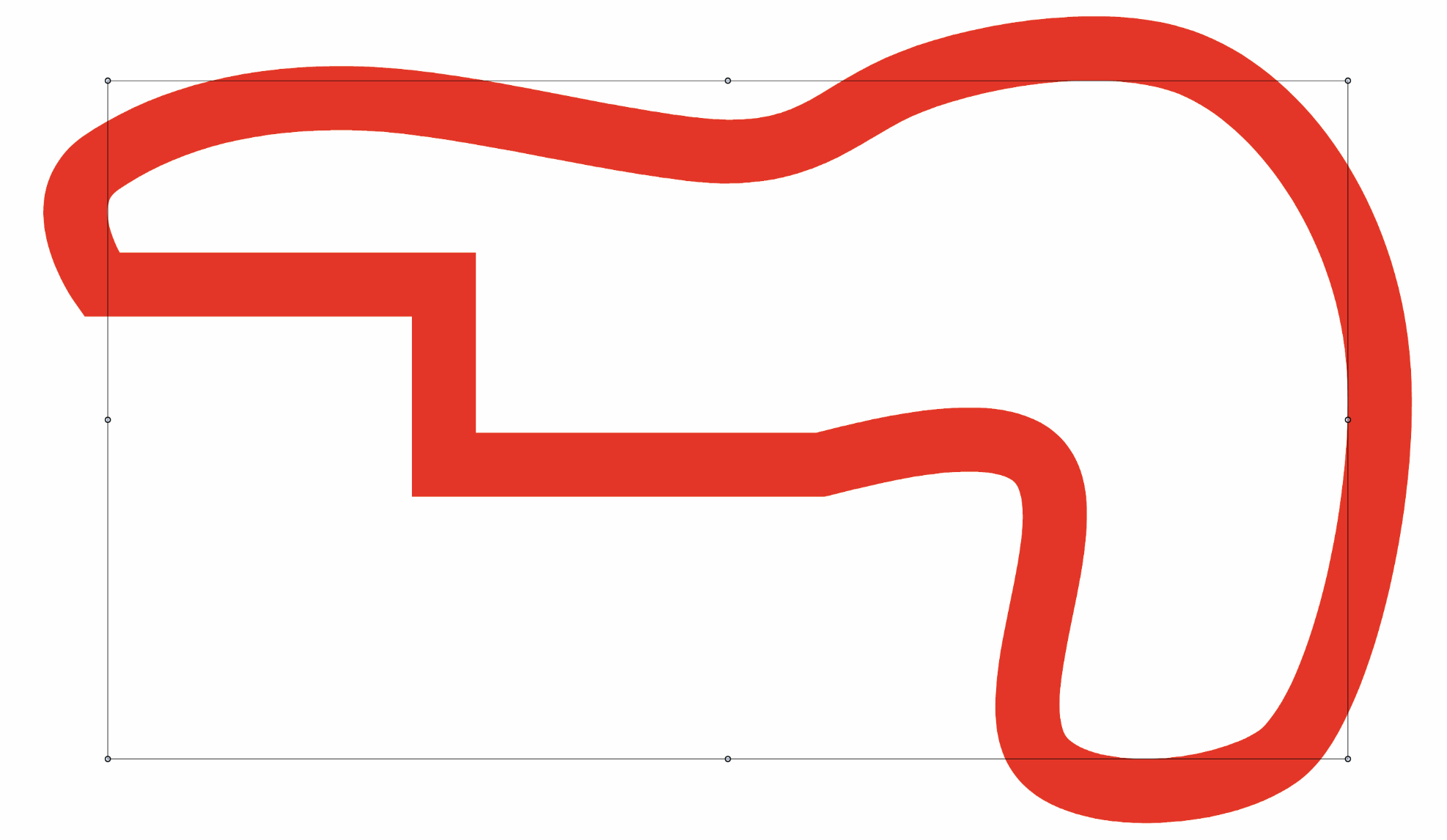
    @VectorStyler That's fine for a certain range of stroke thicknesses, otherwise the deformations are too great. Scaling must also differ depending on the shape. It's getting complicated...
  • Shapebuilder, Intertwine?

    4
    1 Votes
    4 Posts
    4k Views
    J
    @Subpath Thank you!
  • Can't paste copied or cut shapes in memory

    3
    0 Votes
    3 Posts
    3k Views
    RaaskotR
    @VectorStyler I Understand. Good idea is using break apart paths and combining shapes for optimal drawing/file structure.
  • 1 Votes
    2 Posts
    3k Views
    VectorStylerV
    @Boldline Yes, this is a known bug, and it is MacOS version dependent.
  • about choice

    34
    0 Votes
    34 Posts
    50k Views
    M
    @VectorStyler 0_1727698512968_6.vstyler
  • Panels do not save their position

    13
    1 Votes
    13 Posts
    10k Views
    S
    @VectorStyler Files sent
  • Duplicating a Path Section - per manual, doesn't seem to work

    13
    1
    1 Votes
    13 Posts
    9k Views
    S
    @VectorStyler said in Duplicating a Path Section - per manual, doesn't seem to work: @Subpath The 3 node limit is because of a conflict with an other feature, where the Alt+ with 2 node selection will stretch the section between the two nodes. understand, have no Problem with that, (just wondered) if i need it i will add a node if necessary and deleted it later on
  • what file format from Shortcut Presets in vector styler

    3
    1 Votes
    3 Posts
    4k Views
    VectorStylerV
    @re said in what file format from Shortcut Presets in vector styler: adobe-illustrator-cs2.xml Can you send me this cs2 shortcut file by email to csraba at vectorstyler.com I only have AI CC, I'd like to check if these are compatible.
  • A suggestion for numbers in the workspace

    2
    1
    1 Votes
    2 Posts
    2k Views
    VectorStylerV
    @hbalcic I added this to the backlog.
  • Vector Brushes size doesn't make sense to me

    3
    1
    1 Votes
    3 Posts
    3k Views
    S
    @VectorStyler thank you ...Currently the default brush size is the same as the default stroke size (which is 1)... Yes, that's what I suspected. But it's not a suitable size for vector brushes.
  • closed path

    14
    1
    1 Votes
    14 Posts
    10k Views
    VectorStylerV
    @monsterfox I assume that VS is not running when you edit the settings file. One other option is that you edited a settings file that is from a different VS version (maybe 1.1). One way to check this is to change some settings in VS, exit and check if the settings.xml file date has been updated.
  • This topic is deleted!

    1
    1
    0 Votes
    1 Posts
    1 Views
    No one has replied
  • Set Live Text to a specific Angle

    3
    2
    1 Votes
    3 Posts
    3k Views
    BoldlineB
    @VectorStyler Ahh! yes the transform panel angle works perfectly for this. No need to add it to the contextual menu. [image: 1726941470012-8efc4ca0-8caf-4e7e-84f7-97d65cf3115f-cleanshot-2024-09-21-at-13.57.05-resized.png]
  • A doubt.

    3
    0 Votes
    3 Posts
    3k Views
    M
    @VectorStyler At present, there is no such thing as a VS file. I have been using Freehand for many years and often encounter this situation, so I am worried about it.
  • Printing compatibility issue

    20
    2 Votes
    20 Posts
    17k Views
    debraspicherD
    @VectorStyler I've had that happen as well
  • Is it normal to be able to open more than one Layers panel?

    4
    1 Votes
    4 Posts
    4k Views
    VectorStylerV
    @debraspicher The extra panel can be opened from the Layers panel menu, It can also be opened from the Canvas panel by clicking on the icon in a canvas row.
  • How to use these by keyboard?

    2
    1
    0 Votes
    2 Posts
    3k Views
    VectorStylerV
    @debraspicher Should work when a node is selected. But now it seems that on Windows it is in conflict with a zoom shortcut. I will redefine these in the next build (fix the conflict).
  • gradient for brush stroke disappear

    3
    1 Votes
    3 Posts
    3k Views
    ZATOPEKZ
    @VectorStyler merci pour l'information