Subcategories

  • These features and ideas have been implemented in VS as suggested

    180 Topics
    1k Posts
    VectorStylerV
    @Ayo said in About the Snap feature: Wouldn't it be better to change "Snap to Visible Only" to "Snap to View Extend Only" or shorter "Snap to Viewport Only" or even shorter "Snap to View Only" ? There is a big chance of confusion with the term 'visible' which is mainly linked to the layer system. I added this to the backlog.
  • TIP - Halftone Generator - Bitmap to Vector graphics (.SVG)

    20
    1
    2 Votes
    20 Posts
    29k Views
    S
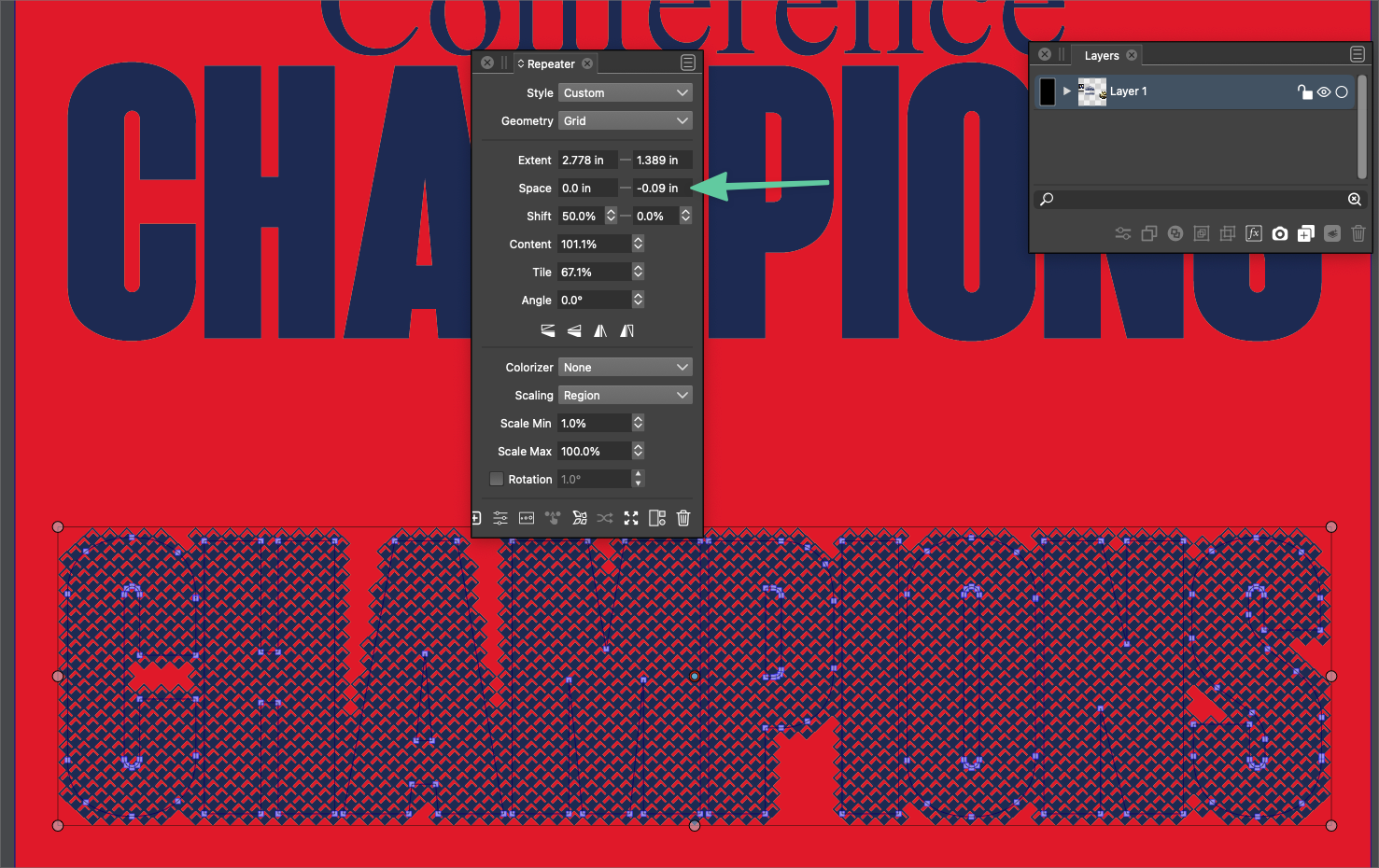
    @vectoradmin I know it allready play a bit with the Repeater, like it
  • Web based example of vector based halftones

    3
    1 Votes
    3 Posts
    5k Views
    BoldlineB
    @vectoradmin said in Web based example of vector based halftones: "halftone wizard" hahah Nice!
  • Option to lock some nodes and not others within same shape

    2
    1
    1 Votes
    2 Posts
    3k Views
    VectorStylerV
    @Boldline From what app was this vector imported into VS? It looks like the node types (cusp, smooth) could be wrong in some cases. Send the drawing to me by email. I can check what is going on. No node locking feature at this time. I will add this for the feature requests.
  • Further improving the gradient editor

    16
    3
    0 Votes
    16 Posts
    16k Views
    b77B
    Sure, if we want to talk about alternatives, there are indeed โ€” a modifier key like @fde101 suggests is a valid one, another one would be to display handles at a distance only when the gradient has three or more color stops (but I don't suggest it really)โ€ฆ But none of them skirt the need for better visual differentiation between handles and color stops after you move a color stop away from the gradient start or end. Anyway, in my opinion apps that require the user to know lots of secret handshakes (in this case a special shortcut to keep the other color stops in place when you want to "unglue" a color stop from the gradient start or end) are less user friendly and more difficult to learn than apps where the UI displays the adjustment handles directly. My last post on the topic, I rest my case. Have a nice weekend everyone.
  • Photoshop Export

    6
    0 Votes
    6 Posts
    7k Views
    T
    Thank you for this. Effectively, I sometimes use vector artwork as a basis of artwork I then complete in raster - I usually use Clip Studio as my bitmap app which enjoys some basic vector functions, but of course nothing as advanced as VS. I've dabbled with Affinity over the past few years, but lack of development on AD and the absence of some very basic vector features has prompted me to move on. Anyway, thank you for a swift response and the PNG suggestion above - certainly doable, but psd export opens up a ton of possibilities. Peter
  • 1 Votes
    2 Posts
    3k Views
    VectorStylerV
    @Boldline Added this to the backlog.
  • 1.1 beta feedback - Indicator shapes preferences

    5
    2 Votes
    5 Posts
    6k Views
    IngolfI
    @Boldline said in 1.1 beta feedback - Indicator shapes preferences: @Ingolf said in 1.1 beta feedback - Indicator shapes preferences: I suggest just one option for "Selected" whatever is selected - a color fx - that would greatly reduce complexity of the preferences. The default color should be red in that case Asking more about this because I'm not sure I'm following 100%. Are you asking for the selection bounding box or the selection around nodes and paths of a selected vector be one designated color? If that is an accurate understanding of your point, I'm not as keen on that solution because we recently coordinated any selection colors to tie in with the layer color - which makes it easy to see what layer the selection is on. If I was off on my understanding, I apologize! Simply that when I click a node or a tangent handle, that it is filled with red instead of blue in addition to being marked with a black outline. All I need to distinguish it. A major fault in other vector drawing programs is that many nodes and handles are displayed at once without proper and unique identification of the one thing you have selected and will modify. In vectorstyler you can click a node or handle and it is hightlighted with a black outline. Not enough if you ask me. With red I believe it is better understood by our brain. Another symbol representing selected is just adding complecity and confusion.
  • Option to toggle color bar in UI

    10
    1
    1 Votes
    10 Posts
    10k Views
    BoldlineB
    @Ingolf yeah I didnt have a document open when I made that comment... so I was assuming that lower look in my second image would stay that way or that it could stay that way if we wanted....
  • Page layout feature

    4
    0 Votes
    4 Posts
    5k Views
    VectorStylerV
    @ash-f I add this to the backlog, for the future.
  • On the go radius setting for style picker

    4
    1
    0 Votes
    4 Posts
    6k Views
    VectorStylerV
    @Ingolf Yes it does select the color from a single pixel. I add this to the feature request list.
  • Offset Path Low Opacity Return to 100% When Completed

    5
    1
    0 Votes
    5 Posts
    6k Views
    BoldlineB
    @vectoradmin Do them right after you add in all the updates and additions I have requested! just kidding. I'm always excited for the new features, additions and improvements to be added to VS. It seems at some point, doing a major under the hood upgrade focus in itself becomes a vital "feature". I always preface my replies to software development topics by saying I don't know anything about how that works - how much time it takes to do those edits or how much effort. I don't know if what needs to be done to fix the issues requiring frequent restarts of the program, or removing workspace files occasionally or clearing out preferences upon re-opening at other times are generic tasks or as small and specific as bug fixes. Is it the kind of fix that will take weeks or more to do? Is there a time in your overall plan when that kind of dedicated attention and upgrade would most help VS? From my viewpoint, you're at the opposite position from Affinity in this way. VS has a massive powerful accumulation of features, tools and options but has need for some admitted improvements under the hood. Affinity has a smooth and usually stable user experience, but lacks most of what VS offers in features tools and the like. Even Affinity took a cycle specifically to focus on the code, the speed, efficiency and stability improvements to their software. From my experience using VS, the further into using it for a project I go, the more likely a restart is needed. I've made VS my primary work program and so having a smooth and expected user experience is more important to me than before when I was primarily experimenting. I would welcome and completely understand if you took the time to do those fixes. I don't know if this ties in with the restart issues or is completely separate, but one of the common concerns I've noticed mentioned from those testing VS for the first time is that is feels a little clunky and slow in the UI. I can see how the VS UI has improved over the last year. When I use VS, the UI does not slow me down, but I can notice a different feel if I jump over to Affinity. If this is not tied in to the restart issues, I would suggest this be made an important thing to focus more on. Just my thoughts.
  • This topic is deleted!

    1
    0 Votes
    1 Posts
    1 Views
    No one has replied
  • Star symbol to denote unsaved document

    12
    1
    0 Votes
    12 Posts
    18k Views
    b77B
    @vectoradmin Wellโ€ฆ the save button could go in just 4 or 5 steps from gray to red. Or all this could be optional โ€” time elapsed or modified status โ€” the same way the user can choose what info is displayed in the space at the bottom of the window. OK, it's a minor thing anyway.
  • This topic is deleted!

    1
    0 Votes
    1 Posts
    3 Views
    No one has replied
  • Zen / minimal mode

    2
    2 Votes
    2 Posts
    3k Views
    VectorStylerV
    @Ingolf I add this to the list of feature requests.
  • Usability - less symbols

    2
    1 Votes
    2 Posts
    4k Views
    VectorStylerV
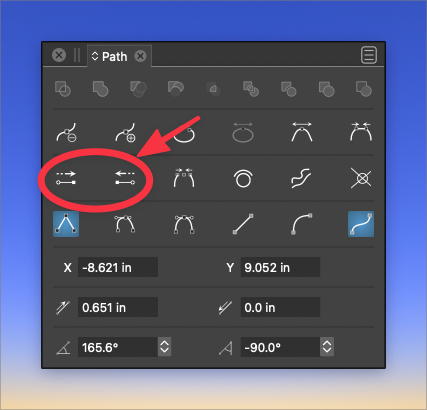
    @Ingolf This type of snapping will be added (not yet available) Meanwhile, a workaround could be to enable View -> Guides -> Snap to Points and make sure that in the Snapping panel menu the "Snap to Original" is enabled. In the next build, the node customization will solve the arrow issue also, by allowing the setting of start/end shapes separately.
  • Grouping fonts in the font list

    8
    1
    0 Votes
    8 Posts
    10k Views
    VectorStylerV
    @Boldline Link to the font source only. You understood it right
  • Auto select Name section in Save dialog box

    5
    1 Votes
    5 Posts
    6k Views
    BoldlineB
    @vectoradmin I am switching over to an M1 Mac now using Monterey - that is where I'm currently seeing the issue. the restart of VS did not fix it FYI
  • Should "Automatic Backup" be on by default?

    1
    2 Votes
    1 Posts
    3k Views
    No one has replied
  • 2 Votes
    5 Posts
    6k Views
    IngolfI
    @Boldline said in Logic insertions of new objects depending on default behavior - or chosen option: I don't mind if there are contextual menu buttons for creating/pasting above, below, inside and top, as long as key commands are also still available to be set for all options available. If the default behavior for inserting shapes is changed as I suggested, the need for the menu buttons in the default configuration is greatly reduced. The most important thing is that the default behavior is logic and predictable like in Illustrator, Affinity, CorelDRAW that the related actions work as intended as well when used (creating or pasting) that the non-default create object actions are only active for one use (preference setting I guess) indeed that shortcuts can be assigned I searched for all the actions you and I described and they can all be assigned a keyboard shortcut.