@Ayo said in About the Snap feature:
Wouldn't it be better to change "Snap to Visible Only" to "Snap to View Extend Only" or shorter "Snap to Viewport Only" or even shorter "Snap to View Only" ?
There is a big chance of confusion with the term 'visible' which is mainly linked to the layer system.
I added this to the backlog.
@awerte I opened a feature request on this one. It is not just the arrow cursor, but cursors in general for various tools using the crosshair mode.
I will try to find a solution for this.
@DMBrown said in Decimal Width of 0 - On Screen Dimensions:
My primary request, then, is to be able to set the Decimal Width to 0 for both pixels and points.
Added this to the backlog, will try to have it in the next build
@Boldline
Thanks for the video. Think it's the same as in Affinity Designer 1.
But while it's easy to drag and drop designs from the panel onto the canvas,
it's not possible to drag and drop designs into the assets panel.
Which would be one of my wishes for something like this in Vectorstyler.
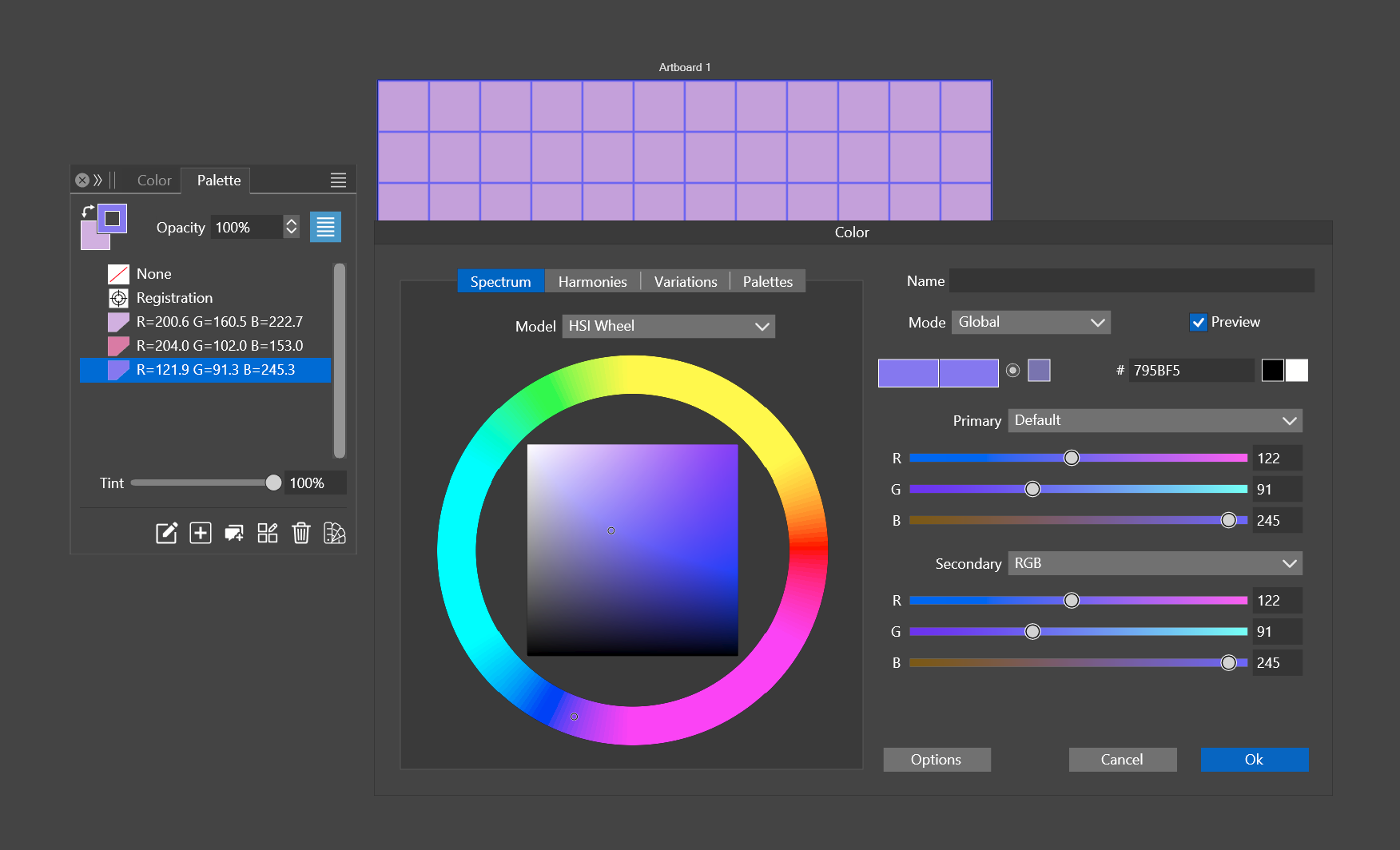
Here is the file with the patterns. If you want to make a pattern, select one of the squares on the first or the third row > styles > create styles > create pattern
0_1704910131332_Basic Patterns.vstyler
@fde101
Can follow your thoughts and also agree with them.
But in my opinion that it does not necessarily depend on the
translatability of a company name.
Ultimately, a term / word can also be seen simply as a graphic
and differs in this way.
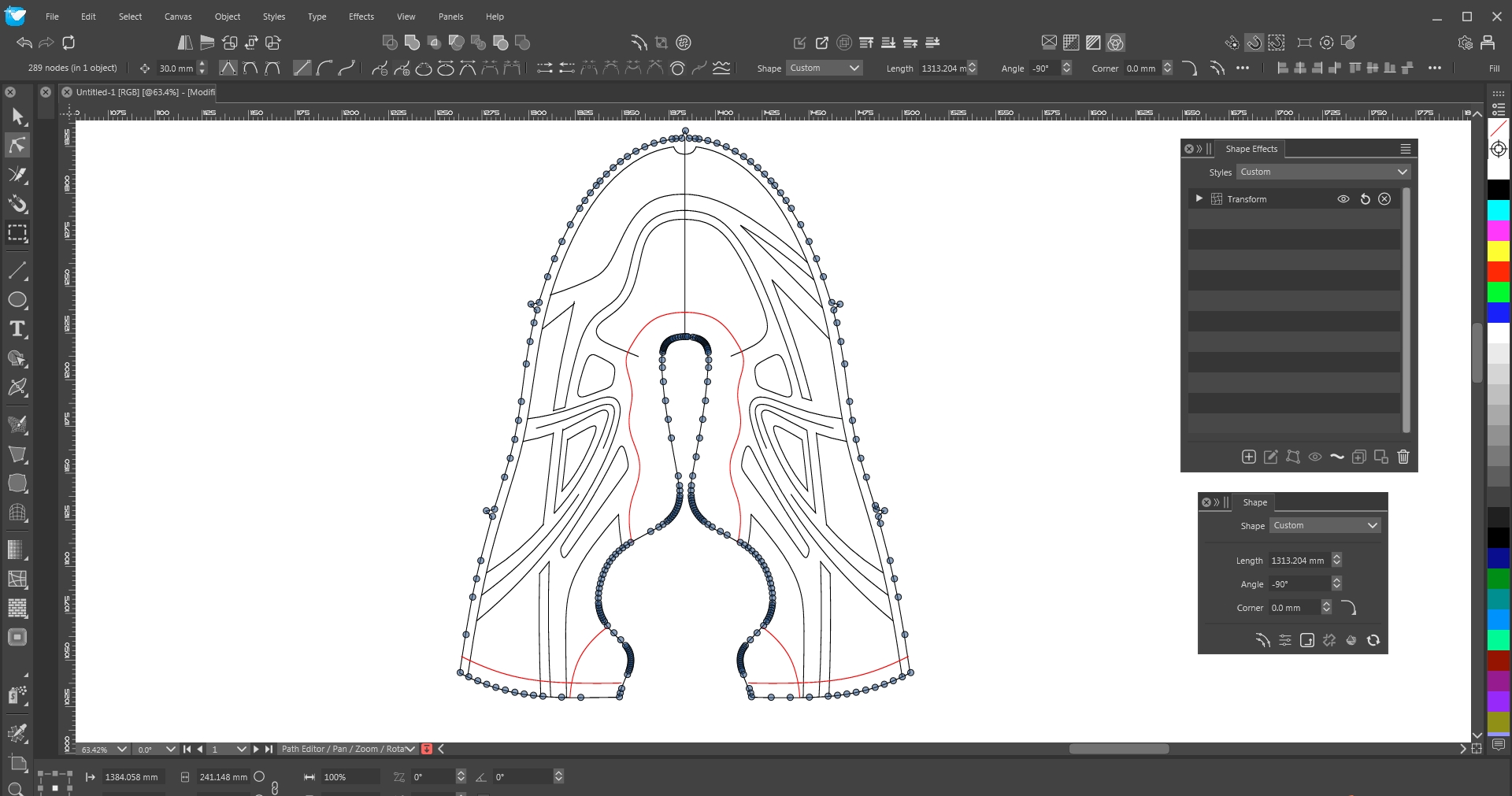
After taking a closer watch, I see this tool will come in the web version. So it won't replace the curvature tool. I quess both features will have there own advances.
@Li-Xiao said in Moving the pivot point when the transform panel is opened:
Hope to have an option for the pivot point in the transform
When using the transform panel (Panels -> Transform), it is possible to use the custom pivot by unchecking the active pivot knob in the panel.
Just a thought that came to me while reading this post.
Why not just call up only the panel fields on double click.
(Shape Panel e.g.)
What I like about these Panels is that they are non-modal
and allow further processing of the object.
@kevphil said in Edit line thickness while drawing:
Thanks for the feedback!
the user was able to make the line thicker as he placed the point
I will have to see how that works. Is this something that could be added to the Pen tool?