Subcategories

  • These features and ideas have been implemented in VS as suggested

    180 Topics
    1k Posts
    VectorStylerV
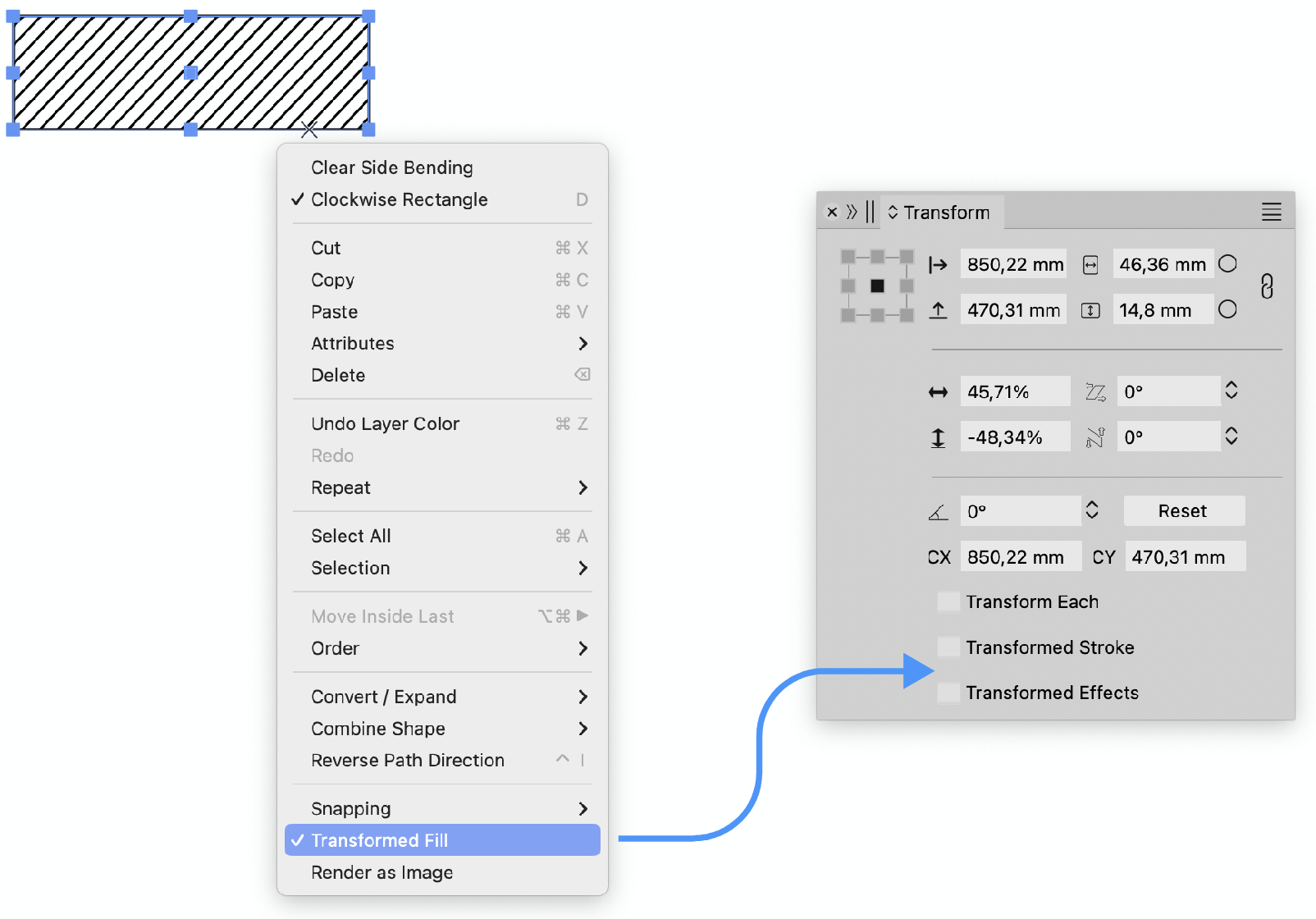
    @Ayo said in About the Snap feature: Wouldn't it be better to change "Snap to Visible Only" to "Snap to View Extend Only" or shorter "Snap to Viewport Only" or even shorter "Snap to View Only" ? There is a big chance of confusion with the term 'visible' which is mainly linked to the layer system. I added this to the backlog.
  • Artboard printing / exporting in the order set by the user.

    4
    2
    1 Votes
    4 Posts
    4k Views
    VectorStylerV
    @Harry Not for the export tool, only for printing. I will try to add it for export also.
  • Webpage Font Hard to Read

    8
    1
    0 Votes
    8 Posts
    6k Views
    debraspicherD
    @Teddy Keep critiquing because it will help the development of the UI/UX aspect of the program. Some aspects of application design is subjective to the general user, but with more input across the board, hopefully it becomes a lot clearer to the developer the best path to take for VS.
  • new tool

    5
    0 Votes
    5 Posts
    5k Views
    VectorStylerV
    @monsterfox Got it. I will add this to the feature lists for 1.3
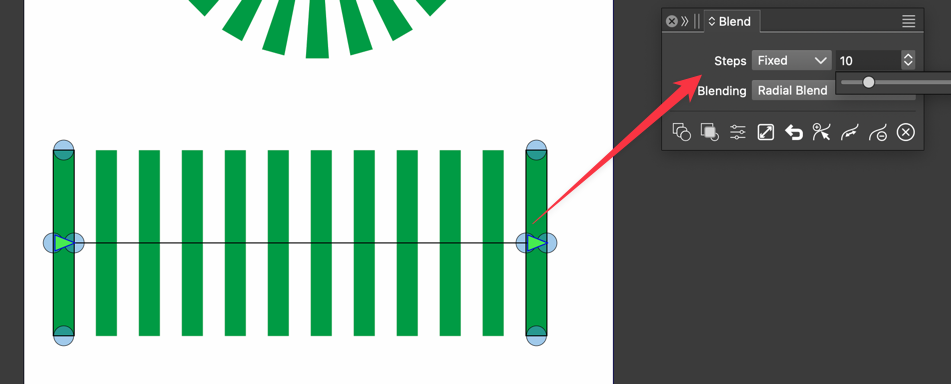
  • Blend Tool needs Split function

    4
    1 Votes
    4 Posts
    4k Views
    IngolfI
    Great, thanks for the input @Li-Xiao and for the effort @VectorStyler !
  • About half-tone

    8
    0 Votes
    8 Posts
    7k Views
    M
    @VectorStyler Look forward to a stronger VS.
  • Quick Adjustment of Swatches

    2
    1
    2 Votes
    2 Posts
    2k Views
    VectorStylerV
    @debraspicher So this would be some sort of ""Palette Editor" view. Yes I think it is possible.
  • Multiple shortcut keys

    8
    0 Votes
    8 Posts
    7k Views
    VectorStylerV
    @monsterfox Sorry, I gave the wrong example (the number keys are fixed). So first remove the "S" shortcut (assigned to the Pattern tool), and then create for example "S X" for some tool and "S Y" for another tool. This should work.
  • New selection mode

    3
    1
    1 Votes
    3 Posts
    3k Views
    M
    @Li-Xiao Thank you.I'll try it later.
  • 0 Votes
    2 Posts
    2k Views
    VectorStylerV
    @Boldline I added this tot he backlog.
  • Create an action based on history

    8
    0 Votes
    8 Posts
    7k Views
    B
    @Subpath said in Create an action based on history: @Pat ... Because you can design without having a Script Recorder in Mind. That's exactly what I thought : we're "starting new adventures" with VS , we're enjoying the design and we'd like to record all steps quickly and easily. Two steps would be perfect: recording an action from the History panel and importing it from the Action panel ...
  • Integrated menu

    4
    1 Votes
    4 Posts
    4k Views
    M
    @Subpath You have a great plan, too. Thank you for your help.
  • Pen tool - fill shapes usability

    4
    2 Votes
    4 Posts
    4k Views
    IngolfI
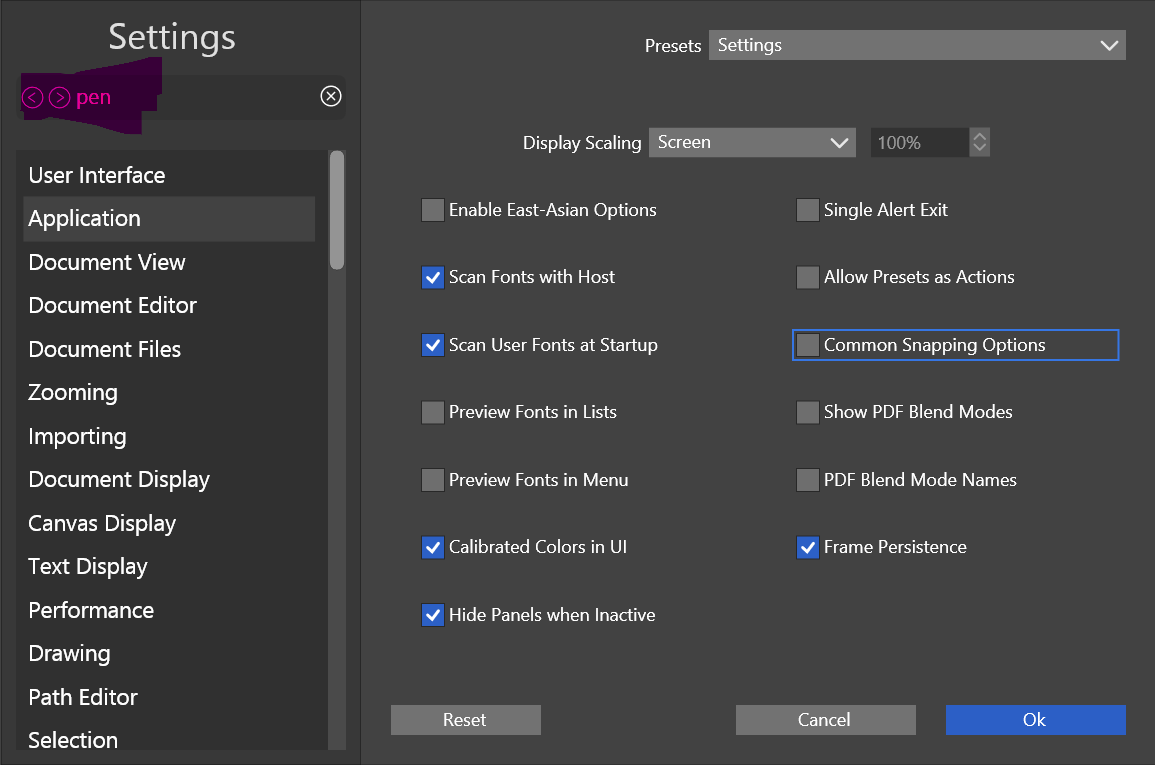
    @VectorStyler said in Pen tool - fill shapes usability: @Ingolf said in Pen tool - fill shapes usability: I will try to find a solution for this. The context panel is a bit loaded for the pencil tool (npt much room left). This setting also applies to the pen tool, which is what I use the most and mentioned above, but in the settings, it says pencil tool, so it's extra difficult to guess what the setting covers. Yes, there's a lot going on in the interface, but perhaps you should consider using text labels less; they take up a lot of space and, of course, are easier to understand, but visually, they take up the equivalent of 4-5 small icons, and I think they create a cluttered interface. But anyway, I referred to the setting in the pen tool, but I would say the issue also applies to the use of the pencil tool. Cheers
  • Shortcut option to close shape when arc tool gets added

    2
    2
    1 Votes
    2 Posts
    3k Views
    VectorStylerV
    @Boldline I added this tot he backlog.
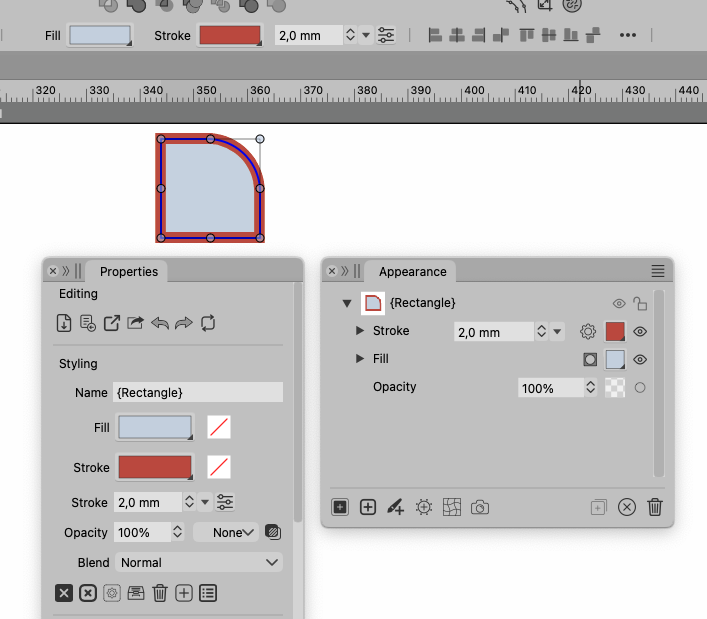
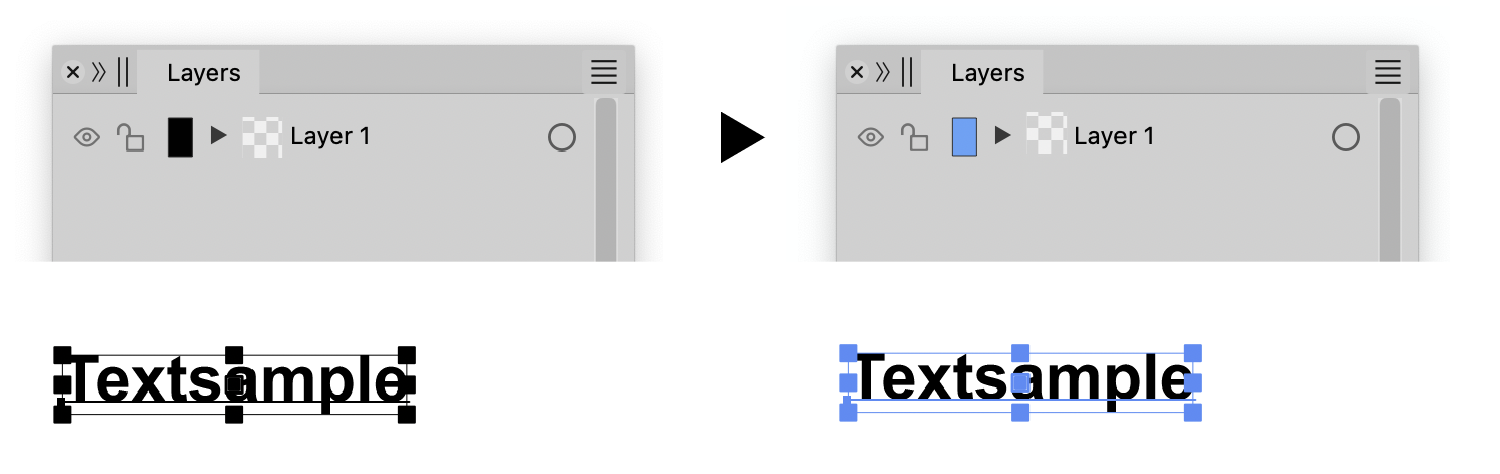
  • Layer panel customization after 1.2 changes

    7
    3
    1 Votes
    7 Posts
    7k Views
    C
    In any case, I find the color coding too wide, Illustrator has very nice narrow stripes.
  • Saving indicator color

    7
    0 Votes
    7 Posts
    6k Views
    C
    @Boldline said in Saving indicator color: I'm not saying it needs to stay purple, but I do like that it's a subtle change that does not distract from my work, yet it is noticeable as it changes. Maybe if it went to orange then red? Purple is a very difficult color: In the dark UI you notice it too late and when you notice it, it disturbs your design colours no matter what color. Orange and red are too similar. The classic sigal colors are green, yellow, red. Maybe a slightly muted yellow, like R255/G255/B150 or just red?
  • Option to save imported file directly to same folder and same file format

    6
    2 Votes
    6 Posts
    6k Views
    VectorStylerV
    @fde101 said in Option to save imported file directly to same folder and same file format: What it is actually doing is importing the PSD but remembering where it came from and what it is, and when you "save" the document, it replaces the original PSD with a newly exported copy instead Yes, but it will lead to loss of information. I will find a solution for this.
  • Please add a 'search next' in the Customize windows

    10
    1
    2 Votes
    10 Posts
    8k Views
    M
    Thanks all. I think these arrow-buttons are more obvious and intuitive and I agree that it's best to keep UI consistent. Nice to see this added, because this is one of those hidden features that are easy to forget, let alone for newcomers.
  • Please search keyboard shortcuts on name instead of shortcut

    7
    1
    0 Votes
    7 Posts
    8k Views
    VectorStylerV
    @encart said in Please search keyboard shortcuts on name instead of shortcut: Perhaps when the shortcut configuration window is opened, icons should be visible next to the labels from the beginning to indicate that sorting is possible I added this to the backlog
  • 1 Votes
    5 Posts
    5k Views
    M
    @fde101 said in Please have 'Enter' not close a window (at least not the Customize windows): If your other applications are behaving differently, it is your other applications that are wrong. Sure
  • Please make keyboard shortcut Ctrl+Enter available!

    3
    1 Votes
    3 Posts
    4k Views
    M
    @VectorStyler said in Please make keyboard shortcut Ctrl+Enter available!: I will try to fix this. Is this on Windows or Mac? Thanks. I'm on Windows here