VectorStyler
    • Categories
    • Unread
    • Recent
    • Tags
    • Popular
    • Register
    • Login
    1. Home
    2. Bugs in VectorStyler
    3. Resolved Issues
    Log in to post
    Load new posts
    • Recently Replied
    • Recently Created
    • Most Posts
    • Most Votes
    • Most Views
    • encartE

      Lag in Huion tablet while Windows Ink is turn on. Blue spot moves slower than the cursor shape

      Watching Ignoring Scheduled Pinned Locked Moved
      4
      0 Votes
      4 Posts
      7k Views
      encartE
      @vectoradminit Looks like all lag has been eliminated. Thanks!
    • W

      (Win beta 1.0.021) Copy Paste Issues

      Watching Ignoring Scheduled Pinned Locked Moved zoom copy and paste ui improvement shortcut keys too many groups
      12
      0 Votes
      12 Posts
      20k Views
      W
      @vectoradmin This is great. The default settings are working fine! Thanks a lot!
    • encartE

      The symbols used in the canvas are also edited in the Presets panel

      Watching Ignoring Scheduled Pinned Locked Moved
      6
      0 Votes
      6 Posts
      7k Views
      VectorStylerV
      @encart This has been fixed in build 1.0.044
    • V

      Nudge Moving Distance Issues

      Watching Ignoring Scheduled Pinned Locked Moved
      4
      1
      0 Votes
      4 Posts
      5k Views
      VectorStylerV
      @Vector-Rock This has been fixed in build 1.0.044
    • BoldlineB

      Spelling error

      Watching Ignoring Scheduled Pinned Locked Moved
      3
      1
      0 Votes
      3 Posts
      4k Views
      VectorStylerV
      @Boldline This has been fixed in build 1.0.044
    • encartE

      Microsoft Print to PDF crashes the app.

      Watching Ignoring Scheduled Pinned Locked Moved
      4
      0 Votes
      4 Posts
      8k Views
      VectorStylerV
      @encart This has been fixed in build 1.0.044
    • encartE

      Errors when highlighting text

      Watching Ignoring Scheduled Pinned Locked Moved
      4
      0 Votes
      4 Posts
      6k Views
      VectorStylerV
      @encart This has been fixed in build 1.0.044
    • encartE

      [Toolbox]Custom shortcuts may change active tool in tool-groups when they are duplicated.

      Watching Ignoring Scheduled Pinned Locked Moved
      3
      0 Votes
      3 Posts
      5k Views
      VectorStylerV
      @encart This has been fixed in build 1.0.044
    • BoldlineB

      Spelling error in Actions Menu

      Watching Ignoring Scheduled Pinned Locked Moved
      3
      1
      0 Votes
      3 Posts
      6k Views
      VectorStylerV
      @Boldline This has been fixed in build 1.0.044
    • V

      Contour Panel- Cannot Adjust Width or Precision Values Incrementally with Arrow Keys

      Watching Ignoring Scheduled Pinned Locked Moved
      3
      0 Votes
      3 Posts
      4k Views
      VectorStylerV
      @Vector-Rock This has been fixed in build 1.0.044
    • encartE

      Changing values by scrolling in fields with % unit changes by 120% per step

      Watching Ignoring Scheduled Pinned Locked Moved
      3
      0 Votes
      3 Posts
      4k Views
      VectorStylerV
      @encart This has been fixed in build 1.0.044
    • V

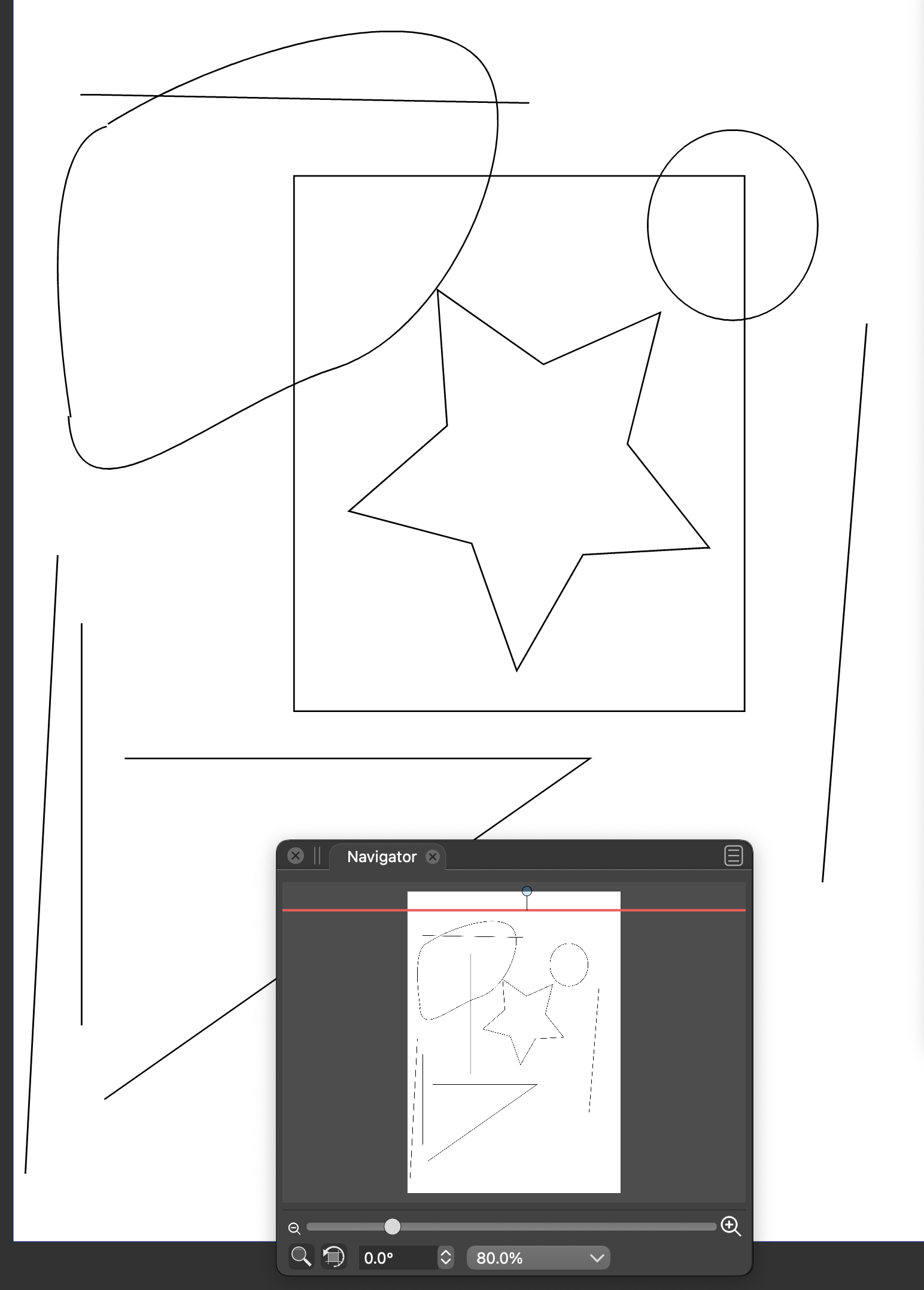
      Navigator Panel Object Rendering Problem, Red Navigator Artboard with Keyboard Scrolling Arrows

      Watching Ignoring Scheduled Pinned Locked Moved
      9
      1
      0 Votes
      9 Posts
      13k Views
      VectorStylerV
      @Vector-Rock This has been fixed in build 1.0.044
    • BoldlineB

      Closed offset Path and brush stretching make stroke Disappear

      Watching Ignoring Scheduled Pinned Locked Moved
      3
      0 Votes
      3 Posts
      4k Views
      VectorStylerV
      @vectoradmin This has been fixed in build 1.0.044
    • K

      Pen, Brush and Text tool fill colours resetting to transparent or black

      Watching Ignoring Scheduled Pinned Locked Moved
      9
      0 Votes
      9 Posts
      9k Views
      VectorStylerV
      @Kyriakos Sorry for the late reply, but this issue should be fixed now.
    • A

      Cannot specify layer color (RC19, Windows)

      Watching Ignoring Scheduled Pinned Locked Moved
      5
      0 Votes
      5 Posts
      7k Views
      VectorStylerV
      @Arde I cannot replicate this issue with the latest Windows build. Is this still a problem?
    • P

      VS is completely broken on my system (Mac OS High Sierra)

      Watching Ignoring Scheduled Pinned Locked Moved
      7
      1
      0 Votes
      7 Posts
      7k Views
      VectorStylerV
      @postdes Replicated! Turning off the rulers is the issue.
    • V

      Items Left Behind in Layers Panel when Artboard is Empty

      Watching Ignoring Scheduled Pinned Locked Moved
      4
      1
      0 Votes
      4 Posts
      5k Views
      VectorStylerV
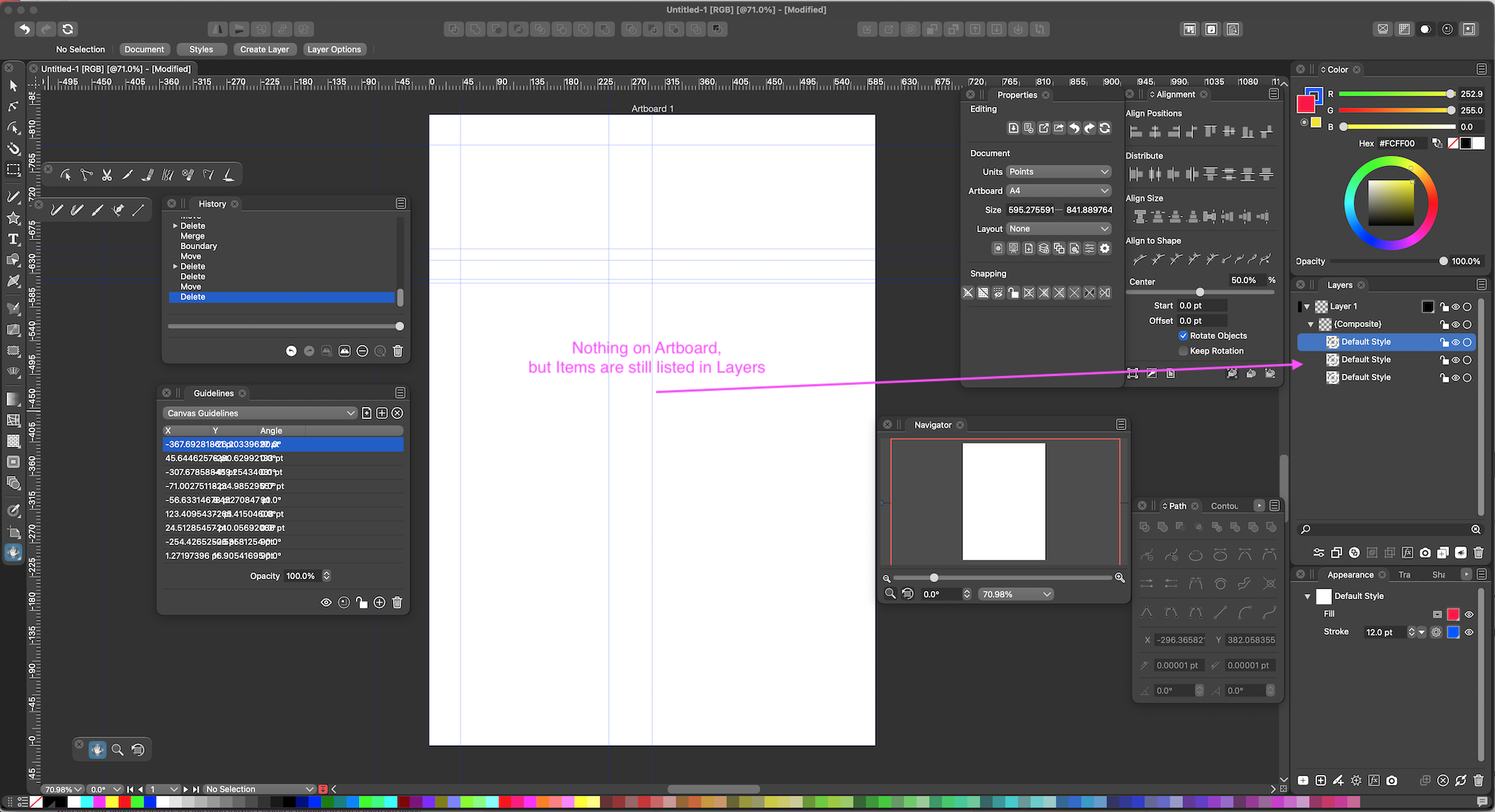
      @Vector-Rock This one can be replicated easily now, and will be fixed. The composite shape was empty because the result from combining the 3 shapes was an empty shape due to a bug. The bug will be fixed in the next build. BTW: in this case one of the shapes is not necessary, as it is the boundary of the other two, and the composite shape is also creating a boundary (kind of creating boundary twice). About the forum images: yes there is some size limit to the images. I will check if this can be increased, but there will be some limit anyway to keep space under control
    • V

      Adjustments to the Guidelines Panel Column Widths not Retained After Closing

      Watching Ignoring Scheduled Pinned Locked Moved
      2
      1
      1 Votes
      2 Posts
      4k Views
      VectorStylerV
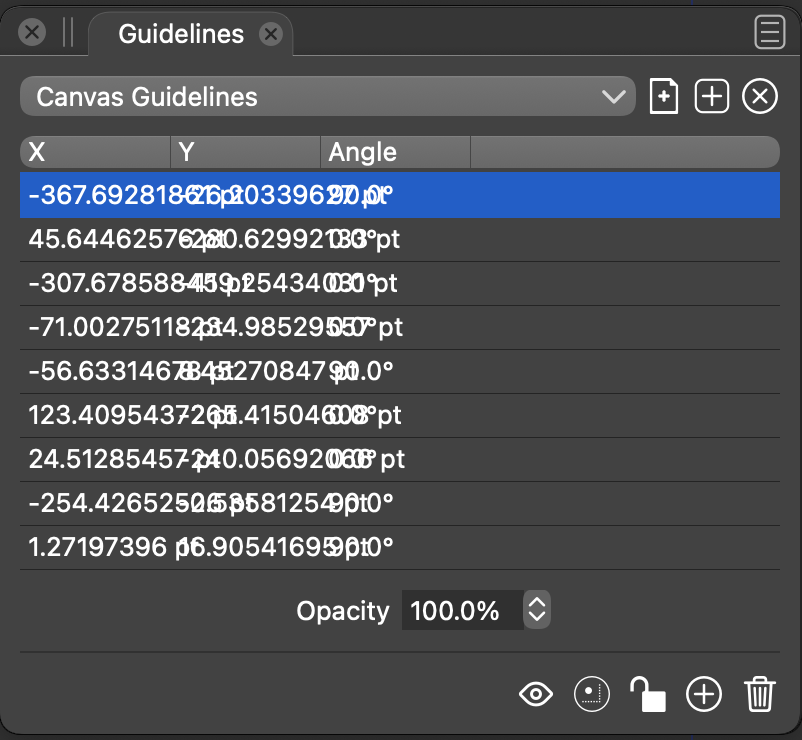
      @Vector-Rock Added to the backlog, will be fixed in the next build.
    • encartE

      Imported SVG's are invisible until ungroup & position of imported files

      Watching Ignoring Scheduled Pinned Locked Moved
      5
      0 Votes
      5 Posts
      6k Views
      VectorStylerV
      @encart Got this replicated. It is just a missing refresh issue after importing. Press Control+R on Windows to refresh after the file is imported. Added to the back, will be fixed in the next build.
    • A

      Printer marks do not work correctly

      Watching Ignoring Scheduled Pinned Locked Moved
      25
      2
      0 Votes
      25 Posts
      54k Views
      861475_VctSt8
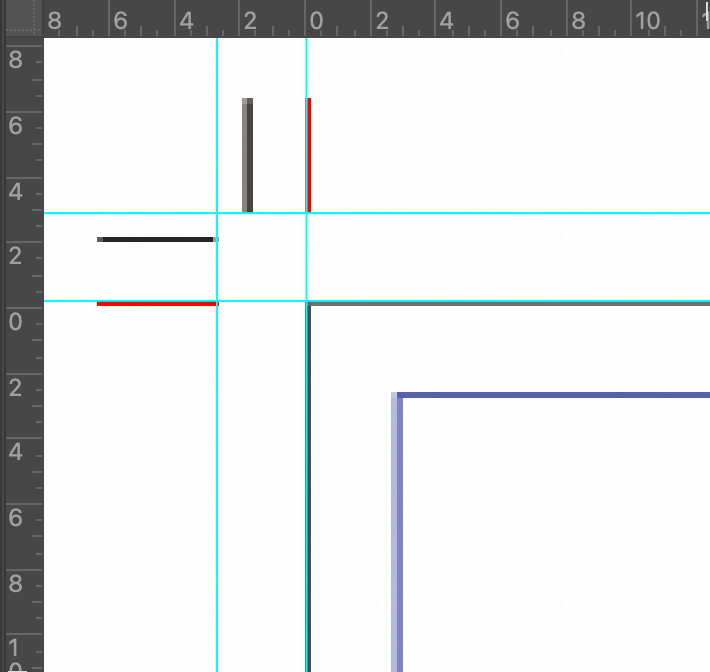
      @vectoradmin īŧˆ1.0.041īŧ‰ The basic functions seem to have been fixed. As I mentioned in the previous post, it is better to fix the line widths of marks. Improvement: Each of the following should be set to 0.09mm. -Crop:0.18mm <- too thick -Bleed:0.18mm <- too thick -Resistration:0.02mm <- too thin In actual printing, various data are pasted on the outside of the Artboard as needed depending on the process. However, I think this is sufficient for small office.