• Search feature in palettes

    Moved
    26
    1
    0 Votes
    26 Posts
    49k Views
    VectorStylerV
    @Boldline The grey box indicates a color group header. Colors from ASE are organized in groups. I will look into the registration color import issue.
  • Change Ruler Units by Right clicking on Ruler

    Moved
    4
    2 Votes
    4 Posts
    6k Views
    V
    @vectoradmin Very nice. Great to see it made it into Build 1.0.025 RC2 (correction) Thank You!
  • 0 Votes
    3 Posts
    7k Views
    B
    @vectoradmin Great! Thank you developer!
  • Node options using the cursor

    Moved
    16
    0 Votes
    16 Posts
    18k Views
    BoldlineB
    @vectoradmin Yes! loving it so far! I'll keep testing it and using it and let you know if anything else comes up. This is a big help thank you!
  • Add file type groups in the list of supported files when importing

    Moved
    2
    1 Votes
    2 Posts
    4k Views
    VectorStylerV
    @Arde This should work in the new build (1.0.022).
  • Default location for Windows color profiles...

    Moved
    4
    0 Votes
    4 Posts
    6k Views
    VectorStylerV
    @Arde The suggested default location is added in the new build (1.0.022).
  • Improved pair kerning

    Moved
    3
    1 Votes
    3 Posts
    7k Views
    VectorStylerV
    @vectoradmin Adjusting tracking at the cursor position should work in the new build (1.0.022). Use keys Control+Option+Comma to decrease and Control+Option+Period to increase tracking.
  • A small but important usability improvement: sub menu delay

    Moved
    5
    0 Votes
    5 Posts
    8k Views
    A
    @vectoradmin said in A small but important usability improvement: sub menu delay: The new build improves on the Windows menu handling. Thanks, that makes all the difference.
  • Recognizing spot colors on PDF import

    Moved
    6
    1 Votes
    6 Posts
    11k Views
    VectorStylerV
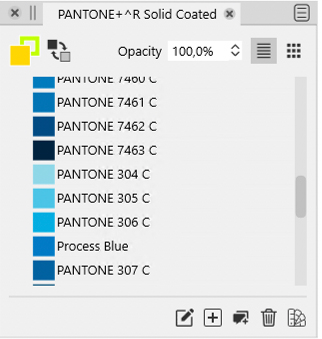
    @Arde Including Pantone requires a license. But it can be imported if available from a number of palette formats. I add to the backlog the color search / match feature.
  • Individual corners and text layer names

    Moved
    5
    0 Votes
    5 Posts
    7k Views
    A
    @vectoradmin said in Individual corners and text layer names: The new build shows a couple of words from unnamed text objects in the layers panel. Thanks, great!
  • About the [grid shape_] tool. ver.1.0.019

    Moved
    4
    1
    1 Votes
    4 Posts
    5k Views
    861475_VctSt8
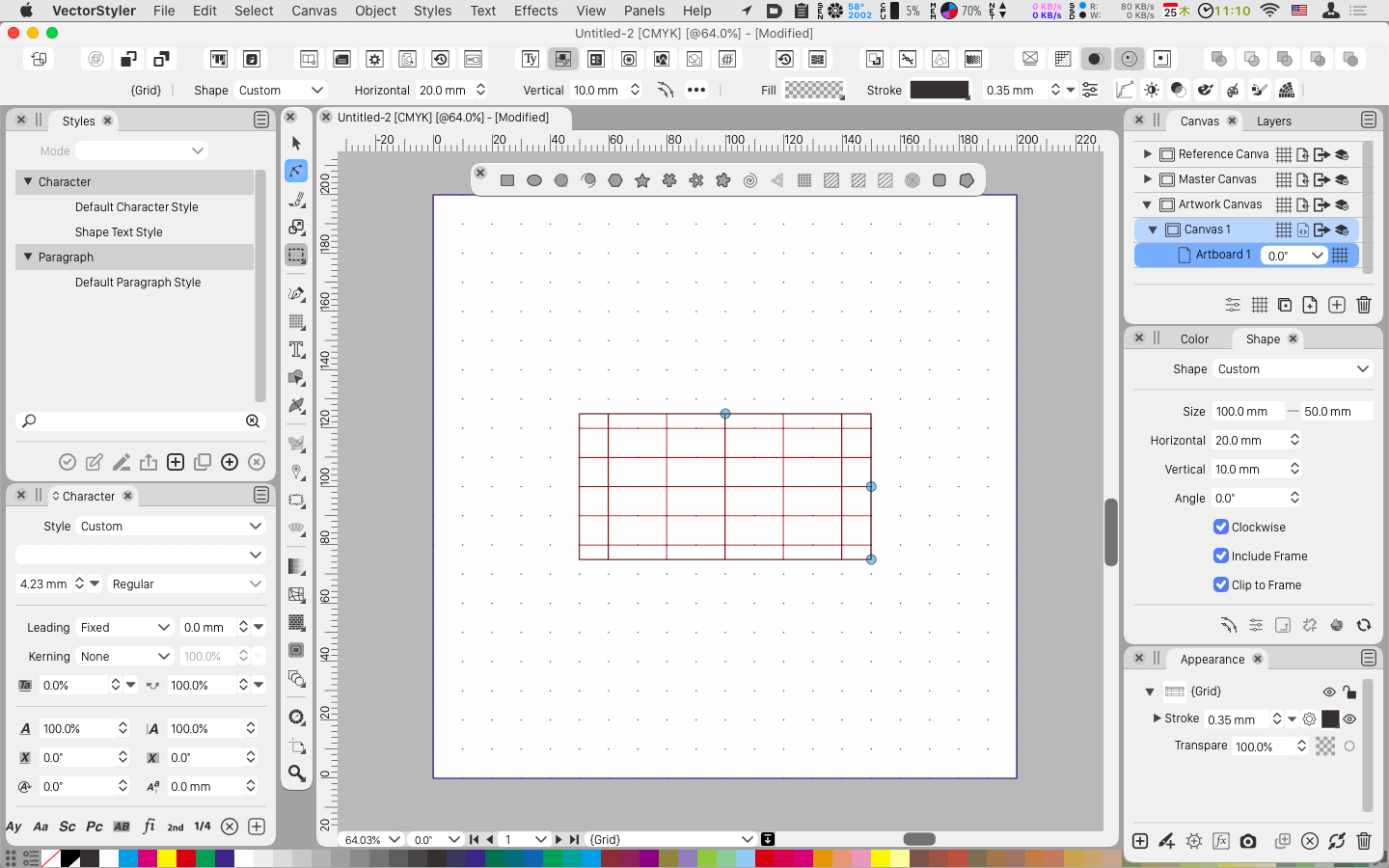
    @vectoradmin Thanks for a job well done. I've confirmed. I also expect to create by specifying columns and rows. Near future.
  • Consider simplifying interface

    Moved
    33
    3
    1 Votes
    33 Posts
    68k Views
    K
    @vectoradmin thank you, managing them is much easier now.
  • Lasso tool?

    Moved
    3
    0 Votes
    3 Posts
    6k Views
    BoldlineB
    @syllie thank you!!!!! I figured it was in there somewhere. I was just missing it somehow. You're awesome
  • Less jarring snapping of panels

    Moved
    4
    0 Votes
    4 Posts
    6k Views
    BoldlineB
    @vectoradmin - the panels are much improved in the new beta! I like how it now highlights where it can go and it's not jarring anymore. good work
  • Stroke panel - Dash / Stripe / Profile dialog a bit underwhelming

    Moved
    7
    0 Votes
    7 Posts
    9k Views
    syllieS
    @vectoradmin I like how this one has been changed in build 1.0.018 RC1 - much clearer! Thank you.
  • Use shape editor to allow individual edit to shape while grouped?

    Moved
    5
    1 Votes
    5 Posts
    7k Views
    BoldlineB
    @vectoradmin Thanks for explaining that and your patience with me.
  • The maximum set value of the character deformation

    Moved
    4
    0 Votes
    4 Posts
    6k Views
    861475_VctSt8
    @vectoradmin I confirmed the operation. Thank you This is an important function in Japanese and mathematical formulas.
  • Dragging handle into node be made to snap magnetic

    Moved
    7
    0 Votes
    7 Posts
    10k Views
    VectorStylerV
    @Boldline The original location of points (or objects) is a snapping location. This can be disabled with the Snap to Original option from the snapping panel menu. Snapping settings are document specific. New documents will inherit the most recent snapping setting. But existing documents (opened from a file) will load their last snapping settings. Should this be an option?
  • Cursor Icon Change

    Moved
    4
    3 Votes
    4 Posts
    6k Views
    VectorStylerV
    The new build improves cursor handling in the transform tool (including rotating the cursors).
  • Halftone threshold

    Moved
    4
    1
    0 Votes
    4 Posts
    6k Views
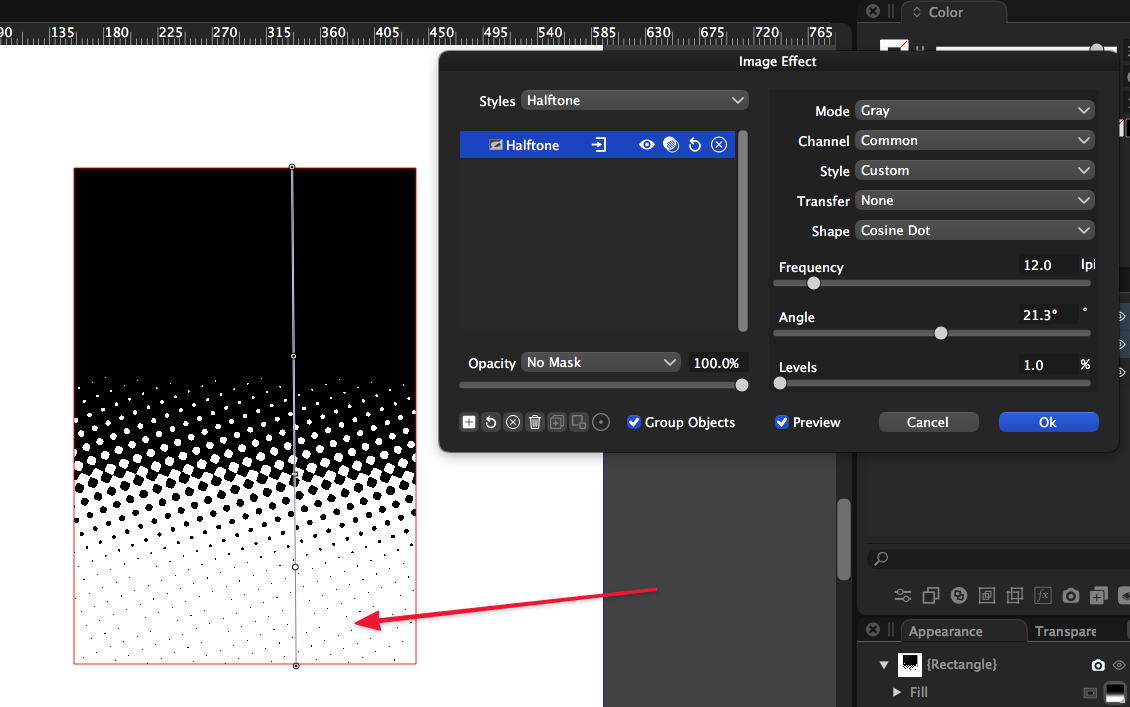
    BoldlineB
    @vectoradmin Awesome! I just tried it out - it makes a HUGE difference. Nice to be able to make a quick live image effect, get it set in the pop up box and see the results. Question - is there a reason opacity is not a preview option? I know this was something we talked about in other areas of the program a few months ago.