• Right click menu customizable

    Moved
    7
    0 Votes
    7 Posts
    9k Views
    encartE
    @vectoradmin As for me, no problem, because I already know where to look for it . Perhaps I had a problem with that due to the fact that there was a lot of new stuff. What you say makes sense.
  • 1 Votes
    8 Posts
    11k Views
    V
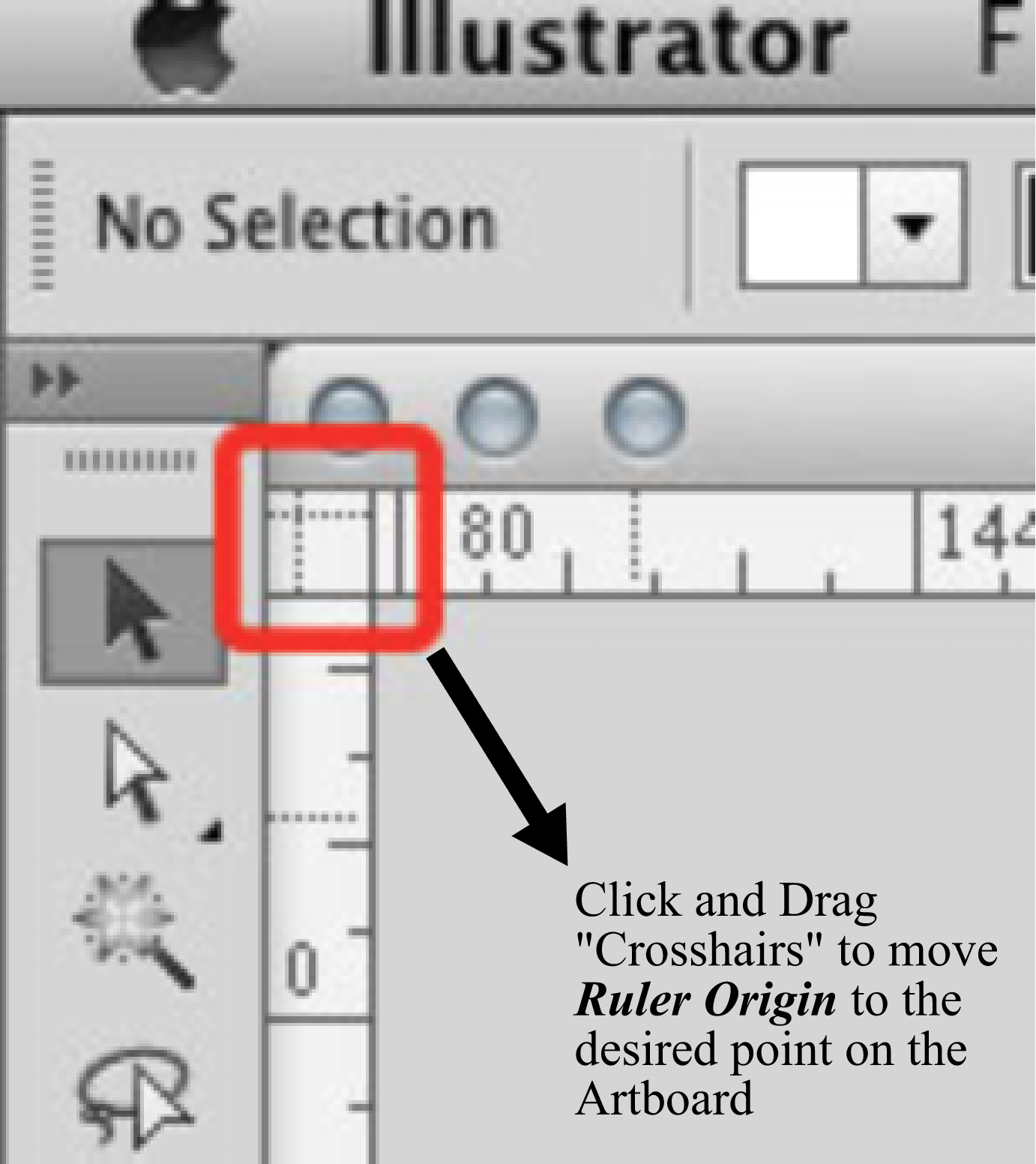
    @vectoradmin, Awesome and well done. Another User Interface Improvement! The Ruler Origin Point Icon at the intersection of the Rulers looks nice. Users will know there is a feature there now! I'm biased , but gotta say I love the new Tool Tip when hovering over the Ruler Origin Point Icon as well.
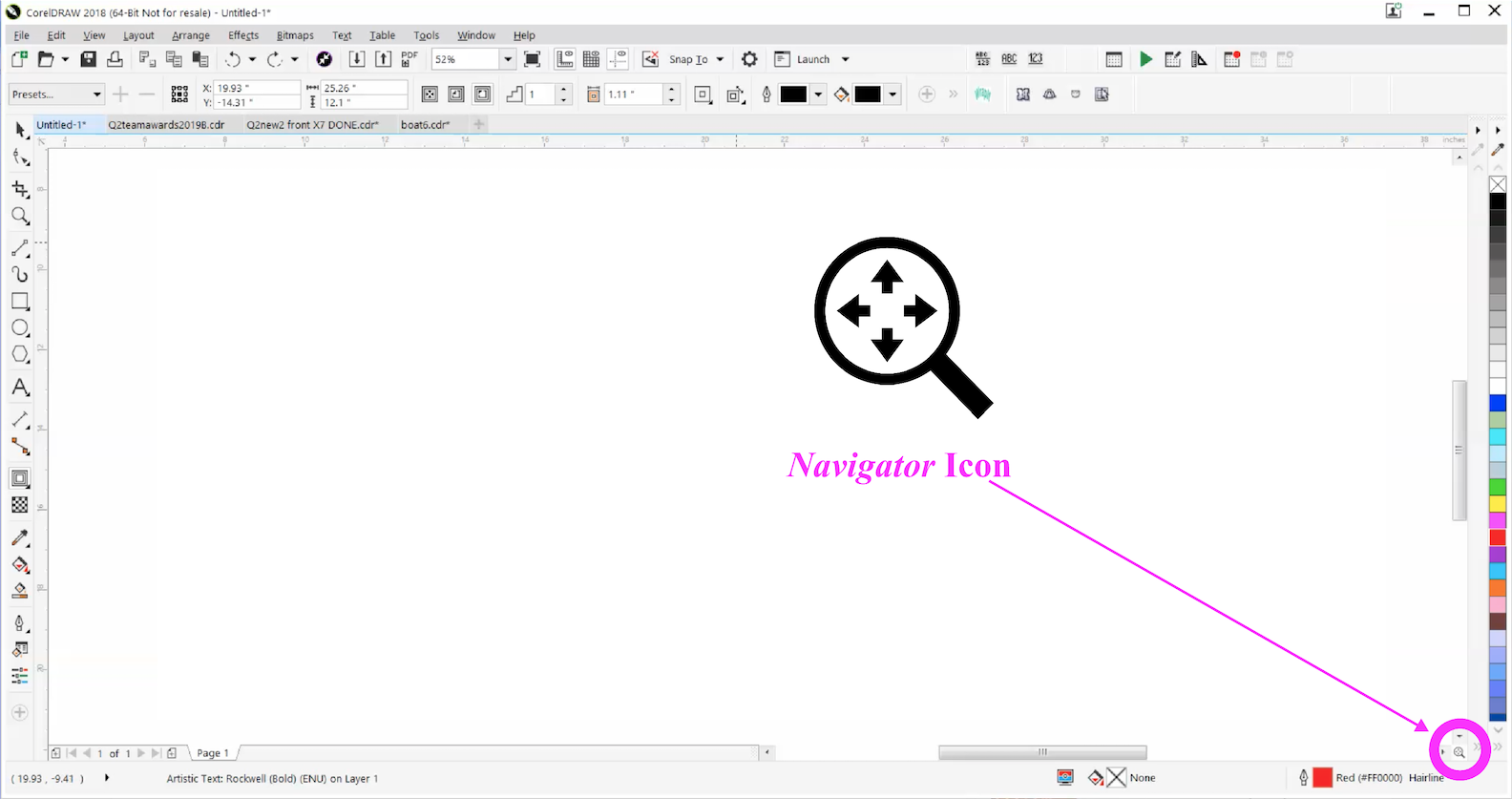
  • Improved Navigator Panel Slider Bar and added Navigator Icon

    Moved
    11
    1
    1 Votes
    11 Posts
    13k Views
    V
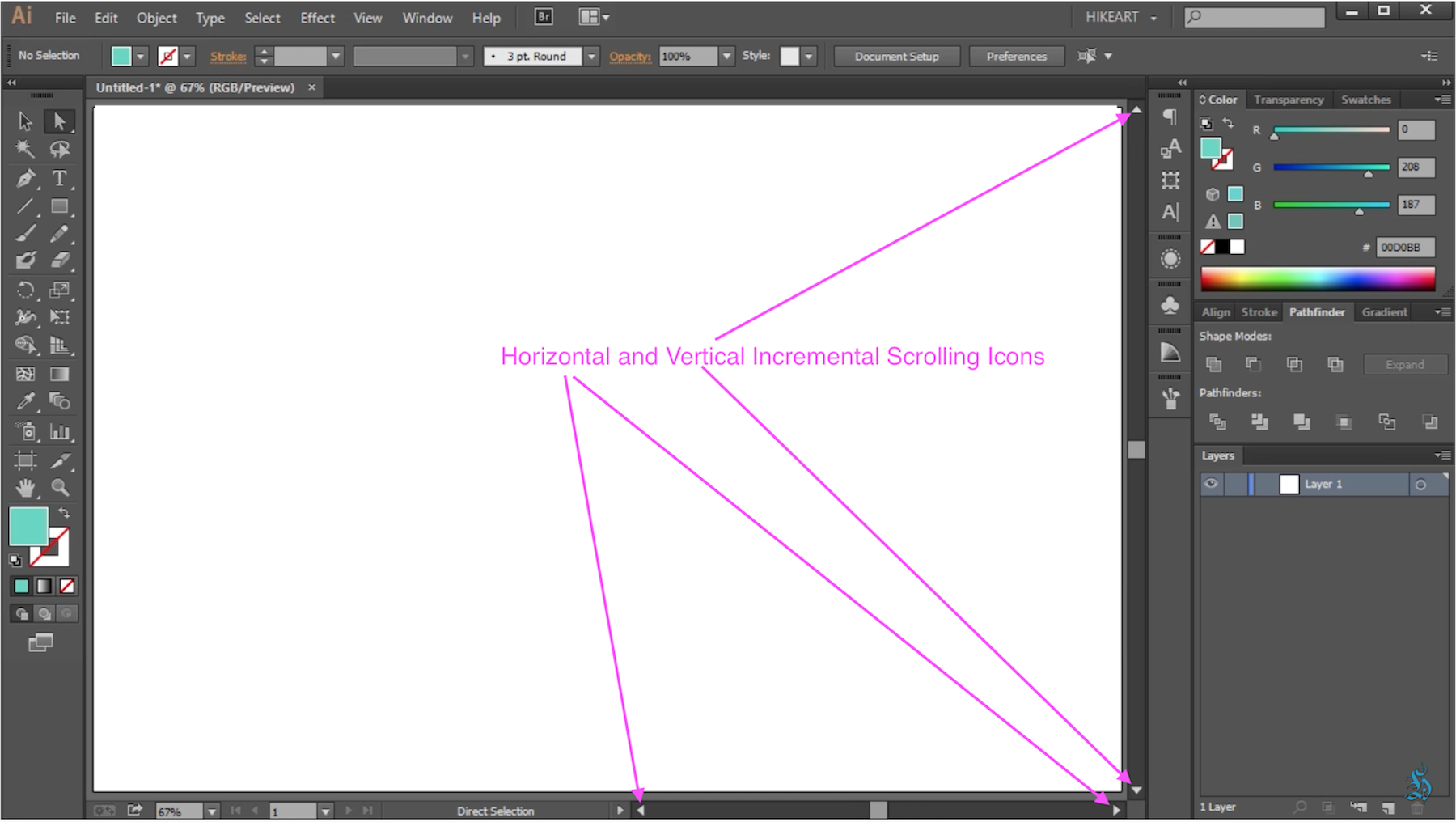
    @vectoradmin said in Improved Navigator Panel Slider Bar and added Navigator Icon: @Vector-Rock Could you add the Option of Opening up the Navigator Panel by using a Double Click on the Navigator Icon ? Yes, this can be added. Is there a way you could make the Navigator Icon Larger ? Maybe about double the size. I would keep the scrollbar sizes, maybe making the icon a bit larger in the available space. Would it much trouble/feasable in making the Magnifying Glass Icons any larger? Maybe slightly shorten horizontally the Slider Bar area and make the Magnifying Glass/Slider Bar "row" a little taller to accommodate the larger size icon buttons. Will do so. There seems some quite a bit of "lag" (latency?) between when you drag the slider bar and the box actually changing its size. It doesn't change size as you are dragging for a little while and then it kind of "jumps" and catches up. Do you think anything could be done to help that ? I will have to check the root cause of this. Added to the backlog. @vectoradmin, I really appreciate you accommodating these additional requests for improvement and refinement. This is a tool that is undoubtedly used heavily as a day-to-day staple, so it's important that it is not an eye stain to use and operates at a high level. Regarding increasing the Size of the Navigator Icon: Just to clarify, I wasn't recommending any significant increasing in the Scrollbar size, just a small amount If necessary. I figured if you did that, combined with making the Icon the maximum size in the available space, you could get a reasonably larger size. I know you'll do the best you can on this. Of course, it will take more "use time" to make sure there are not any bugs, but just to reiterate, you really have done a fabulous job on this feature so far.
  • Add “Unlock All” Objects Command in the Object Menu dropdown list

    Moved
    7
    1 Votes
    7 Posts
    8k Views
    VectorStylerV
    @Vector-Rock BTW: for selective unlocking, it is possible to enable Select -> Options -> Allow Locked Objects and then select (but not change) locked objects.
  • 1 Votes
    2 Posts
    4k Views
    V
    @vectoradmin, Thank you for adding this. Nothing sexy about this feature, just flat-out practical and useful!
  • 2 Votes
    4 Posts
    5k Views
    V
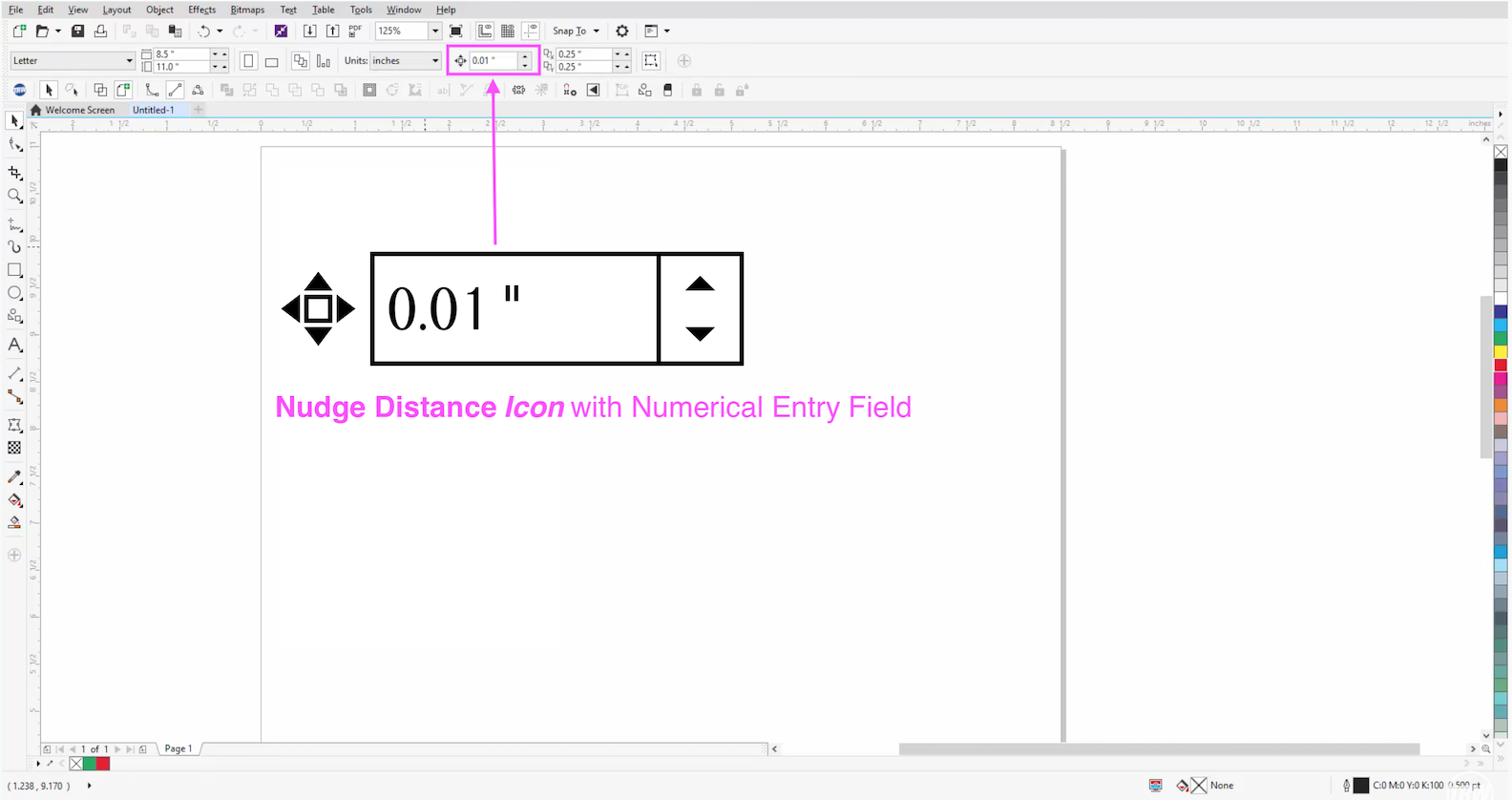
    @vectoradmin said in Add a “Nudge” Distance Icon with Numerical Entry Field to Context Toolbar Panel: @Vector-Rock This is doable, added to the backlog. @vectoradmin, Good news.
  • 1 Votes
    10 Posts
    11k Views
    V
    @b77 Actually, I don't think so (but yes if in conjunction with those modifier keys). I must of had a brain freeze. Edited to correct.
  • Text greeking

    Moved
    5
    0 Votes
    5 Posts
    6k Views
    861475_VctSt8
    @vectoradmin Thanks. I changed 8 to 6 and it's easier to see on my makbook air.
  • Break text into lines/words/letters

    Moved
    9
    1 Votes
    9 Posts
    9k Views
    BoldlineB
    Maybe an option to break text apart into either individual words or by lines?
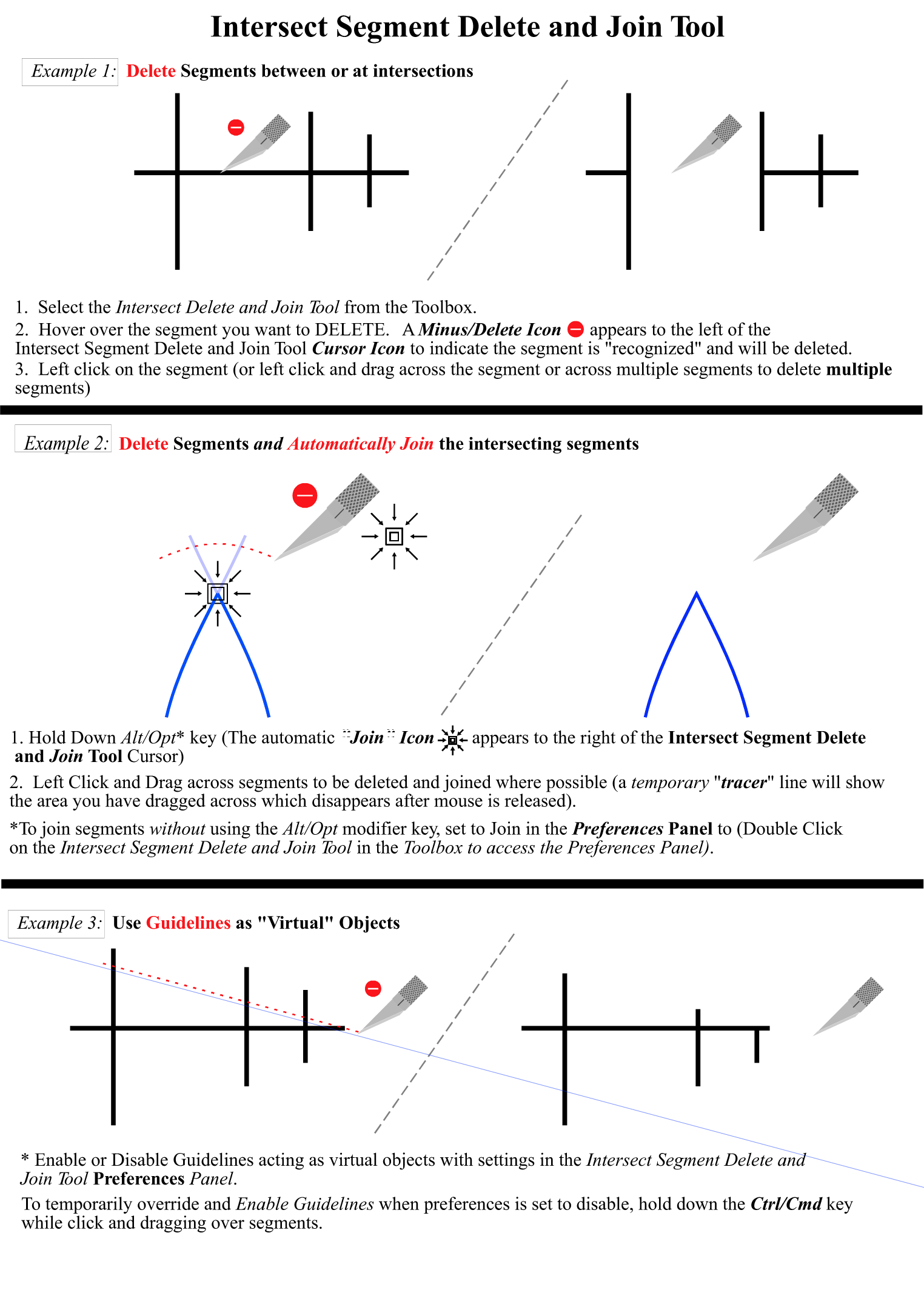
  • Intersect Segment Delete and Join Tool

    Moved
    9
    1
    1 Votes
    9 Posts
    11k Views
    V
    @vectoradmin said in Intersect Segment Delete and Join Tool: @Vector-Rock Some of these options could be available in the context panel (top of the window), when the tool is active. This gives faster access than double clicking on tool icon. @vectoradmin, Yes! The Context Panel is an Excellent alternative to Alt/Opt for Auto Join and other preference Options or for Double Click to open Preferences Panel. The VectorStyler Context Menu is way, way underutilized at this point in it's development in my opinion. It is key to further improving the VectorStyler User Interface (but that's for a different topic post).
  • 1 Votes
    3 Posts
    6k Views
    VectorStylerV
    @b77 Added to the backlog as a bug.This is only a UI issue, can be fixed.
  • Confirm Font from list by tapping Enter key

    Moved
    6
    1 Votes
    6 Posts
    8k Views
    VectorStylerV
    @encart Added to the backlog.
  • Blends with Logarithmic Progressive Spacing

    Moved
    3
    0 Votes
    3 Posts
    5k Views
    V
    @vectoradmin Thanks. There's a lot going on here. This will take some studying.
  • 1 Votes
    16 Posts
    21k Views
    V
    @vectoradmin said in Allow the option to change the Stroke color in Docked Color Palette by Right Clicking: @Vector-Rock Got it! The problem is the update in the Stroke ICON. The new object should be drawn with the selected stroke color. @vectoradmin, Thank you! You nailed it this time. @b77 Build 1.0.029 RC3 (correction) now allows, from the Color Swatches Bar, with NO Selection on Artboard, Right Click to change the Stroke Color and ICON in Color Panel.
  • 0 Votes
    10 Posts
    20k Views
    b77B
    @vectoradmin Thanks, it does so since 0.026
  • Add a Create Boundary/Perimeter Command

    Moved
    17
    2
    0 Votes
    17 Posts
    21k Views
    VectorStylerV
    @Vector-Rock The boundary boolean operation has been improved in builds 1.0.026 and 1.0.027. The options can be accessed in the Path panel menu. The default fill style will still be the selected object style, as the default drawing style is updated when an object is selected,
  • CJK, Japanese observation (1.0.024 ~)

    Moved
    3
    0 Votes
    3 Posts
    5k Views
    VectorStylerV
    @861475_VctSt build 1.0.027 fixes most of the reported typography issues. Shatai had a regression bug, but it is fixed now. The biggest remaining issue is the customization requirement for mojikumi and kinsoku. I will add better presets for these in later versions. Meanwhile, if there are major issues with the current presets (these are mainly for illustration app), please report these and I will fix them.
  • Stabilizer Rope Indicator

    Moved
    3
    0 Votes
    3 Posts
    5k Views
    VectorStylerV
    @vectoradmin This is available in the new build 1.0.027
  • Clicking on existing color highlights that color in palette

    Moved
    2
    0 Votes
    2 Posts
    4k Views
    VectorStylerV
    @Boldline That should happen with Global and Spot colors. But only if the color is from the document color palette (the palette shown when the Color Palette panel or color bar is opened first). This is because only this palette allows colors to be linked.
  • 3 Point Rectangle tool.

    Moved
    2
    2 Votes
    2 Posts
    4k Views
    VectorStylerV
    @encart I add it to the list.