• 1 Votes
    7 Posts
    1k Views
    BoldlineB
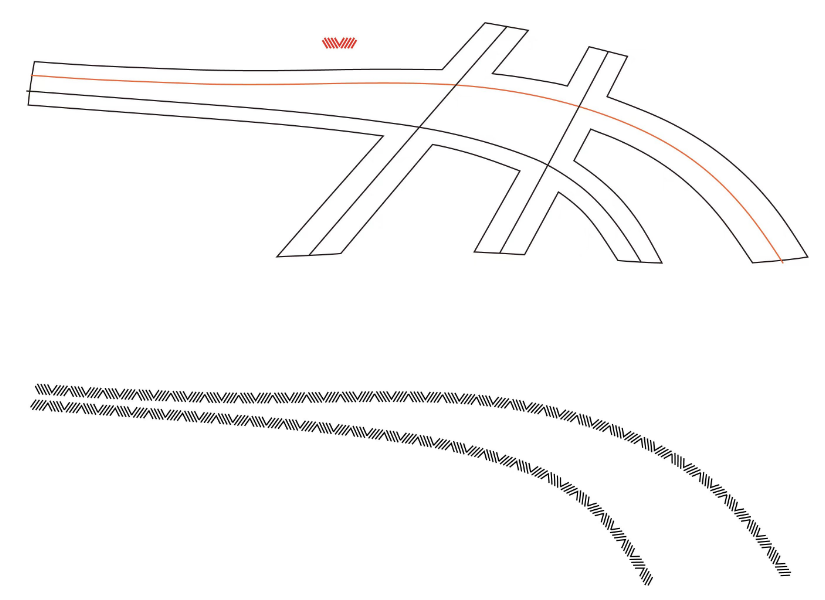
    Playing devil's advocate a little here - what is the next logical step by the user after they click "styles>repeater>create repeater" ? You see the repeater activate, but you are unable to edit the repeater in any way and the odds are, the repeater result would need some adjustments
  • Smooth tool

    Features and Ideas
    20
    0 Votes
    20 Posts
    3k Views
    BoldlineB
    @Daniel I love the ideas you've shared for the "simplify path" tool. I may end up using it a lot more as those ideas get added as @VectorStyler sees fit. I appreciate that VS has options for designers who need precise and exact edits to their curved paths and another option for those who are going for what looks good by sight for their art and are not needing something technical
  • 1.3 Repeater Editor minor issues

    Bugs in VectorStyler
    4
    1 Votes
    4 Posts
    827 Views
    E
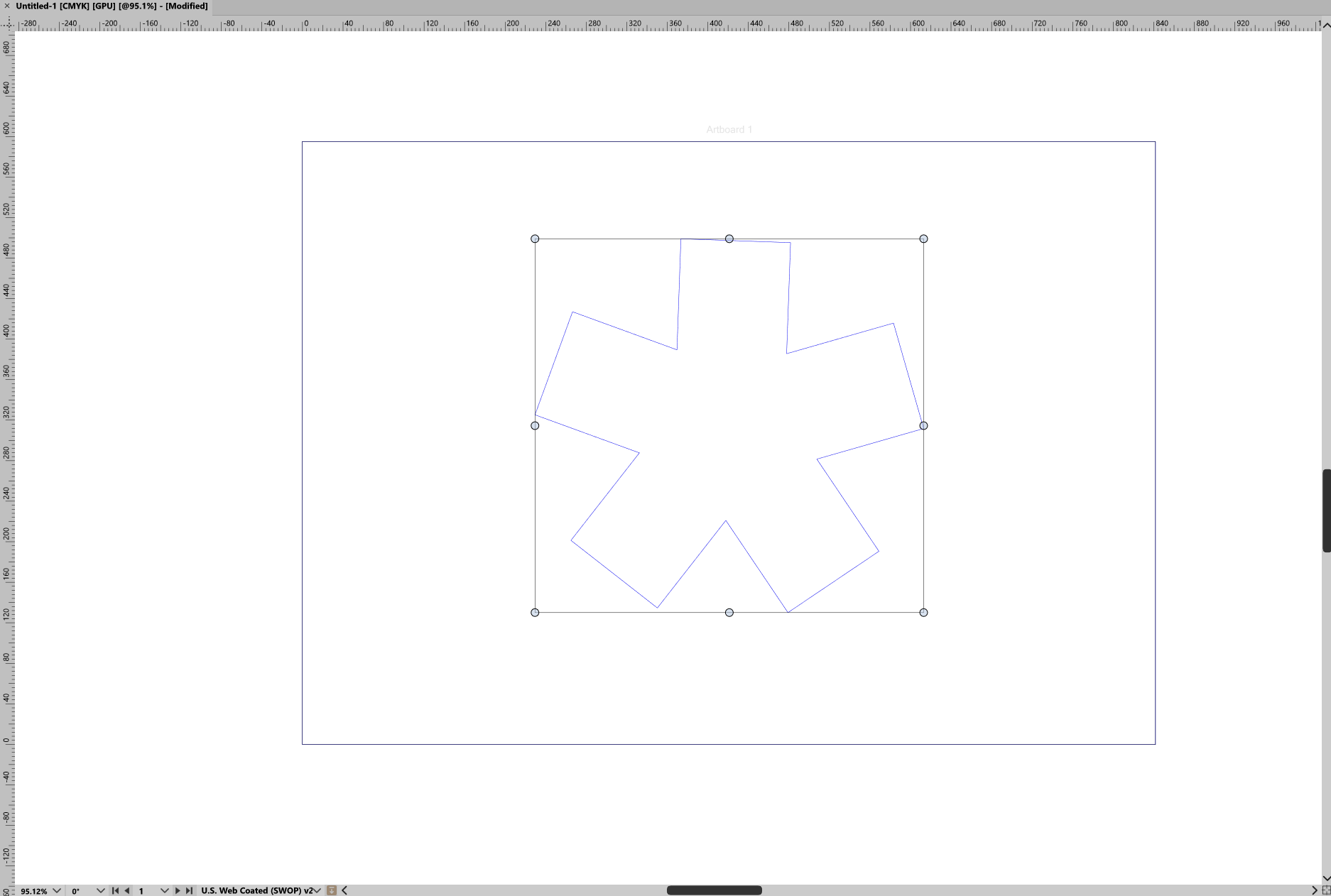
    @VectorStyler thanks for these clarifications The center point sets the relative center where the repetitions start, not the location of the repeater. This can be a bit confusing with the shapeless repeaters. yes, I find this confusing. One common thing with shapeless repeaters is that they tend to extend outside of the artboard when adjusting the geometry parameters and it is frequently needed for user to recenter the repeater. Having a node for this in the editor tool would be great. Also, I don't really understand what changing the repetition start does on the repeater itself visually. Does it change where index 0 is ? what would be a practical use of this control ? These repeaters do not have the center attribute. I understand. However it would be nice to be able to move the repeater with the same editor tool Offset spiral editor overlay missing I could not replicate, so it may be an error on my part the other day concentric repeater geometry clipped in a square Here is a file : 0_1764843592784_concentirc repeater.vstyler
  • mispelling

    Bugs in VectorStyler
    2
    1
    1 Votes
    2 Posts
    447 Views
    VectorStylerV
    @Boldline Will be fixed
  • Mirror Group Tool

    Features and Ideas
    2
    2 Votes
    2 Posts
    446 Views
    VectorStylerV
    @FastVector I have this in the backlog already.
  • 2 Votes
    4 Posts
    4k Views
    VectorStylerV
    @Ancientruines said in The ability to create bevel and extrude effects in VS: What is the status of this feature in VS? Not supported yet.
  • Bezigon Tool

    Features and Ideas
    14
    5 Votes
    14 Posts
    10k Views
    DanielD
    My vociferous campaigning to get this tool into more apps has paid off in one more place: PhotoLine now has Bezigon as a subfunction of the curve creation tool!
  • middle tilt

    Features and Ideas
    3
    1
    1 Votes
    3 Posts
    698 Views
    M
    @VectorStyler https://youtu.be/wCb5HcgfmEA?si=QiaFkjTKRxOoLgrb A shoe has a medial side and a lateral side. If it can support middle tilting, I can create graphics for both the medial and lateral sides simultaneously, instead of making one half first and then mirroring it to the other side. This will greatly improve my efficiency. I've found several similar cases for your reference.0_1764686719634_555.vstyler
  • Why can't the join tool be invoked in some cases

    Questions and Support
    5
    1 Votes
    5 Posts
    795 Views
    S
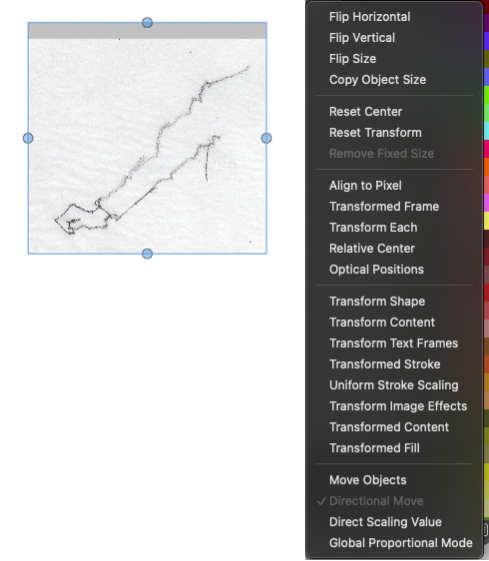
    @EricP Aha Your welcome Btw. the "Extend Path Tool" could also be helpful in some circumstances by working with Spirals (should converted to curves first of course) [image: 1764673450253-extend-path-tool.png]
  • Alignment to Shape/Path

    Features and Ideas
    2
    1 Votes
    2 Posts
    461 Views
    VectorStylerV
    @FastVector said in Alignment to Shape/Path: If it is possible then I would like to see that the Align to Path Tool will also work when you've used the the Align to Shape out of the Align Panel. This would only work as an option of the Alignment panel, to create a "live" alignment group. Currently the "Align to Shape" from the panel will change the object position and rotation, but the result will not be a "live" effect. I will open a new feature for this.
  • 2 Votes
    3 Posts
    606 Views
    chessboardC
    @VectorStyler Thank you very much!
  • Files not Exporting

    Questions and Support export artboards
    5
    1
    1 Votes
    5 Posts
    1k Views
    C
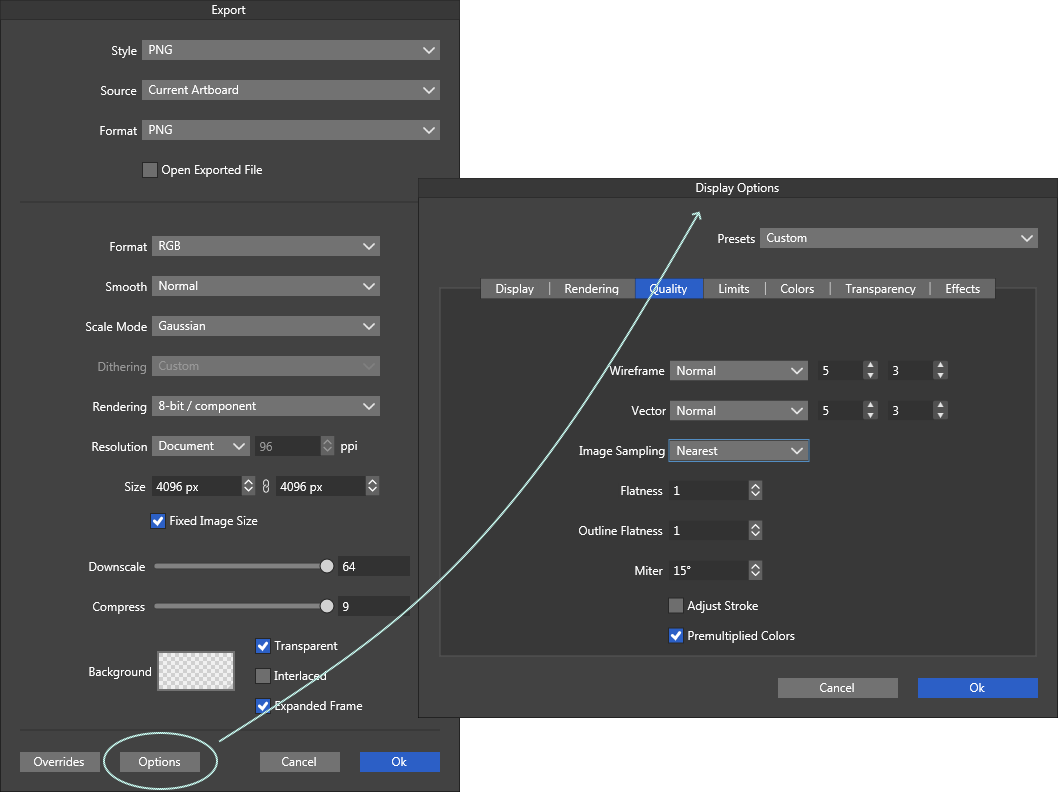
    [image: 1764518985732-26e46ca0-3529-4165-bba5-297080b9dc67-image-resized.png] Here's the export window and me prompting it to save in (D:) [image: 1764519005007-edb17fd7-9f36-49f3-b216-548e8e350a1e-image-resized.png] Not a network, just a partition in my SSD
  • 1 Votes
    3 Posts
    656 Views
    S
    @VectorStyler That it might be related to antialiasing was also my thought. It's just a minor thing for me, so no need to hurry.
  • Spelling error

    General Discussion
    2
    1
    1 Votes
    2 Posts
    682 Views
    VectorStylerV
    @William-Kansepa Will be fixed
  • 1 Votes
    3 Posts
    689 Views
    E
    @VectorStyler thank you. Yes, I meant use the new Effect Editor tools, not the Node tool
  • Repeater Preview

    Questions and Support
    6
    3 Votes
    6 Posts
    906 Views
    F
    @Comet The same happens to me
  • Scale Strokes and Effects

    Questions and Support
    63
    2 Votes
    63 Posts
    158k Views
    VectorStylerV
    @gotanidea I will try to find a solution for this
  • Full 1.3 Updated Documentation

    General Discussion
    3
    0 Votes
    3 Posts
    604 Views
    BoldlineB
    @VectorStyler ok, my mistake. It seemed at a glance that that was the lite version. I think it just looked smaller on the site compared to the pdf. thanks!
  • 1 Votes
    5 Posts
    918 Views
    F
    @VectorStyler said in Snapping affecting the original position of moved objects: What is the active tool? Pen tool
  • 0 Votes
    4 Posts
    597 Views
    VectorStylerV
    @Boldline said in Modifier for eyedropper for more precise selections: @VectorStyler Something that could be added to VS eventually? I added it to the backlog, but it will take some time.