Subcategories

  • These issues have been resolved and closed

    863 Topics
    5k Posts
    VectorStylerV
    @Raaskot said in Transform: Up-dwn-keys act strange on stepping values i value fields: Is it supposed to act in that way? No, this looks like a bug, but I cannot replicate it here. Could be caused by some changes in the workspace or settings.
  • Everyone makes mistakes. Help us correct ours. Let us know how to improve VectorStyler.

    10 Topics
    41 Posts
    VectorStylerV
    @jpsimmons Yes, this can be replicated and it is a bug. I will try to fix it for the next build.
  • Everyone makes mistakes. Help us correct ours. Let us know how to improve VectorStyler.

    579 Topics
    3k Posts
    G
    @VectorStyler said in Slow Typing Performance: @gotanidea I'm testing these issues with slow typing performance. The new document has no issue with speed (the old is till slow). What configuration you use for these tests? and which text is edited in the new document. I'm trying to replicate as close as possible. Can you please click the first text box ("Before rigging any character geometry ....") at the top-left region of the new document using the Text Tool, then hold the "a" key? I use: VectorStyler v1.3.001 Windows 11 Home 64-bit AMD Ryzen 7 5800H with Radeon Graphics (16 CPUs) ~3.2GHz 16384MB RAM NVIDIA GeForce RTX 3060 Laptop GPU
  • Bug reports on the 1.2 beta of VectorStyler

    282 Topics
    2k Posts
    W
    This issue has been resolved in the latest update. Thank you!
  • These bugs were posted for 1.2 and should be resolved

    228 Topics
    1k Posts
    XRAYX
    @VectorStyler Hi, this is on Windows 11 24H2 and the settings are "checked" inside of performance settings such as !"Direct Preview of Changes" or "GPU for Mesh" and "GPUfor Distortion" but don't seem to actually be working. Selecting ok seems to fix "Direct Preview of Changes" but no way to be sure about the GPU settings.
  • Wrong choice

    6
    0 Votes
    6 Posts
    6k Views
    VectorStylerV
    @monsterfox said in Wrong choice: Selecting the blue line and following the operations in the video will also select the red line on the left at the same time. I will try to replicate this.
  • Weird panel behaviour

    6
    1
    1 Votes
    6 Posts
    6k Views
    VectorStylerV
    @nocturnalYL Got it.
  • "Mojikumi" misspelled in Preset Manager

    2
    2
    1 Votes
    2 Posts
    3k Views
    VectorStylerV
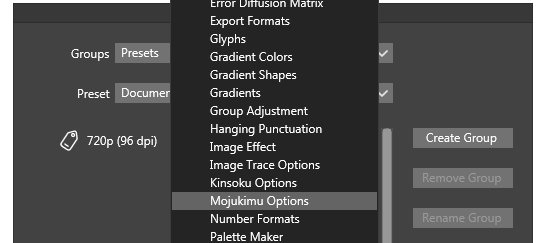
    @nocturnalYL Yes, thanks!
  • Gradient stroke vs fill editing

    2
    1
    1 Votes
    2 Posts
    3k Views
    VectorStylerV
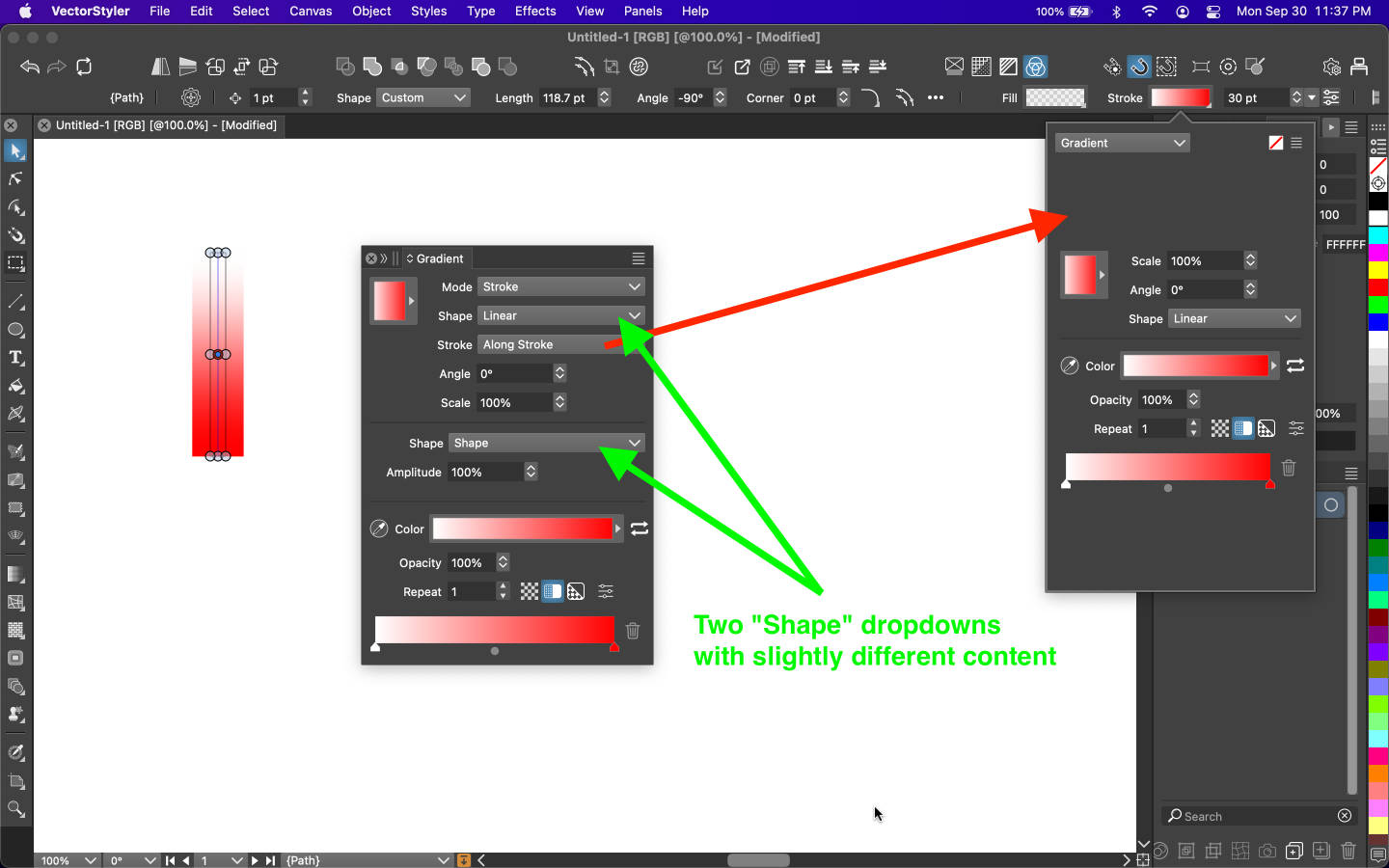
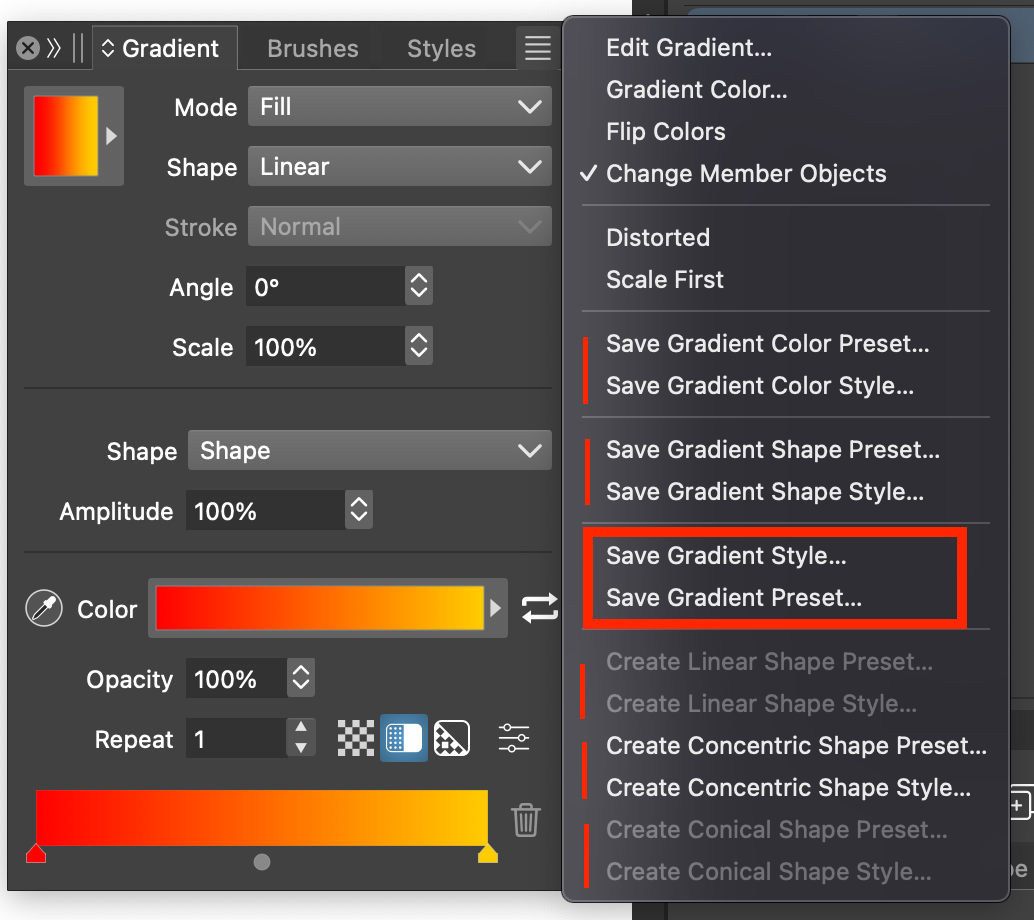
    @pentool I opened a bug on this. EDIT: yes this can be replicated and it is a bug.
  • Crash when editing gradient style color - UPDATE!

    2
    1 Votes
    2 Posts
    3k Views
    VectorStylerV
    @pentool Yes, seems that this kind of case was not fixed.
  • Crash when editing a gradient angle

    2
    0 Votes
    2 Posts
    3k Views
    VectorStylerV
    @pentool Replicated, will be fixed ASAP.
  • 16Bit Tiffs unsupported?

    2
    3
    0 Votes
    2 Posts
    2k Views
    VectorStylerV
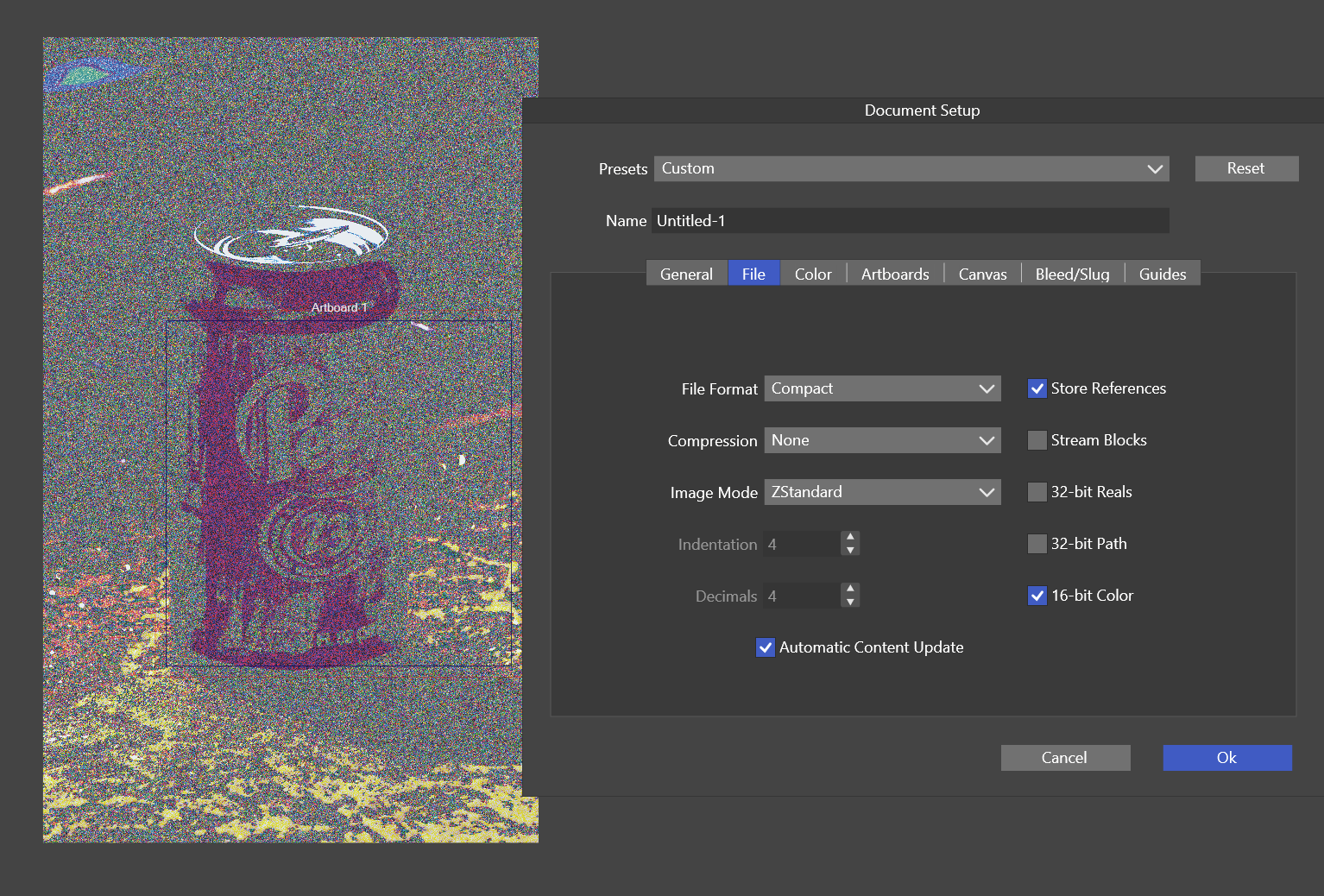
    @debraspicher This seems to be a bug.
  • Masked mesh gradients --> bad pdf

    3
    1
    1 Votes
    3 Posts
    5k Views
    VectorStylerV
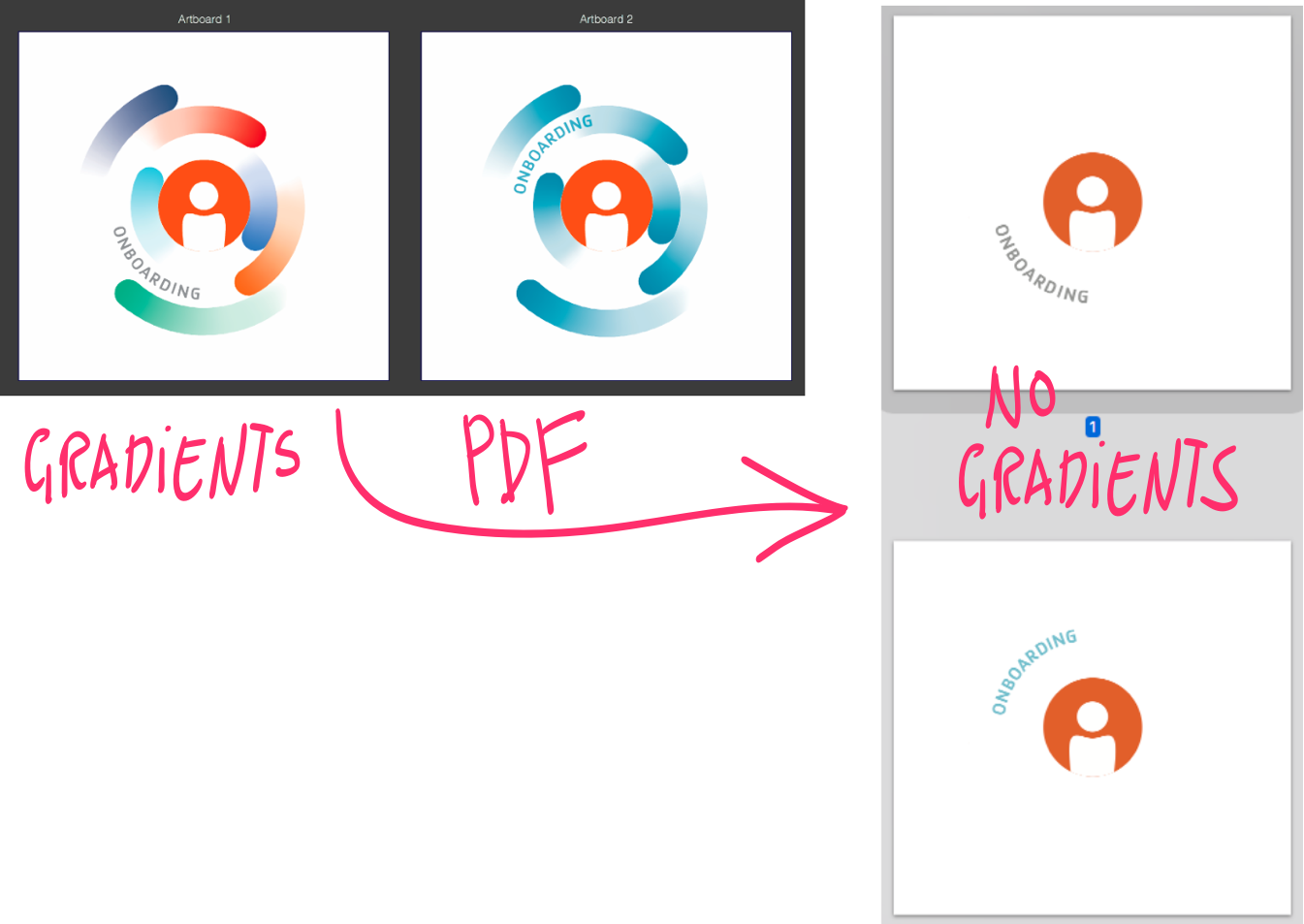
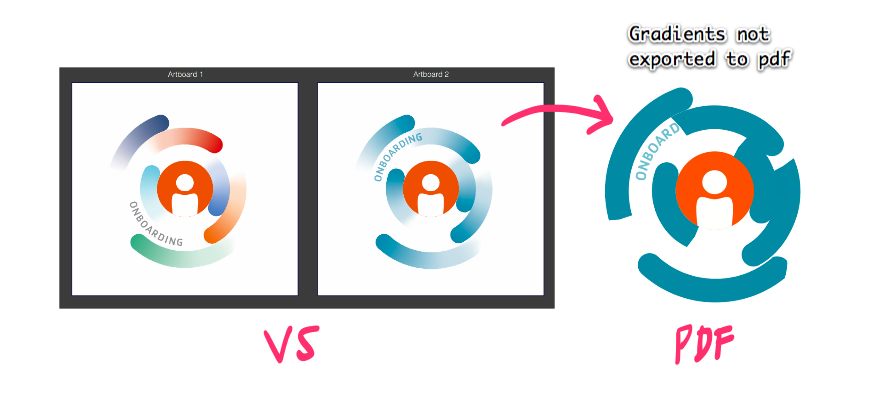
    @Raaskot It seems to be a bug, can be replicated here also. I will try to find a solution for this ASAP. EDIT: found the root cause, not yet sure when the fix can be available. The problem is caused by using transparent colors in the mesh gradient (these are not supported by PDF). I will try to fix this issue, but it might take some time.
  • Cosmetic issue - "Preset... Style..." menu order

    2
    1
    2 Votes
    2 Posts
    3k Views
    VectorStylerV
    @pentool Will be fixed!
  • Color picker in gradient palette doesn't seem to work

    3
    1
    1 Votes
    3 Posts
    3k Views
    VectorStylerV
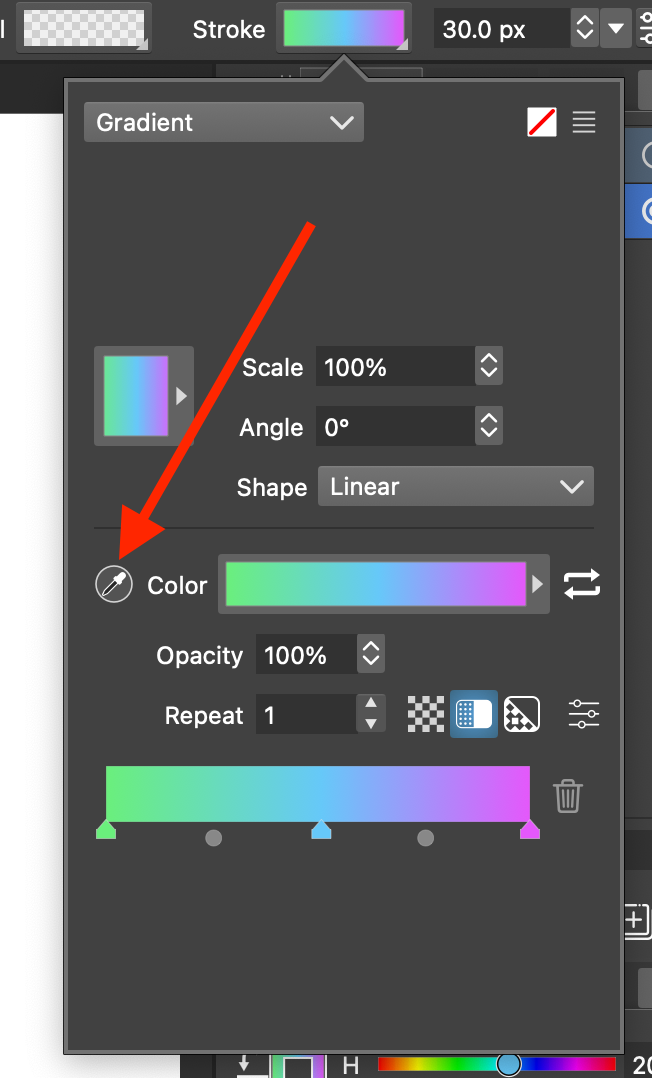
    @pentool Yes, it can be replicated. I will try to find a solution for this. The problem is with the popup being closed before picking the color.
  • Cannot adjust gradient stop opacity through Stroke appearance

    2
    1 Votes
    2 Posts
    3k Views
    VectorStylerV
    @pentool Yes, this can be replicated. I will try to have it fixed before the next build.
  • 2 Votes
    13 Posts
    13k Views
    VectorStylerV
    @Harry Tested it with the XP Pen tablet (deco1 v2) and indeed there are a lot of problems. It turns out that the XP Pen driver does not follow the wacom spec for the wintab interface. I will try to have a fix for this in the next build.
  • Bug

    3
    1
    1 Votes
    3 Posts
    4k Views
    VectorStylerV
    @monsterfox I checked with other apps also (including Apple), and deleting and confirming a field always returns to the value before deletion. So I will keep this as it is for now.
  • Pixelated corners on panels

    12
    1
    2 Votes
    12 Posts
    10k Views
    VectorStylerV
    @Ingolf said in Pixelated corners on panels: Issue introduced in 1.2 Yes, the themes changed in 1.2 a bit.
  • Alignment correction request

    5
    0 Votes
    5 Posts
    4k Views
    VectorStylerV
    @hbalcic Thanks! I will try to replicate this.
  • 1 Votes
    5 Posts
    5k Views
    VectorStylerV
    @Boldline I will try to replicate and fix this.
  • Multiple repetitive panels

    3
    1 Votes
    3 Posts
    4k Views
    M
    @VectorStyler I remember this was a set of panels, four together, mixed, style, and I don't remember the other two. These multiple panels appeared automatically. This is the second time in two months. The specific situation is not very clear.
  • Settings not remembered between sessions

    3
    1 Votes
    3 Posts
    4k Views
    IngolfI
    Roger, thanks!
  • Strange (though useful) behaviour; is it a bug?

    7
    1
    1 Votes
    7 Posts
    7k Views
    S
    @GRH there is also another way to get what you want using a Circle, there are parametric Shapes in VectorStyler which offers some options via the Shape Panel Menu > Panels > Shape Panel here a video
  • A problem with capitalization in Turkish

    13
    1
    1 Votes
    13 Posts
    11k Views
    VectorStylerV
    @hbalcic Got it, thanks!