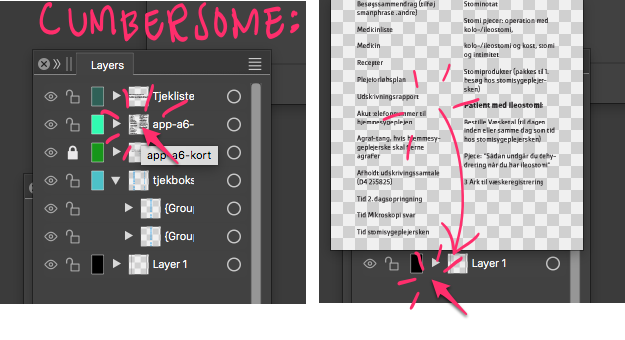
• A large preview accidently appears in layer panel

    Moved
    6
    1
    2 Votes
    6 Posts
    6k Views
    RaaskotR
    @VectorStyler said in A large preview accidently appears in layer panel: should appear only when double-clicking on the small preview image Exactly. That's what I write If you by accident click twice on the layer ikon (instead of clicking twice on the name-string a few pixels to the east in order to change layer name), a large preview popup appears. Only way to get rid of it is moving the cursor outside large popup and click again. The latter part is especially annoying. To hide popup again I suggest a succeeding click anywhere should suffice. [image: 1717570086876-1dde0844-87fc-4fe2-b196-2716e6b44948-billede.png]
  • Cannot Select Elements in Layer

    Moved
    5
    1 Votes
    5 Posts
    5k Views
    VectorStylerV
    @debraspicher This is a bug and can be replicate here also. The issue occurs when having layers inside groups.
  • Copy/Cut & Paste randomly not working

    Moved
    3
    0 Votes
    3 Posts
    4k Views
    VectorStylerV
    @debraspicher Go to the settings / workspace file folder with the Help -> Reveal Workspace folder. Exit VectorStyler and backup / remove the settings and workspace files. When starting VS it will start with an initial state. Let me know if the issues persist here. Also, you could send me the backed up workspace / settings files (these do not contain personal info), so that I can try to replicate this issue (testing it on Windows 10).
  • Giant Grey Box when Moving Objects to Another Layer

    Moved
    2
    2 Votes
    2 Posts
    2k Views
    VectorStylerV
    @debraspicher I added this to the backlog as a bug.
  • 0 Votes
    2 Posts
    4k Views
    VectorStylerV
    @debraspicher I will try to replicate and fix this.
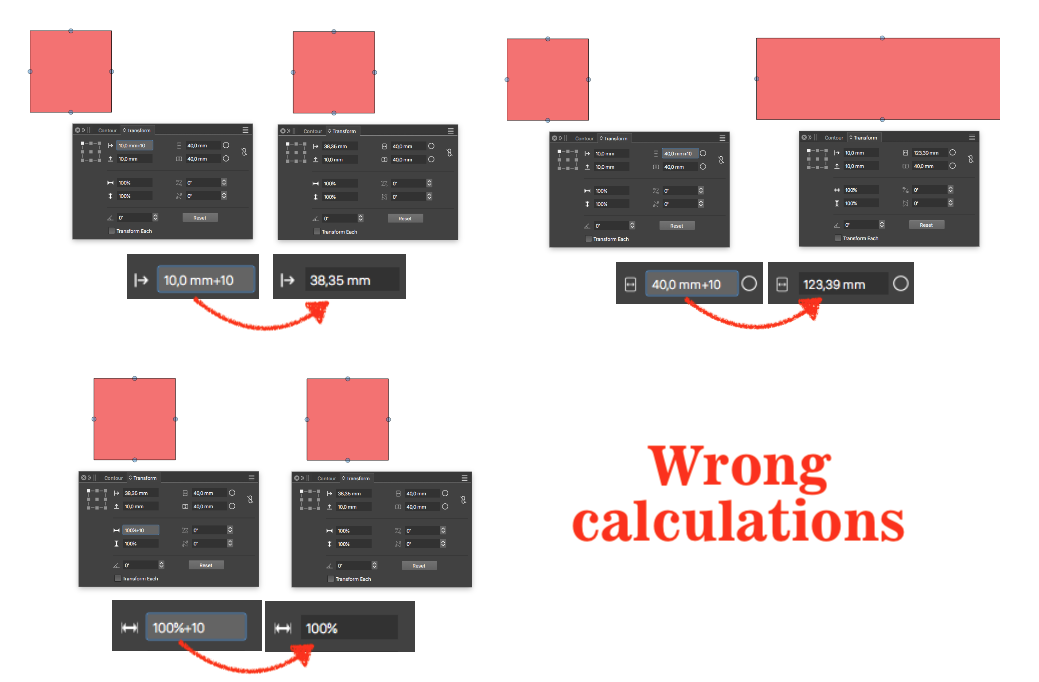
  • VS calculate numbers wrong

    Moved
    3
    1
    0 Votes
    3 Posts
    3k Views
    RaaskotR
    @VectorStyler Affirmative. Works by eliminating the units. Also goes for "%"-box. Thanks.
  • Unable to sample the color from the artboard with the style picker

    Moved
    2
    0 Votes
    2 Posts
    2k Views
    VectorStylerV
    @Boldline Try downloading again (no update), I added this fix a bit too late.
  • About t if's two Bugs

    Moved
    10
    1 Votes
    10 Posts
    9k Views
    VectorStylerV
    @monsterfox said in About t if's two Bugs: So now the problem is that black border I will try to replicate this problem.
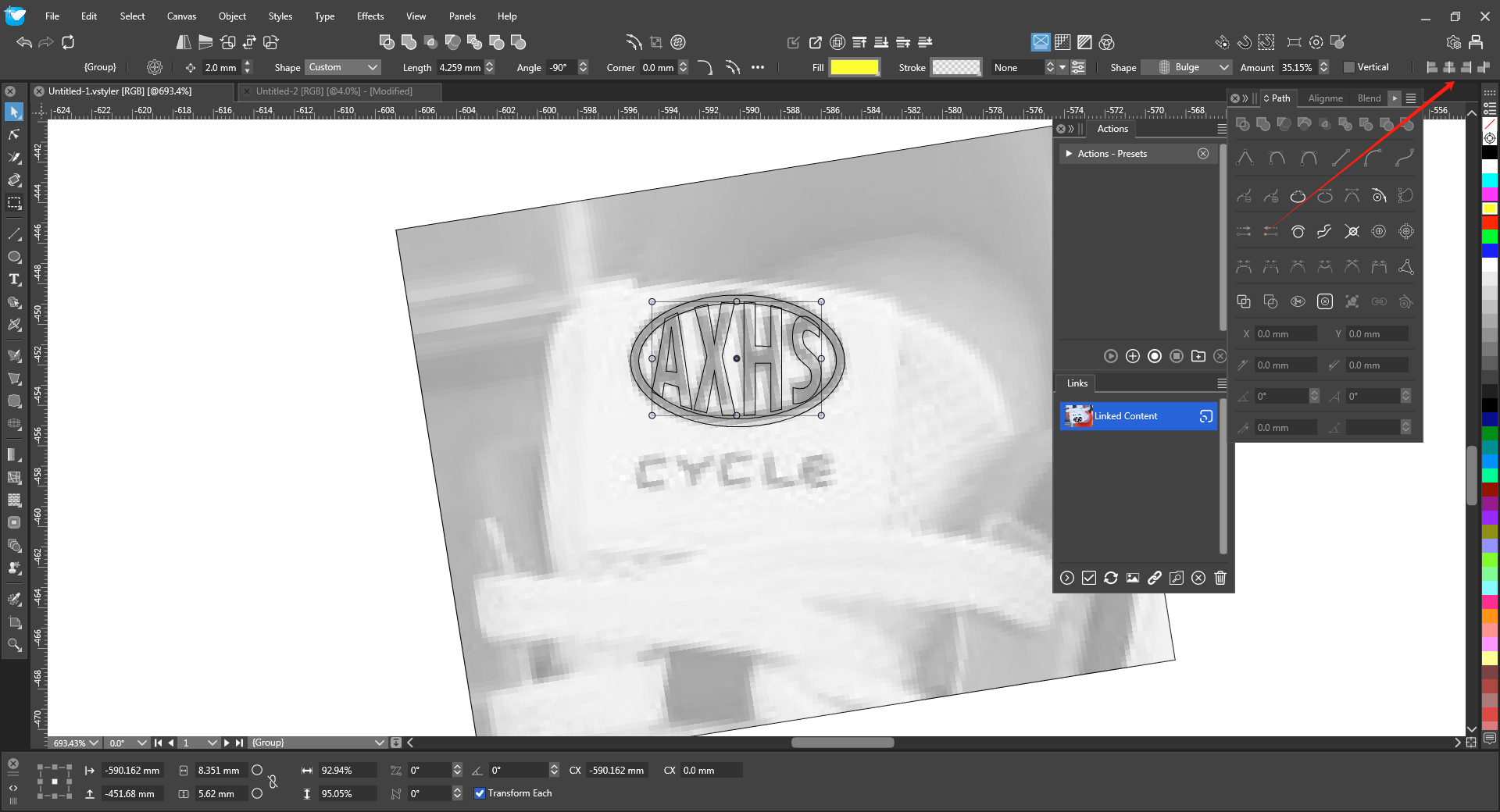
  • isplay has reached its limit

    Moved
    2
    1
    0 Votes
    2 Posts
    3k Views
    VectorStylerV
    @monsterfox Yes, the context panel can become large in some cases. There is a plan for customization in the future.
  • Text selection presets have issues

    Moved
    4
    0 Votes
    4 Posts
    4k Views
    VectorStylerV
    @Li-Xiao said in Text selection presets have issues: Oddly, problem remains in old files Yes, because the old files do not contain the text selection info in the saved preset.
  • 1 Votes
    4 Posts
    4k Views
    B
    @VectorStyler It seems that the issue is fixed
  • Crashed when placed into a clipping group

    Moved
    3
    1 Votes
    3 Posts
    3k Views
    L
    @VectorStyler fixed. thanks.
  • Live text not able to change fill color, only stroke color can be edited

    Moved
    2
    1 Votes
    2 Posts
    2k Views
    VectorStylerV
    @Boldline I opened a bug on this
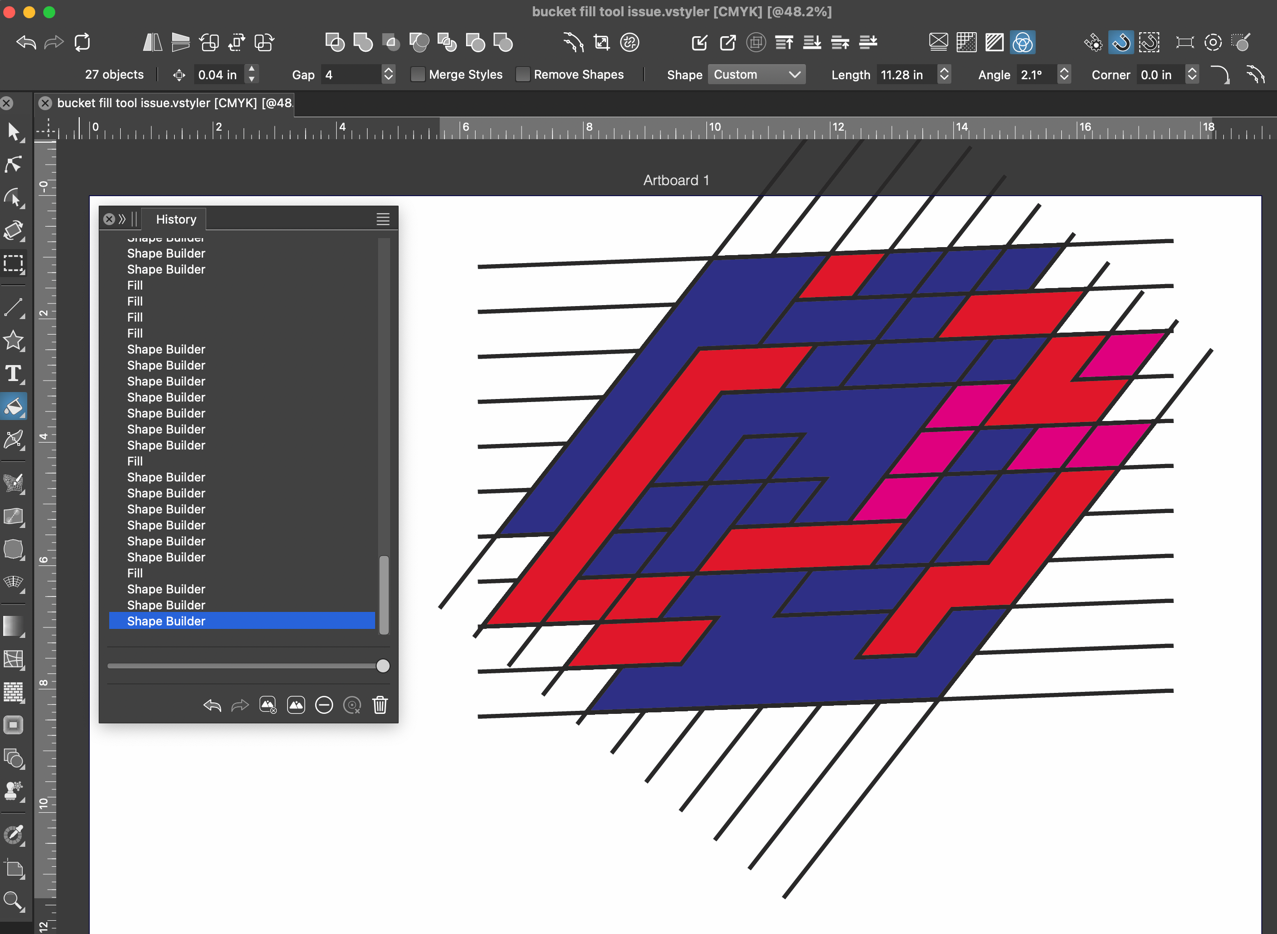
  • Bucket Fill Tool issues with new update

    Moved
    5
    1
    0 Votes
    5 Posts
    5k Views
    VectorStylerV
    @Boldline Got it. I think the issue might be caused by undo. I will try to fix this.
  • Workspaces doesn't work for me

    Moved
    2
    0 Votes
    2 Posts
    2k Views
    VectorStylerV
    @Dazmondo send me the workspace file to csraba at vectorstyler.com
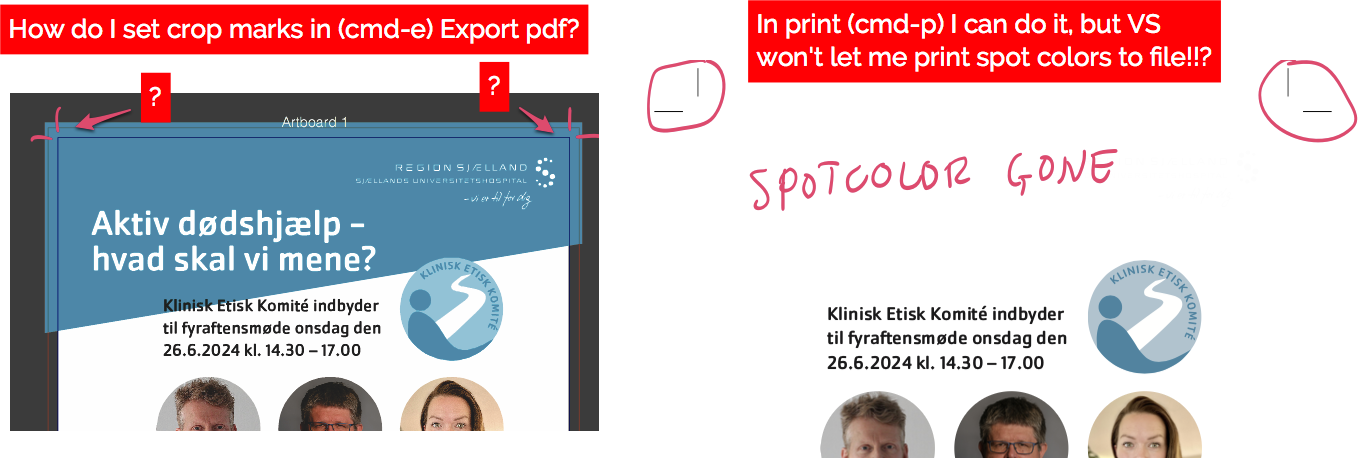
  • How to I get pdf crop marks without losing spot colors in VS?

    Moved
    2
    2
    0 Votes
    2 Posts
    4k Views
    VectorStylerV
    @Raaskot I opened a bug on this will try to fix the issues.
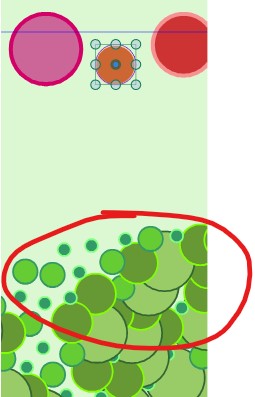
  • Odd Bug

    Moved
    2
    0 Votes
    2 Posts
    3k Views
    VectorStylerV
    @monsterfox This is an issue in the stroke expand. The stroke expand precision can be controlled using the zoom level. When zoomed in the precision is better, but results in more nodes when expanding. When zoomed out, the precision is reduced but it also results in a smaller number of nodes. What happens here is that in the zoomed out case, the stroke expand did not clean the resulting path correctly. I will try to improve this.
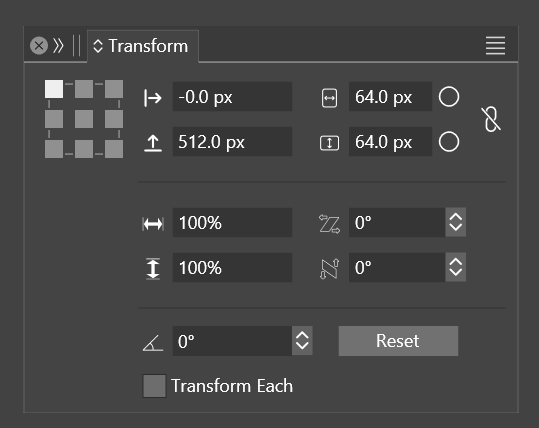
  • Transform>Coordinate Oddities

    Moved
    5
    1
    0 Votes
    5 Posts
    5k Views
    debraspicherD
    @VectorStyler Thank you! It was crazy making. I didn't remember having this problem before
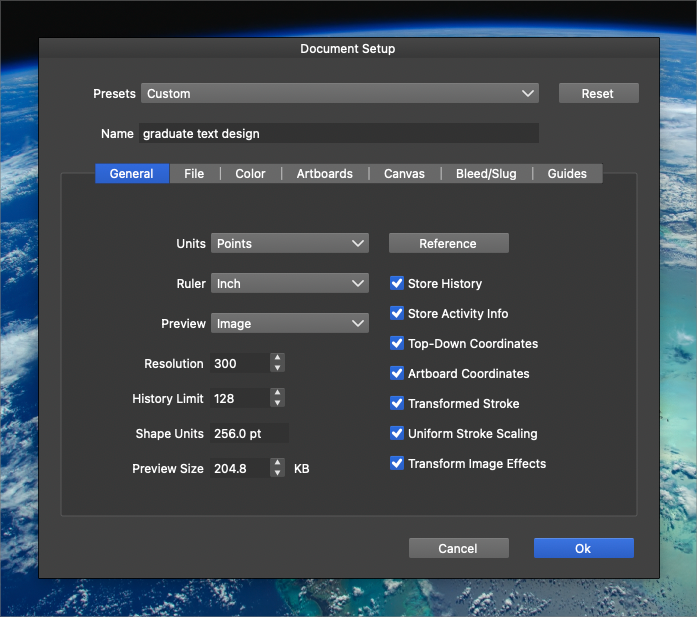
  • History panel does always not keep full history

    Moved
    7
    2
    0 Votes
    7 Posts
    7k Views
    VectorStylerV
    @Boldline said in History panel does always not keep full history: My expectation is that it would always keep an evolving list of the most recent steps up to the maximum set. Yes this should be the case. But it also depends on the hierarchy of previous undo/redo changes. I opened a bug on this to check if indeed the recent history is kept.
  • 1 Votes
    2 Posts
    3k Views
    VectorStylerV
    @debraspicher This is a bug (on Windows), I will try to have a fix for the next build.