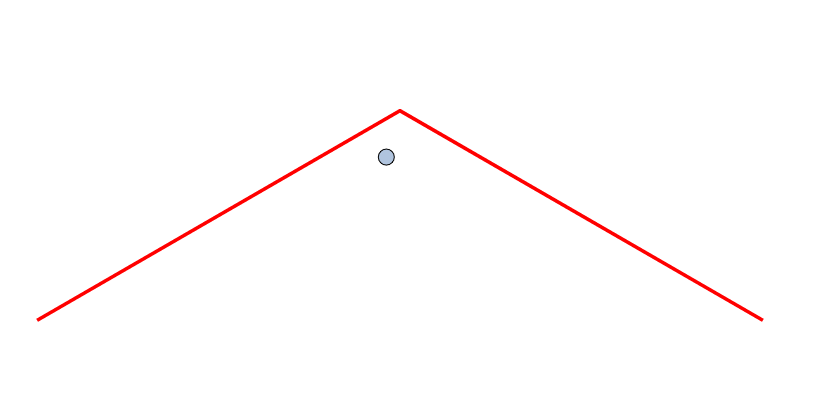
• How do I view the 'Shape Editing Indicator'?

    7
    0 Votes
    7 Posts
    6k Views
    b77B
    @VectorStyler These two at least could display the tool name in parentheses, like this: Shape Erasing Style (Trim and Join tool) Shape Editing Indicator (Grid, Super Ellipse, Super Shape tools) Btw, the last one is a slider, so a better description could be: Shape Editing Slider (Grid, Super Ellipse, Super Shape tools)
  • Is There a Hotkey/ Command to Hide All Panels or Maximize the View?

    2
    0 Votes
    2 Posts
    3k Views
    VectorStylerV
    @gotanidea Will be in version 1.2
  • How to Stick Two Rectangles using Alignment Tools?

    10
    0 Votes
    10 Posts
    12k Views
    VectorStylerV
    @gotanidea said in How to Stick Two Rectangles using Alignment Tools?: Could you please make it as simple as that? I will try.
  • Appearance Panel and Batch modifications

    2
    4
    2 Votes
    2 Posts
    3k Views
    VectorStylerV
    @Ayo It is in the backlog
  • Missing initial tangent line indicator

    6
    1
    0 Votes
    6 Posts
    5k Views
    AyoA
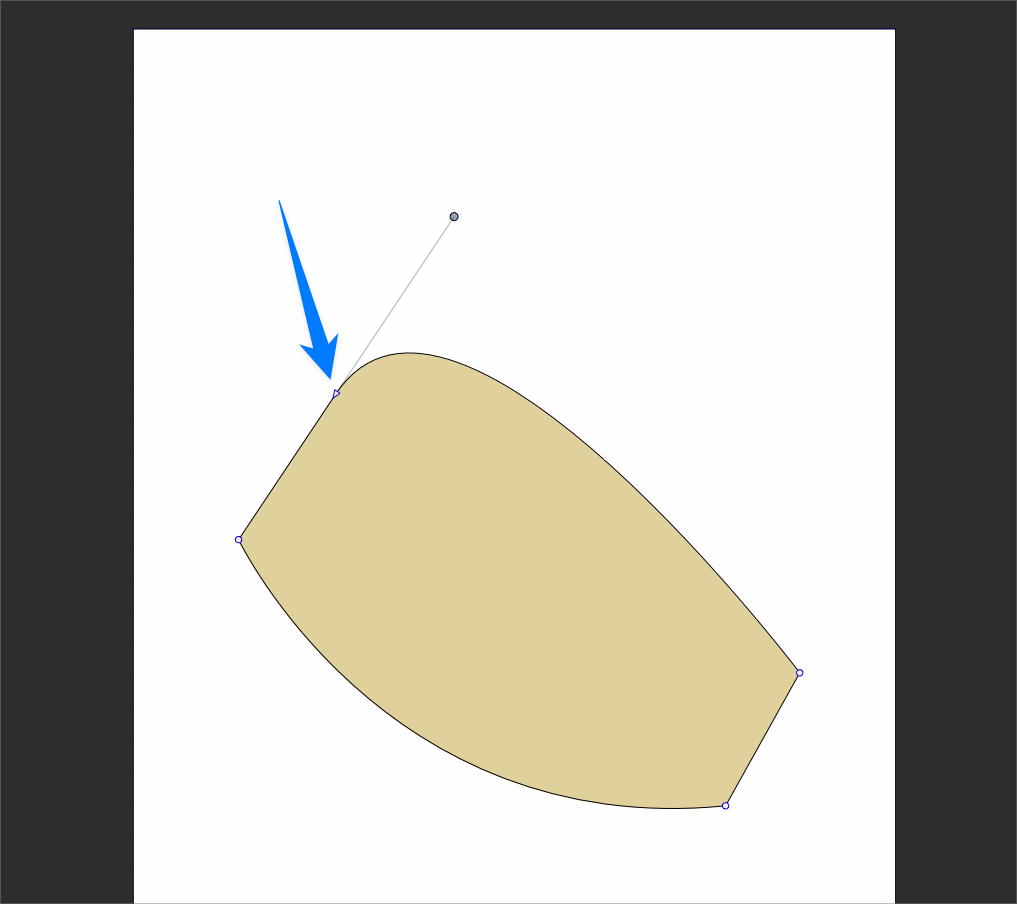
    @VectorStyler said in Missing initial tangent line indicator: Is the first step a click (with release) or just a mouse press (without release) ? Press without release
  • 0 Votes
    10 Posts
    8k Views
    b77B
    @Subpath Got it.
  • 0 Votes
    5 Posts
    5k Views
    b77B
    @Ayo If you want to move the rectangle (or any shape) mid drawing, press the Space bar and drag the object around. Works great with snapping.
  • How to control Hover Selection Outline

    6
    1
    0 Votes
    6 Posts
    7k Views
    AyoA
    Nice! A lot is coming your way. Respect!
  • Can't find the node

    20
    0 Votes
    20 Posts
    14k Views
    VectorStylerV
    @Ayo said in Can't find the node: The Collider Node I assume is the node appearing at the collision point between two shapes. In Indicator Shapes I can change the Collider Node all I want but it has no effect. Remains a Tiny Circle. This is now not in use anymore, as it is handled by a snapping indicator, will be removed. Which selection from Editing Options 1 should give the color and line settings for this node? This will be the "Collision Snapping Indicator"
  • Clipping Group Content Nodes or Points in Outline Preview Mode

    2
    0 Votes
    2 Posts
    3k Views
    VectorStylerV
    @gotanidea No such option in VS for now, but it is easy to add. Will be fixed ASAP.
  • Difficult to Select Object Behind Transparent Clipping Group

    4
    1 Votes
    4 Posts
    4k Views
    BoldlineB
    I was testing out the double click options in preferences. I made the simple double click be "select inside" and it does not seem to work. If I double click on something visible that is inside another shape, it will not seem to do anything. I also made the option-double click also "select inside" and that works just fine. So it seems the double click by itself option is not functioning as it should in this setup. I will check some others and see how the perform [image: 1686450315147-b485fb7e-ca2e-4052-bae6-ecbc91c931e1-cleanshot-2023-06-10-at-22.23.20-resized.png]
  • How to Froce Device CMYK in EPS Export

    5
    1
    0 Votes
    5 Posts
    5k Views
    VectorStylerV
    @VectorByName Added this to the backlog, and will get back with a solution soon.
  • 0 Votes
    2 Posts
    3k Views
    VectorStylerV
    @Boldline If it is a path, then select the node at the end of a line and the Path panel will show the angle.
  • Text Horrors

    12
    0 Votes
    12 Posts
    9k Views
    BoldlineB
    @Igull It would help some to take screenshots and do some screen recording and including those with your questions so others can see what you are dealing with
  • Select from within overall selection?

    3
    1
    0 Votes
    3 Posts
    3k Views
    b77B
    @Boldline You can isolate some of the objects by hiding the others, then Select by Style works only on those that are visible: select some objects on multiple layers; invert the selection; hide these (Object menu > Hidden); select an object with the attributes you need (say, pink rectangle) and… use Select > Select by Style > Fill Content.
  • Are there any plans to create a searchable PDF of the Documentation?

    2
    0 Votes
    2 Posts
    4k Views
    BoldlineB
    Hi @kevphil There is a searchable pdf linked in the tutorials section of the chat forum. Here is the direct link to it.
  • 3D Help

    27
    1 Votes
    27 Posts
    35k Views
    IgullI
    @fde101 said in 3D Help: @Igull not sure about the demo version, but I have a paid license of Art Text 4, and I can just drag a PDF exported from VS into the Art Text window and it loads it as a 2D shape. I can then right-click and convert to 3D after which an option to set the extrusion depth becomes available in the properties area on the right. Mmm, tried a number of PDFs all of which dragged across, but didn't show on the artboard (or only showed the bounding box - and you couldn't right click to create 3d)- seems extremely slow and very unstable (tried it on an M2 this afternoon - a bit faster, but same results) - may be something to do with the demo version. But all it has is a TRIAL watermark, everything else is supposed to work according to the info. It's probably fine for doing text and minimal 3D objects I think - might be too much heavy lifting to move all my bits around. Thanks for the info, I'll keep the trial, might find other uses for it ! Neil
  • New from Clipboard Fail ?

    7
    0 Votes
    7 Posts
    6k Views
    S
    @Igull yes, your right its somewhere below the artboard
  • 1 Votes
    6 Posts
    5k Views
    V
    Many thanks, hopefully, a relatively easy fix...
  • LAB Colour Support in VS Exported .ASE Files

    3
    0 Votes
    3 Posts
    3k Views
    V
    @VectorStyler said in LAB Colour Support in VS Exported .ASE Files: This sounds like a bug, added it to the backlog. Many thanks and thanks for confirming...