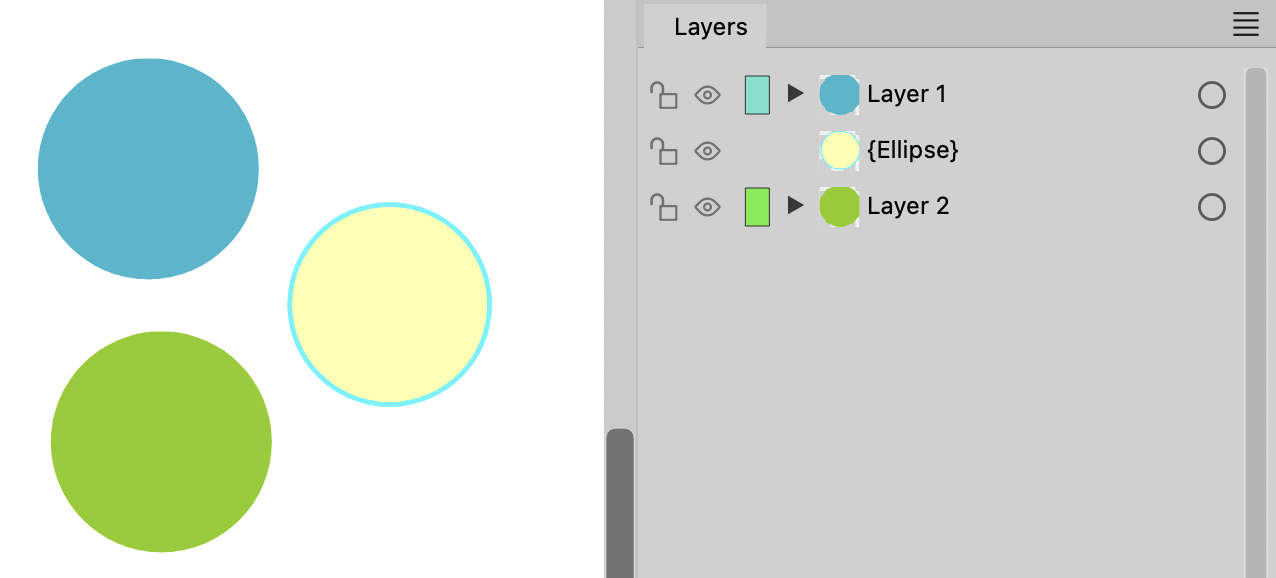
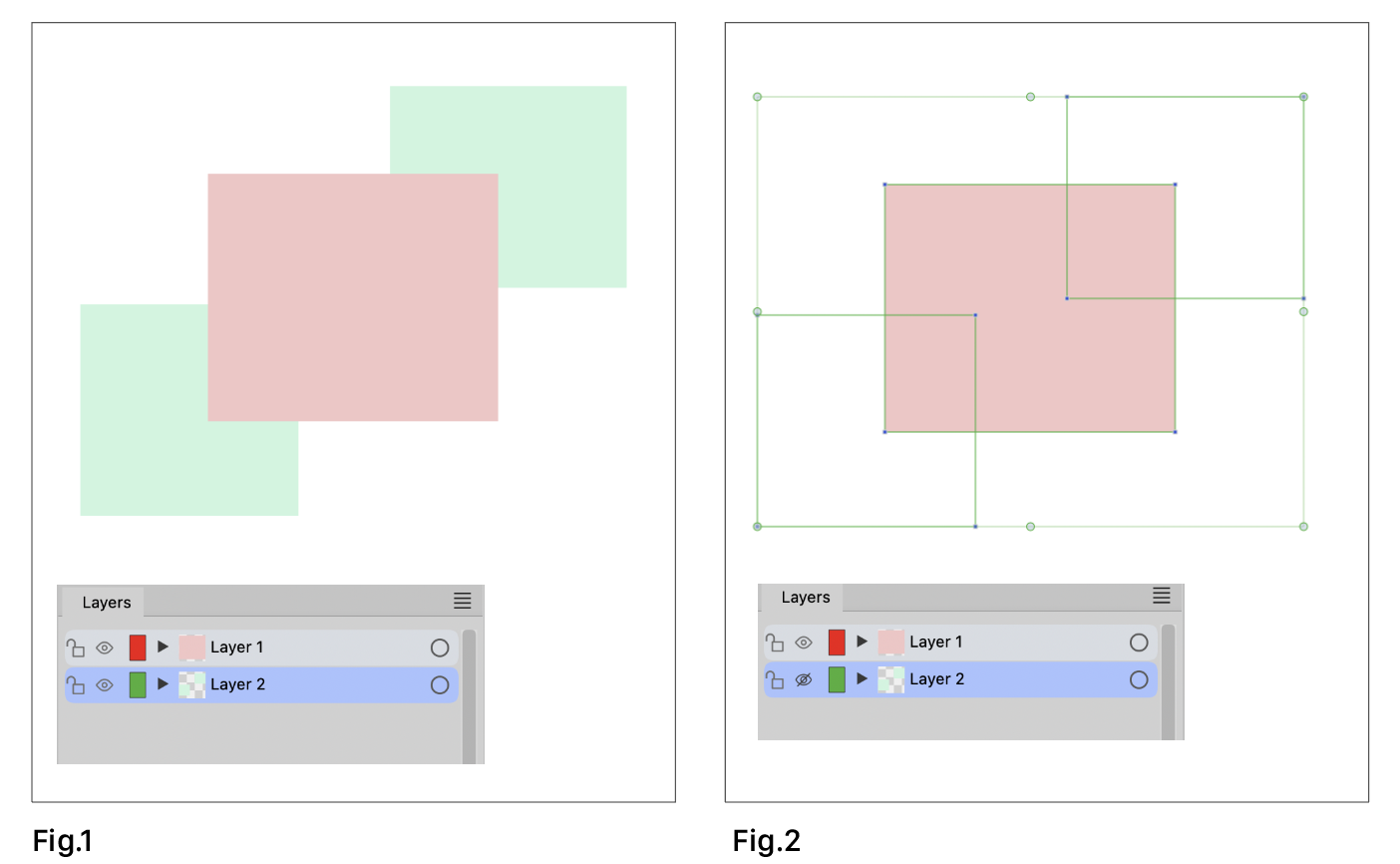
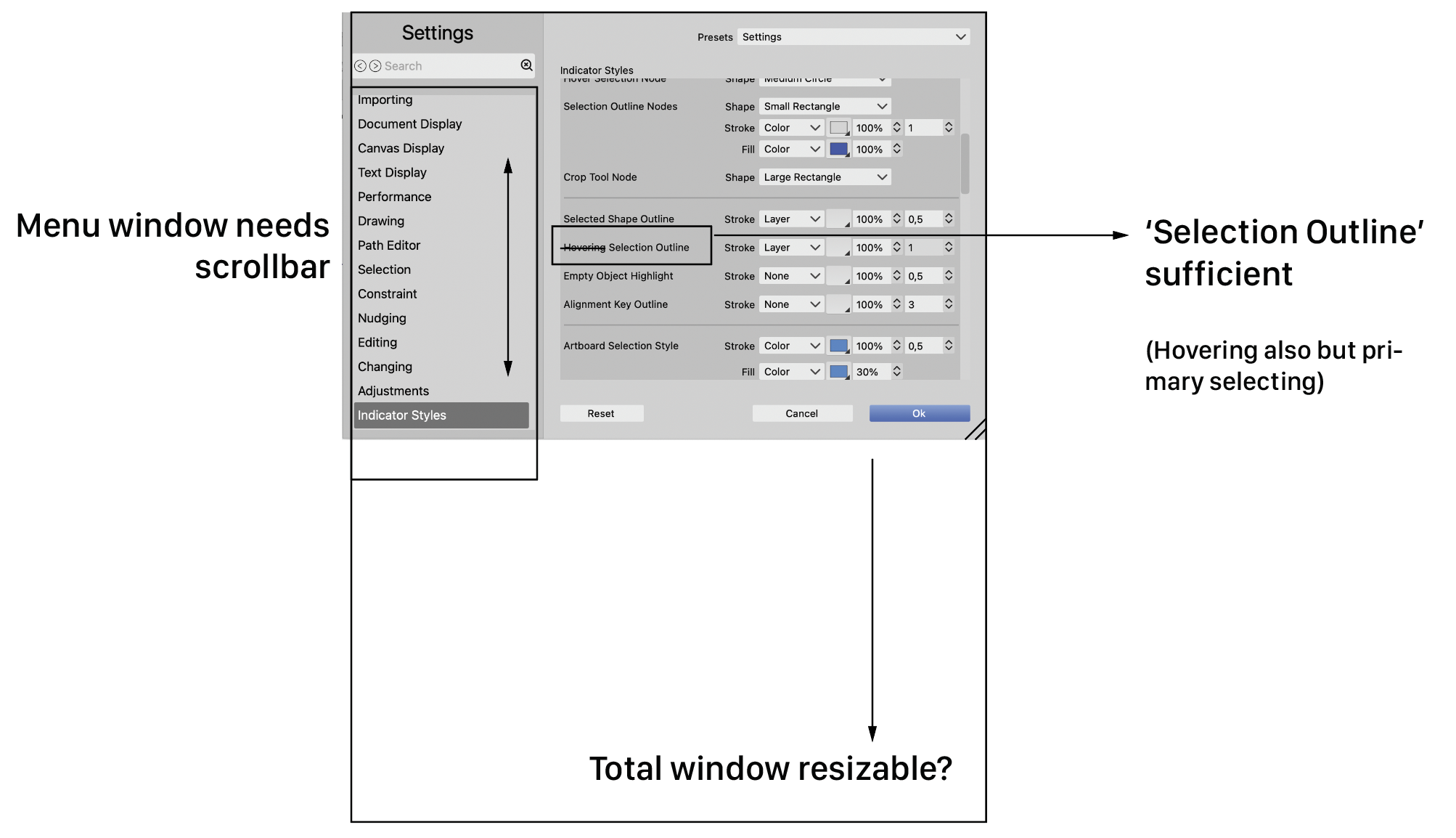
• Layers panel 'preview drag and drop' switch working?

    Moved
    3
    0 Votes
    3 Posts
    4k Views
    AyoA
    @VectorStyler Thank you. Then it works. Divider could maybe use some contrast? [image: 1698768493506-2af82131-857b-4c77-a405-51cbb8e5c96d-image-resized.png]
  • Delete one swatch color group, group disappears

    Moved
    4
    0 Votes
    4 Posts
    5k Views
    VectorStylerV
    @Ayo said in Delete one swatch color group, group disappears: In grid mode is it nearly impossible to recognise you are dealing with a group! A mistake in the Light UI theme
  • Impossible to trace with Pen tool

    Moved
    11
    1
    0 Votes
    11 Posts
    11k Views
    VectorStylerV
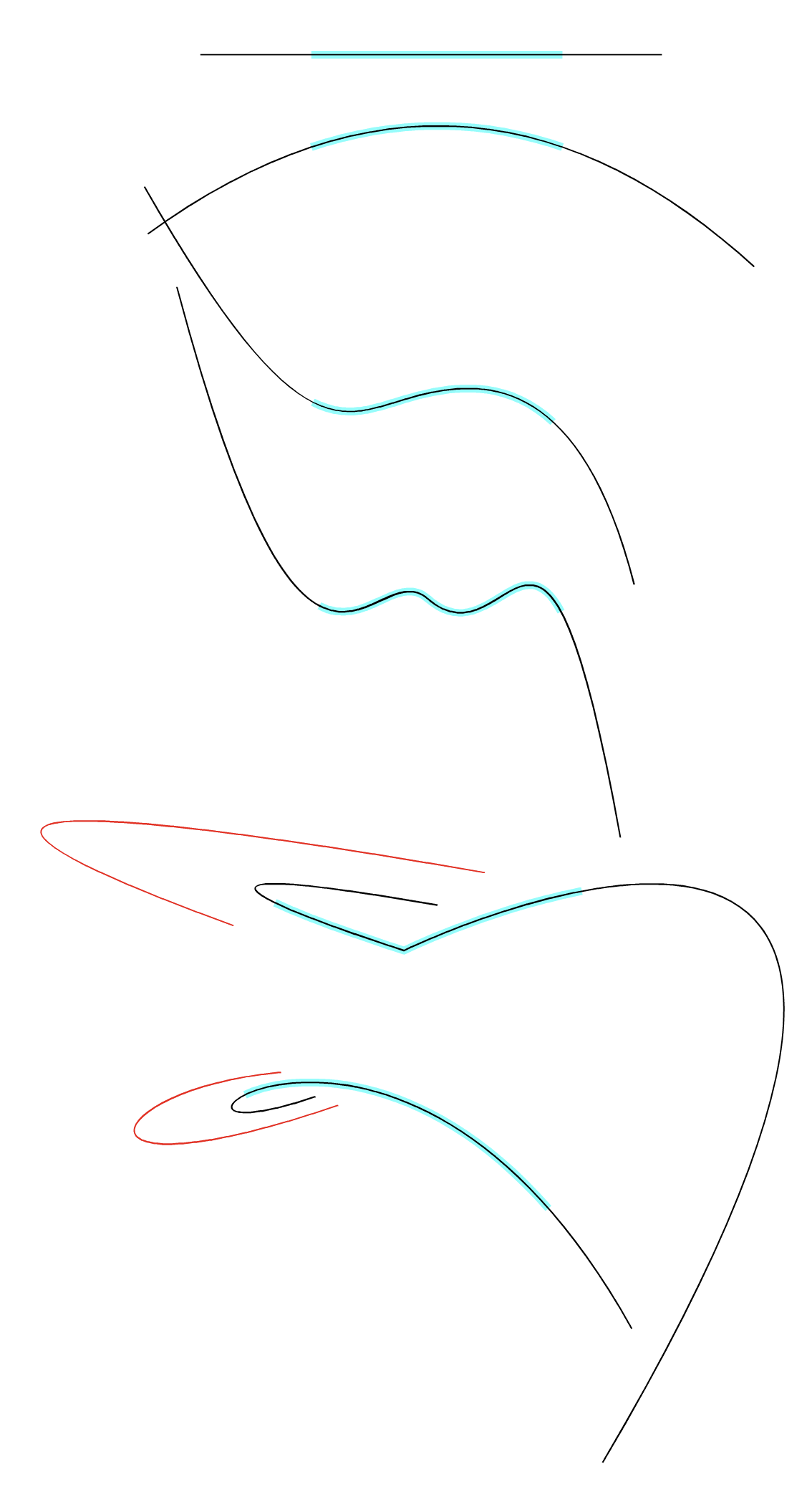
    @Li-Xiao I managed to replicate this issue. The fix will be in the next build.
  • Snap to Points doesn't seem to work

    Moved
    22
    0 Votes
    22 Posts
    36k Views
    AyoA
    @Subpath said in Snap to Points doesn't seem to work: works pretty well Indeed! And another point for the Node Tool! (my favourite default) Thanks!
  • Trouble with Eraser tools

    Moved
    2
    3
    0 Votes
    2 Posts
    3k Views
    VectorStylerV
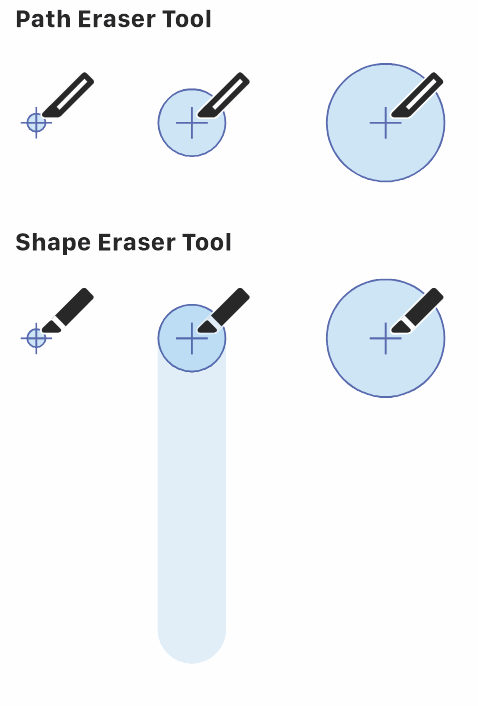
    @Ayo Looks like the path eraser tool has a bug when erasing the whole shape. Added these issues to the backlog.
  • Pen Tools Dot

    Moved
    3
    2
    2 Votes
    3 Posts
    4k Views
    AyoA
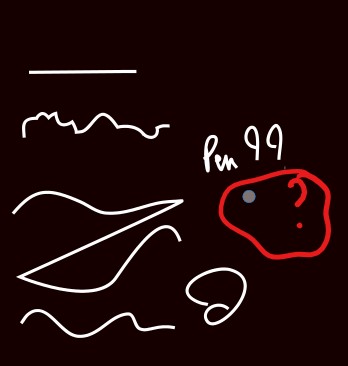
    @Subpath said in Pen Tools Dot: The gap in the new one could be a little narrower for my taste It's just a suggestion to illustrate my point. No optimized design. However, I immediately noticed when creating the symbol that a center line must be thicker than the white overall outline. For overall weight balance and preventing filling up in tiny size.
  • Can't move combined selection

    Moved
    24
    1
    0 Votes
    24 Posts
    42k Views
    AyoA
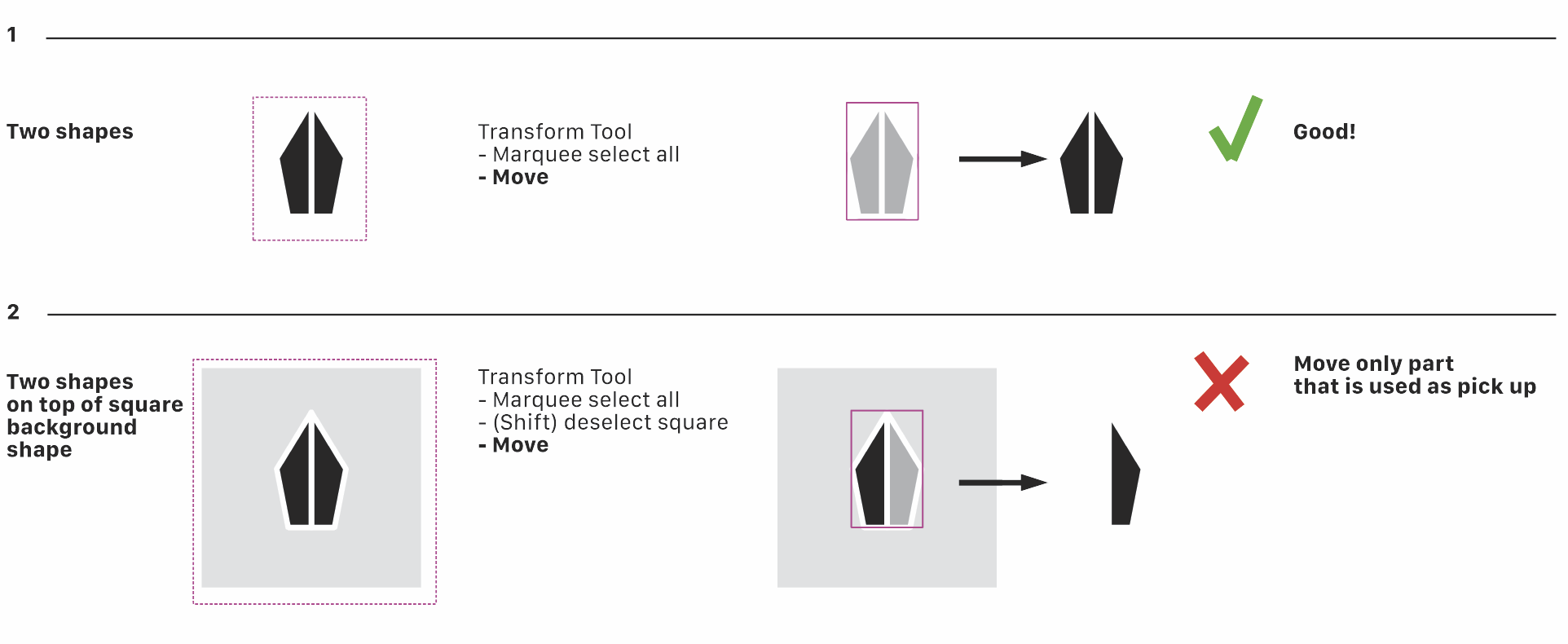
    @b77 Using a mouse. Followed your procedure and problem is solved Indeed! Still annoying that that happens. Will send the .xml files to the developer's email.
  • Some comments and advice about the Layers panel

    Moved
    17
    1
    2 Votes
    17 Posts
    16k Views
    H
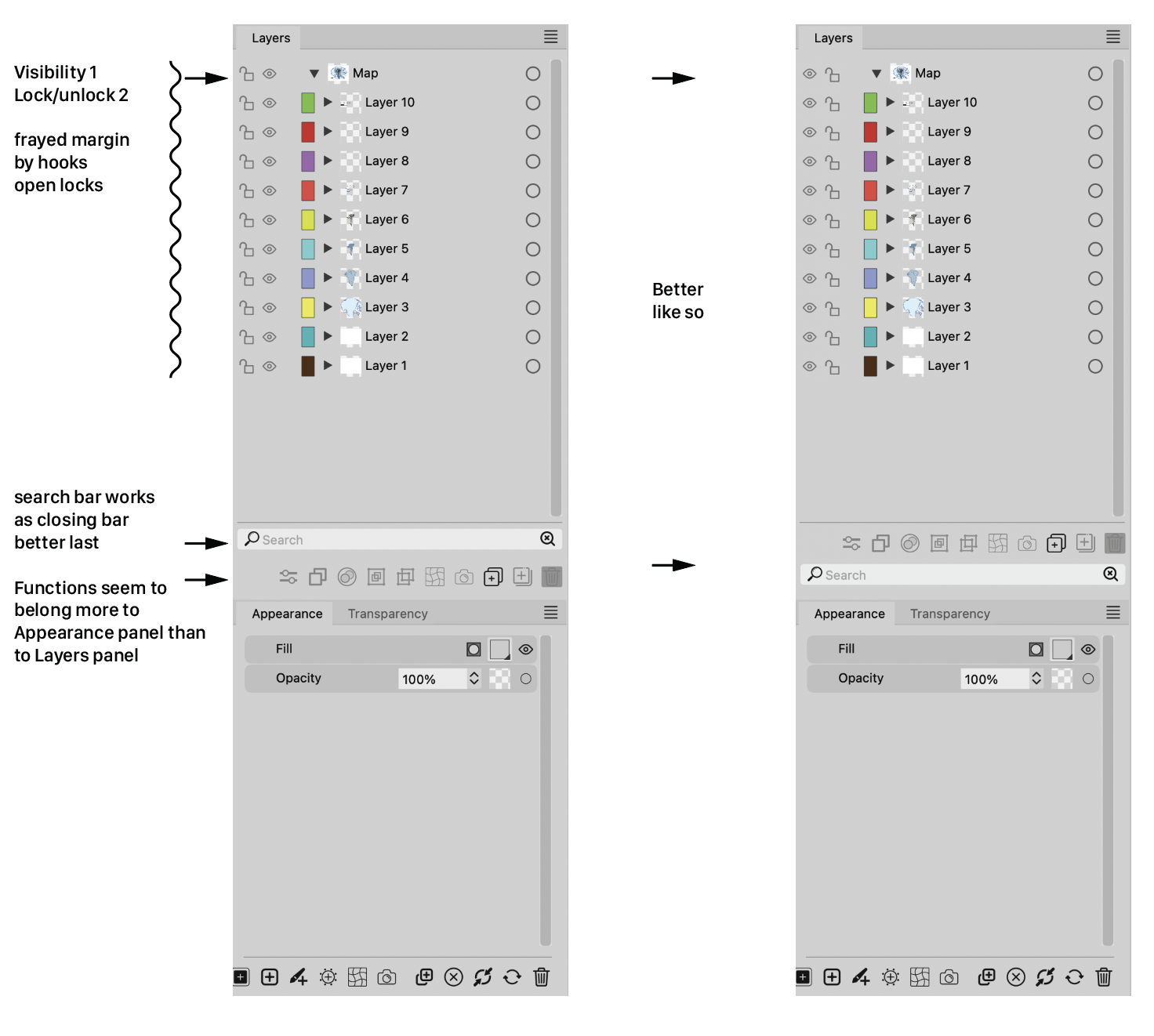
    @Ayo said in Some comments and advice about the Layers panel: I also wonder why there is the need for two magnifying glasses. One seems sufficient to me. Symbol on the right with the tiny cross is probably intended as a 'Clear' symbol. In that case, a simple cross will symbolize its function more clearly. @Ingolf said in Some comments and advice about the Layers panel: The current bottom placement is therefore my favorite when it is displayed permantly. I actually forgot it was there because it never distracted me. So all in all I prefer it in the bottom if it will always be visible. Same for me.
  • Using Record It does not allow me to see panels or press buttons in VS

    Moved
    9
    0 Votes
    9 Posts
    9k Views
    b77B
    @Boldline said in [Using Record It does not allow me to see panels or press buttons in VS] Hmm I just updated both machines to the new Sonoma OS. Edit your signature!
  • Quite pleasantly surprised with the Extend path tool

    Moved
    15
    1
    0 Votes
    15 Posts
    14k Views
    VectorStylerV
    @encart BTW: a path can also be extended automatically to the next intersection with the Trim and Join tool.
  • Artboard Label seems not to work

    Moved
    2
    1 Votes
    2 Posts
    3k Views
    VectorStylerV
    @Ayo Thanks for reporting this. I added it to the backlog as a bug.
  • Homeless objects

    Moved
    3
    2
    0 Votes
    3 Posts
    4k Views
    AyoA
    @VectorStyler I thought so. Somewhere else you call it 'containers'. It is more a stack order panel. Layers, groups or containers, it is simply not correct to include varieties of pears under the heading of apples.
  • Send objects to current layer

    Moved
    11
    0 Votes
    11 Posts
    10k Views
    AyoA
    @VectorStyler This is actually an older discussion and/or feature request. https://www.vectorstyler.com/forum/topic/3294/ideas-to-improve-the-vectorstyler-layers-panel/48
  • Indicators showing while invisible

    Moved
    7
    1
    1 Votes
    7 Posts
    7k Views
    AyoA
    @VectorStyler said in Indicators showing while invisible: find a solution Perhaps 'Invisible = locked too (in the background)'? Locked can be visible.
  • Some settings comments

    Moved
    2
    1
    1 Votes
    2 Posts
    2k Views
    VectorStylerV
    @Ayo Thanks for reporting this. Will be fixed ASAP.
  • Canvas Color setting

    Moved
    3
    0 Votes
    3 Posts
    4k Views
    b77B
    @Ayo After changing the canvas color in Document Setup > Guides you can save the document as a preset: [image: 1698056168266-gsef.png] Any new document will have this setting by default until you change it or add a different preset. (The preset will be available in File > New Document Setup > Document Presets).
  • Release to Layer[s]

    Moved
    4
    1
    0 Votes
    4 Posts
    4k Views
    VectorStylerV
    @Ayo Will improve this while in beta.
  • There seems to be an issue with the Blend

    Moved
    5
    0 Votes
    5 Posts
    5k Views
    L
    @VectorStyler Thank you. I have recorded videos. However, you already understood. https://youtu.be/c64KMjRy2ag https://youtu.be/3fLopwxuFlo
  • 1 Votes
    7 Posts
    8k Views
    VectorStylerV
    @b77 said in Tapping "L" key twice to convert a selected node to a cusp is also switching me to the path sketch tool: Here pressing L the second time retracts the node handles "under" the node I have to replicate this.
  • There seems to be a problem with shape replace

    Moved
    8
    0 Votes
    8 Posts
    8k Views
    VectorStylerV
    @Li-Xiao said in There seems to be a problem with shape replace: @VectorStyler Yes. Can it be fixed? Opened a bug on this one, will try to fix it for the next build