• Could the Extend Path tool be more automatic?

    Moved
    2
    0 Votes
    2 Posts
    3k Views
    VectorStylerV
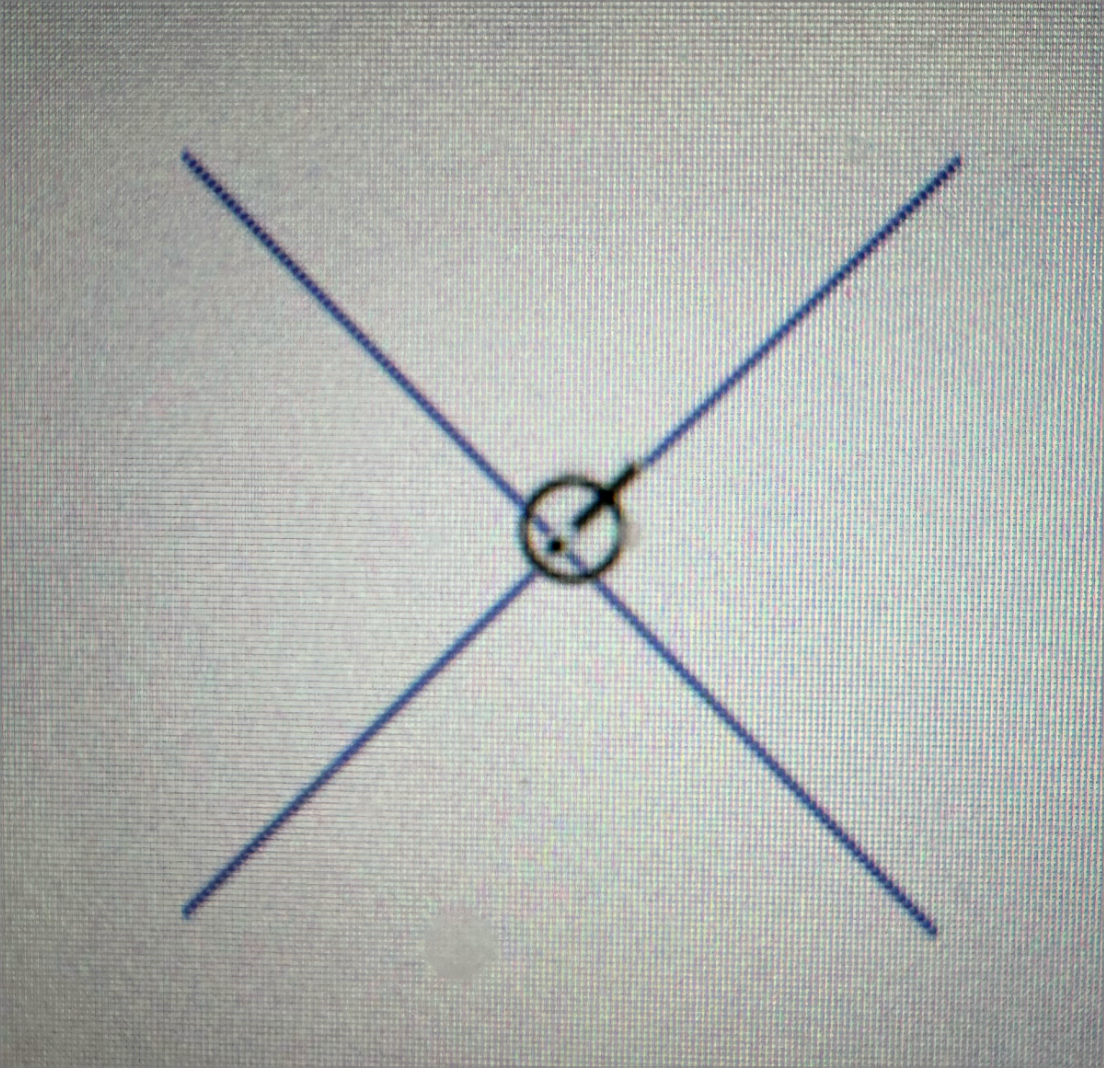
    @Harry said in Could the Extend Path tool be more automatic?: I'm wondering if snapping works with the Extend Path tool because I find it quite hard to snap its perpendicular knob to another object. Snapping is not supported for now, I will add that. It would be great if Extend Path tool would work fully automatically, like Trim and Join tool, but in opposite direction (Autocad style). Try the trim and join tool with Alt+ swiping over an open path ending. It will try to extend until it intersects another shape.
  • Is it possible to add Presets/Styles to Path Brush and Eraser tool?

    Moved
    3
    1
    1 Votes
    3 Posts
    4k Views
    VectorStylerV
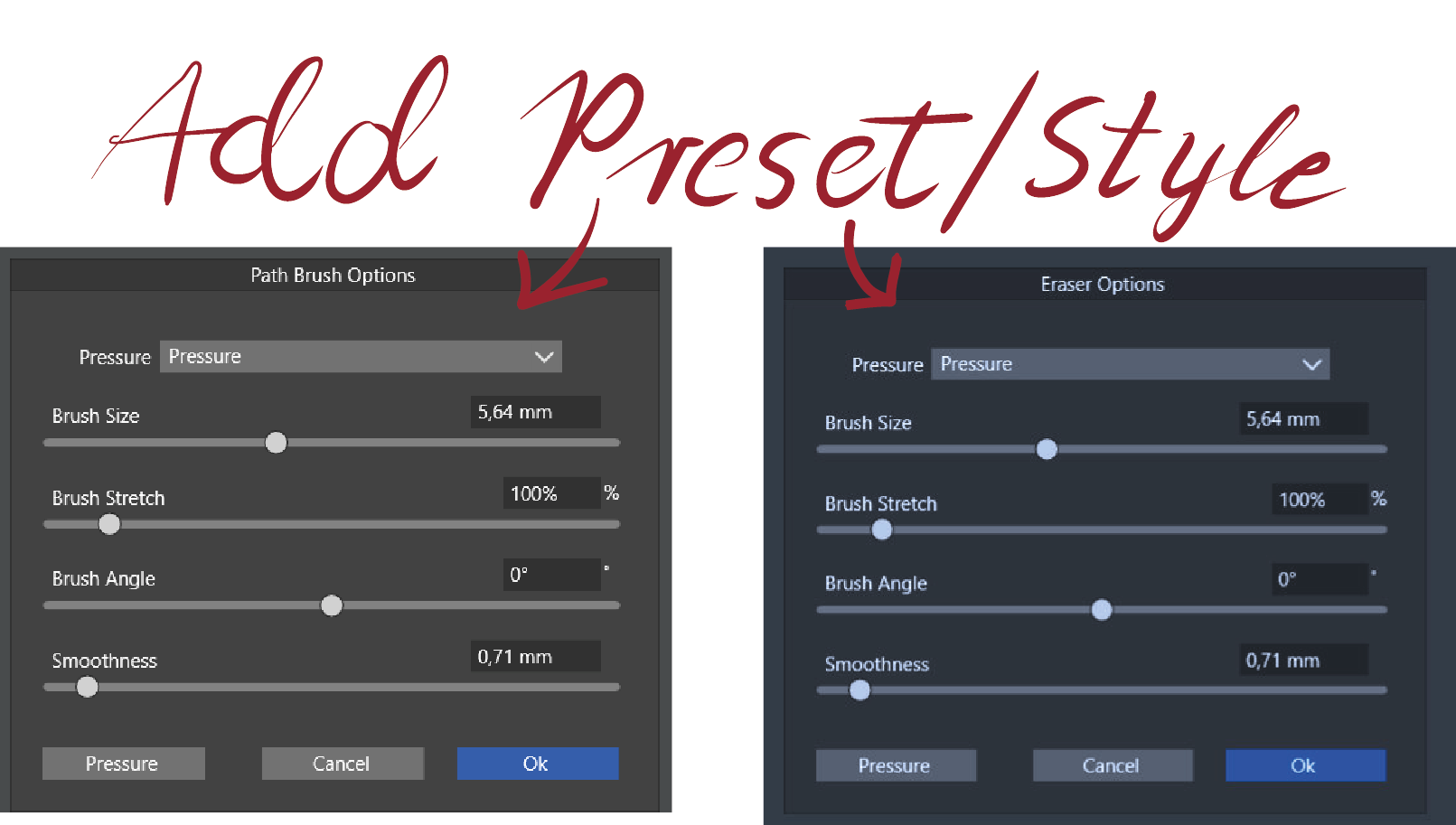
    @Harry Not possible to define presets here, but should be easy to add later.
  • Cannot delete width nodes in Stroke Profile panel

    Moved
    6
    1
    0 Votes
    6 Posts
    7k Views
    VectorStylerV
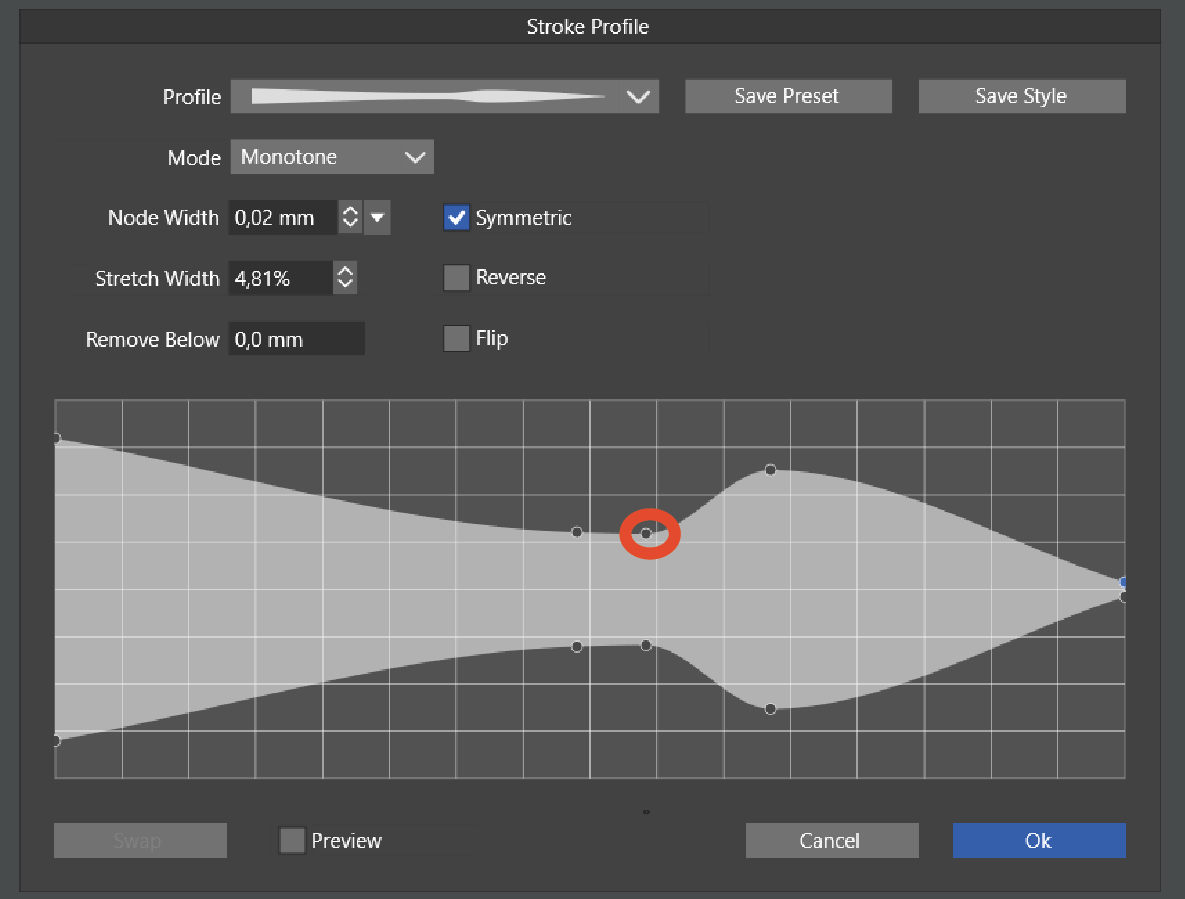
    @Harry I opened a bug on this one.
  • Preset list in the Brushes Panel.

    Moved
    2
    1
    0 Votes
    2 Posts
    3k Views
    VectorStylerV
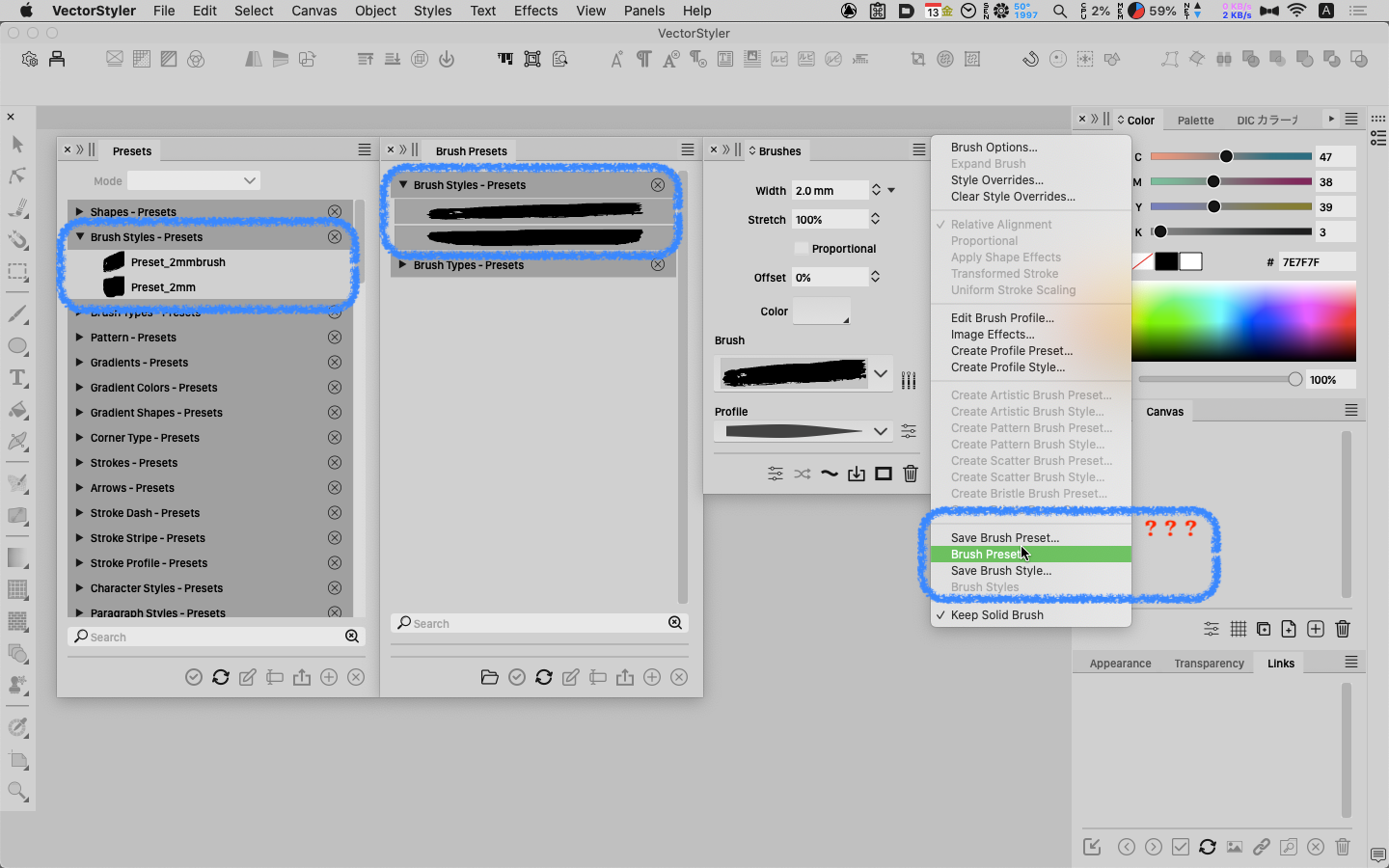
    @861475_VctSt Yes, this can be replicated and it is a bug. Will be fixed for the next build
  • Feature request - preview guides

    Moved
    3
    1
    0 Votes
    3 Posts
    4k Views
    VectorStylerV
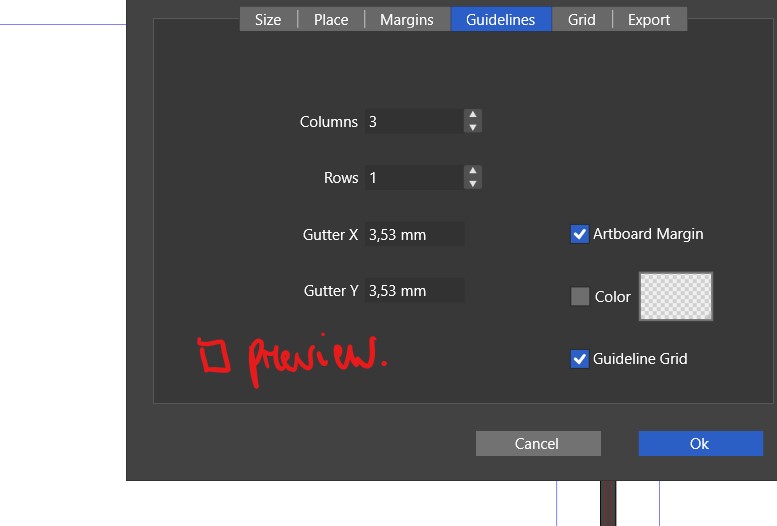
    @Pat I added this to the backlog.
  • Can I use them together?

    Moved
    19
    0 Votes
    19 Posts
    18k Views
    861475_VctSt8
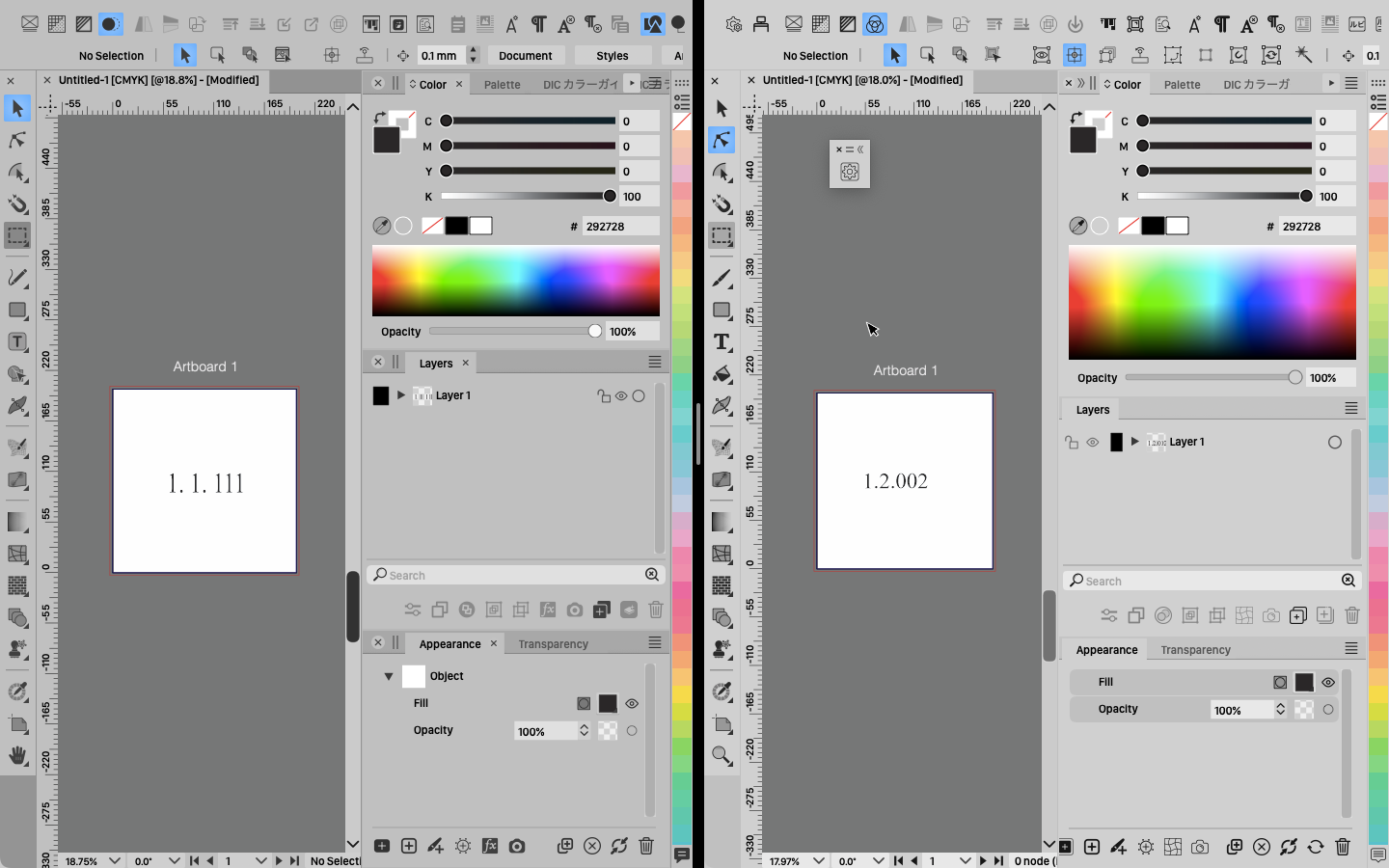
    @VectorStyler ver. 1.1.111 & ver. 1.2.002 Intel Mac I have been using the software for several days. Both the production version 1.1.111 and beta version 1.2.002 are stable. In my small business, simultaneous launches are also stable.
  • Bug : No Preview and Crash on "Add new nodes ...." Feature

    Moved
    6
    1 Votes
    6 Posts
    6k Views
    S
    @Li-Xiao said in Bug : No Preview and Crash on "Add new nodes ...." Feature: @Subpath your welcome. I previously bought a macro for CorelDRAW and it has some nice node-related features. http://gdgmacros.com/details.php?prodId=286&category=14 It's a pity, it has stopped updating. Looks interesting As far as I know, CorelDraw has a scripting part. The last time I used this it was Visual Basic, so if some are a little adventurous Btw Scripting is also on the Roadmap of VectorStyler.
  • beta update 1.2.002

    Moved
    21
    5 Votes
    21 Posts
    40k Views
    J
    @VectorStyler I mistakenly set the video private. It is now for public viewing. Please check.
  • UI Theme [Light Grey]

    Moved
    2
    1
    1 Votes
    2 Posts
    3k Views
    VectorStylerV
    @861475_VctSt said in UI Theme [Light Grey]: If you can revert to the original color scheme, please consider it. I will check what changed here. Should be easy to revert.
  • Quick look Preview

    Moved
    2
    0 Votes
    2 Posts
    3k Views
    VectorStylerV
    @861475_VctSt Yes, this is still an open bug.
  • Move it by ⇧+→.

    Moved
    4
    0 Votes
    4 Posts
    5k Views
    VectorStylerV
    @861475_VctSt Got it. Looks like the percentage value is read as 10 pt (not 10x). This is a bug, will be fixed in the as soon as possible.
  • Show center point of object

    Moved
    3
    1
    0 Votes
    3 Posts
    4k Views
    861475_VctSt8
    @VectorStyler Thanks You made it easy.
  • Issue with the Variable data export

    Moved
    6
    0 Votes
    6 Posts
    6k Views
    VectorStylerV
    @Li-Xiao said in Issue with the Variable data export: Actually, all of about exporting variable data is problematic. Opened a bug on this one.
  • Missing links and files in the documentation (docs_v1_2)

    Moved
    4
    0 Votes
    4 Posts
    4k Views
    VectorStylerV
    @freggern Fixed.
  • Toolbox Customisation - arghhhhhh!!!

    Moved
    2
    1 Votes
    2 Posts
    3k Views
    VectorStylerV
    @Igull This is the same as before. The problem is that those toolbox "modes" in the menu are actually different toolbox customization presets that will overwrite the current (unsaved) toolbox. I will try to think of a better solution for this.
  • Keyboard Shortcut(s) Broken

    Moved
    5
    0 Votes
    5 Posts
    6k Views
    VectorStylerV
    @Igull Looks like there is still one issue: the app needs a restart to have the shortcut show in the tool tip. I opened a bug on this one. I will test the toolbox thing also, the problem is that 1.2 has a lot of new tools.
  • 0 Votes
    2 Posts
    3k Views
    VectorStylerV
    @Boldline The stroke width is scaled (a document level option) and it is not scaled uniformly.
  • Trim and Join Tool - bug?

    Moved
    3
    0 Votes
    3 Posts
    4k Views
    VectorStylerV
    @Harry Added this to the backlog, looks like a bug.
  • Question, how to "Convert Dashes to Curve" ?

    Moved
    3
    1
    0 Votes
    3 Posts
    5k Views
    S
    @VectorStyler , thanks Have overlooked this arrow and the option below it. Thought the arrow might be a bit more prominent ? Hadn't guessed that the option was under Object > Shape. I was looking/searching in the brush stroke panel. But cool to have that option [image: 1696507092214-arrow-on-menus-2.png]
  • Not enough options in "Arrange Artboards" panel

    Moved
    2
    1
    1 Votes
    2 Posts
    3k Views
    VectorStylerV
    @Harry Added this to the backlog.