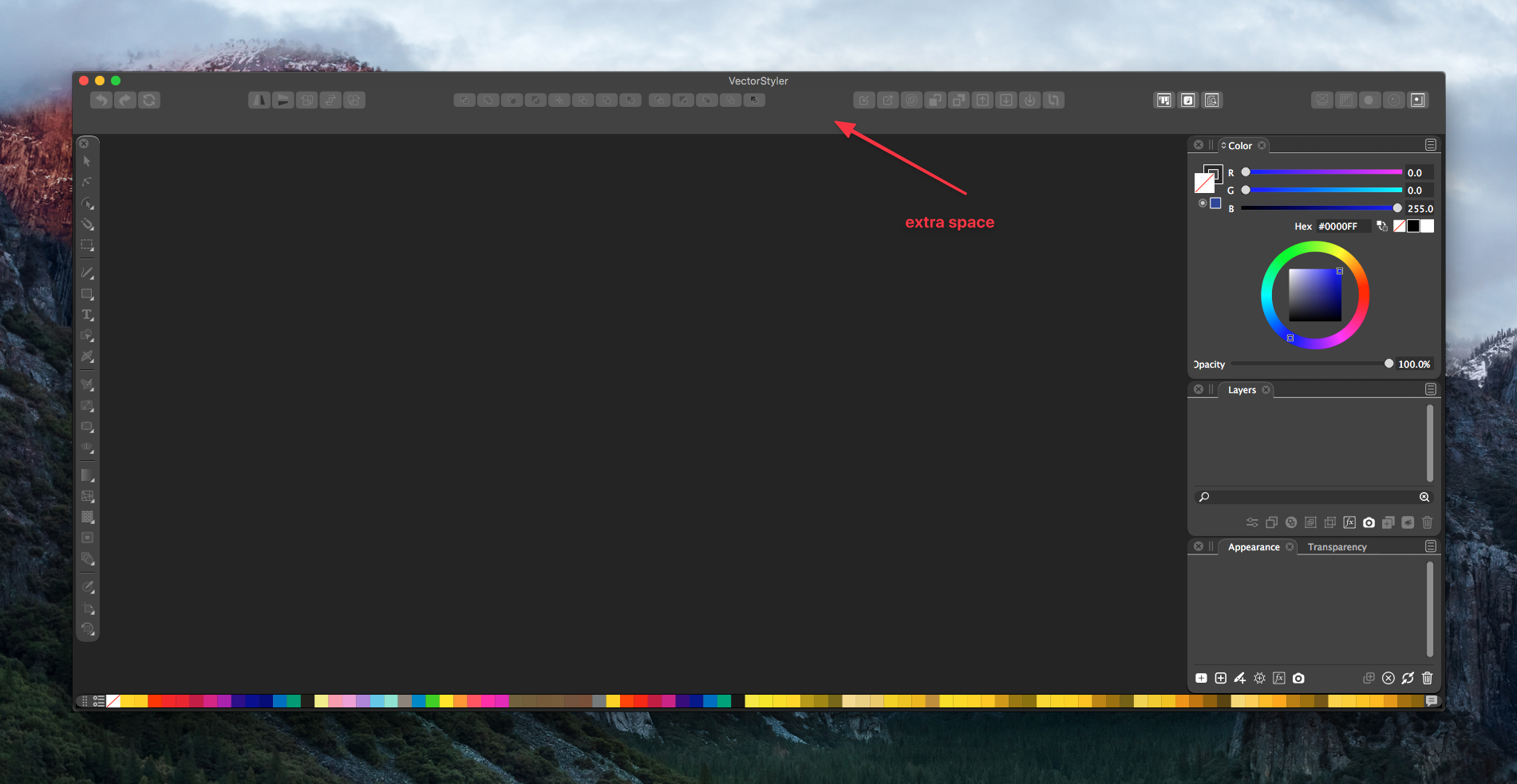
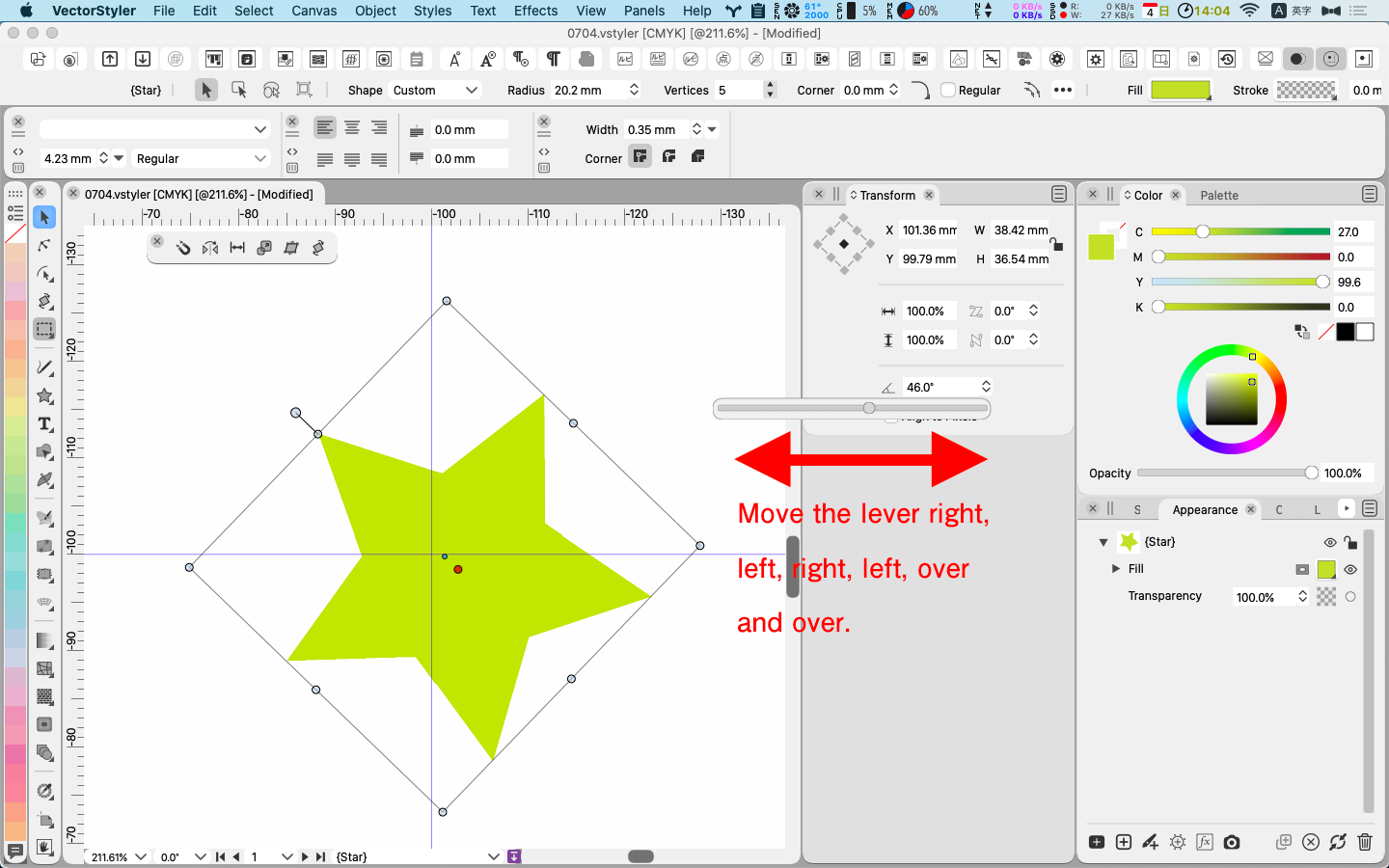
• Layer lock options: lock position only

    3
    0 Votes
    3 Posts
    5k Views
    P
    Thanks for your reply!
  • Personal compliments to the developers!

    8
    1 Votes
    8 Posts
    12k Views
    BoldlineB
    I also am very grateful for Vectorstyler and the dev team putting this together. I am currently clinging to Adobe CS6 as I remain hopeful for a replacement app more powerful to replace it. I am completely opposed to subscriptions and much prefer the alternative solutions many software companies are using. I like the system Serif uses and also the proposed one VS will offer. I want to support developers and pay for the software that allows me to do work that pays my own bills - I just don't want a draconian overpriced subscription service as my only option. I was/am a fan of Affinity and have used it wherever possible over Illustrator but always end up back in Illustrator to finish off designs I started in Affinity on ipad or desktop. Unfortunately, Affinity is on a slow improvement track and vital tools I use daily for work are long promised and slowly delivered. I love the responsiveness of the VS dev team and their willingness to listen to our ideas and consider them and then to even implement them in short time frames. It makes me feel proud to see input I've given as a professional vector artist, show up in an app that will benefit so many. I'm sure many of us feel that way. I'm also so impressed with the sheer number of options and abilities for what can be accomplished in a vector app. VS blows away Illustrator, Affinity, Corel, etc... It becomes more user friendly and ready for RC all the time. Thank you for dedicating yourselves to making this a great solution for those of us stranded by Adobe and Affinity in some ways and other apps.
  • Way to turn of layer preview when selecting?

    5
    1
    0 Votes
    5 Posts
    7k Views
    P
    You changed this so quickly! Very impressive, thanks!
  • Speed/responsiveness?

    7
    0 Votes
    7 Posts
    10k Views
    VectorStylerV
    You could try in the Preferences -> Performance, if Metal is visible, and how it performs. In Sierra, metal compute was not yet complete, so probably there should be OpenCL. For display mode, try if Metal works, if not OpenGL. For your config, probably Metal for Display Mode and OpenCL for compute. Software is a last resort. For compute it can be acceptable if you have cores, but for display it can be slow.
  • Warp Use Questions

    12
    1
    0 Votes
    12 Posts
    16k Views
    VectorStylerV
    The text on path view has been rearranged and a bend mode was added to the Transform modes. This also works with the interactive text on path tool to adjust the text along the path. [image: 1602333182393-icon2.png]
  • How to create clipping groups?

    7
    0 Votes
    7 Posts
    12k Views
    VectorStylerV
    For the drag ad drop in the Layers panel: drag the group object (or single object) over the label (name) of the target object in the panel. There are two types of indicators that may show while dragging the object over another: placing before or after the object is shown with a narrow blue line between two objects (in the panel). placing inside the object is shown with a wide blue highlight over the target object.
  • Effects preview checkbox

    2
    0 Votes
    2 Posts
    5k Views
    VectorStylerV
    The state of the preview button is kept as follows: shape effects each keep a common state for all shape effect types. image effects each keep a common state for all image effect types. individual color effects keep a separate state (this may be a problem). I added to the bug list to have a common state for Color Effects (first section of the Effect menu). Will also reconsider the default state (to be on).
  • humble wish of the now: Faster mouse wheel scrolling

    3
    0 Votes
    3 Posts
    6k Views
    JoycoJ
    Dooh!! I wish I would have figured that out sooner on my own without having to bother. Thanks for the tip. I will try harder next time to find my own answers first.
  • Pixels

    10
    0 Votes
    10 Posts
    16k Views
    VectorStylerV
    New build fixes this (and several other issues) with unit selection.
  • Search?

    2
    0 Votes
    2 Posts
    5k Views
    VectorStylerV
    Have to look into this more. The installed search plugin is not working.
  • Post support question here.

    Locked
    10
    0 Votes
    10 Posts
    16k Views
    B
    I think I figured out what I was doing wrong; I was using the tool on a layer that was highlighted, while a different layer was selected. The layers had objects that overlapped, and I thought the tool wasn't working. In short: User error .
  • Display text size in points

    2
    0 Votes
    2 Posts
    5k Views
    VectorStylerV
    The 24 pt size should show as 0.33 inch (maybe the field is small and the 0. is not visible). Will add a separate unit option for font sizes as this is a problem.
  • Drag-and-drop produces document in floating window...

    3
    0 Votes
    3 Posts
    7k Views
    D
    Got it...I don't know how the floating window was created initially, probably ID10T problem; it works as you suggest above. Thanks for your help.