• Patterns

    3
    1 Votes
    3 Posts
    5k Views
    syllieS
    @vectoradmin said in Patterns: For now the outline can be selected in the panel, by changing the panel state with the up-down arrow before the panel title label. This rotates over several panel modes, the second mode contains the outline and background setting. Ah! I know about the states, just didnt think to check it here! Thanks. All the other feedback makes sense too!
  • Anyway to dynamically change the 'brush' size?

    17
    0 Votes
    17 Posts
    19k Views
    F
    Seems to be working with the pencil and brush now on the Mac also.
  • This topic is deleted!

    1
    1
    0 Votes
    1 Posts
    1 Views
    No one has replied
  • Logic behind node controls

    2
    0 Votes
    2 Posts
    4k Views
    VectorStylerV
    @grix An explanation of how nodes work in VS: There are two concepts to define first: the node is a point location. the segment goes between two nodes. The type of a node can be cusp, smooth or symmetric. This affects how the curve changes when the node is edited. Changing the node type from smooth (or symmetric) to cusp will not have a visible effect, since the two control points (on the two sides of the node) are not changed. The node type is only visible when the control points are moved. In cusp nodes the two control points around the node can be moved independently of each other. In smooth nodes, the distance of the two control points from the node is idependent, but the direction along the same line (creating a smooth curvature). In symmetric nodes, both the distance and the direction are constrained. (Most apps don't implement symmetric nodes, except CorelDraw). The type of a segment can be line, quadratic and cubic. Typically we have lines and cubic curves. VS includes quadratic also, these are the curve types used in TTF font glyphs, and also required for SVG. The difference between quadratic and cubic is the number of control points (and degree of freedom) on the curve. Most apps don't have the quadratic mode. The change that you were looking for (removing the control points) can be found in the Path panel, with the first two icons in the third row. These change the node type to cusp, and move the incoming / outgoing control point over to the node location.
  • Sometimes Control-A then delete only deletes last object selected

    3
    0 Votes
    3 Posts
    5k Views
    VectorStylerV
    @Boldline The select all problem (while in drawing mode) is fixed in the new build.
  • How do I revert back to initial traditional star shape?

    9
    1
    0 Votes
    9 Posts
    11k Views
    VectorStylerV
    @vectoradmin The star shape reverting and other issues are fixed in the new build.
  • How to start drawing a new shape with the pen tool next to another

    5
    0 Votes
    5 Posts
    7k Views
    VectorStylerV
    @vectoradmin Snap to point and snap to shape combination has been improved in the new build.
  • This topic is deleted!

    1
    0 Votes
    1 Posts
    5 Views
    No one has replied
  • pen tool drawing guide toggle

    9
    0 Votes
    9 Posts
    10k Views
    BoldlineB
    The current snap red X indicator also causes a small delay in the process of going on to the next task - the next node, etc.
  • Things that still keep me from using VS for all vector drawing

    5
    0 Votes
    5 Posts
    7k Views
    P
    Yeah, it is really strange, I hope you find what causes it, thanks @vectoradmin !
  • Last stroke of pen tool affects first line

    4
    0 Votes
    4 Posts
    6k Views
    BoldlineB
    @vectoradmin Great! I will test it out and get back to you
  • Layers Panel - Highlight vs Select

    4
    1 Votes
    4 Posts
    6k Views
    syllieS
    @syllie I just found it is actually documented - just not where I expected it: Selecting from the Layers panel. Maybe a link to that section is warranted in the description of the layers panel.
  • Font and interface sharpness

    7
    1 Votes
    7 Posts
    11k Views
    IngolfI
    Also great
  • Bitdefender gives (false) alarm on VectorStyler.exe

    5
    0 Votes
    5 Posts
    7k Views
    VectorStylerV
    @Arde What is the message given by Bitdefender?
  • Brush keeps returning to default size

    4
    0 Votes
    4 Posts
    6k Views
    BoldlineB
    Just tried it, much improved thank you!
  • Can nodes be set to smooth by default instead of symmeteric?

    7
    0 Votes
    7 Posts
    9k Views
    b77B
    @Boldline "Fixed: Exclude created a smooth node at a cusp node" is a different fix to a bug I reported, involving the Exclude boolean operation.
  • Getting small questions answered

    5
    0 Votes
    5 Posts
    7k Views
    BoldlineB
    @vectoradmin You're doing great! I just feel bad taking you away from other important things to answer my questions on basics. I promise I do try to always look things up myself before asking. Sometimes I wonder if I'm looking up the right terminology or if it's not been added to the app yet, or if there's another option that might be better than the solution I'm used to thinking based on previous apps. i do appreciate you answering the questions because it means I can keep practicing with VS on real work
  • Edit node and arrow size preference

    3
    0 Votes
    3 Posts
    5k Views
    BoldlineB
    @vectoradmin thanks - I saw that option in there and wondered if it was what i was looking for - thanks for confirming
  • Arrow keys move selection box, not fill

    9
    1
    0 Votes
    9 Posts
    11k Views
    b77B
    @vectoradmin Yes, I figured that out, thanks!
  • Shape Object dimensions on contextual menu for selections?

    2
    1
    0 Votes
    2 Posts
    5k Views
    VectorStylerV
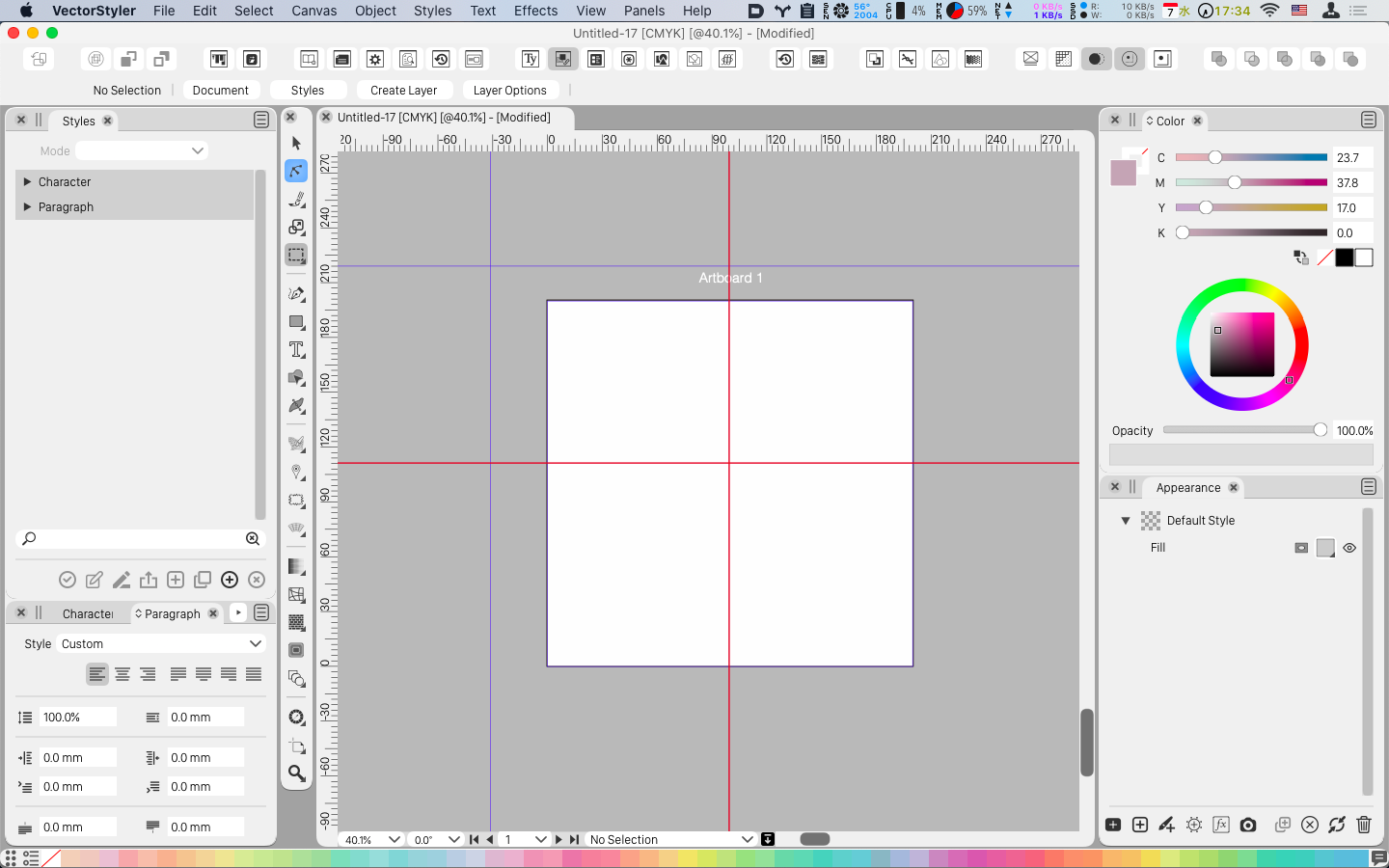
    @Boldline Adding more things to the context panel would not work, as it already too long for typical screen sizes. An easy way to have object sizes accessible from a horizontal panel is to dock the Transform panel horizontally (drag from the panel title, to under the context panel): [image: 1611003288060-transformpanel-resized.png]