• Inconsistent mouseUp/Down events on dropdown menus

    Moved
    5
    0 Votes
    5 Posts
    9k Views
    K
    Fixed!
  • Entering text editing mode (shape text)

    Moved
    2
    0 Votes
    2 Posts
    4k Views
    VectorStylerV
    @Arde Some of the tools (like Liquify and and the others in that group) are destructive shape effects. This means that the object shape is converted to curves before the tool modifies them. One aspect of these tools is that they can modify a smaller region of the object. The other tools (the next three groups in then toolbox) like Elastic warp, Mesh, Envelope etc. are non-destructive. These effects can also be added from the Shape Effects panel. And it is recommended to use the Shape Effects panel to inspect and adjust the parameters of these effects at any time. Non-destructive effects are stacked on the object (or group), their parameters remain adjustable, or the effect can be removed. The object shape remains editable in this case.
  • [M1] Problems using the brush, path sketch and pencil tool.

    Moved
    17
    0 Votes
    17 Posts
    18k Views
    K
    @vectoradmin Both issues are fixed for me in the latest build, the brush selection persists and i no longer get a blend of styles. There's only one minor visual bug left, that is when you have your custom brush selected and make a new document the old brush thumbnail will persist until you draw something, at which point it fixes itself and defaults to the default one.
  • Carbage palette creation from image (Windows RC21)

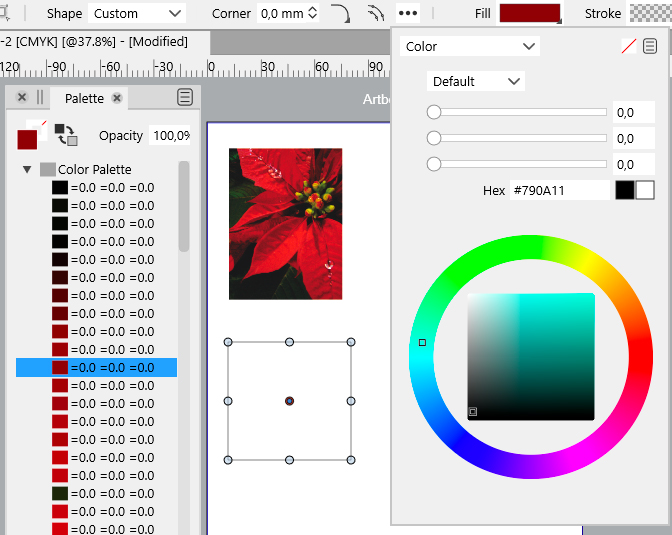
    Moved palette creatio
    2
    1
    0 Votes
    2 Posts
    6k Views
    VectorStylerV
    @Arde Yes, this can be replicated. Looks like the problem occurs when using the Palette panel menu command, and adding to the main palette. As a workaround, try to create a new palette using the *Panels -> Palettes -> Create Palette from Image" command. This creates a separate palette, that can be saved as a separate file. Fix will be in the next build.
  • IO in RC21 (Windows) broken for folders/files with non-ANSI characters?

    Moved
    3
    0 Votes
    3 Posts
    5k Views
    A
    @vectoradmin said in IO in RC21 (Windows) broken for folders/files with non-ANSI characters?: Will be fixed in the next build. Thanks! Please note that export functions (e.g. PDF) also fail if tried to be placed in a folder the name of which contains special characters.
  • Gap slider for concentric ellipses broken

    Moved
    2
    0 Votes
    2 Posts
    4k Views
    VectorStylerV
    @Arde I added this to the backlog.
  • Setting units of measurement

    Moved
    3
    0 Votes
    3 Posts
    5k Views
    BoldlineB
    @b77 Thanks! That worked and I then closed out VS and reopened and the new document was set up as I wanted - it remembered the setting in preferences
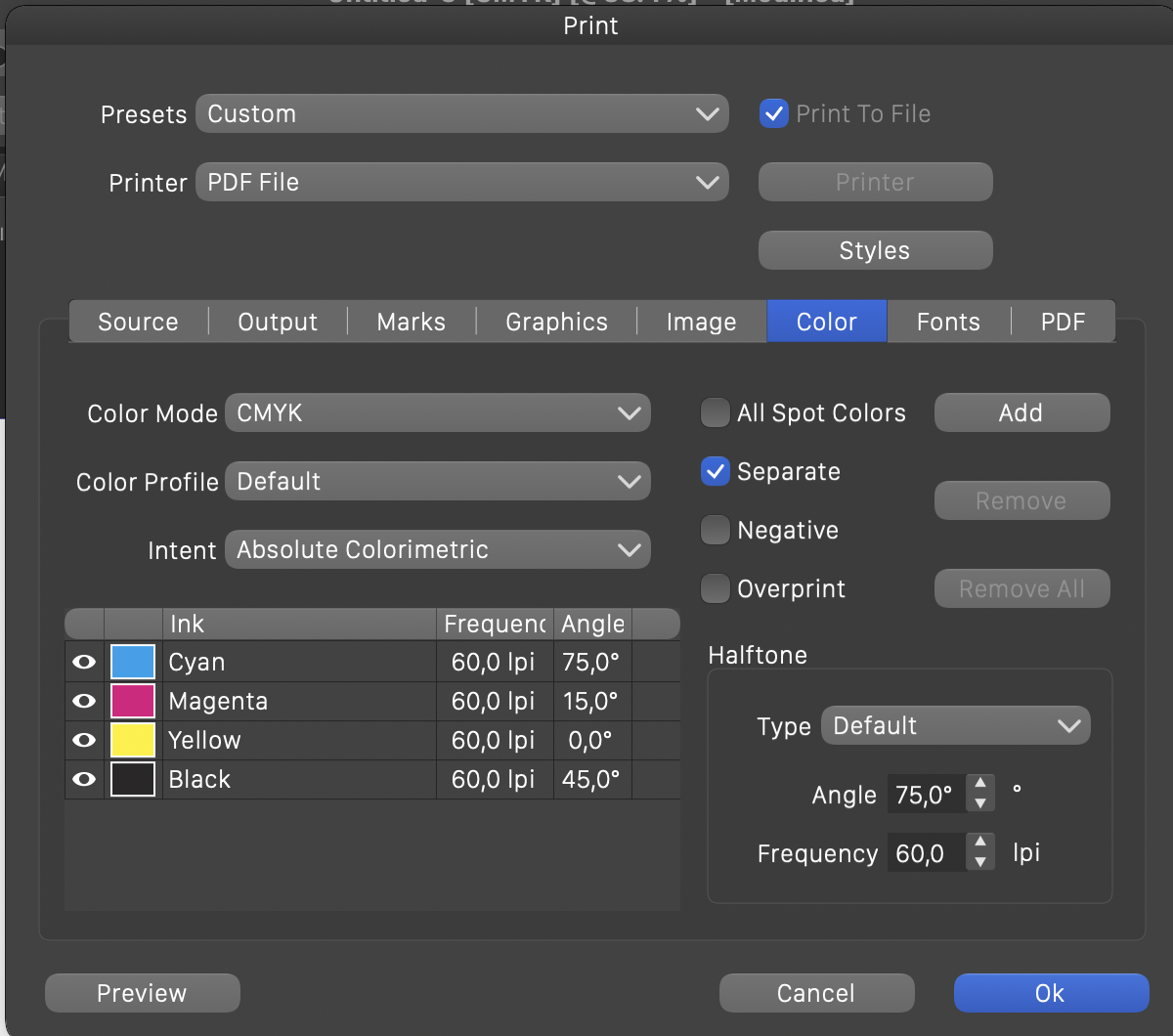
  • Print dialog broken

    Moved
    2
    1
    0 Votes
    2 Posts
    4k Views
    VectorStylerV
    @Arde Added this to the backlog.
  • Convert to frame text and Convert to shape text broken

    Moved
    2
    0 Votes
    2 Posts
    4k Views
    VectorStylerV
    @Arde Added this to the backlog.
  • Stroke width display not conform selection

    Moved
    10
    0 Votes
    10 Posts
    11k Views
    syllieS
    @vectoradmin Top! All working now in build 1.0.020 RC1 (and yes I have my panels docked).
  • Problems with font enumeration

    Moved
    4
    2
    0 Votes
    4 Posts
    6k Views
    A
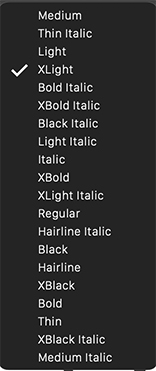
    @vectoradmin said in Problems with font enumeration: This has been improved in the new build Thanks, much better! At some point it would be ideal if the menu style list could be organized so that the styles are listed first by width and then by weight (so that condensed styles are listed first by weight, then regular styles by weight, and finally extended styles by weight, and upright styles first and cursive versions immediately thereafter).
  • Spelling, hyphenation, etc. and languages

    Moved
    5
    1
    0 Votes
    5 Posts
    7k Views
    VectorStylerV
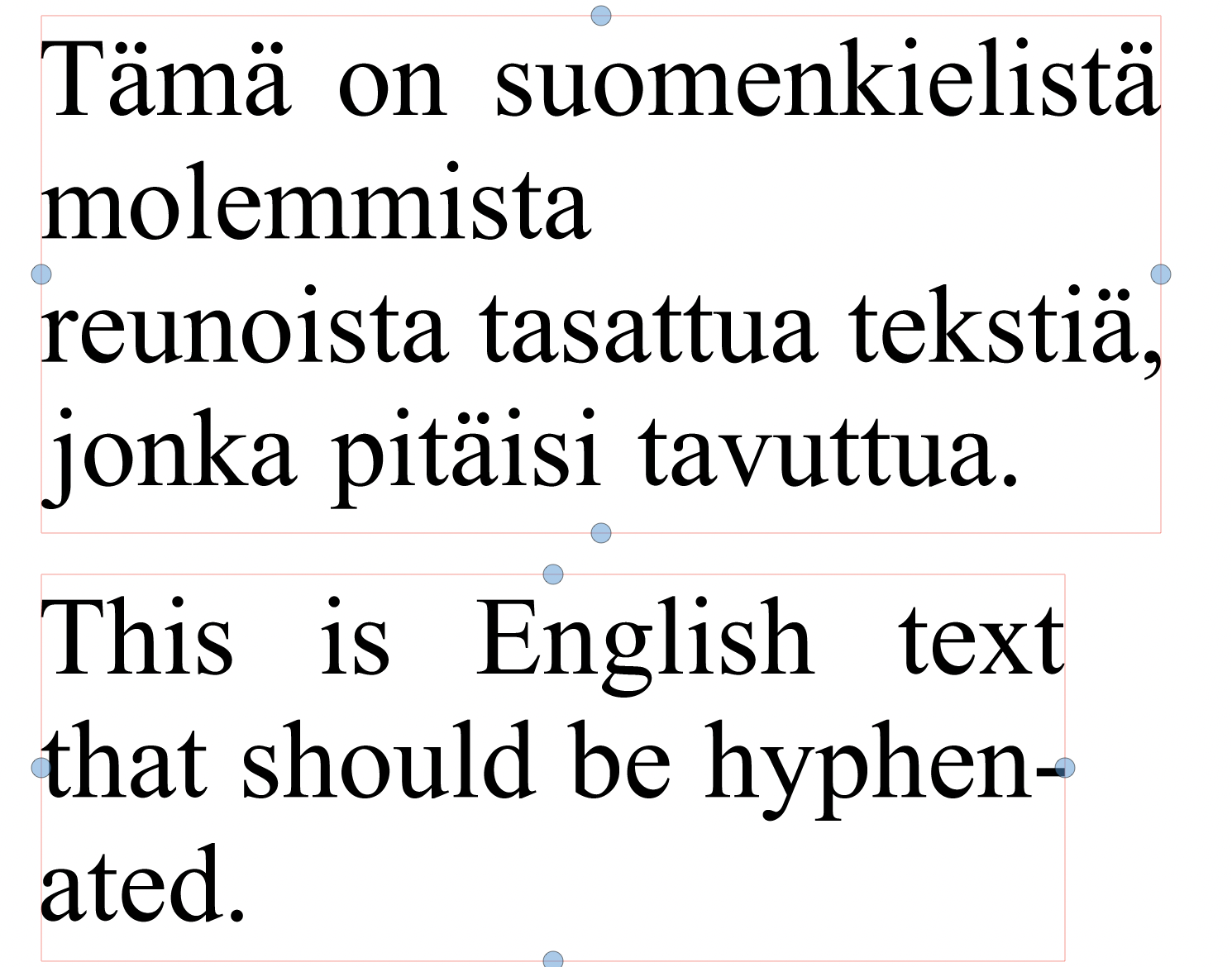
    @Arde In Text menu Character Options view, Typography section, the Hyphenation drop down contains the list of languages that can be used for hyphenation. BTW: there is a regression in the recent build that results in a crash for text frames, fix will be released ASAP.
  • gif file not importing correctly

    Moved
    2
    2
    0 Votes
    2 Posts
    4k Views
    VectorStylerV
    @Boldline I added this to the backlog.
  • Type 1 (PostScript) fonts in font lists

    Moved postscript font
    22
    1 Votes
    22 Posts
    56k Views
    VectorStylerV
    @vectoradmin The new build fixes the OpenType metric use issues.
  • Cannot create new line/paragraph (RC1.0.019 Win)

    Moved
    3
    0 Votes
    3 Posts
    4k Views
    VectorStylerV
    @Arde Fixed in the new build.
  • Win 10 - Select shortcuts not working

    Moved
    7
    0 Votes
    7 Posts
    11k Views
    F
    @vectoradmin said in Win 10 - Select shortcuts not working: Reselect repeats the last of these commands (instead of returning to the dropped selection). If one of the Attribute commands was used, then reselect does not need a selection. If one of the Similar commands was used, then reselect needs a selection to find the similar objects. That isn't really "Reselect" then but rather "Repeat Last Selection". But, for saving and recalling past selections, there is a Selections panel (Panels -> Editing). A bit more tedious, but it can save any number of selections, that can then be recalled in a single click. Suggest building on this by automatically updating a (possibly hidden) saved selection at appropriate times then adding an actual "Reselect" command that restores that.

  • Unset Color not working

    Moved
    10
    0 Votes
    10 Posts
    11k Views
    syllieS
    Thank you - I can see this is fixed in 1.0.019 RC1
  • Eraser - Behaviour

    Moved
    5
    0 Votes
    5 Posts
    7k Views
    syllieS
    This functionality now works as intended to - thank you. No objects selected: erase works on any path One or more objects selected: erase only works on the selected paths
  • Knife tool - some issues

    Moved
    3
    0 Votes
    3 Posts
    5k Views
    syllieS
    Works perfectly now! Thank you.
  • Problems with Boolean Add operation

    Moved
    5
    2
    0 Votes
    5 Posts
    7k Views
    A
    @vectoradmin said in Problems with Boolean Add operation: @Arde There has been improvements in the new build, regarding the divide and union operations. Thanks, great, I noticed! In that particular test graphic there was still one glitch (adding together the parts at top right), but this could be worked around by offseting the selected areas a bit (and then setting them back once having them united). It somehow seems to be related to pixel alignment and accuracy but the way you managed to improve is already fine.