VectorStyler
    • Categories
    • Unread
    • Recent
    • Tags
    • Popular
    • Register
    • Login
    1. Home
    2. Popular
    Log in to post
    • All Time
    • Day
    • Week
    • Month
    • All Topics
    • New Topics
    • Watched Topics
    • Unreplied Topics

    • All categories
    • IgullI

      Collider Tool Flipping

      Watching Ignoring Scheduled Pinned Locked Moved Questions and Support
      24
      0 Votes
      24 Posts
      33k Views
      b77B
      Could Tab by default instead of Spacebar be a better alternative for this? As long as it can be changed to your own choice in Preferences, it really doesn't matter what the default is. Sure, but easy-to-figure-out defaults matter for beginners, that's what we are discussing in this thread after all (most everybody was a bit surprised that the Spacebar is used for this). Anyway, maybe Tab is not intuitive either. Please ignore.
    • IgullI

      Trim between two nodes

      Watching Ignoring Scheduled Pinned Locked Moved Questions and Support
      24
      0 Votes
      24 Posts
      36k Views
      IgullI
      @Boldline said in Trim between two nodes: @Igull are you wanting the option to remove a segment entirely, leaving an open path? Yes, that's correct. If this gets implemented, would it take away the current "click a segment/node and hit backspace/delete to delete the node and click backspace/delete a second time to delete the whole object"? No, that would still stand - I also like the idea of hitting backspace/delete a second time to delete the complete object. IIRC, in AI, selecting the segment then hitting delete, deletes the segment, but leaves the two adjacent nodes highlighted - hitting delete again would delete the complete object as it has both ends of it's vector selected. Neil

    • IngolfI

      Bevel is completely broken (Image effects - Stylize)

      Watching Ignoring Scheduled Pinned Locked Moved Resolved Issues
      24
      1
      0 Votes
      24 Posts
      41k Views
      IngolfI
      Better in .058! [image: 1661734839064-16ed7101-29fe-419c-b012-695d1d60f300-image-resized.png] https://www.vectorstyler.com/forum/assets/uploads/files/1661726850039-b2008ef1-9aa2-4418-8798-c62d4bee7698-image-resized.png
    • AyoA

      Can't move combined selection

      Watching Ignoring Scheduled Pinned Locked Moved VectorStyler 1.2 beta
      24
      1
      0 Votes
      24 Posts
      42k Views
      AyoA
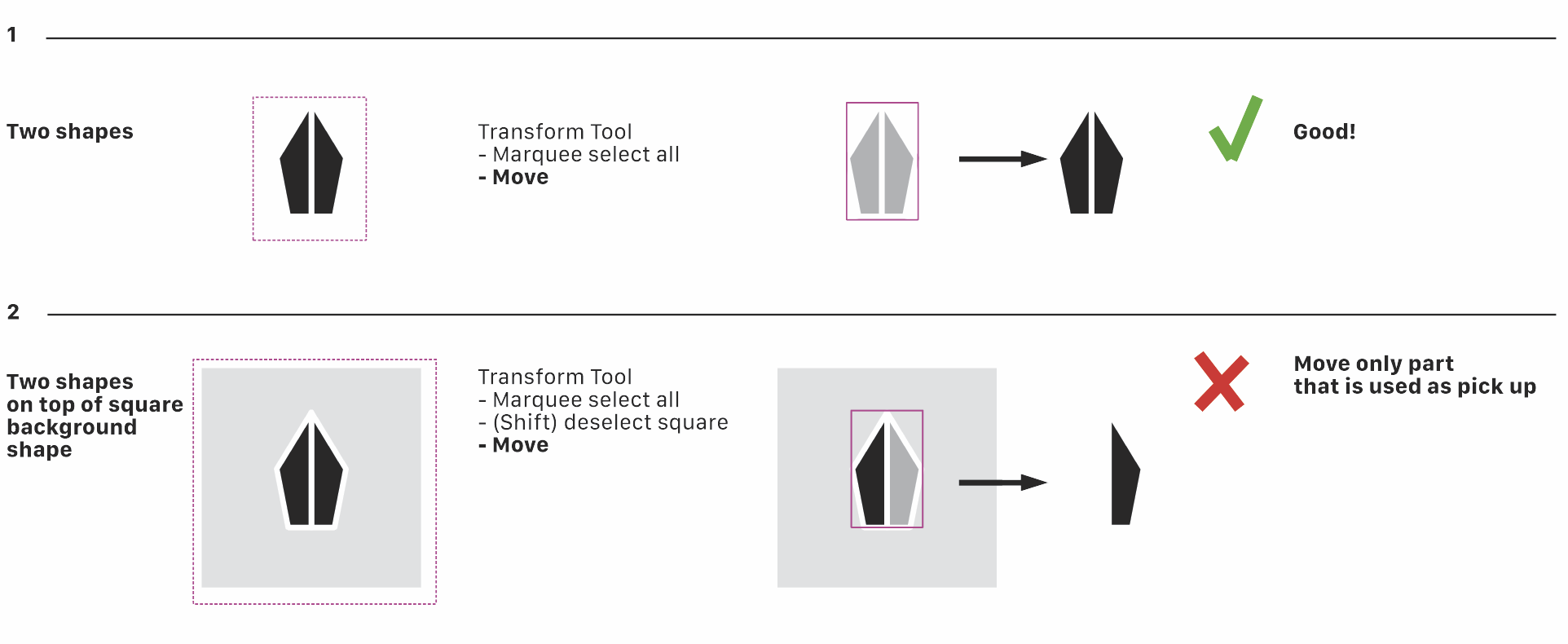
      @b77 Using a mouse. Followed your procedure and problem is solved Indeed! Still annoying that that happens. Will send the .xml files to the developer's email.
    • B

      Shape effect, option panel

      Watching Ignoring Scheduled Pinned Locked Moved VectorStyler 1.2 beta
      24
      1
      0 Votes
      24 Posts
      36k Views
      VectorStylerV
      @Pat said in Shape effect, option panel: the strokes suddenly disappeared and it was impossible to get them back. I will try to replicate this.
    • BoldlineB

      Text Tracking controlled by option and right or left arrow?

      Watching Ignoring Scheduled Pinned Locked Moved Features and Ideas
      23
      0 Votes
      23 Posts
      46k Views
      b77B
      Text objects are special because fonts are involved — is this vertical s̶c̶a̶l̶i̶n̶g̶ distorting of fonts really useful and often needed? I would just drag the top or bottom handle if I wanted that (but 99% of the time I don't). I would go for consistent shortcuts (Option + Arrows, or something else) for both tracking and leading and make them work also when you're not in text editing mode. That would be a fast workflow in my opinion.
    • ambrosA

      Can't get trace to work logically

      Watching Ignoring Scheduled Pinned Locked Moved Questions and Support
      23
      0 Votes
      23 Posts
      36k Views
      ambrosA
      Yes Of Course
    • BoldlineB

      Default built-in 3D Stars?

      Watching Ignoring Scheduled Pinned Locked Moved Features and Ideas
      23
      1
      1 Votes
      23 Posts
      38k Views
      VectorStylerV
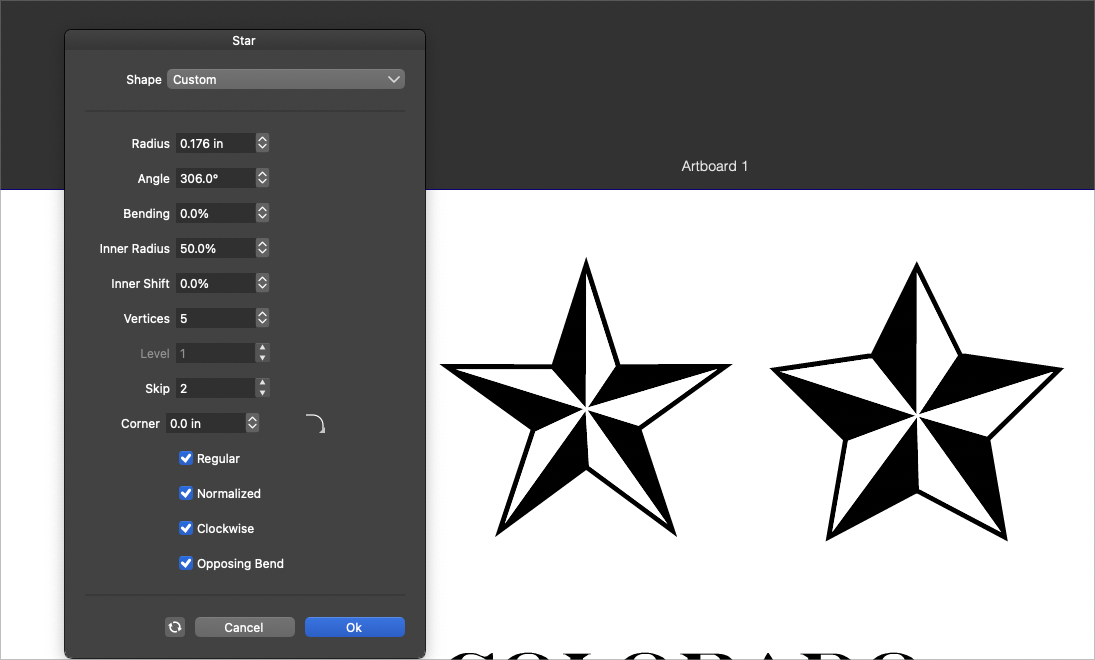
      @Victor-Vector said in Default built-in 3D Stars?: you may want to investigate how scale affects shape builder Will try to replicate at different size. But yes, size may affect the shape builder (and combine operations), as it affects the precision. If you have an example with the start+lines where the shape builder fails, please send it to me.
    • P

      Some thoughts on tool organisation UI

      Watching Ignoring Scheduled Pinned Locked Moved Implemented Features interface tools
      22
      2 Votes
      22 Posts
      62k Views
      F
      Yes, this seems to be working again. Thank you!
    • A

      Type 1 (PostScript) fonts in font lists

      Watching Ignoring Scheduled Pinned Locked Moved Resolved Issues postscript font
      22
      1 Votes
      22 Posts
      56k Views
      VectorStylerV
      @vectoradmin The new build fixes the OpenType metric use issues.
    • W

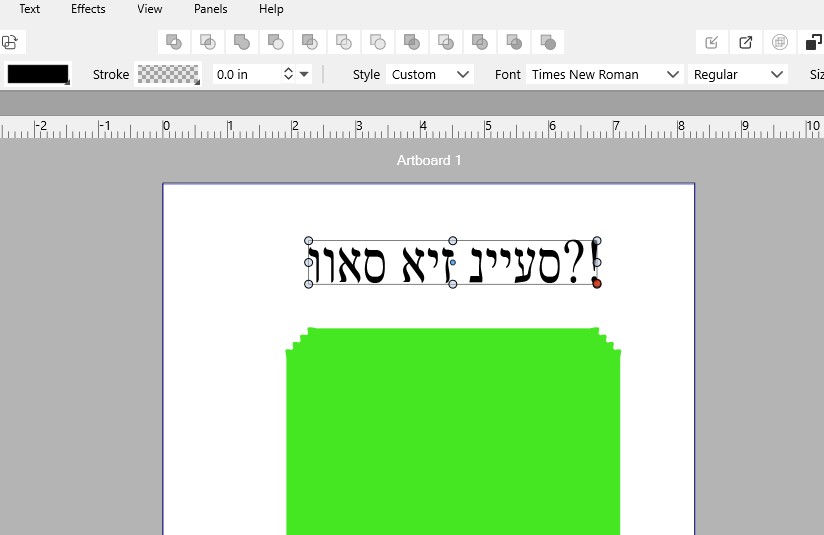
      Please support Right To Left Languages!

      Watching Ignoring Scheduled Pinned Locked Moved Implemented Features
      22
      1
      1 Votes
      22 Posts
      43k Views
      B
      @vectoradmin I would suggest you look at the SBL font that has the full set of vowels and other diacritic marks. If you have that font working, then everything else should work! They provide it as a TrueType font: https://www.sbl-site.org/educational/biblicalfonts_sblhebrew.aspx
    • ?

      "Erase" like blend mode?

      Watching Ignoring Scheduled Pinned Locked Moved Questions and Support
      22
      0 Votes
      22 Posts
      29k Views
      IngolfI
      @b77 said in "Erase" like blend mode?: It is easy to implement for two overlapping shapes, I'm sure. Not so sure if multiple overlapping shapes with different fill types and blend modes are involved… Yes, I've been thinking the same thing.
    • ?

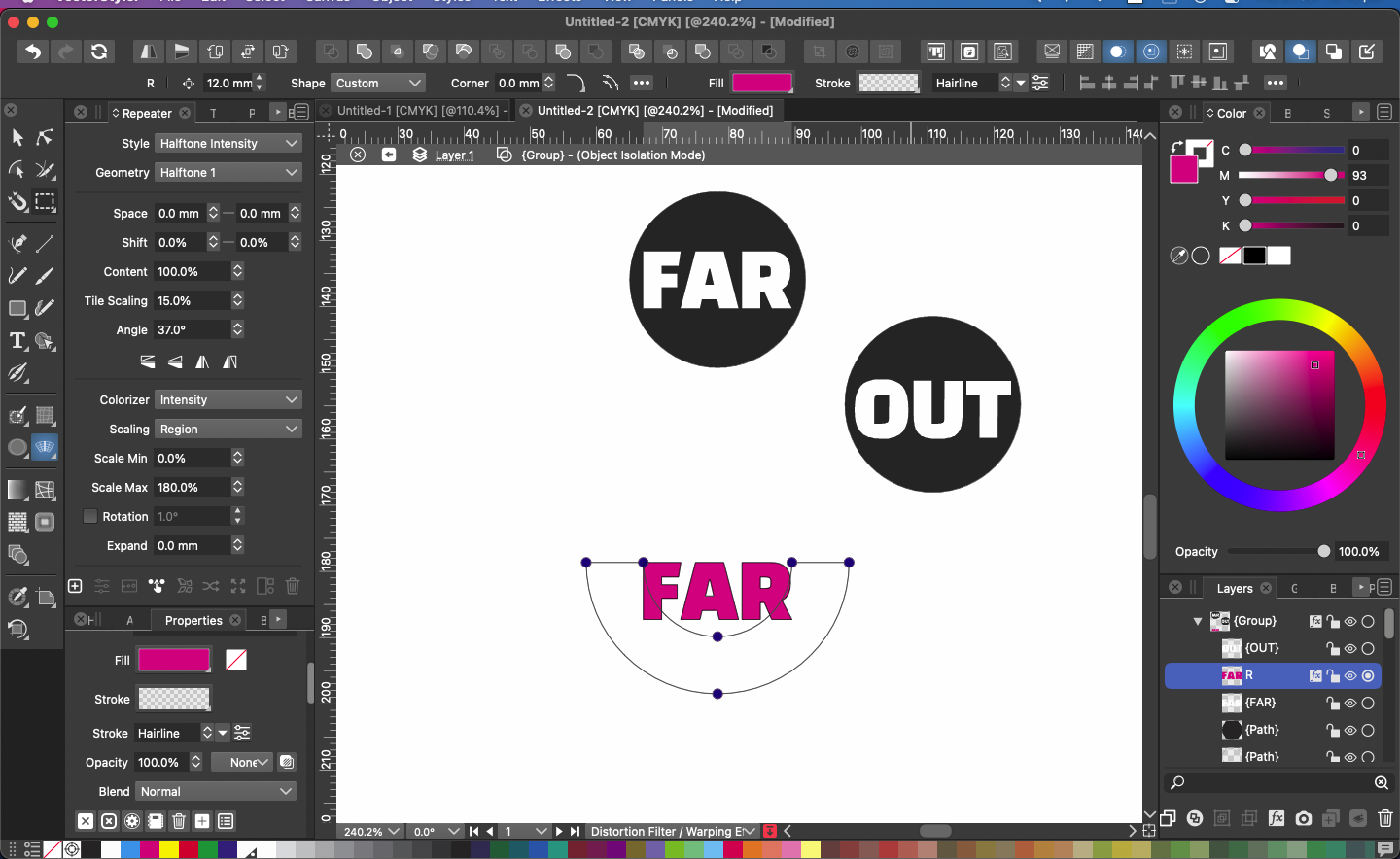
      Warp - middle point of an effect?

      Watching Ignoring Scheduled Pinned Locked Moved Questions and Support
      22
      0 Votes
      22 Posts
      32k Views
      ?
      @VectorStyler OK, gonna keep that in mind, thanks.
    • DazmondoD

      Some Distortion tools not working

      Watching Ignoring Scheduled Pinned Locked Moved VectorStyler 1.1 Bugs
      22
      1
      0 Votes
      22 Posts
      34k Views
      BoldlineB
      The next bug fix build release is hereby dedicated to @Dazmondo for the numerous recent Bug discoveries both intentional and the inadvertent! Special thanks to @VectorStyler for hitting clean-up
    • B

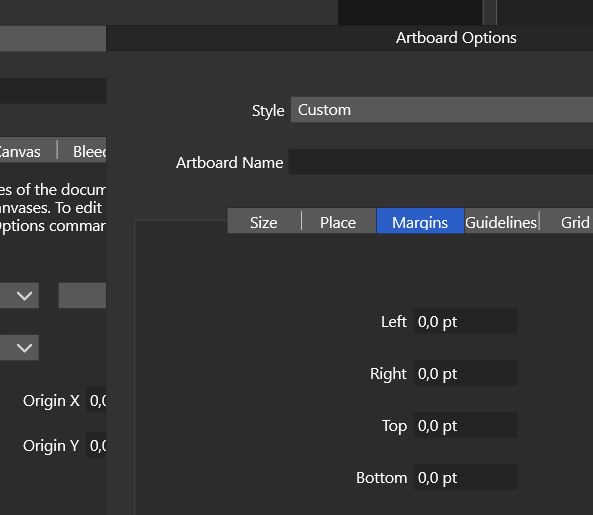
      Artboard margins ?

      Watching Ignoring Scheduled Pinned Locked Moved Questions and Support
      22
      3
      0 Votes
      22 Posts
      27k Views
      VectorStylerV
      @PatrickM I added this to the backlog, I think it is easy to fix it.
    • G

      New computer: Vectorstyler does not accept license key.

      Watching Ignoring Scheduled Pinned Locked Moved Questions and Support
      22
      0 Votes
      22 Posts
      31k Views
      VectorStylerV
      @Gremriel I added this to the backlog and will try to replicate it.
    • AyoA

      Snap to Points doesn't seem to work

      Watching Ignoring Scheduled Pinned Locked Moved VectorStyler 1.2 beta
      22
      0 Votes
      22 Posts
      36k Views
      AyoA
      @Subpath said in Snap to Points doesn't seem to work: works pretty well Indeed! And another point for the Node Tool! (my favourite default) Thanks!
    • B

      Adding white noise to a specific color in a color gradient

      Watching Ignoring Scheduled Pinned Locked Moved Questions and Support
      22
      4
      0 Votes
      22 Posts
      29k Views
      B
      @VectorStyler Thank you That's what I was doing but had forgotten about this single/double click... hence my lack of understanding.
    • debraspicherD

      Copy & Paste not working (intermittent)

      Watching Ignoring Scheduled Pinned Locked Moved Bugs in VectorStyler
      22
      0 Votes
      22 Posts
      34k Views
      debraspicherD
      @VectorStyler Let me know if there is anything extra I can do as far as monitoring...
    • B

      Using Canvas in the workflow

      Watching Ignoring Scheduled Pinned Locked Moved Questions and Support
      22
      1
      0 Votes
      22 Posts
      33k Views
      VectorStylerV
      @Pat said in Using Canvas in the workflow: So it makes more sense to work with presets for everything Only if you want to use it in other documents also, and you do not want to link to the original, that is no automatic update if the original symbol or style definition changes.