VectorStyler
    • Categories
    • Unread
    • Recent
    • Tags
    • Popular
    • Register
    • Login
    1. Home
    2. Popular
    Log in to post
    • All Time
    • Day
    • Week
    • Month
    • All Topics
    • New Topics
    • Watched Topics
    • Unreplied Topics

    • All categories
    • S

      TIP - Halftone Generator - Bitmap to Vector graphics (.SVG)

      Watching Ignoring Scheduled Pinned Locked Moved Features and Ideas
      20
      1
      2 Votes
      20 Posts
      29k Views
      S
      @vectoradmin I know it allready play a bit with the Repeater, like it
    • IngolfI

      Constrain angle improvement

      Watching Ignoring Scheduled Pinned Locked Moved Implemented Features
      20
      1 Votes
      20 Posts
      21k Views
      VectorStylerV
      @Ingolf Fixes to angle constraining and the Anchor tool are available in 1.1.002 beta
    • BoldlineB

      Put all selection modes as pullouts from the transform tool

      Watching Ignoring Scheduled Pinned Locked Moved Features and Ideas
      20
      2
      0 Votes
      20 Posts
      19k Views
      b77B
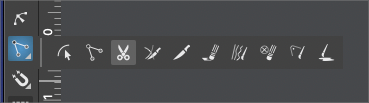
      Adjusting my chef toque here… Well, if the developer would allow these small tool panels to be docked like this on top of the toolbox, would that be bad? [image: 1641406018771-stacked.png]
    • IngolfI

      Close curve feedback (inspiration)

      Watching Ignoring Scheduled Pinned Locked Moved Features and Ideas
      20
      1 Votes
      20 Posts
      18k Views
      b77B
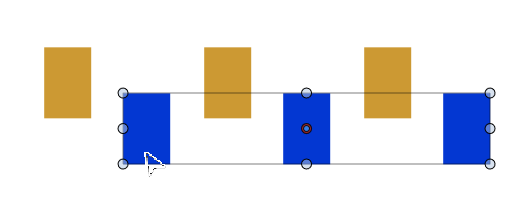
      Wouldn't hurt to have a similar indicator when the transform pivot snaps to one of the corners of a shape/bounding box when moving it, and also when you move it back to the center. https://recordit.co/kSOI8CFqB0
    • J

      Need some advice on pen pressure

      Watching Ignoring Scheduled Pinned Locked Moved Questions and Support
      20
      0 Votes
      20 Posts
      16k Views
      VectorStylerV
      @Jayanta-Das Then this is still an open bug, it has been reported before.
    • IngolfI

      Hand tracing features (1/3) - Reference layers/objects

      Watching Ignoring Scheduled Pinned Locked Moved Features and Ideas
      20
      2 Votes
      20 Posts
      19k Views
      BoldlineB
      @Ingolf I think @b77 had a great answer in his post here an hour back. See how far you can go with actions and also what kind of custom panel arrangement would suit you and share that in the forum. Before we can fix a problem, some of us would need to see clearly the problem itself
    • IngolfI

      Select groups within groups first

      Watching Ignoring Scheduled Pinned Locked Moved Features and Ideas
      20
      0 Votes
      20 Posts
      17k Views
      chillywillyC
      @Devil-Dinosaur Thank you for your reply! Unfortunately, I don't experience what you have described. I have a group comprised of letter shapes. When I selected the group and only the group circle was selected, I wasn't able to change the color of any object. When I opened the group and selected each item in the group individually (holding shift and dragging so all the circles were selected), then I could change the color.
    • S

      Ability to import CorelDraw .CDR files directly into VectorStyler

      Watching Ignoring Scheduled Pinned Locked Moved Features and Ideas
      20
      1 Votes
      20 Posts
      28k Views
      S
      @b77 read a while ago that in India / Asia is a big corel user base. if you search for Corel Tutorials on Youtube you will note that.
    • Devil DinosaurD

      Perspective tool

      Watching Ignoring Scheduled Pinned Locked Moved Features and Ideas
      20
      1
      1 Votes
      20 Posts
      21k Views
      S
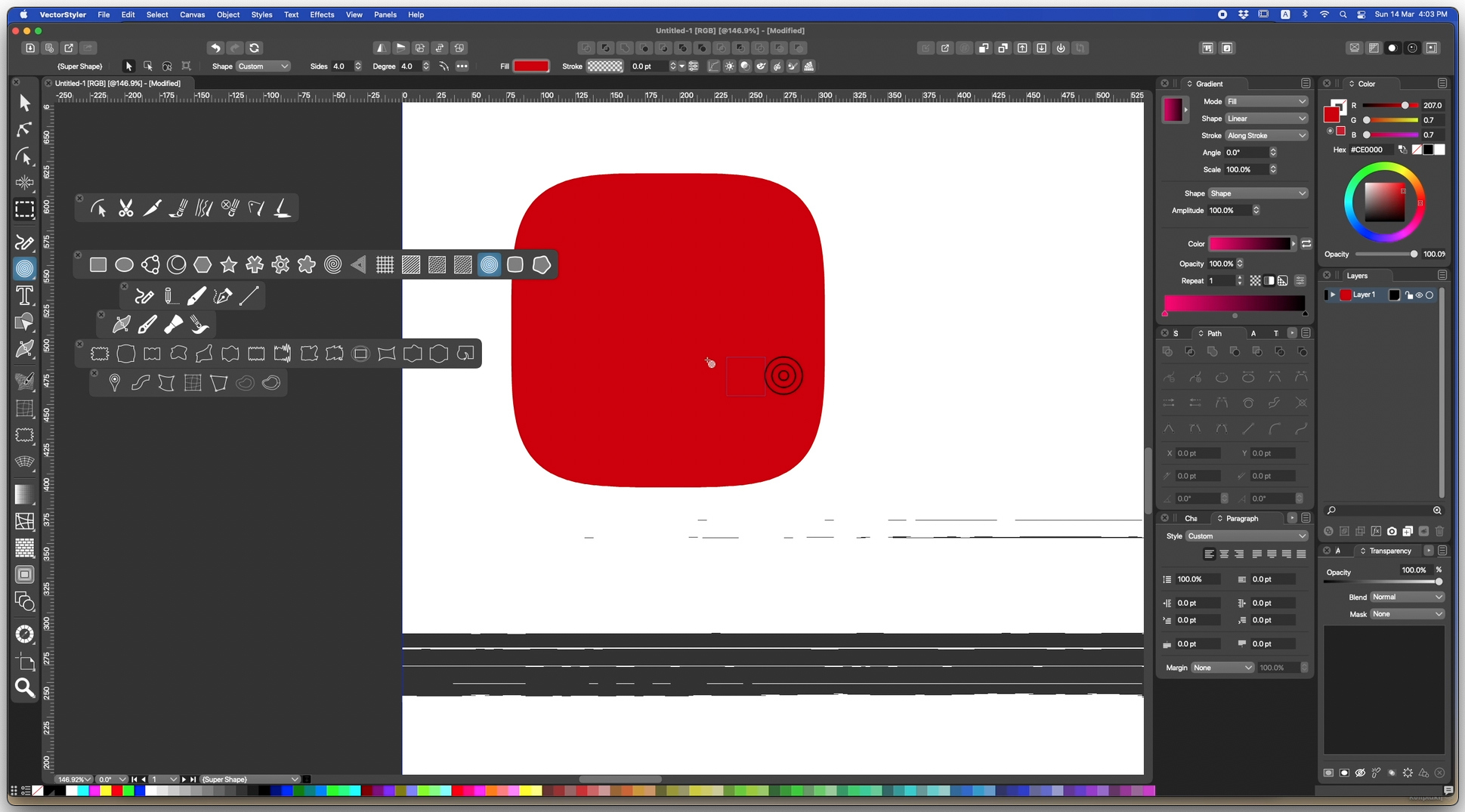
      @Dazmondo In my post above I wrote that Copy and Past is only possible from ClipStudioPaint to VectorStyler. Need to correct that. Found an option in VS Preferences > Performance > Copy as SVG If you set this Option, then it is also possible to copy Vector Objects from VS to CSP. But only lines, because CSP has no vector fill also lines profiles from VS do not work. Here an example of copying from VS to CSP VS [image: 1665561258100-bildschirminhalt-erfassen-1.png] CSP [image: 1665561266998-bildschirminhalt-erfassen-2.png]
    • T

      Transforming multiple objects at once

      Watching Ignoring Scheduled Pinned Locked Moved Questions and Support
      20
      1
      0 Votes
      20 Posts
      16k Views
      VectorStylerV
      @b77 said in Transforming multiple objects at once: There's no 'Transform Each' option in the Transform panel I think a Transform Each option would make sense in the Transform panel, but disabled by default. This would solve the problem of selecting the w/h also, not just scaling or rotating that can be done by the modal views. I will try to have this in 1.2
    • ncicN

      Some dragging operations (drag selecting or pan/zoom navigating) not responding sometimes

      Watching Ignoring Scheduled Pinned Locked Moved Resolved Issues
      20
      1 Votes
      20 Posts
      19k Views
      BoldlineB
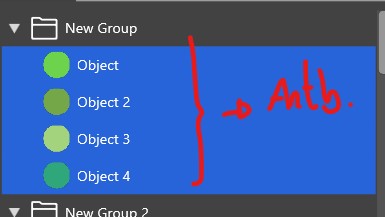
      @ncic said in Some dragging operations (drag selecting or pan/zoom navigating) not responding sometimes: @Boldline @VectorStyler Great discussion From a personal perspective i find tools that are in the same toolbar category sharing the same keyboard shortcut toggling between them a bit problematic. Its ok in less used tools as it has the benefit of saving amount of shortcuts that are taken, but tools one switches between often is where ive found it more problematic. It introduces greater risk of accidentaly activting the wrong tool and therefore also increases the demand on the user to pay attention to the interface (for instance toolbar icons or cursor icon) or more cognitive load by remembering the amount of shortcut presses done so that the correct tool is selected before an operation. This is especially demanding where the toolbar item has maybe three to four tools that share the same key. For example the brush, pencil, color replacemnt and mixer brush in Photoshop are tedious if youre jumping between pencil and brush as you have to count every time to know where you are and to skip over tools to get to where you want. Alternatively the user could find out by error after using the tool. If its the wrong one, the user has to step back a few steps to redo the correct steps. Ive also experienced this leakage of focus and energy when using Clip Studio Pro that uses this type of method of sharing a shortcut between different tools in the same category. I stay away from customizing and apps shortcuts unless i really need too but i found in CSP because of this it became necessary to set more uniqe shortcuts for the tools used to avoid the problem described above. I agree with you overall, that would be confusing if they all shared the same key shortcut. I'm not advocating for using the same shortcut key for all tools in a section, but allowing the ability to hit the specific shortcut key a second time to go back to the original tool used located elsewhere in the toolbar completely. So if I'm using the pen tool and then tap on "m", I have the magic wand tool until I click "m" again and I'm back on pen tool.
    • AyoA

      Can't find the node

      Watching Ignoring Scheduled Pinned Locked Moved Questions and Support
      20
      0 Votes
      20 Posts
      14k Views
      VectorStylerV
      @Ayo said in Can't find the node: The Collider Node I assume is the node appearing at the collision point between two shapes. In Indicator Shapes I can change the Collider Node all I want but it has no effect. Remains a Tiny Circle. This is now not in use anymore, as it is handled by a snapping indicator, will be removed. Which selection from Editing Options 1 should give the color and line settings for this node? This will be the "Collision Snapping Indicator"
    • B

      Text disappears

      Watching Ignoring Scheduled Pinned Locked Moved VectorStyler 1.2 beta
      20
      0 Votes
      20 Posts
      20k Views
      K
      @VectorStyler This is what I am experiencing. Column and inset options work when text in the frame are selected not the frame. https://recordit.co/0haxza4pA5
    • VectorStylerV

      beta 1.2.014

      Watching Ignoring Scheduled Pinned Locked Moved VectorStyler 1.2 beta
      20
      8 Votes
      20 Posts
      18k Views
      VectorStylerV
      @Pat said in beta 1.2.014: @VectorStyler Once I've selected an object with the Shape tool, I can no longer modify it with the Node tool. A "Convert to Curves" will make the shape editable again.
    • L

      Printing compatibility issue

      Watching Ignoring Scheduled Pinned Locked Moved Questions and Support
      20
      2 Votes
      20 Posts
      17k Views
      debraspicherD
      @VectorStyler I've had that happen as well
    • AyoA

      Non-destructiveness vs new (visible) reality

      Watching Ignoring Scheduled Pinned Locked Moved Questions and Support
      20
      0 Votes
      20 Posts
      13k Views
      AyoA
      @Subpath I am not specifically concerned with more or less functionality, but with the difference in behavior with the same functionality.
    • BoldlineB

      Smooth tool

      Watching Ignoring Scheduled Pinned Locked Moved Features and Ideas
      20
      0 Votes
      20 Posts
      3k Views
      BoldlineB
      @Daniel I love the ideas you've shared for the "simplify path" tool. I may end up using it a lot more as those ideas get added as @VectorStyler sees fit. I appreciate that VS has options for designers who need precise and exact edits to their curved paths and another option for those who are going for what looks good by sight for their art and are not needing something technical
    • encartE

      Exporting SVG's for Cricut machines doesn't work

      Watching Ignoring Scheduled Pinned Locked Moved Questions and Support
      19
      0 Votes
      19 Posts
      25k Views
      P
      Try reading the Cricut help pages - https://help.cricut.com/hc/en-us/articles/360009553213-Image-uploads-unsupported-items
    • IngolfI

      X for toggle fill and stroke does not work in shape editor mode

      Watching Ignoring Scheduled Pinned Locked Moved Resolved Issues
      19
      0 Votes
      19 Posts
      16k Views
      VectorStylerV
      @Ingolf Changed the shortcuts to have X always for the color swap.
    • IngolfI

      Node handles moves node bug (beta 1.1)

      Watching Ignoring Scheduled Pinned Locked Moved Resolved Issues
      19
      1 Votes
      19 Posts
      18k Views
      IngolfI
      Verified fixed!