VectorStyler
    • Categories
    • Unread
    • Recent
    • Tags
    • Popular
    • Register
    • Login
    1. Home
    2. Bugs in VectorStyler
    3. VectorStyler 1.1 Bugs
    Log in to post
    Load new posts
    • Recently Replied
    • Recently Created
    • Most Posts
    • Most Votes
    • Most Views
    • N

      Style issues ( mega-topic ) ( partially unfixed )

      Watching Ignoring Scheduled Pinned Locked Moved
      3
      1 Votes
      3 Posts
      5k Views
      No one has replied
    • N

      Multiple roles on same object causes confusion applying them ( accumulated )

      Watching Ignoring Scheduled Pinned Locked Moved
      2
      0 Votes
      2 Posts
      4k Views
      VectorStylerV
      @Nils Added this to the backlog.
    • N

      Pairing role "Object style" with another causes additional empty style ( accumulated )

      Watching Ignoring Scheduled Pinned Locked Moved
      4
      0 Votes
      4 Posts
      5k Views
      N
      @vectoradmin Right, was doubting the validity of the second one aswell.
    • IngolfI

      Convert to curves error message when shape editor is used

      Watching Ignoring Scheduled Pinned Locked Moved
      7
      0 Votes
      7 Posts
      8k Views
      VectorStylerV
      @Ingolf I open a bug on this one. Could be some UI issue.
    • Victor VectorV

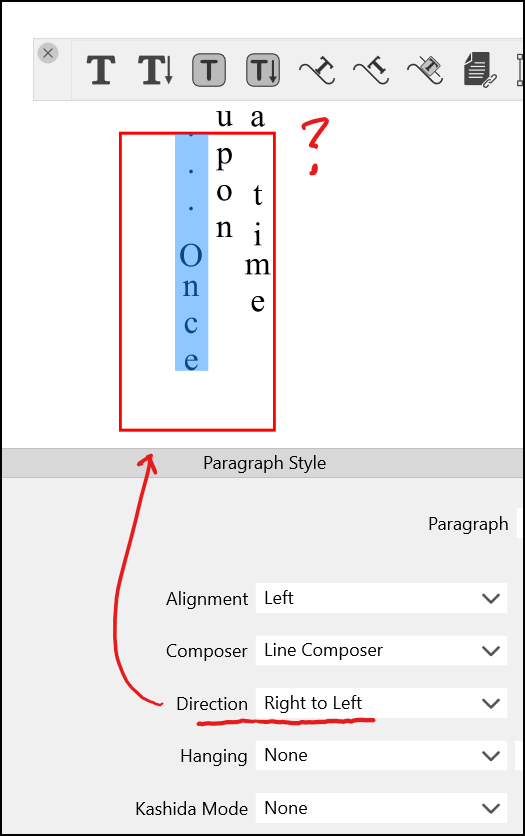
      Vertical Text Tool - Default text flows right to left in English

      Watching Ignoring Scheduled Pinned Locked Moved
      2
      2
      0 Votes
      2 Posts
      4k Views
      VectorStylerV
      @Victor-Vector The Right to Left settings does not work for this. There is a existing task in the backlog to allow configuring the line flow direction also, that will fix this.
    • N

      Move inside last still displaces object when parent has transform shape effect ( accumulated )

      Watching Ignoring Scheduled Pinned Locked Moved
      2
      0 Votes
      2 Posts
      3k Views
      VectorStylerV
      @Nils I will keep this thing open.
    • BoldlineB

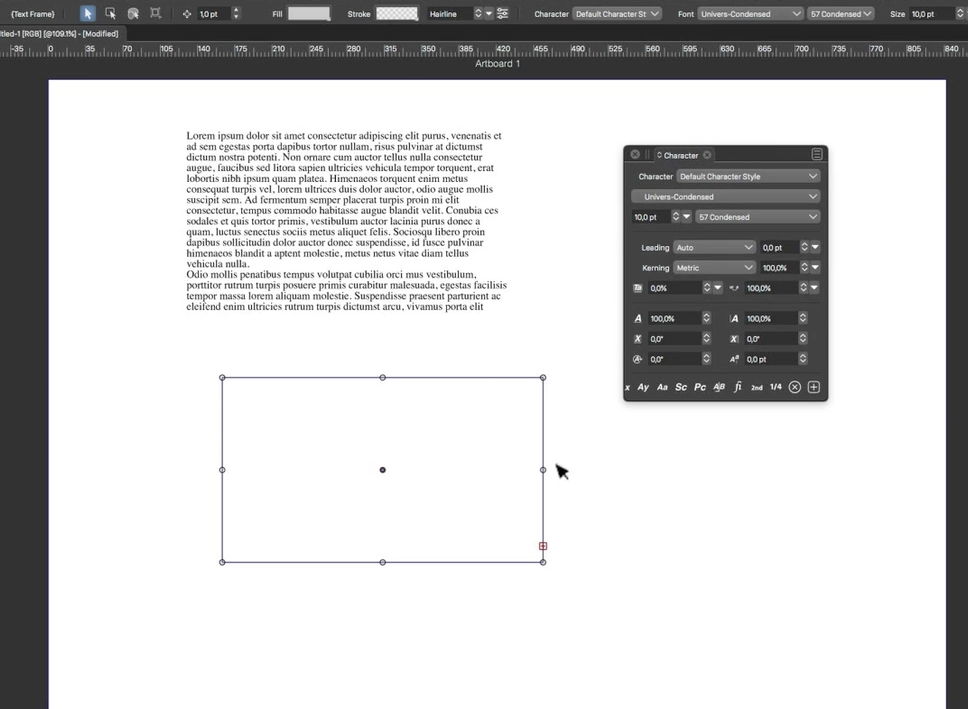
      Live text boxes seem more difficult to quickly move

      Watching Ignoring Scheduled Pinned Locked Moved
      3
      0 Votes
      3 Posts
      4k Views
      S
      can confirm it here. Installed the update yesterday and found the same thing. It also seems to me, as @vectoradmin said thin fonts and also small sizes if you zoom in a bit, you have a better chance to catch the font to move it around
    • Victor VectorV

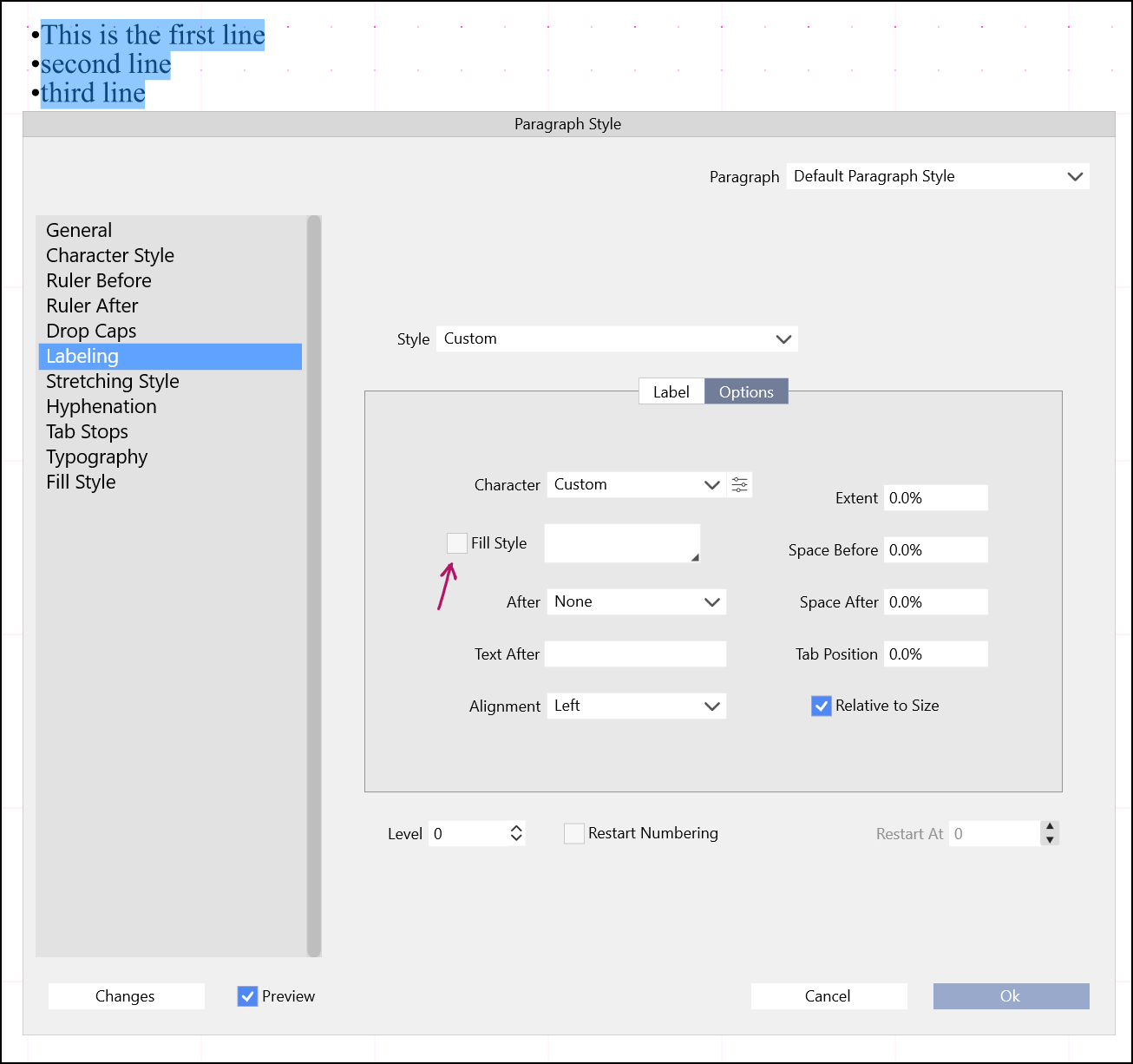
      Paragraph Style > Labeling > Options > Fill Style Crash

      Watching Ignoring Scheduled Pinned Locked Moved
      3
      1
      0 Votes
      3 Posts
      4k Views
      Victor VectorV
      @vectoradmin under Label I selected Bullets and chose the asterisk as the bullet style. I am also getting this odd selection behaviour where 3 lines selected displays as two, but the choice only "bullets" one line. Finally the display field for the bullet glyphs is not scaled correctly, and glyphs are missing. Are the missing glyphs due to the wrong font choice on my end? [image: 1647881573476-bullets-labeling-issue-resized.png]

    • N

      Dragging and dropping panels slightly misplaces them ( accumulated )

      Watching Ignoring Scheduled Pinned Locked Moved
      2
      0 Votes
      2 Posts
      3k Views
      VectorStylerV
      @Nils Yes, this occurs on Windows.
    • N

      Align to key object ( accumulated )

      Watching Ignoring Scheduled Pinned Locked Moved
      24
      0 Votes
      24 Posts
      42k Views
      VectorStylerV
      @Nils Yes, changing selection will reset the key object. I will try to find a solution for this.
    • BoldlineB

      Sometimes VS wants to close every project tab when you choose to close one

      Watching Ignoring Scheduled Pinned Locked Moved
      5
      0 Votes
      5 Posts
      5k Views
      BoldlineB
      @vectoradmin I've gotten into the habit of opening VS fresh every day and sometimes mid-day if I've been doing a lot of work, just to help avoid potential issues like this. I don't always do so obviously, and this happens from time to time
    • BoldlineB

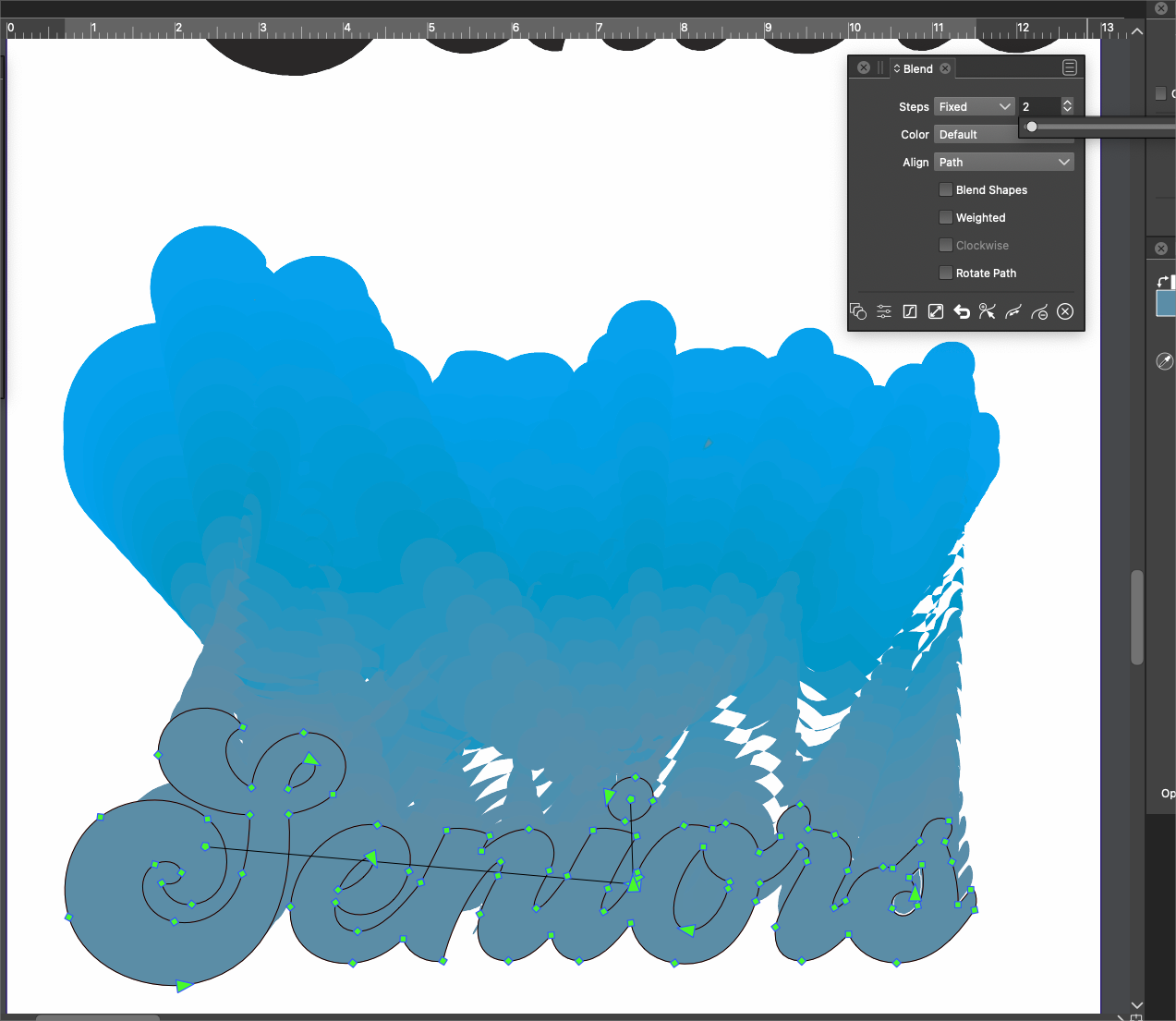
      Blend issues

      Watching Ignoring Scheduled Pinned Locked Moved
      3
      2
      0 Votes
      3 Posts
      4k Views
      VectorStylerV
      @Boldline Yes, the problem can be replicate here too. It is an error in how one shape is mapped to the other, added it to the backlog.
    • IngolfI

      Find Edges does nothing (Windows)

      Watching Ignoring Scheduled Pinned Locked Moved
      11
      0 Votes
      11 Posts
      11k Views
      VectorStylerV
      @Ingolf If you still have that file, please send it to me. I will try to replicate the crash.
    • J

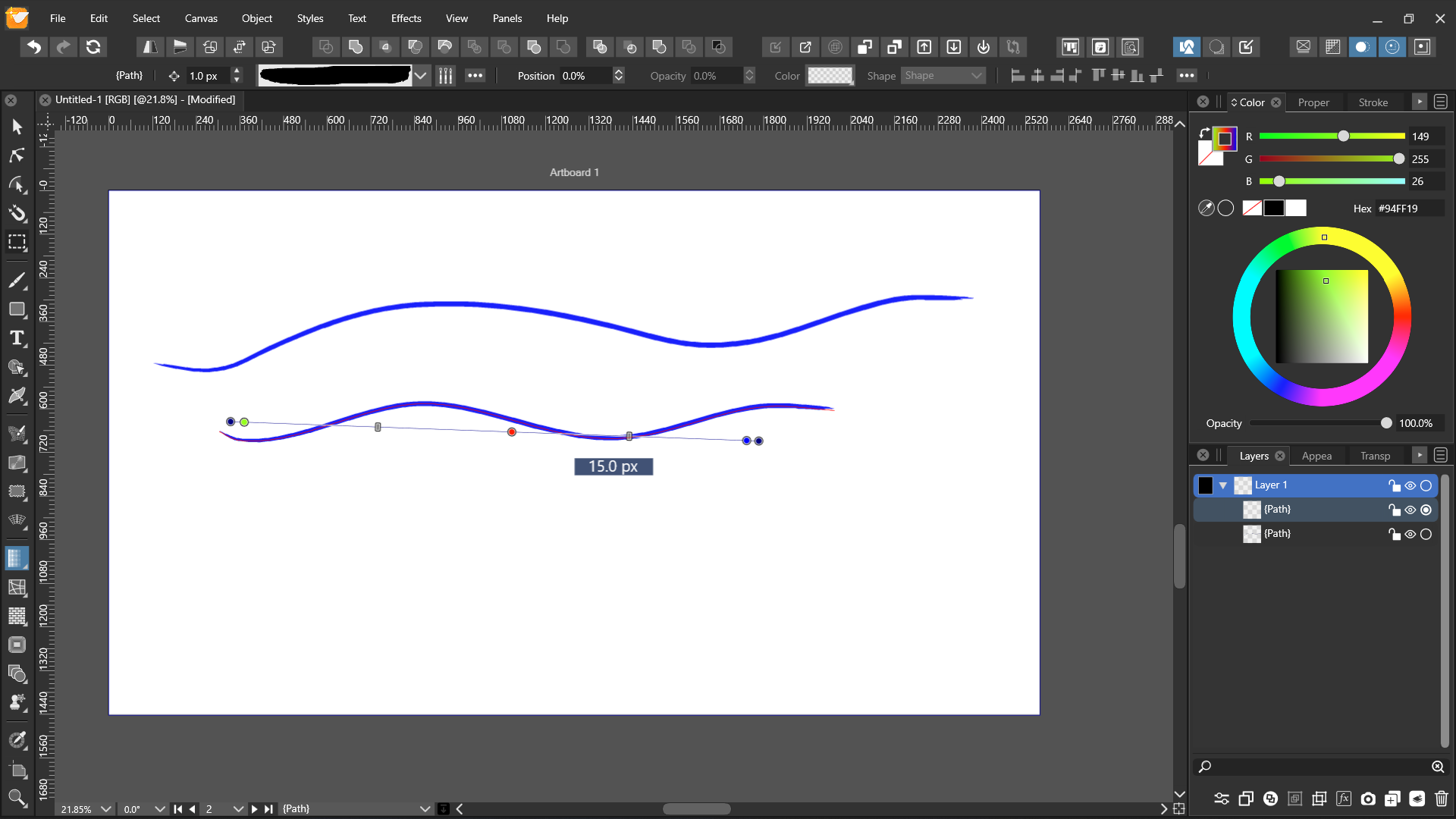
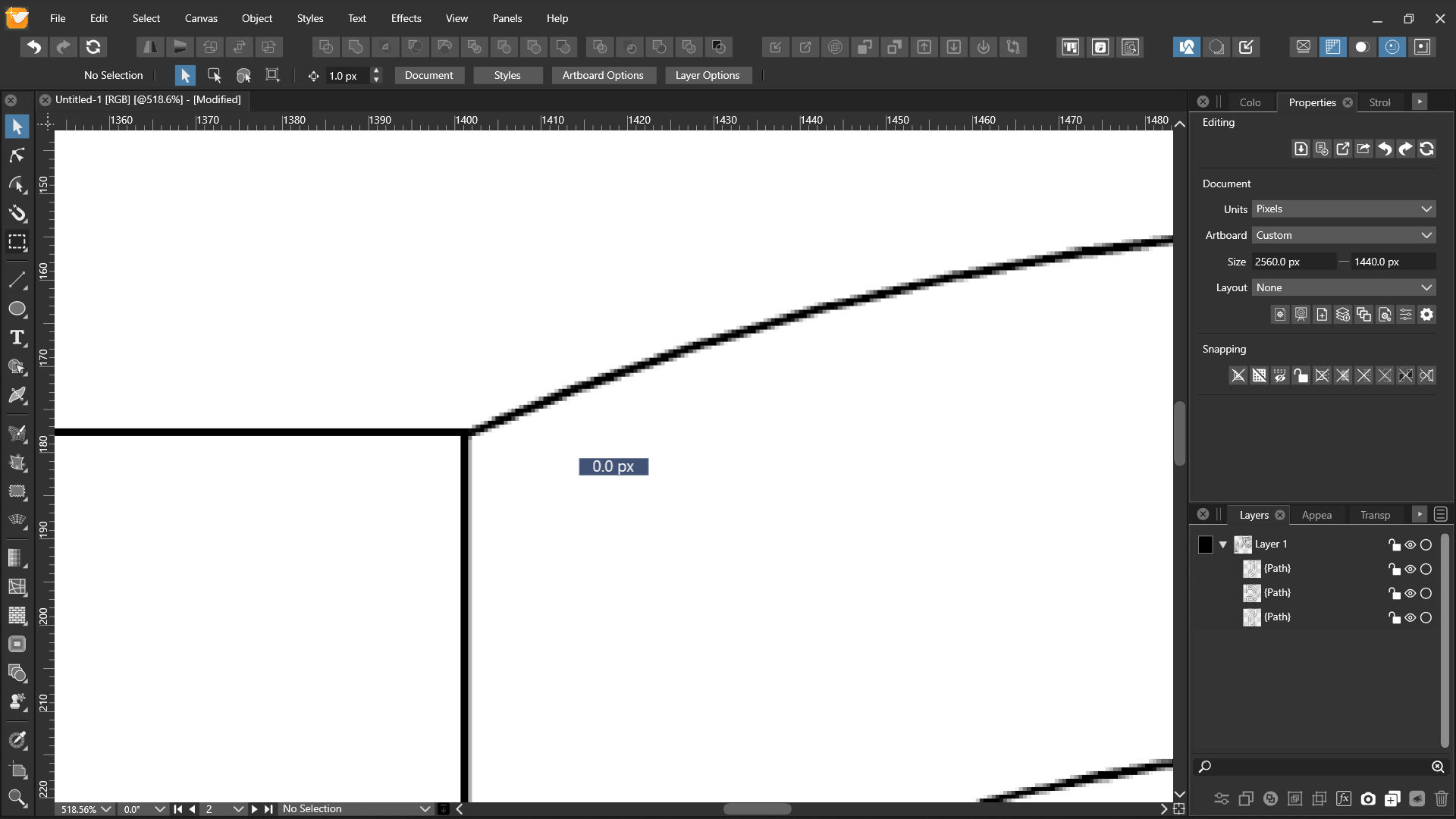
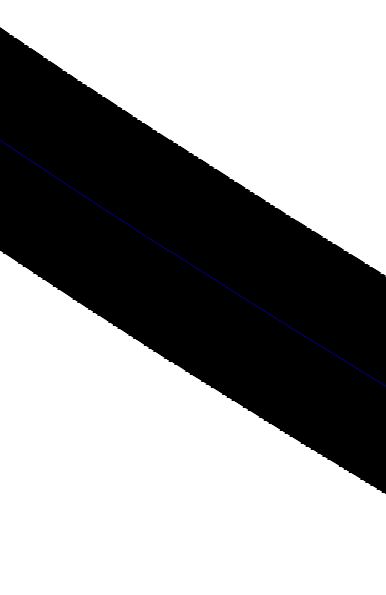
      Gradient can't be applied to brush stroke

      Watching Ignoring Scheduled Pinned Locked Moved
      9
      1
      0 Votes
      9 Posts
      9k Views
      Victor VectorV
      @vectoradmin oh lovely! Thanks. It even works with just one end set to flat, if that helps with troubleshooting...
    • Victor VectorV

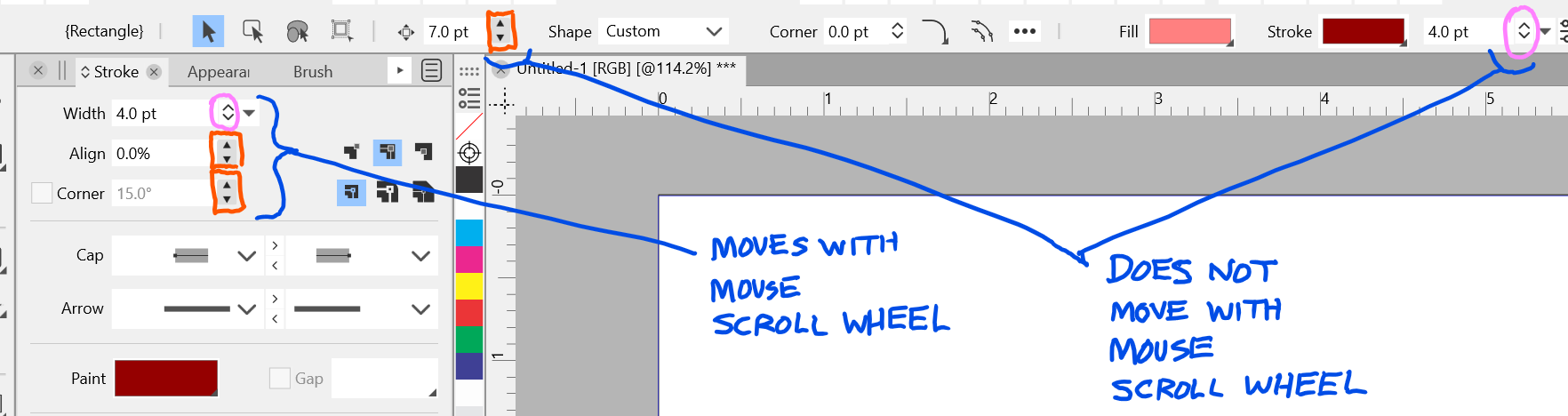
      Numeric Spinner Arrows - Should they all scroll with the mouse wheel?

      Watching Ignoring Scheduled Pinned Locked Moved
      4
      1
      0 Votes
      4 Posts
      5k Views
      VectorStylerV
      @Victor-Vector Added this to the backlog.
    • J

      This topic is deleted!

      Watching Ignoring Scheduled Pinned Locked Moved
      1
      1
      0 Votes
      1 Posts
      1 Views
      No one has replied
    • B

      Copy/Paste from AD, issues

      Watching Ignoring Scheduled Pinned Locked Moved
      8
      4
      0 Votes
      8 Posts
      8k Views
      VectorStylerV
      @PatrickM Got the file. Exported from AD into PDF. Observations: some characters and ligatures (glyphs) are not importing correctly (if these are exported as glyph indexes by AD, then it is a lost cause). the gradients behind (P) and (Ca2+) are all flattened to images by AD when exporting. the same issues occur when importing the PDF into AI (2021). Tried the export (AD) then import (VS) both on Windows and Mac with similar results. Exporting in AD into PDF (for export) could be a bit better. I will try to figure out the ligature import issues. But as a workaround, these can be replaced manually once in VS.
    • RaaskotR

      This topic is deleted!

      Watching Ignoring Scheduled Pinned Locked Moved
      1
      2
      0 Votes
      1 Posts
      7 Views
      No one has replied
    • BoldlineB

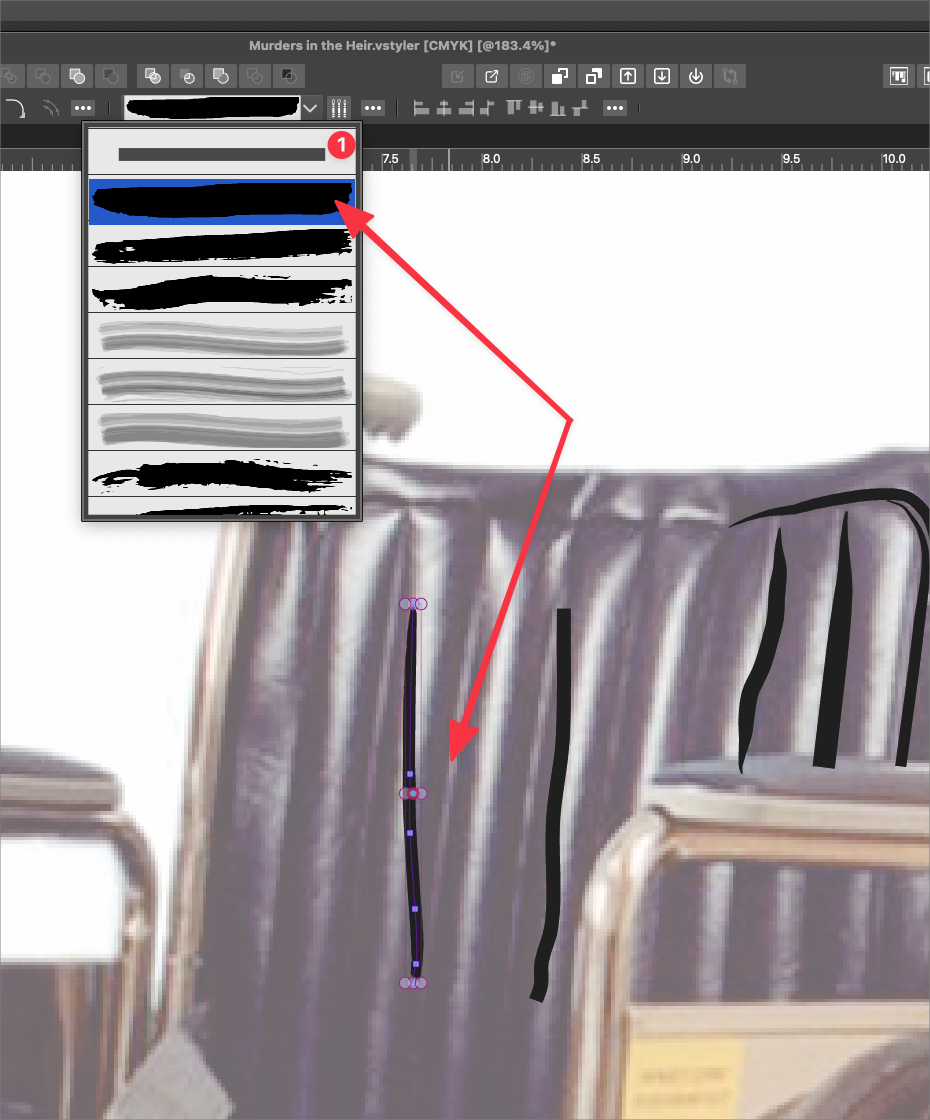
      Brush tool defaults away from top plain brush

      Watching Ignoring Scheduled Pinned Locked Moved
      2
      1
      1 Votes
      2 Posts
      3k Views
      VectorStylerV
      @Boldline Yes, this issue is still open!
    • G

      Wanted to update the Windows version to 1.1.017 while I had an unsaved document open.

      Watching Ignoring Scheduled Pinned Locked Moved
      4
      1
      0 Votes
      4 Posts
      5k Views
      J
      @Gremriel said in Wanted to update the Windows version to 1.1.017 while I had an unsaved document open.: Yes, update went fine when there was no document open. This happened to me too.