• Scaling Strokes and Effects

    7
    0 Votes
    7 Posts
    7k Views
    b77B
    @vectoradmin Maybe the Spacebar can be coopted in the combination.
  • Modifier key after clicking mouse - right design choice?

    4
    0 Votes
    4 Posts
    4k Views
    VectorStylerV
    @Ingolf If there are cases that do not make sense, please report it!
  • Quicklook image preview of VS files not working?

    2
    0 Votes
    2 Posts
    3k Views
    VectorStylerV
    @Boldline Yes, there is an open issue with quicklook. It seems that on some systems, MacOS does not let the quicklook plugin fully load. This issue is in the backlog, I will try to replicate it. The EPS file preview should not be related.
  • Size proportion lock in Shape and Properties panel

    3
    1
    3 Votes
    3 Posts
    4k Views
    J
    @vectoradmin Thank you.
  • 1 Votes
    8 Posts
    8k Views
    VectorStylerV
    @Boldline @b77 I will add this to the backlog.
  • Shape is stretching in an unorthodox manner

    7
    0 Votes
    7 Posts
    7k Views
    VectorStylerV
    @Boldline I select the group (with the first selection mode in the context panel). The Shape Effects panel will show all the shape effects applied to it. This will be a Transform and a Warp. Click at the remove (x) icon at the end of the Warp row.
  • Convert symbol set to regular objects (finalize)

    9
    0 Votes
    9 Posts
    8k Views
    J
    @b77 Thank you.
  • 0 Votes
    2 Posts
    3k Views
    BoldlineB
    Maybe I'm doing something else wrong with the layers or a setting because it does not always happen - it's probably user error on my part
  • Have had a Question about the Repeater Panel - is solved

    1
    1 Votes
    1 Posts
    3k Views
    No one has replied
  • This topic is deleted!

    1
    3
    0 Votes
    1 Posts
    4 Views
    No one has replied
  • How to distribute objects with a precise distance between them ?

    33
    1
    0 Votes
    33 Posts
    53k Views
    B
    I often use alignment in my schemes because I can have a lot of objects per artboard. Nice I can keep alignment options on, thanks for the tip @Boldline Why not just make the "Align selected objects..." functions independent of other parameters (e.g., space) [image: 1644306971211-fb002e19-9443-40a3-bb6a-eebc2f8b2a01-image.png] [image: 1644306985634-f3fd6525-c754-4f1e-914a-e78d2d984104-image.png] since when we want to space the objects by a specific distance, @vectoradmin has implemented adhoc functions? [image: 1644307049270-63b03ac1-17be-49b0-8fbb-810ac7d53f4c-image.png] [image: 1644307061333-38414459-2789-4ed1-8ae9-97a7b93de535-image.png] So, with two clicks, the objects are at the right distance from each other and aligned. Isn't this redundant or am I missing something?
  • 0 Votes
    3 Posts
    4k Views
    BoldlineB
    @vectoradmin I could be wrong, but rope currently seems to act more like what I'd expect and see from "curvature" It reminds me a little of what is used in raster design programs to help get nice curves and line work - usually referred to as "streamline" where the stroke is immediately altered upon completion to be more smooth, etc. But yes, it would be awesome to use the actual rope in all the applicable tools, not just in the brush tool
  • Clicking on a node to move it does not always do so

    2
    0 Votes
    2 Posts
    3k Views
    VectorStylerV
    @Boldline I have to try to replicate it. It could be something to do with the click selection sensitivity. Send me the file with this shape by email.
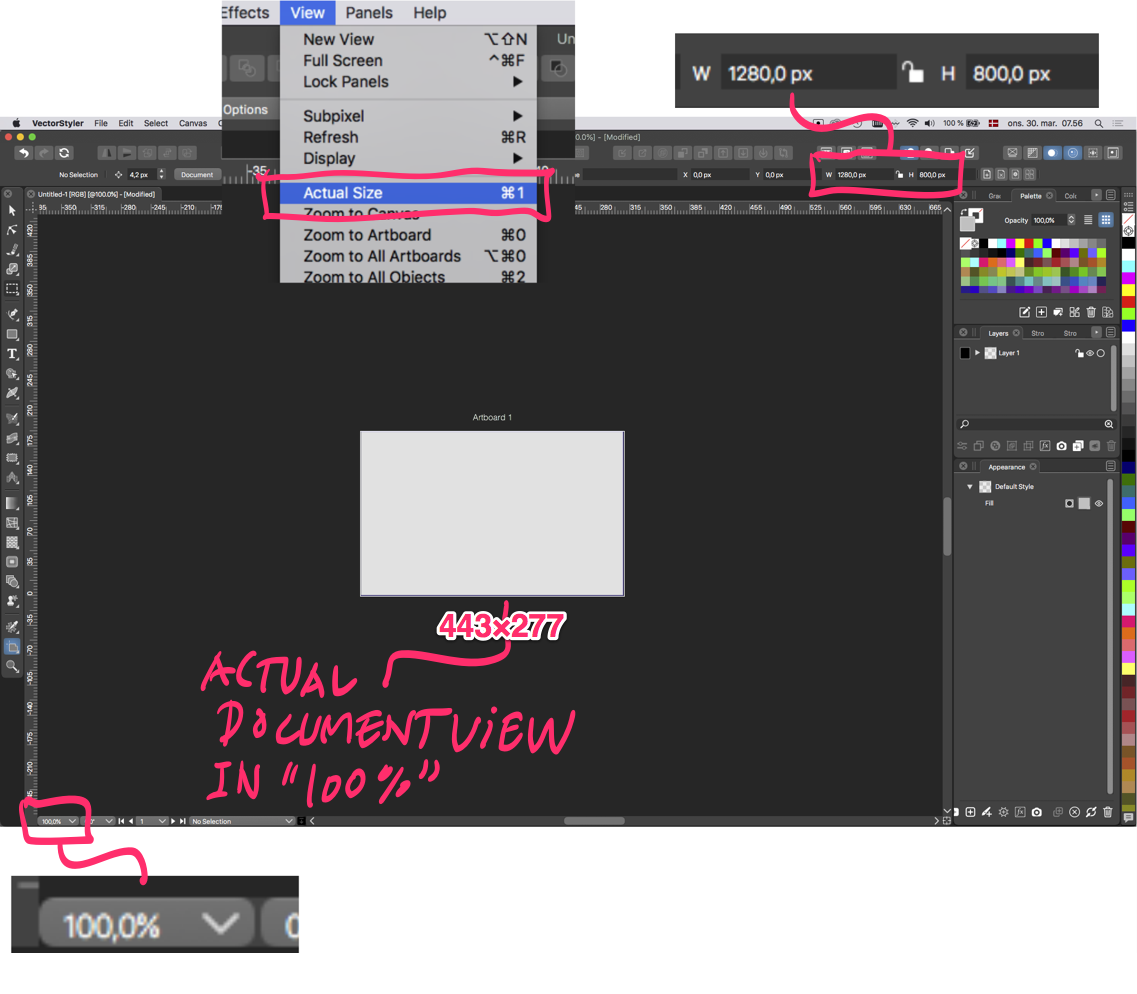
  • 'Actual Size' is bigger than the actual size

    4
    0 Votes
    4 Posts
    4k Views
    G
    @vectoradmin It's the same on my 4K screen. I have it set at 150% (my eyes just aren't having it anymore). I know in Clip Studio Paint I have to fiddle with a ruler on screen to get the actual size (and have the app set to 160.4 dpi or some odd value, but it works really well.
  • Converting layers or groups to Artboards

    4
    0 Votes
    4 Posts
    5k Views
    R
    Exported Successfully! @vectoradmin Thanks. [image: 1644055423616-screen-shot-2022-02-05-at-3.32.35-pm-resized.png]
  • Need some advice on pen pressure

    20
    0 Votes
    20 Posts
    16k Views
    VectorStylerV
    @Jayanta-Das Then this is still an open bug, it has been reported before.
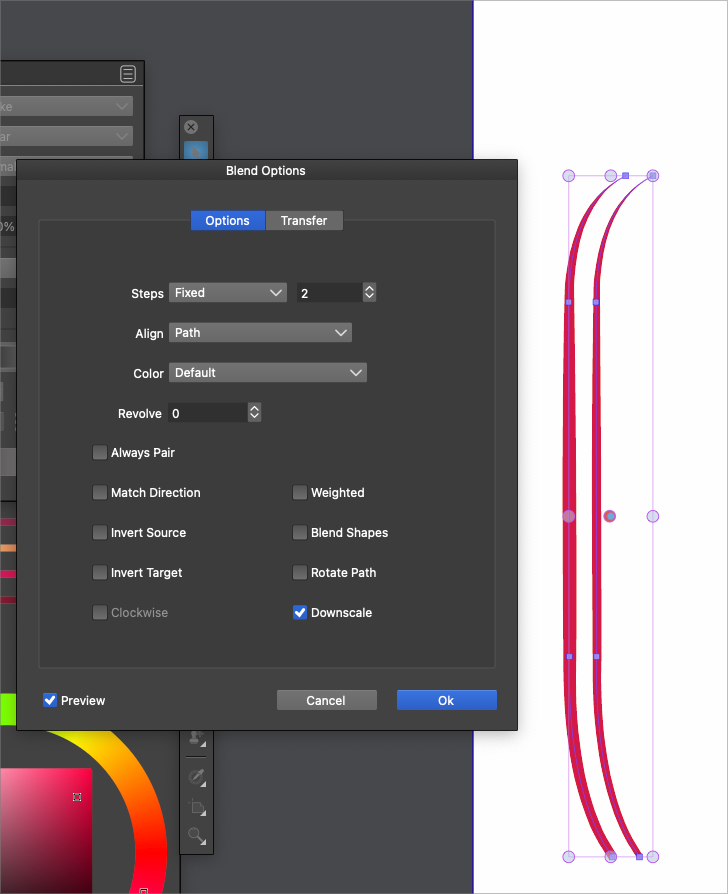
  • Blend not showing result

    6
    1
    0 Votes
    6 Posts
    6k Views
    VectorStylerV
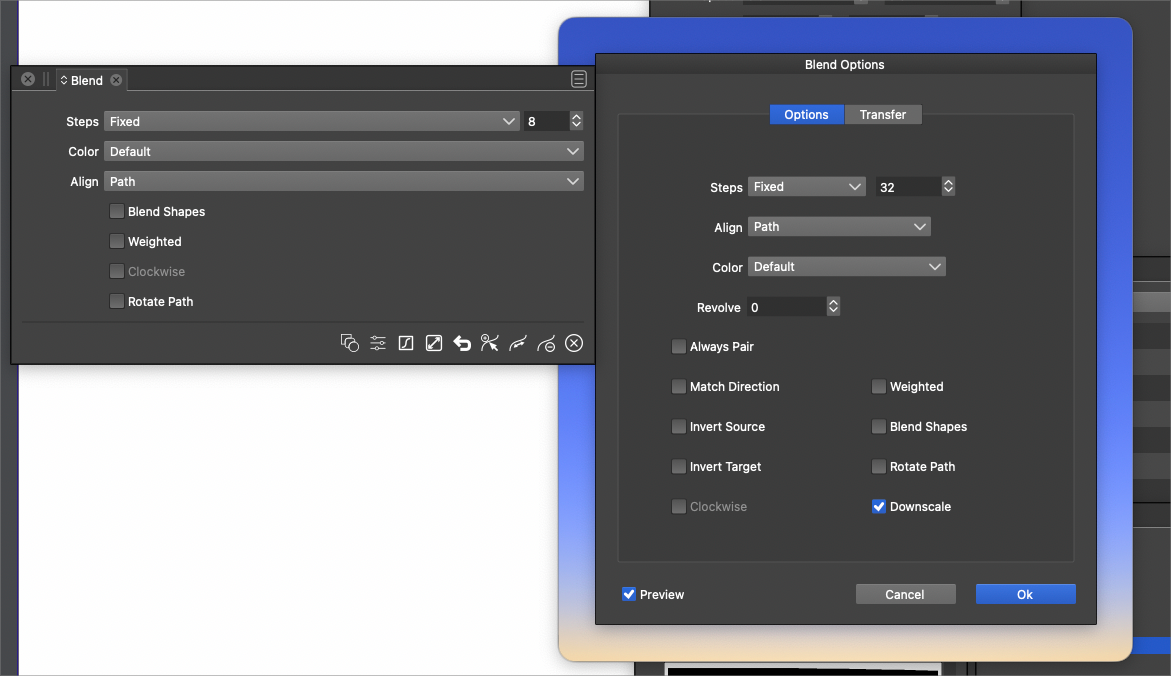
    @Boldline I think the Contour effect might have the same bug.
  • I don't see artboard names on screen anymore after latest upgrade

    4
    0 Votes
    4 Posts
    4k Views
    b77B
    @Ingolf
  • Repeating a set of grouped shapes around a circle

    5
    1
    0 Votes
    5 Posts
    6k Views
    VectorStylerV
    @Boldline There is already a plan for having a repeater type "along a path" that is dynamic (repeated objects are updated as the shape is changed).
  • Shape Paint -Am I missing a step?

    3
    0 Votes
    3 Posts
    4k Views
    BoldlineB
    @vectoradmin ok glad it wasn't just me Do you need me to send you anything or are you able to replicate it?