Subcategories

  • These features and ideas have been implemented in VS as suggested

    180 Topics
    1k Posts
    VectorStylerV
    @Ayo said in About the Snap feature: Wouldn't it be better to change "Snap to Visible Only" to "Snap to View Extend Only" or shorter "Snap to Viewport Only" or even shorter "Snap to View Only" ? There is a big chance of confusion with the term 'visible' which is mainly linked to the layer system. I added this to the backlog.
  • Usability - less symbols

    2
    1 Votes
    2 Posts
    4k Views
    VectorStylerV
    @Ingolf This type of snapping will be added (not yet available) Meanwhile, a workaround could be to enable View -> Guides -> Snap to Points and make sure that in the Snapping panel menu the "Snap to Original" is enabled. In the next build, the node customization will solve the arrow issue also, by allowing the setting of start/end shapes separately.
  • Grouping fonts in the font list

    8
    1
    0 Votes
    8 Posts
    10k Views
    VectorStylerV
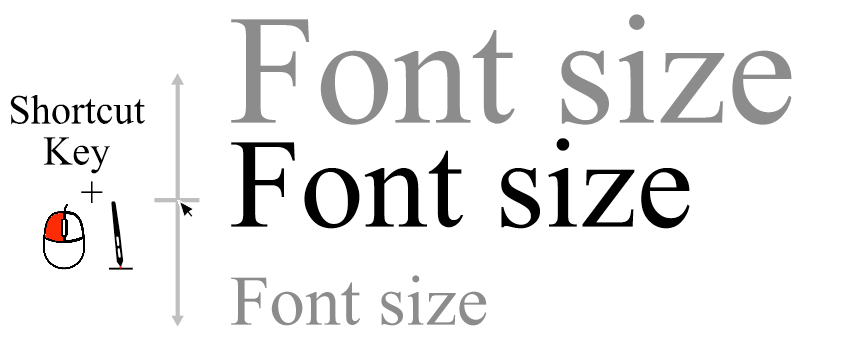
    @Boldline Link to the font source only. You understood it right
  • Auto select Name section in Save dialog box

    5
    1 Votes
    5 Posts
    6k Views
    BoldlineB
    @vectoradmin I am switching over to an M1 Mac now using Monterey - that is where I'm currently seeing the issue. the restart of VS did not fix it FYI
  • Should "Automatic Backup" be on by default?

    1
    2 Votes
    1 Posts
    3k Views
    No one has replied
  • 2 Votes
    5 Posts
    6k Views
    IngolfI
    @Boldline said in Logic insertions of new objects depending on default behavior - or chosen option: I don't mind if there are contextual menu buttons for creating/pasting above, below, inside and top, as long as key commands are also still available to be set for all options available. If the default behavior for inserting shapes is changed as I suggested, the need for the menu buttons in the default configuration is greatly reduced. The most important thing is that the default behavior is logic and predictable like in Illustrator, Affinity, CorelDRAW that the related actions work as intended as well when used (creating or pasting) that the non-default create object actions are only active for one use (preference setting I guess) indeed that shortcuts can be assigned I searched for all the actions you and I described and they can all be assigned a keyboard shortcut.
  • Keyboard shortcut to ignore snapping during an operation

    8
    0 Votes
    8 Posts
    13k Views
    VectorStylerV
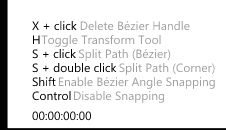
    @b77 I open a bug on this one. I have to replicate it.
  • Usability inconsistency - font list

    8
    1
    1 Votes
    8 Posts
    9k Views
    VectorStylerV
    @Ingolf This can be done, added to the backlog
  • Size adjustment problem when using the warp, liquify, noise etc. tools

    6
    0 Votes
    6 Posts
    7k Views
    VectorStylerV
    @Ingolf I will add this to the backlog, as an improvement idea. The right click could be doable (no need for context menu in this case). Also the brush width will be added to the context panel.
  • Usability: corner tool

    3
    0 Votes
    3 Posts
    4k Views
    IngolfI
    @vectoradmin Thanks!
  • Important requests regarding usability

    8
    0 Votes
    8 Posts
    8k Views
    VectorStylerV
    @Ingolf I will add these to the backlog. Some are easy to do as options. A status bar is planned to be implemented in the near future. I will try to fix the panel redraw issue. The problem is with the Windows port.
  • New Member/Helpful Beginner Tips Section

    8
    3 Votes
    8 Posts
    9k Views
    J
    That's great, thanks
  • 0 Votes
    3 Posts
    5k Views
    BoldlineB
    @vectoradmin ok I can see what you mean - the option "Paste Above" has a key command just as "Paste Below" does.
  • Saving Font information in the document

    6
    2 Votes
    6 Posts
    8k Views
    VectorStylerV
    @encart Maybe some cases of these can be handled with batch export, or object export? (using the Object Export panel)
  • VS switch to opened file when opened from outside VS

    4
    0 Votes
    4 Posts
    6k Views
    b77B
    @Boldline
  • perspective grid guide

    7
    1
    0 Votes
    7 Posts
    10k Views
    S
    I don't know if this is really helpful. But for Windows users there is a somewhat unusual solution. If you can spare a few Bucks ($30.-). The tool is called "LazyNezumi" and is actually meant for bitmap programs but works also with vector programs (e.g. Affinity Designer). Also with VectorSTyler, tested. But you have to turn off line smoothing. This tool captures the window of your graphics program, from then on you can use the rulers as if they were built in. The ruler mode can be switched on and off. Besides, you can say that it has a lot more to offer than just a perspective ruler. Here there Homepage LazyNezumi Here how to start with How to Start Btw. dont forget that you can paint your Design in a Bitmap Program and trace it later with VS build in Vector Tracer.
  • Adding prdefined sizes list for width and height.

    3
    1
    2 Votes
    3 Posts
    5k Views
    BoldlineB
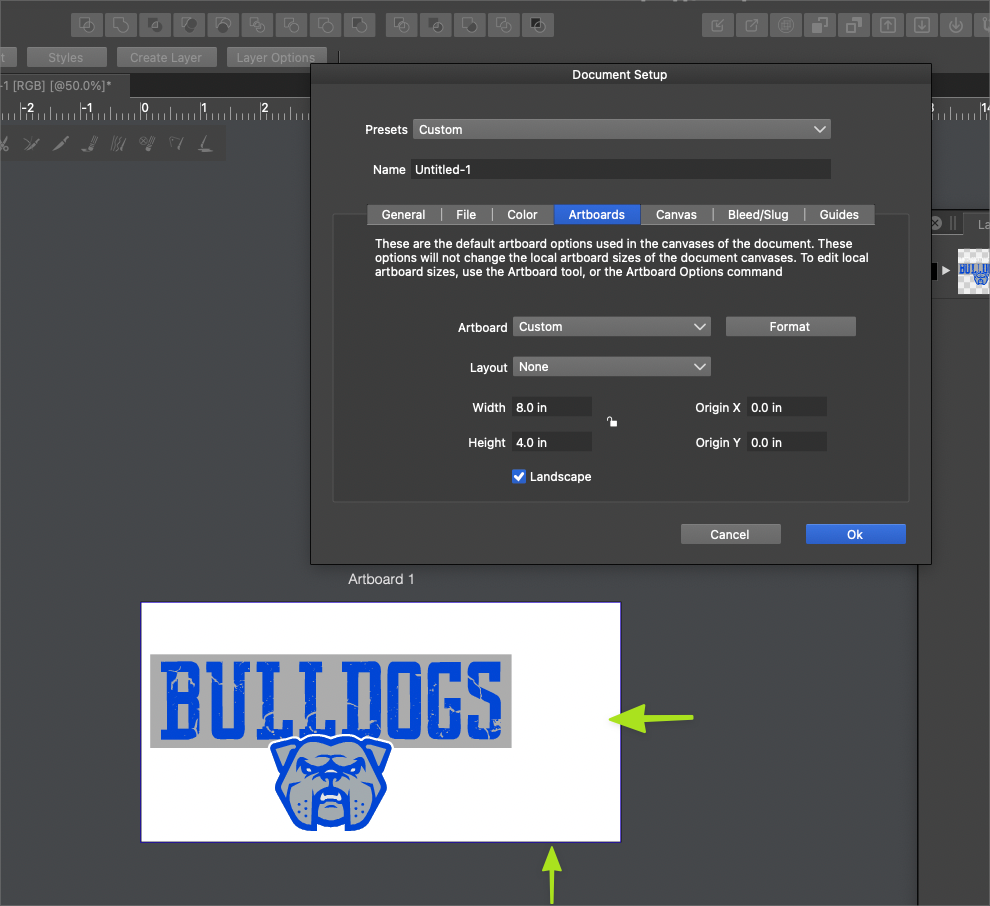
    @encart You post reminded me of what Affinity and Illustrator CC offer with a new document setup menu. I use one size document most of the time, but I know I'd appreciate being able to open a predefined artboard setup based on intended use built in to VS. It would also be nice to store several artboard sizes in a personalized presets section [image: 1636307898370-fa46e808-d4d2-4f86-983e-7a7f723be131-image-resized.png] [image: 1636307929432-99429166-8102-4e5a-99c2-ec887aed8ad4-image-resized.png]
  • Mouse Wheel Sideways scrolling would be nice

    7
    0 Votes
    7 Posts
    8k Views
    ambrosA
    Yes I’ve got that checked… Helps immensely..
  • Lock and Unlock Selected Guidelines using Object>Lock/Unlock

    2
    0 Votes
    2 Posts
    5k Views
    VectorStylerV
    @Boldline It is not possible to lock guidelines individually, only in groups. Guideline groups can be created and managed in the Guidelines panel. Currently guidelines are in groups and it is possible to set color, lock/unlock, show/hide or activate/deactivate per group. But, the guideline group handling in the panel could be improved. I could not replicate the guideline disappearing issue. When I lock the guidelines, they are still visible.
  • Guideline alignment and distribution control

    2
    2 Votes
    2 Posts
    4k Views
    VectorStylerV
    @Boldline Added this to the backlog.
  • Isolate sub-layer by completely hiding the rest of the layer

    1
    1 Votes
    1 Posts
    3k Views
    No one has replied