• Editing effects

    2
    0 Votes
    2 Posts
    3k Views
    VectorStylerV
    @Petar_MK Use the "Image Effects" panel to edit effects on the selected objects.
  • 0 Votes
    2 Posts
    4k Views
    VectorStylerV
    @ambros I add this to the backlog, will try to replicate it.
  • Problems with 4K display

    3
    0 Votes
    3 Posts
    3k Views
    P
    Thank you. I did it. These are very nice options to have control on such GUI elements.
  • Set Artboard color using open color palette?

    3
    1
    0 Votes
    3 Posts
    5k Views
    BoldlineB
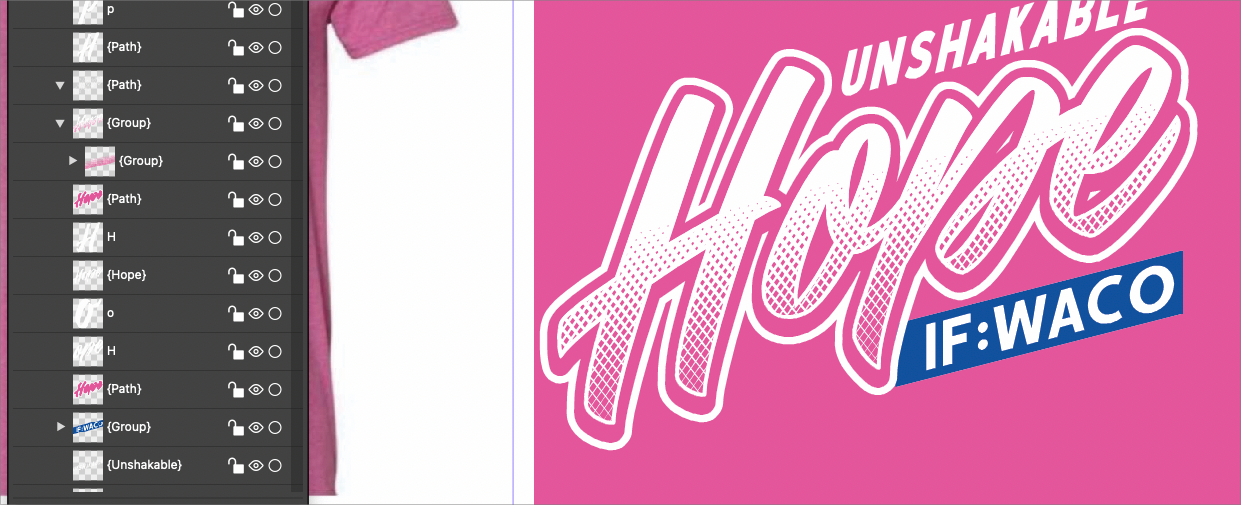
    @vectoradmin Coming back to this topic again, I understand from your answer, that the artboard options view is modal. Is the color panel also modal? I ask because I wanted to see if a color picker could be available in the artboard options view much like we can use the eyedropper in the color panel to change the color of the background. Edit: I think I now understand what you were eluding to when you said, "when the artboard is selected with the artboard tool, any color selection should do this" If I select the artboard itself with the artboard tool, I can choose a color from any open color palette as well as make any color in the color panel wheel! I'm probably late to the party on this feature, but regardless,, it is awesome! I would still hope we could integrate an eyedropper tool for this function because I often have imported a shirt from the internet and I want the background of the artboard to be that exact shade of shirt color to design over top on. If this can't be added to the artboard options panel because it is modal, could it be a feature in the to-be added artboard options shortcut being added where "create" layer" is currently, or tied in with the artboard editor toolbar icon? I noticed the style picker tool right above it can be selected while the artboard itself is selected and it can be used to pick a color - can we add color sampling from anything in the UI including an imported photo to this?
  • Font size in points

    Moved
    5
    0 Votes
    5 Posts
    5k Views
    M
    Thanks @vectoradmin. That works now.
  • 0 Votes
    7 Posts
    7k Views
    S
    @Boldline thats right
  • Moving Pantones/Spot Colors between palettes

    9
    2
    0 Votes
    9 Posts
    9k Views
    VectorStylerV
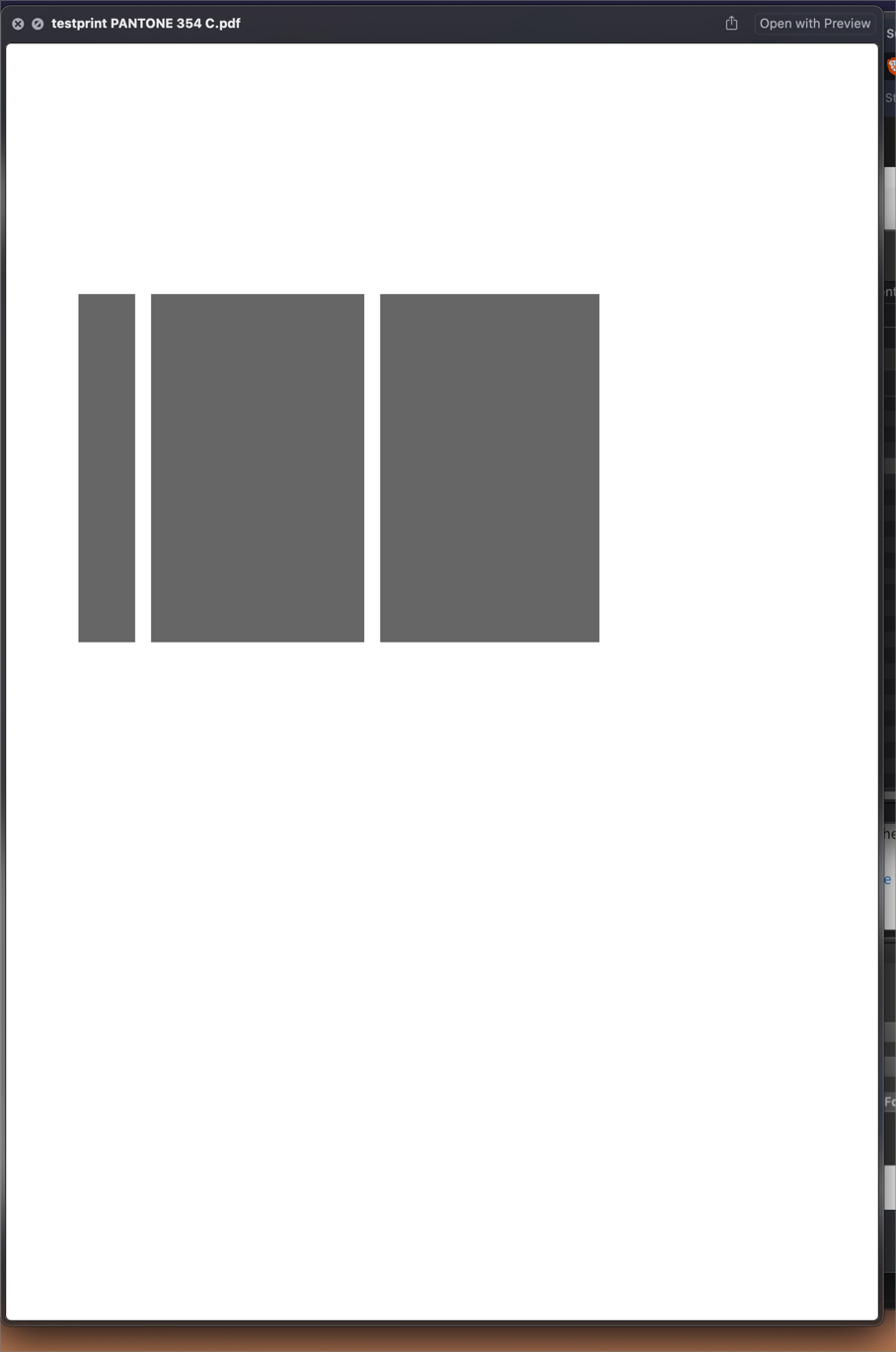
    @Boldline said in Moving Pantones/Spot Colors between palettes: could they be added by default in newly created palettes that would accept that format? I will try to do this. Is reg a color that when exported as a pdf or eps file from VS and then opened in other vector programs like Illustrator, Corel, Affinity, etc., it can be recognized as "reg" and print accordingly? Yes, registration colors are supported by both PDF and EPS (or at least PS). If these are not output correctly, then it is a bug.
  • Is break apart the only way to separate a closed path twice cut segment?

    2
    0 Votes
    2 Posts
    3k Views
    VectorStylerV
    @Boldline Yes, when cutting or breaking a path into multiple parts, it still remains a single object with a composite shape. So an additional Break Apart is needed to break it into separate objects.
  • Shape Paint not recognizing inner divisions within overall shape

    9
    1
    0 Votes
    9 Posts
    8k Views
    VectorStylerV
    @Boldline That should work, but it seems that in this case the gap is only applied between endings of open shapes. I opened a bug on this one.
  • Concentric gradient scale - in one direction only?

    4
    1
    0 Votes
    4 Posts
    5k Views
    J
    @vectoradmin Maybe just a small tweak to the Scale Tool tip would suffice to explain. @encart Yes, that's exactly what I wanted to do. Thanks! I think I wrongly assumed looking at the toolbox icons, one was for linear gradients and the other for concentric gradients. So it was just down to my unfamiliarity with having both a 'Gradient shape editor tool' and a 'Gradient tool' available and not thinking to switch tools.
  • What does the word "flate" mean?

    2
    1
    0 Votes
    2 Posts
    4k Views
    VectorStylerV
    @Boldline it is the name of a compression scheme.
  • 0 Votes
    10 Posts
    9k Views
    VectorStylerV
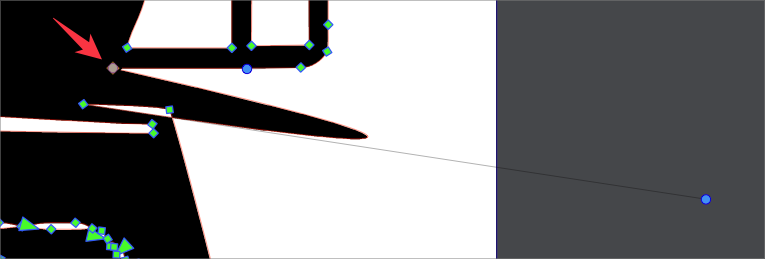
    @Boldline @b77 At least here, the Separate Path still has some issues when dealing with this example. I try to fix this problem.
  • Text on a line

    2
    0 Votes
    2 Posts
    3k Views
    b77B
    @Inspiredmac Use the 'Text-on-Path' tool from the toolbox to drag the text to the bottom of the oval. [image: 1641618229206-captura-de-ecran-din-2022-01-08-la-07.03.07.png] …. . . If you need it to read from left to right, in the 'Text on Path' panel (Panels > Text) you need to click the 'Check to reverse path direction' button at the bottom.
  • Blend Does not seem to work for me with letters

    4
    0 Votes
    4 Posts
    4k Views
    BoldlineB
    @b77 Thanks! That worked. Old Illustrator ways die hard in my brain! Almost everything you do to create blends, clipping masks, other effects, if it involves multiple individual items, it has to be a combined shape to do so. @vectoradmin It's awesome that it works without combining. I will be training my brain to not think about combining everything but it might be a good thing to add at some point with blend, repeater (for glyphs) etc...
  • Which Download?

    2
    0 Votes
    2 Posts
    3k Views
    VectorStylerV
    @Inspiredmac Mac (Intel)
  • Prompt to save recovered in normal save locations?

    2
    1 Votes
    2 Posts
    3k Views
    VectorStylerV
    @Boldline Added this to the backlog.
  • Can Repeater be used with a combined text shape?

    2
    0 Votes
    2 Posts
    3k Views
    VectorStylerV
    @Boldline This should be working, and no need to convert to curves or combine. Once the repeater on the text is created, try unchecking the "Inside Shape" option in the panel menu.
  • It this pattern along trick possible and easy in VS?

    8
    0 Votes
    8 Posts
    7k Views
    VectorStylerV
    @Ingolf Yes, this can be replicated, there is some issue with the Rigid Shapes option here.
  • Info panel not updating saved file name

    2
    1
    0 Votes
    2 Posts
    3k Views
    VectorStylerV
    @Boldline Yes, this can be replicated, added to the backlog. Manual updating should work (leftmost icon in the panel).
  • Can I add custom keyboard shortcuts to Boolean operations?

    7
    0 Votes
    7 Posts
    9k Views
    b77B
    @Boldline It looks like if you add a shortcut with Option, you’ll get a composite object instead, so don’t use that if you want normal combine operation.