• Preferences: Outline New Objects (Windows)

    6
    0 Votes
    6 Posts
    7k Views
    G
    @vectoradmin Ah, that's nice. I''ll patiently wait for that.
  • Convert vertical toolbox to one set

    3
    1
    0 Votes
    3 Posts
    5k Views
    BoldlineB
    @b77 Thanks for your help and patience! I wasn't even thinking about the panels possibility for location of that. Got is set th way I want now.
  • Use the word Hairline rather than 0.0 pt in Stroke display field

    4
    1
    0 Votes
    4 Posts
    6k Views
    V
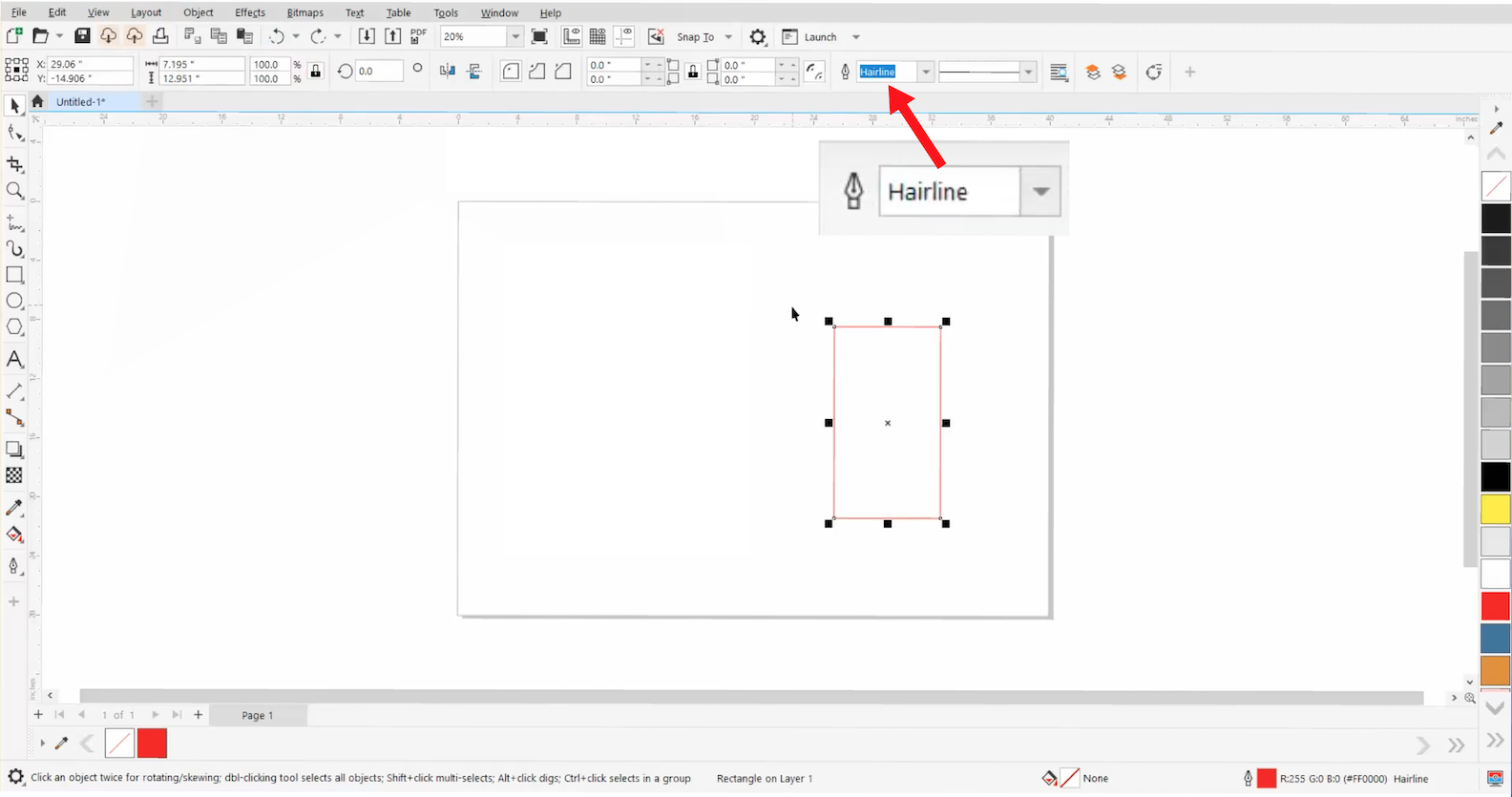
    @fde101 said in Use the word Hairline rather than 0.0 pt in Stroke display field: In the digital world, a "true" hairline is defined as the smallest width line capable of being produced on a given output device, this being exactly 1 pixel wide for the most part. It is not a fixed literal width but rather something that changes depending on what the image is being displayed or printed on, thus why various applications display it as "Hairline" - there is not an actual width to be displayed numerically. @fde101 Yep, you nailed it. It's the industry standard nomenclature, that's why I prefer/suggest it be used in VectorStyler.
  • 0 Votes
    3 Posts
    6k Views
    VectorStylerV
    @encart Try using Snap To Points when drawing, this will align the points of the rectangles to the triangle corners. Also: shape builder has this known issue of not always handling well sides that are exactly touching. A little bit of overlap helps there,
  • How to hide nodes when text is selected?

    5
    0 Votes
    5 Posts
    7k Views
    b77B
    @vectoradmin I don't think these should be visible when the shape is procedural(?) or the text is still editable. Once it's been converted to curves, yes, absolutely. But not when it's in its special editable form, I would say. Enabling this setting by default would be great if the above conditions would be met — it would serve as a subtle hint that the shape or text is converted to curves.
  • 0 Votes
    10 Posts
    11k Views
    encartE
    @b77 I agree with your solution. It is the most intuitive and simple. I proposed an additional key because I do not know how big a problem the redesign of this mechanism will be. Especially considering the amount of bindings that are under the hood.
  • How to change kerning?

    4
    0 Votes
    4 Posts
    7k Views
    VectorStylerV
    @encart If I understand correctly, tracking works, but kerning does not? What is the font name used? kerning (Metric mode) requires that the font defines the kerning pair tables.
  • The way how 'Break apart' works with text

    8
    1 Votes
    8 Posts
    11k Views
    encartE
    Character tool is great for modifying single characters - then you keep all text properties. Using Break apart, I would intuitively expect to get single curves that I could modify like shapes. Immediately after use, quickly and smoothly. Basically, the only difference with the current behavior is that you get split into separate paths right away. No need to use Break apart twice. As like as it is with objects created from a few paths. https://recordit.co/ney48Ij2hX
  • Overall Performance

    2
    2
    0 Votes
    2 Posts
    4k Views
    VectorStylerV
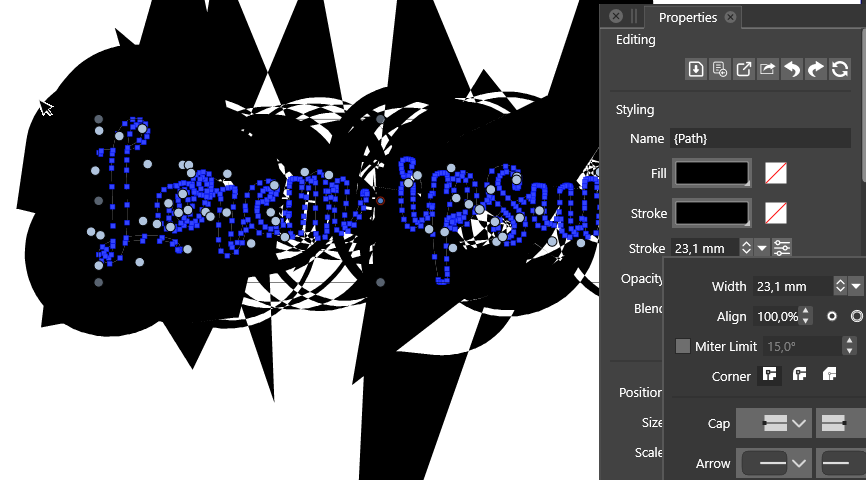
    @encart There are still places where performance can be improved. In this case, a still open issue is that path offsetting with large offsets can result in artifacts. To explain what is going on in this picture: a complex shape with multiple parts has a somewhat large stroke offset set to the outside. This means that at each redraw this offset is computed, cleaned up (which is not working well at large offset) and united with the various parts (each path from the text). This all happens on the CPU (compute engine will not help here, that is used for image effects). The only way to work around this for now is to have separate objects for each of those glyphs, if they are converted to curves. And maybe avoid using very large outer/inner offsets (centered stroke is somewhat faster). Also if there are complex shapes, sometimes it is better to expand the stroke, or use the Outline Path , or Offset Path shape effects, where all that offsetting / union is cached for rendering. But these will not get rid of the large offset artifacts.
  • Expanding brush strokes issue

    4
    1
    0 Votes
    4 Posts
    6k Views
    VectorStylerV
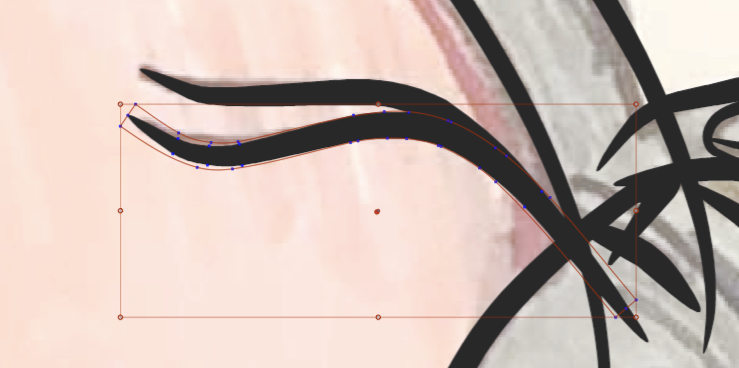
    @Boldline The refresh issues are fixed in the new build, but the empty rectangle will remain for now. This support shape is needed even after the brush expansion, because it defines the area of the vectors (from the brush) that are stretched along the path with the bend effect (the result of a brush expansion).
  • Print Settings for Specific Pantone Colors

    2
    3
    0 Votes
    2 Posts
    5k Views
    VectorStylerV
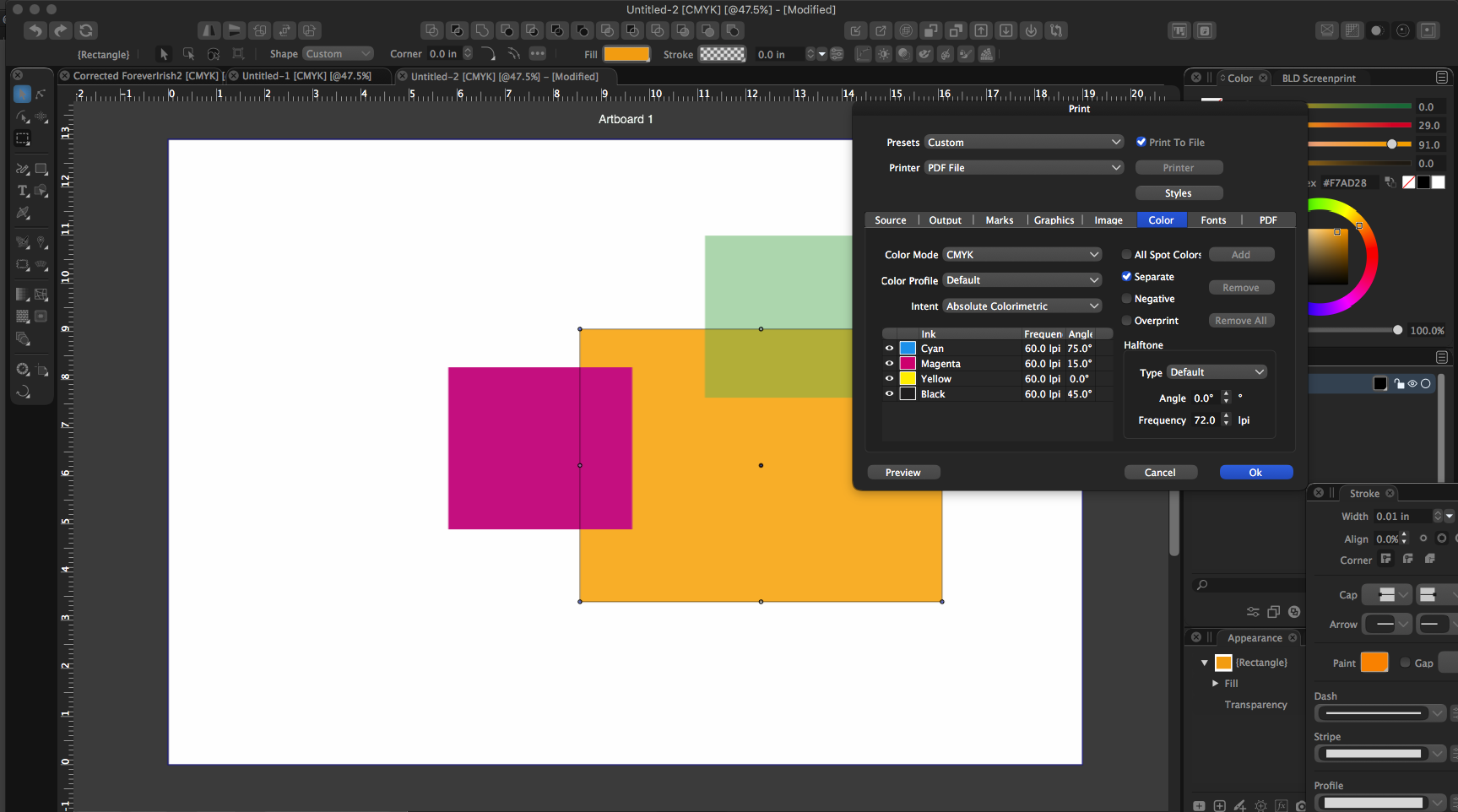
    @Boldline The Pantone colors must be added to the document color palette (the default palette shown in the color palette panels) as Spot colors. Spot colors are shown with a clipped corner and small dot, but they must be in the main (document) color palette. If the colors are shown in a separate color palette (like imported ASE palettes), then it is recommended to check the Register Color and then Register As Spot Color items in the palette panel menu. With these the colors are added as spot automatically when they are selected. Otherwise it has to be added manually and then selected as Spot by double clicking and setting the Mode option in the color view.
  • Shapebuilder observations (Windows)

    6
    2
    0 Votes
    6 Posts
    9k Views
    VectorStylerV
    @encart @Gremriel I got the files. In the first case the ellipses rotated with 15 degree worked fine with the shape builder but the other example in the file was already broken. In the second case, I did manage to replicate the issue. I will work on this one to try to find a fix. One observation about the shape builder: it tries to remember the original shapes before the first changes. This is unless the shapes are also modified by some other tool after the shape builder. This remembering has the result that you can get to and restore regions that were merged before. This is intentional, and this is not the cause of the above (diagonal lines) bugs. I will get back with more info later, meanwhile if there are other cases where things are broken, please let me know.
  • Change Default brushes

    4
    2
    0 Votes
    4 Posts
    6k Views
    VectorStylerV
    @Boldline Could be that because there are no brush presets (the list is empty), the append feature is not working. This looks like a bug. Create a new Artistic Brush from any object, using the Styles -> Create Styles -> Create Artistic Brush Preset command. This should end up in the Presets group, and then the list in the Brush Presets will not be empty. Then try the Append command again.
  • Assets Panel

    4
    0 Votes
    4 Posts
    6k Views
    VectorStylerV
    @encart Yes, the SVG should be imported and then added as a Symbol preset. Symbols can be drag&dropped from the Presets panel. Shapes require an existing object to change the shape.
  • Text Wrap

    7
    0 Votes
    7 Posts
    8k Views
    VectorStylerV
    @Gremriel I just checked this on Windows, and it looks like there is a bug. It can be replicated easily. Will try to have a fix in the next build.
  • Japanese

    40
    0 Votes
    40 Posts
    99k Views
    VectorStylerV
    @ash-f This issue is still an open bug. Will try to fix as soon as possible.
  • Layer Options Panel - real time opacity preview

    7
    1
    0 Votes
    7 Posts
    8k Views
    F
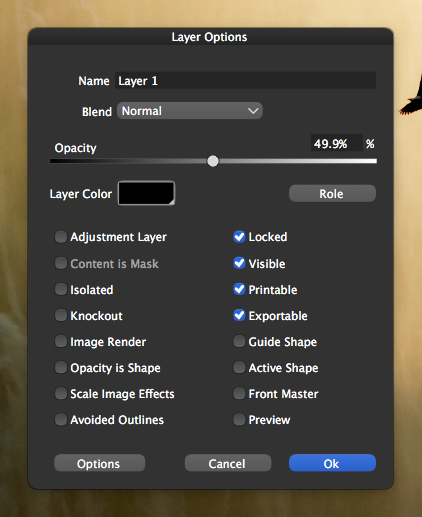
    Anyone else remember the Interface Hall of Shame? Evidence that things could be worse: http://hallofshame.gp.co.at/controls.htm#CONTROLS46
  • Pen tool auto-set to fill with no stroke

    8
    0 Votes
    8 Posts
    11k Views
    BoldlineB
    @Kyriakos @Kyriakos said in Pen tool auto-set to fill with no stroke: respect the selected colour and fill rather than drawing every new pen shape with stroke and no fill I agree with you on this - I would prefer each document open with black stroke no fill for the pen tool default, but as soon as you change the stroke and fill settings, they get used on every future pen tool use or rectangle or circle shape, etc... going forward until it is changed again by the user
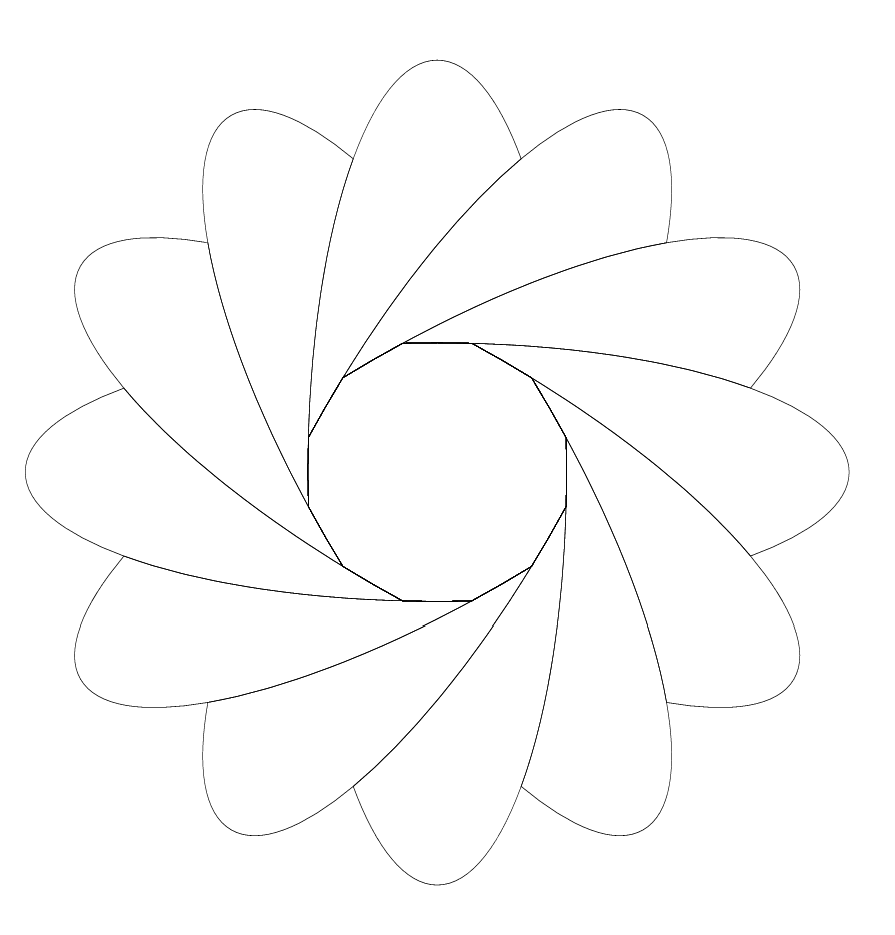
  • Question about Repeat Last

    3
    1
    0 Votes
    3 Posts
    5k Views
    G
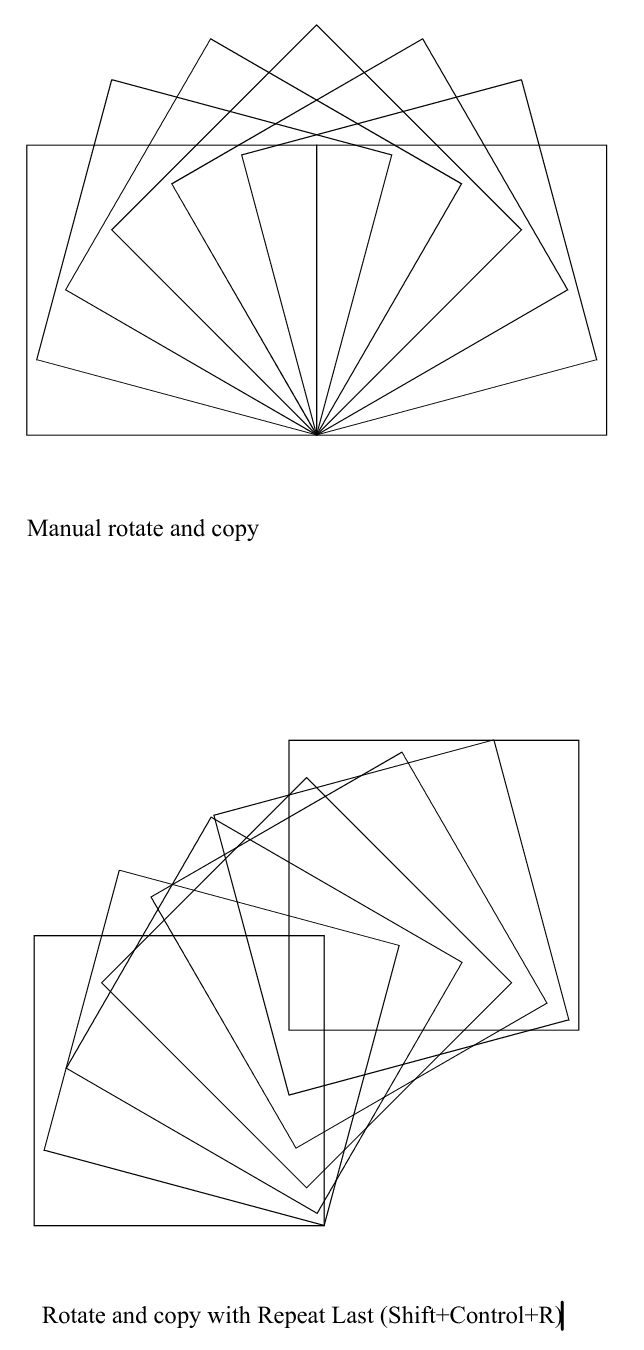
    Hi, That works, thanks.
  • 0 Votes
    7 Posts
    9k Views
    V
    @vectoradmin said in Possible Bug in Context Panel for Fill and Stroke, plus related questions?: @Vector-Rock The no fill selection from the popover fill palette list is fixed in 1.0.025 Thanks, working properly now!