Subcategories

  • These features and ideas have been implemented in VS as suggested

    180 Topics
    1k Posts
    VectorStylerV
    @Ayo said in About the Snap feature: Wouldn't it be better to change "Snap to Visible Only" to "Snap to View Extend Only" or shorter "Snap to Viewport Only" or even shorter "Snap to View Only" ? There is a big chance of confusion with the term 'visible' which is mainly linked to the layer system. I added this to the backlog.
  • Undo function in Aligment panel

    2
    0 Votes
    2 Posts
    3k Views
    VectorStylerV
    @Harry said in Undo function in Aligment panel: Or maybe it has been implemented already? Not implemented. I have to see how this fits into the way VS does the alignment.
  • Break Apart in VS vs CorelDRAW vs Illustrator

    13
    1
    2 Votes
    13 Posts
    18k Views
    B
    @William-Kansepa Very happy to hear that I was able to help. I had tested it and it seemed to have what you were hoping for but I wasn't too sure... As for AI, I haven't used it in a long time and I don't remember its features.
  • Reminder to update the Chinese UI

    4
    1 Votes
    4 Posts
    4k Views
    VectorStylerV
    @Huangzhi said in Reminder to update the Chinese UI: @VectorStyler Looking forward to version 2, when will it be launched? Can be years, no promises. Here is the current roadmap up to version 2: https://www.vectorstyler.com/roadmap/ This years goal is to have 1.2 out and stable. Please note that in order to have translation for a language, a sufficiently large demand must exist first.
  • The scroll speed in the Glyphs panel

    3
    0 Votes
    3 Posts
    4k Views
    b77B
    @VectorStyler Both scrolling (with the trackpad) and dragging the scrollbar feel about the same — a bit faster than necessary. (Isn't the scrollbar size linked to the list length? If it is, probably making it a bit shorter could help).
  • Horizontal and vertical artboards spacing

    3
    1
    1 Votes
    3 Posts
    4k Views
    H
    @VectorStyler said in Horizontal and vertical artboards spacing: @Harry Added this to the backlog. In the "Artboards" tab, there is a Layout drop down, where more layout options can be edited with "Edit Layout" Thanks, I missed that one - but it lacks the increasing or decreasing direction of artboards which does a great job in "New" tab. BTW - what's the difference between the artboard configuration made by the "New" and "Artboard" tabs? Wouldn't be easier to have just one tab with all combined features to set up artboards?
  • New document setup: "Reset" but no...

    2
    0 Votes
    2 Posts
    3k Views
    VectorStylerV
    @Pat Added this to the backlog.
  • Image to color palette, notice and suggestion

    3
    1
    1 Votes
    3 Posts
    4k Views
    S
    @VectorStyler said in Image to color palette, notice and suggestion: thanks An observation: some images (JPEG) may contain small / difficult to see color variations. would and have not used JPEGs too to create a color palette from an image because I know that could be (maybe because of JPEG compression artifacts)
  • Selection tool similar to Affinity Designer

    7
    0 Votes
    7 Posts
    7k Views
    BoldlineB
    @Subpath I agree. I always feel like I need to preface my requests on the forum with "This is probably already in the program but I could not find it by myself," It feels like everything is already implemented or if not, it's already been suggested and added to the queue to be added in a future update.
  • Inserting Nodes with the "+" Key Behavior

    11
    2
    0 Votes
    11 Posts
    10k Views
    S
    @VectorStyler said in Inserting Nodes with the "+" Key Behavior: Do you need to select all nodes for this case? that is possible. yes, because i often use it for divide parts of path and also to divide a whole Shape i like this kind of behaviour from CorelDraw and have no really needs for the VS way to do this I can add this to the backlog, to have a settings to keep the original nodes also selected. this would be nice and helpful if the old selected nodes and the newly created nodes remained selected
  • Join tool

    5
    1 Votes
    5 Posts
    5k Views
    b77B
    @VectorStyler Nice!
  • Shape builder ideas

    8
    1
    0 Votes
    8 Posts
    7k Views
    BoldlineB
    @Subpath yes. What is great about most vector programs is that there's always multiple ways to accomplish a task. I do a lot of things with clipping masks and the like in VS and love it. My goal with the original post is to see if that level of efficiency found with the fill tool in Affinity Beta can be added to what the shape builder can do in VS - but allowing for a non-destructive result (original shapes are not destroyed in the process), no strokes added by VS in the process and stroke path used to define new shapes is left intact.
  • Vector Flood Fill Tool in Affinity Designer Beta

    5
    1 Votes
    5 Posts
    6k Views
    VectorStylerV
    @Boldline A new thing that this new AD Fill tool has: it can be fill aware, joins neighboring regions with the same fill
  • Transform Objects, randomness improving

    3
    1
    1 Votes
    3 Posts
    4k Views
    S
    @VectorStyler said in Transform Objects, randomness improving: For the randomization without copying, enable the Transform Each option. Great ! Love it
  • Panels: options visible by default when docked

    4
    2
    0 Votes
    4 Posts
    4k Views
    B
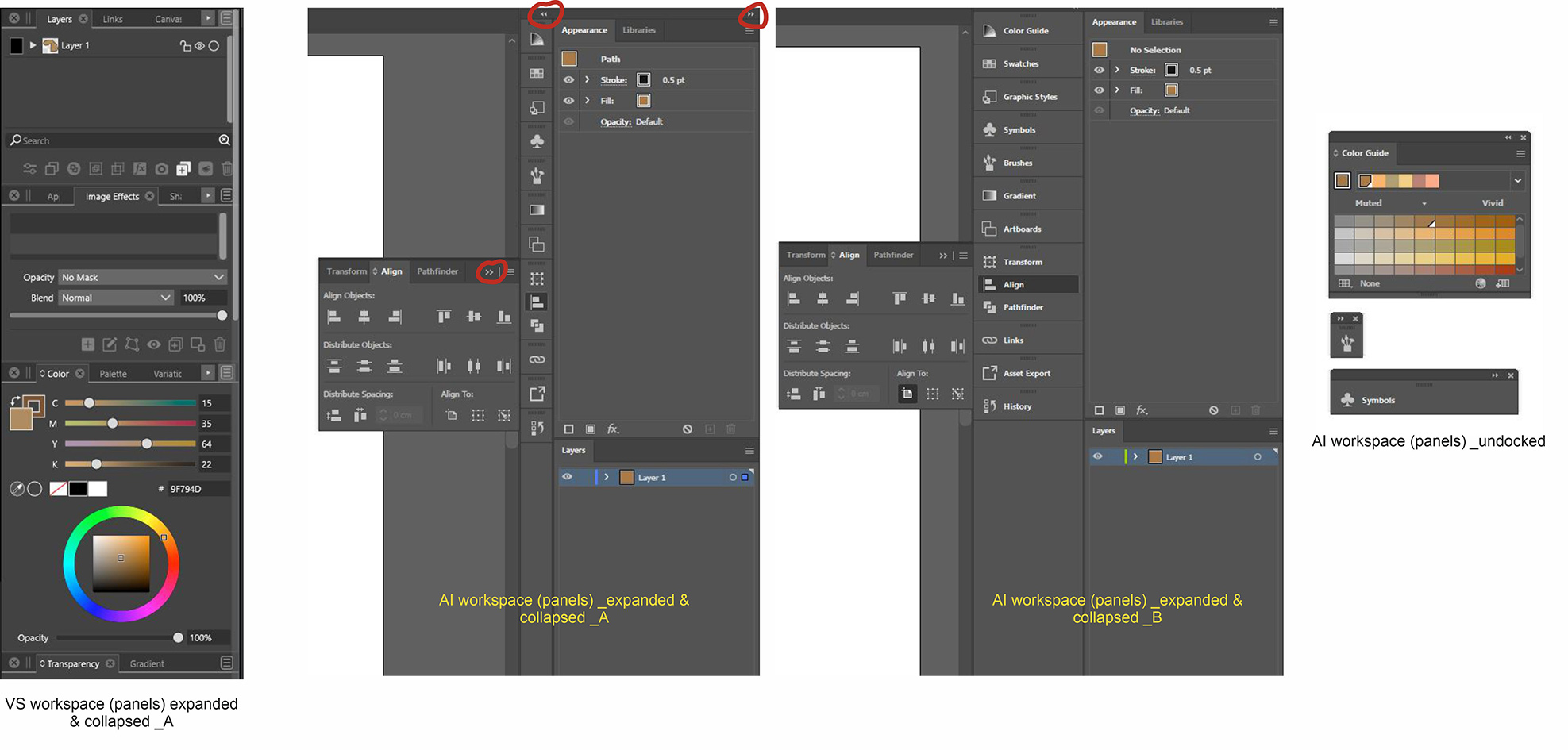
    @VectorStyler It doesn't matter since these will change in the (near ?) future with the introduction of icons panels anyway.
  • Modifier key for bypassing smooth node mode

    2
    0 Votes
    2 Posts
    3k Views
    VectorStylerV
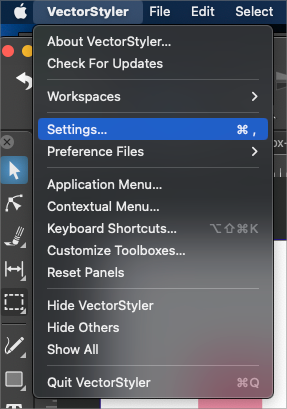
    @Ingolf This already exists, but there isn't much room left for modifiers, so this was unassigned. In Preferences -> Modifiers, find the "Swap Smooth Pen Clicking" (could be in the All list), and assign a key.
  • Flattening transparency

    13
    0 Votes
    13 Posts
    12k Views
    VectorStylerV
    @Arde The problem with the transparency can be replicated. The fix will be in the next build.
  • Grid creator method

    3
    0 Votes
    3 Posts
    3k Views
    S
    Just for the record The last time I launched Magix Graphics Designer 19 i noticed that there was something similar. Here a Video [image: 1675923456079-xara-duplication.png]
  • Add a slider control to the stroke align option in Stroke panel?

    3
    1
    0 Votes
    3 Posts
    4k Views
    BoldlineB
    @b77 we can all have sliders!
  • Aligning text to shape

    3
    0 Votes
    3 Posts
    4k Views
    BoldlineB
    @VectorStyler said in Aligning text to shape: @Boldline Certainly it is Awesome Can't wait! 1.2 is sounding like an epic update
  • Bleed - visible by default

    4
    1 Votes
    4 Posts
    4k Views
    F
    Agreed, in the View menu, Margins should be moved down one spot and a separator added, so that Margins and Guides are together.