Subcategories

  • These features and ideas have been implemented in VS as suggested

    180 Topics
    1k Posts
    VectorStylerV
    @Ayo said in About the Snap feature: Wouldn't it be better to change "Snap to Visible Only" to "Snap to View Extend Only" or shorter "Snap to Viewport Only" or even shorter "Snap to View Only" ? There is a big chance of confusion with the term 'visible' which is mainly linked to the layer system. I added this to the backlog.
  • License information

    2
    1 Votes
    2 Posts
    3k Views
    VectorStylerV
    @Ingolf Added this to the backlog.
  • Repeaters additional options

    4
    1
    0 Votes
    4 Posts
    5k Views
    VectorStylerV
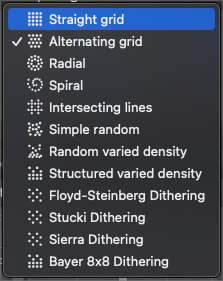
    @Boldline said in Repeaters additional options: This would be an alternating grid: That can be achieved by setting the first Shift value to 50% and setting a negative spacing.
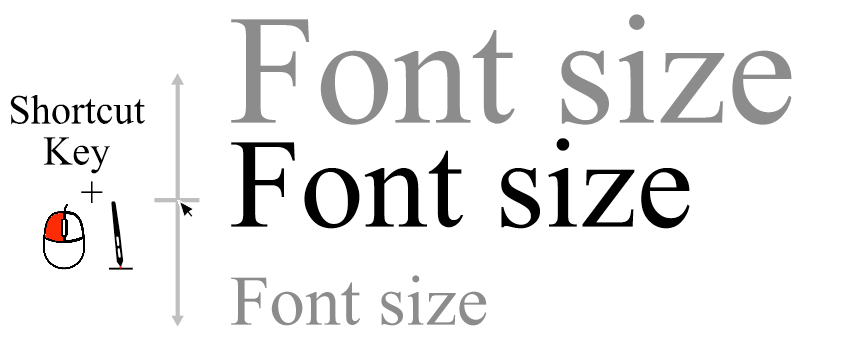
  • Key down shortcuts ideas

    3
    2
    2 Votes
    3 Posts
    5k Views
    encartE
    @vectoradmin It is my present solution, which works quite well, but it is certainly not universal. Requires external application installation, customization, is less efficient, sometimes glitch occurs Is the result of using point 1. more universal, will work with most pointing devices easier to remember shortcuts and reduce the number of them may improve the use of the stylus may improve your experience when using a touchscreen device it gives good possibilities for further expansion uses the current drag mechanics. In the case of point 3, I see a lot of imperfections in this solution and it may turn out that it will be faster to point to the classic align panel than to look at the keyboard to trigger a popup I don't know if it will speed up the workflow or if it will be precise enough for everyone. The amount of features available is already overwhelming for new users, but I think together we can create some points that will be unique to VS

  • Put all selection modes as pullouts from the transform tool

    20
    2
    0 Votes
    20 Posts
    19k Views
    b77B
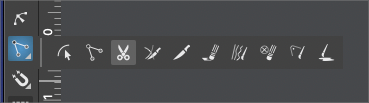
    Adjusting my chef toque here… Well, if the developer would allow these small tool panels to be docked like this on top of the toolbox, would that be bad? [image: 1641406018771-stacked.png]
  • Reset Artboard Dimensions interactively

    6
    1
    0 Votes
    6 Posts
    7k Views
    BoldlineB
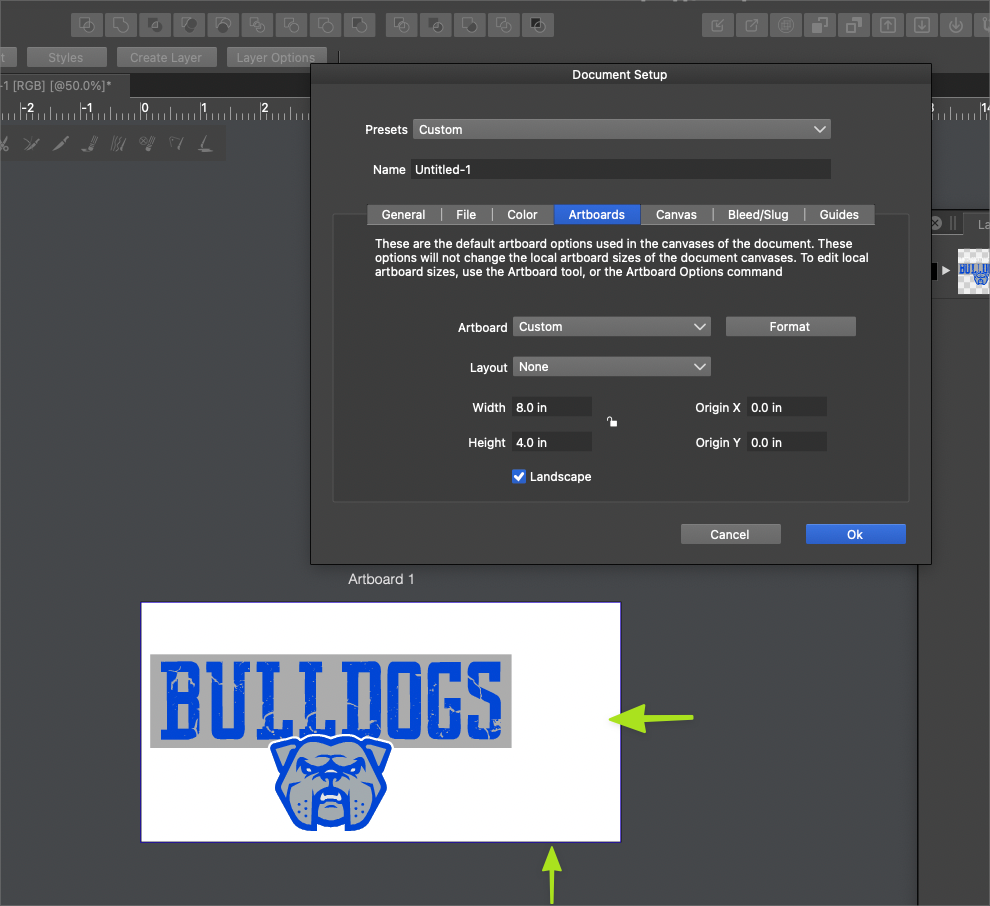
    @vectoradmin Thank you! that makes sense now. I appreciate you showing me
  • New Document Setup/ Template Panel

    2
    1
    0 Votes
    2 Posts
    3k Views
    VectorStylerV
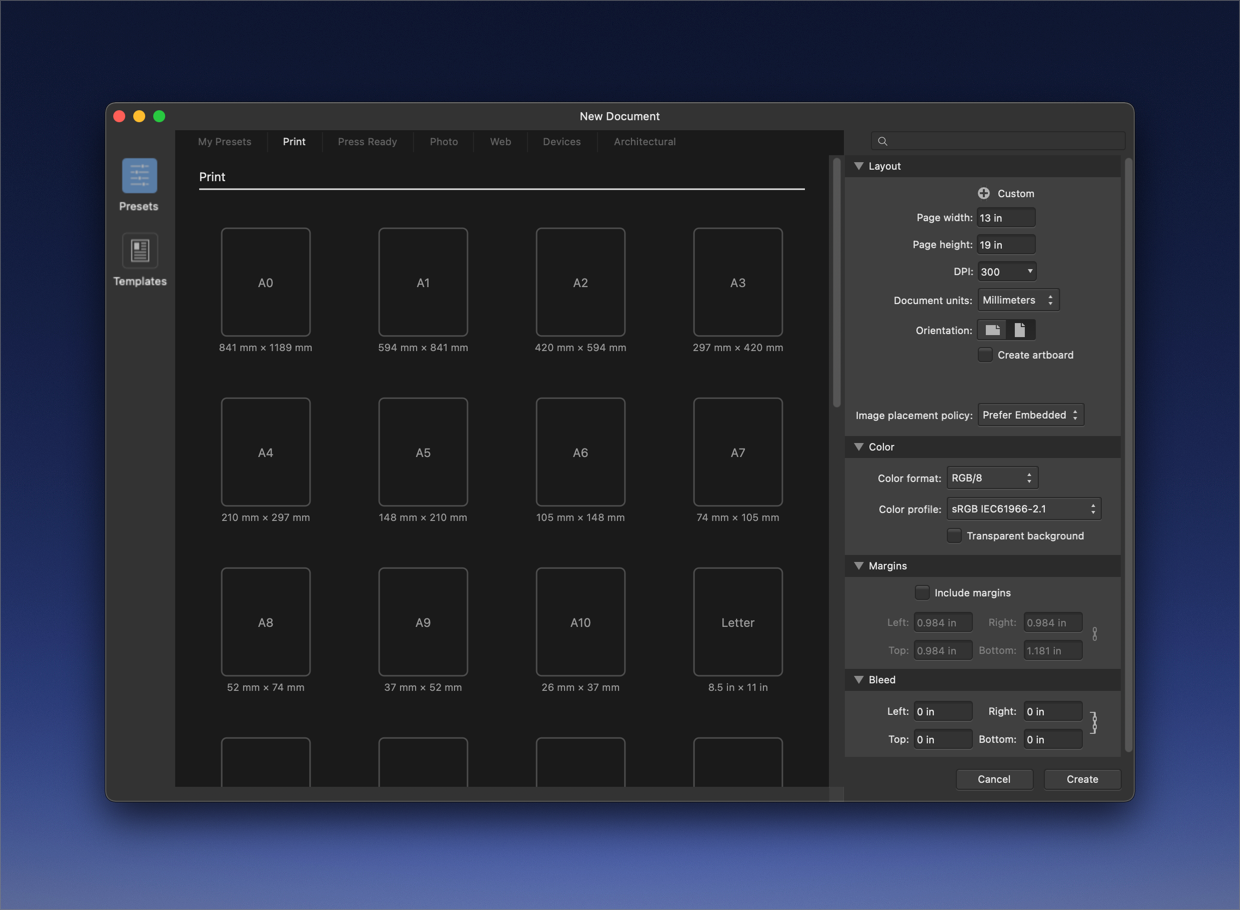
    @Boldline I add this to the feature request backlog. Technically, it is doable.
  • 1 Votes
    2 Posts
    4k Views
    VectorStylerV
    @Boldline I add this to the backlog.
  • FR: Preference for regular Windows cursor + Cursor on Screenshots

    5
    0 Votes
    5 Posts
    6k Views
    X-RaymX
    @vectoradmin said in FR: Preference for regular Windows cursor + Cursor on Screenshots: but I'm not sure what is going on with the screen capture hiding the cursor. Not sure either cause it works on other apps: [image: 12Z1Mq0.gif] See how it appears in affinity designer but if I minimize the window, only the cursor only appears on the first frame and then is stucked, while we can see I am clicking and dragging (but without cursor) just left to it. EDIT: it seems to be in fact related once again to using VectorStyler with tablet (and probably using Windows Ink). it works with mouse [image: vTSlXCZ.gif] BTW, you can see how pixelated is the native VectorStyler cursor compared to native windows one.
  • Better defaults make for a good first impression

    11
    2 Votes
    11 Posts
    11k Views
    b77B
    @Ingolf I agree this would be nice to have, however the prefs files need to be made by users who are very familiar with the latest versions of AI, CDR or AD. Having worked before for many years in CDR, I tried to make a preferences file that mimics it, but I didn't use CDR since 2018 and even then it was X7 — not the newest version. Then two years later or so I trialed the first version of CDR for Mac, and the object selection method was changed from 'select only what is inside the marquee' to 'intersecting selection', IIRC. (Maybe this is only on the Mac version? I don't know). That's basically why I gave up, and also because VS has defaults I like for the most part. But if anybody is interested, I can send the one for CDR to use it and maybe take it further.
  • FR: Randomization for Layers Transform Properties and Colors

    8
    0 Votes
    8 Posts
    10k Views
    X-RaymX
    @vectoradmin I had prepared the screenshots already: https://i.imgur.com/6bWKbtX.gif Win 10 x64
  • TIP - Halftone Generator - Bitmap to Vector graphics (.SVG)

    20
    1
    2 Votes
    20 Posts
    29k Views
    S
    @vectoradmin I know it allready play a bit with the Repeater, like it
  • Web based example of vector based halftones

    3
    1 Votes
    3 Posts
    5k Views
    BoldlineB
    @vectoradmin said in Web based example of vector based halftones: "halftone wizard" hahah Nice!
  • Option to lock some nodes and not others within same shape

    2
    1
    1 Votes
    2 Posts
    3k Views
    VectorStylerV
    @Boldline From what app was this vector imported into VS? It looks like the node types (cusp, smooth) could be wrong in some cases. Send the drawing to me by email. I can check what is going on. No node locking feature at this time. I will add this for the feature requests.
  • Further improving the gradient editor

    16
    3
    0 Votes
    16 Posts
    16k Views
    b77B
    Sure, if we want to talk about alternatives, there are indeed — a modifier key like @fde101 suggests is a valid one, another one would be to display handles at a distance only when the gradient has three or more color stops (but I don't suggest it really)… But none of them skirt the need for better visual differentiation between handles and color stops after you move a color stop away from the gradient start or end. Anyway, in my opinion apps that require the user to know lots of secret handshakes (in this case a special shortcut to keep the other color stops in place when you want to "unglue" a color stop from the gradient start or end) are less user friendly and more difficult to learn than apps where the UI displays the adjustment handles directly. My last post on the topic, I rest my case. Have a nice weekend everyone.
  • Photoshop Export

    6
    0 Votes
    6 Posts
    7k Views
    T
    Thank you for this. Effectively, I sometimes use vector artwork as a basis of artwork I then complete in raster - I usually use Clip Studio as my bitmap app which enjoys some basic vector functions, but of course nothing as advanced as VS. I've dabbled with Affinity over the past few years, but lack of development on AD and the absence of some very basic vector features has prompted me to move on. Anyway, thank you for a swift response and the PNG suggestion above - certainly doable, but psd export opens up a ton of possibilities. Peter
  • 1 Votes
    2 Posts
    3k Views
    VectorStylerV
    @Boldline Added this to the backlog.
  • 1.1 beta feedback - Indicator shapes preferences

    5
    2 Votes
    5 Posts
    6k Views
    IngolfI
    @Boldline said in 1.1 beta feedback - Indicator shapes preferences: @Ingolf said in 1.1 beta feedback - Indicator shapes preferences: I suggest just one option for "Selected" whatever is selected - a color fx - that would greatly reduce complexity of the preferences. The default color should be red in that case Asking more about this because I'm not sure I'm following 100%. Are you asking for the selection bounding box or the selection around nodes and paths of a selected vector be one designated color? If that is an accurate understanding of your point, I'm not as keen on that solution because we recently coordinated any selection colors to tie in with the layer color - which makes it easy to see what layer the selection is on. If I was off on my understanding, I apologize! Simply that when I click a node or a tangent handle, that it is filled with red instead of blue in addition to being marked with a black outline. All I need to distinguish it. A major fault in other vector drawing programs is that many nodes and handles are displayed at once without proper and unique identification of the one thing you have selected and will modify. In vectorstyler you can click a node or handle and it is hightlighted with a black outline. Not enough if you ask me. With red I believe it is better understood by our brain. Another symbol representing selected is just adding complecity and confusion.
  • Option to toggle color bar in UI

    10
    1
    1 Votes
    10 Posts
    10k Views
    BoldlineB
    @Ingolf yeah I didnt have a document open when I made that comment... so I was assuming that lower look in my second image would stay that way or that it could stay that way if we wanted....
  • Page layout feature

    4
    0 Votes
    4 Posts
    5k Views
    VectorStylerV
    @ash-f I add this to the backlog, for the future.
  • On the go radius setting for style picker

    4
    1
    0 Votes
    4 Posts
    6k Views
    VectorStylerV
    @Ingolf Yes it does select the color from a single pixel. I add this to the feature request list.