• Child shape alters the parent shape when both have the Shape Effect added

    Moved
    3
    0 Votes
    3 Posts
    4k Views
    ?
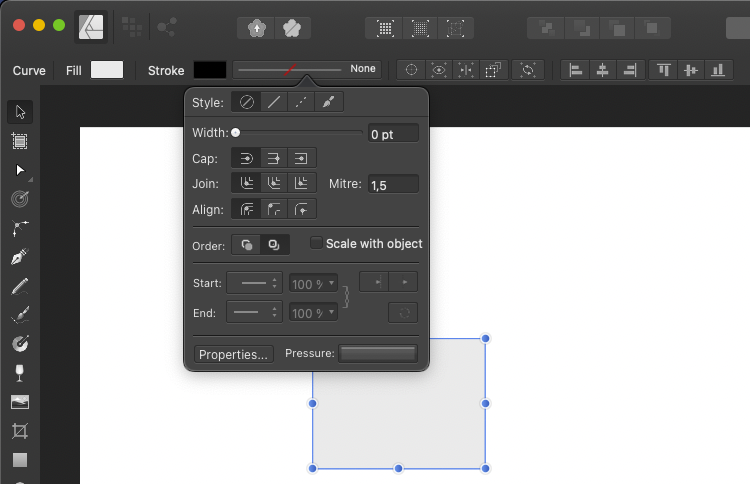
    @VectorStyler Well, I think you are right. I didn't connect the dots! My bad. Some of those hidden options really need icons.
  • Path not closing

    Moved
    8
    0 Votes
    8 Posts
    8k Views
    b77B
    @Devil-Dinosaur Great!
  • Width/Height not changing after object rotation

    Moved
    12
    0 Votes
    12 Posts
    11k Views
    IgullI
    @VectorStyler OK, understood - I'm just happy that I can set it to my liking
  • Opacity of object reduced when grouping objects

    Moved
    7
    0 Votes
    7 Posts
    7k Views
    VectorStylerV
    @MajorTom Not sure if I identified the issue: what I get is that when I move the "{Path} Copy" into the group, the effect becomes lighter. This is caused by the opacity set on the group. When the group is selected the Appearance panel will show an opacity value of 86% for the group.
  • Symbol spray brush

    Moved
    6
    3
    2 Votes
    6 Posts
    6k Views
    S
    found that moving fields in context toolbar also annoying e.g. the field for Stroke width that's why I often use the Panel even though that I do not necessarily advocate the affinity approach, still wish for a better solution
  • Misleading use of check marks in Panels menu

    Moved
    4
    1
    2 Votes
    4 Posts
    6k Views
    b77B
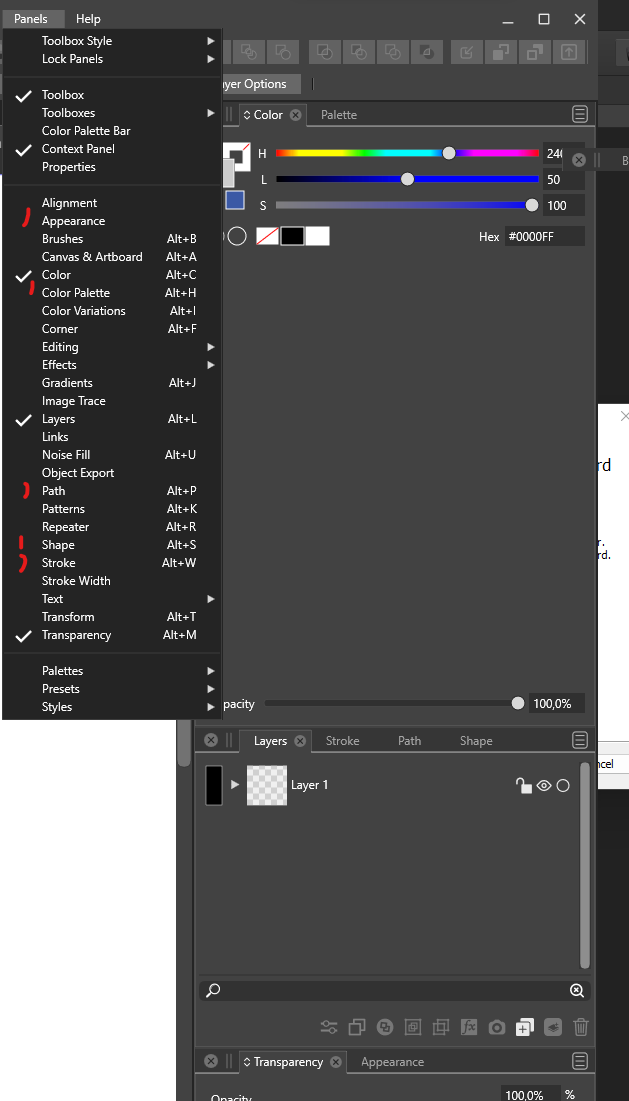
    Would three states for the checkmarks work for this or confuse users? [image: 1654597130147-3st.png] Or a hyphen/line instead? [image: 1654597661233-4st.png] In any case, the checkmarks look too big on Windowsโ€ฆ I would pick some smaller checkmark glyph that has a smaller than 90ยฐ angle, like on the Mac.
  • VS randomly switches to pixel view

    Moved
    5
    1
    1 Votes
    5 Posts
    6k Views
    VectorStylerV
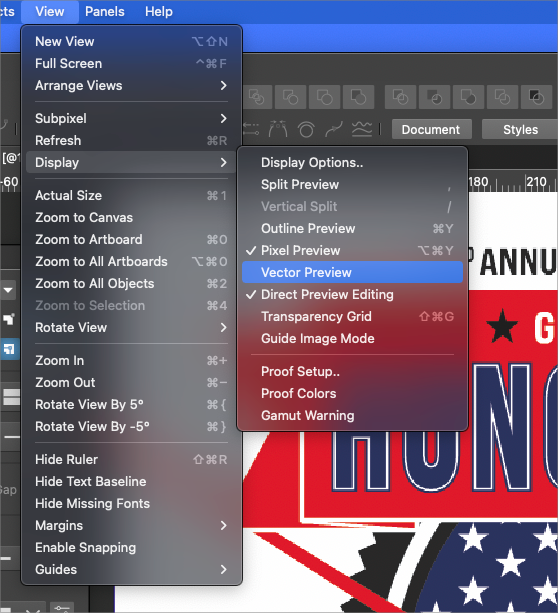
    @Boldline @b77 Since 2 releases ago when the Display settings are changed, the changes are used as defaults for a new document.
  • Issues with the Pen tool & Intuos4 tablet

    Moved
    12
    1 Votes
    12 Posts
    14k Views
    B
    @VectorStyler much better now I'll test further. Thanks.
  • 0 Votes
    7 Posts
    7k Views
    BoldlineB
    @VectorStyler the original expanded text is in the large file I emailed to you about an hour ago if you want to compare and contract it. I may have done some editing since that time on it before moving it to a new file to see if the issue continued there.
  • Character Style Interface issues - 1. Names, 2. Display.

    Moved
    3
    2
    0 Votes
    3 Posts
    5k Views
    Victor VectorV
    @VectorStyler said in Character Style Interface issues - 1. Names, 2. Display.: @Victor-Vector I could not replicate (1). Was there any UI settings changed, like font size, or UI scaling? Yes, I increased the Font size in the VS preferences. The UI scaling is at 150% in Windows 11 (but I am shy to advertise this as it means my eyes are not what they used to be) (2) can be replicated, added it to the backlog. The right side supposed to be a preview of all the settings made in this view (could add a label there). Ah, I thought it was a preview. It did not seem to be previewing...
  • 0 Votes
    2 Posts
    3k Views
    VectorStylerV
    @Boldline I think this is a bug in the pen tool preview. Added this to the backlog.
  • Mesh gradient editor

    Moved
    28
    1
    0 Votes
    28 Posts
    47k Views
    S
    @vectoradmin Doesnt work also on Win. Only not on Line. Double click inside the mesh work.
  • Mesh gradient editor not working

    Moved
    2
    1 Votes
    2 Posts
    3k Views
    VectorStylerV
    @Ingolf I tested it on Windows also. Adding a new mesh node is done with double click inside the mesh area.
  • 0 Votes
    26 Posts
    42k Views
    BoldlineB
    @vectoradmin Awesome! thank you for helping me solve that problem!!! it works so much better now
  • Fonts list closes when using the scrollbar [1.1.010]

    Moved
    11
    0 Votes
    11 Posts
    10k Views
    encartE
    Fixed! Thank you.
  • tool palette disappears: what made it disappear ?

    Moved
    2
    0 Votes
    2 Posts
    3k Views
    b77B
    @BWoo The tool palette can be displayed or hidden from the Panels menu > Toolbox. There is no shortcut assigned to it.
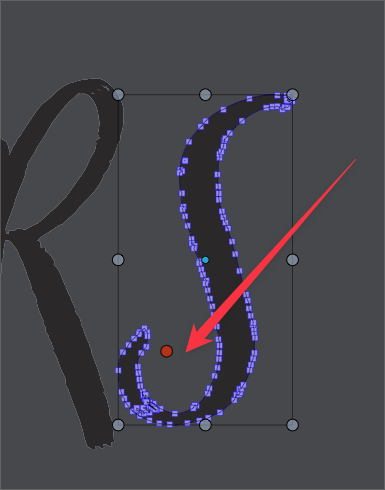
  • Erasing section of Vector shape alters red dot rotation point

    Moved
    3
    2
    0 Votes
    3 Posts
    4k Views
    BoldlineB
    @vectoradmin ok thanks - I like and prefer the added function, so for now I'll leave it and see how things go
  • 1.1.032 - minor bug with text context menu

    Moved
    1
    1 Votes
    1 Posts
    3k Views
    No one has replied
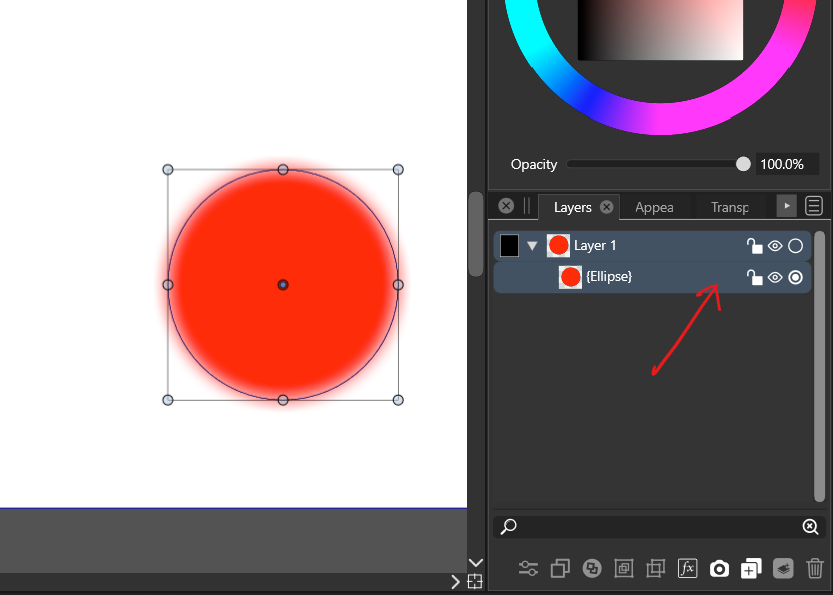
  • Adjustment effect icon in layer

    Moved
    10
    1
    0 Votes
    10 Posts
    9k Views
    J
    @vectoradmin Thank you. Solved by changing to software.
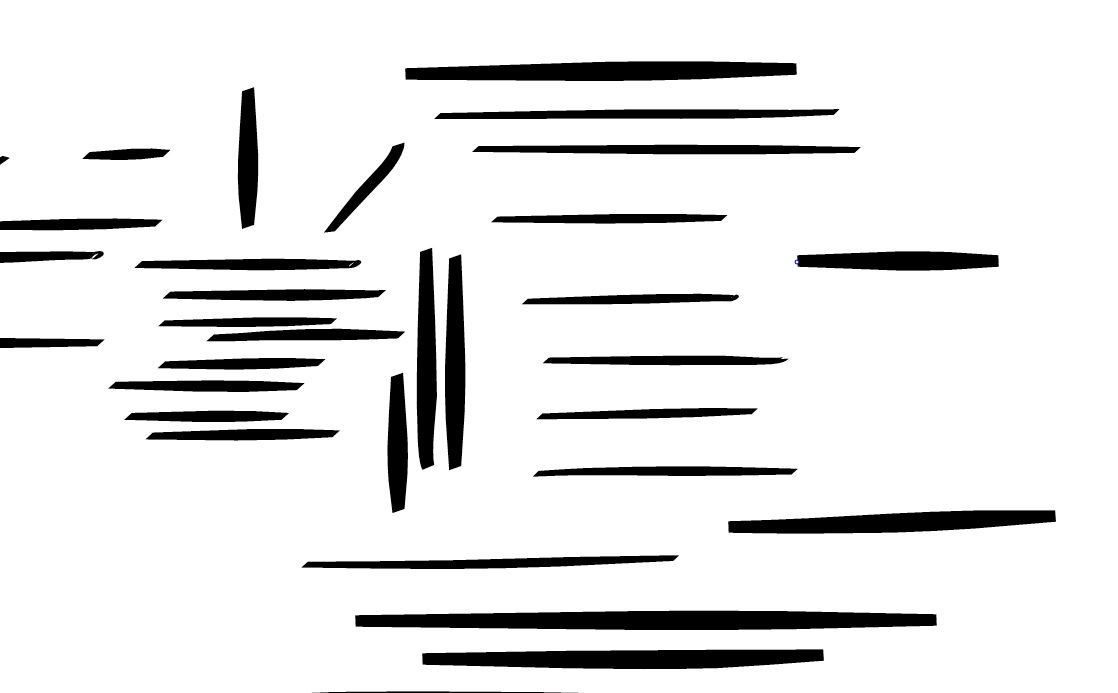
  • Aliased horizontal lines

    Moved
    6
    1
    0 Votes
    6 Posts
    6k Views
    G
    @vectoradmin said in Aliased horizontal lines: @gentlecl Did you try setting the View -> Subpixel -> Maximum mode? I think it should be somewhat better. I am an idiot Thanks , that solved the issue