• Rotate tool snapping

    Moved
    7
    0 Votes
    7 Posts
    7k Views
    VectorStylerV
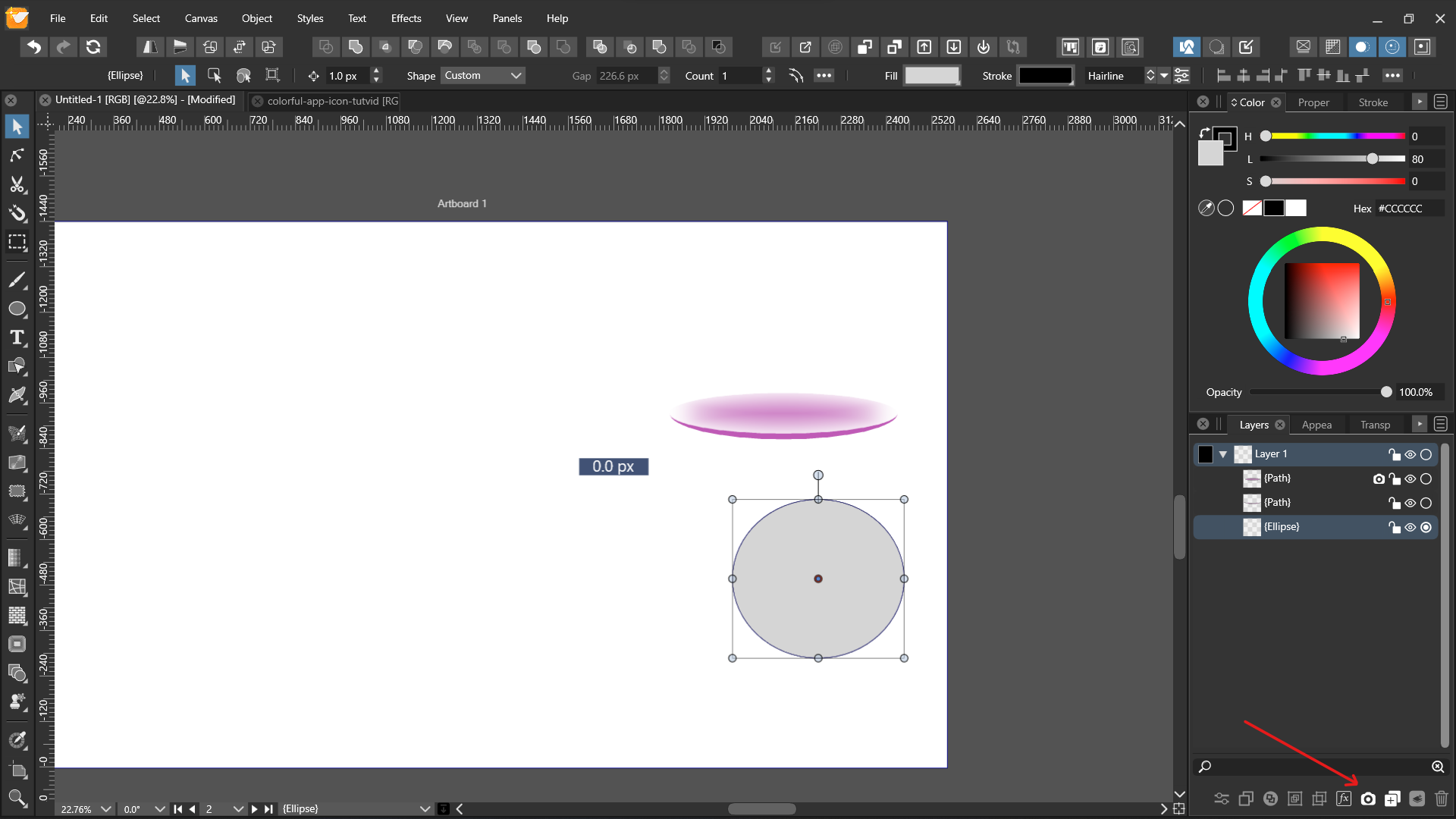
    @Nils said in Rotate tool snapping: @b77 Of course. The issue isn't the angle. The snapping is working for the node tool rotation, just not for the rotate tool... tried to replicate with the Rotate tool, but snapping (while holding Shift) works here on Windows. post the icon of the tool that you use for rotating. Quick question if I may. Do you know something about symbol overrides? I'm currently struggling with how to overrid symbol attributes. The docs say it's supposed to be possible but then they say that symbols can only be edited on canvas and in the modal edit view you can only select another symbol for the override, which makes no sense to me. Why override a symbol with another symbol instead of just using the other symbol? Style Overrides: it applies to Styles used inside symbols. lets say we have a color style "color1" and we used it inside a symbol (to fill a shape). when we select instances of a symbol, or the symbol, the color will show up in the symbols panel. the override can "redefine" the color style locally (inside the instance only). other symbol instances are not altered. can also use style override to replicate styles inside a layer only (leaving other layers with the original or other overrides). Symbol Overrides: the symbol instance is just a regular (shapeless) object containing a style that refers to the symbol. this style can have an override. not very useful directly on the symbol. but it is useful for symbols inside groups or layers. or symbols inside other symbols. can also have override on a canvas, and other canvases (having the same symbol) can have different overrides or the original.

  • Symbol role update propagation

    Moved
    11
    0 Votes
    11 Posts
    10k Views
    N
    @vectoradmin I see, I guess you're right, then.
  • Creating a reference canvas fails

    Moved
    5
    0 Votes
    5 Posts
    5k Views
    N
    @vectoradmin Done.
  • Mouse gets stuck in certain panels ( accumulated )

    Moved
    7
    0 Votes
    7 Posts
    7k Views
    N
    @vectoradmin That's only the already opened tooltip changing its content, like VS does, as I've noticed, with menus aswell. That is, opening a menu and then mousing over the next tab switches the content of the already opened menu over... This is normal behavior as far as I know, and I know this from other apps aswell yes.
  • Printer mark does not work properly (continued)

    Moved
    8
    1 Votes
    8 Posts
    8k Views
    861475_VctSt8
    @vectoradmin I guess I set a larger area than ARTWORK. Oh, that's right. I get it. thanks
  • 0 Votes
    5 Posts
    7k Views
    VectorStylerV
    @encart The selection tools (box, lasso, magic wand) are active in parallel to the tool used for editing. So multiple tools are highlighted. Maybe the lasso tool was inadvertently activated by pressing the "Y" shortcut.
  • Adding effects from the layer panel

    Moved
    9
    1
    0 Votes
    9 Posts
    9k Views
    J
    Thank you. Fixed.
  • 0 Votes
    4 Posts
    4k Views
    VectorStylerV
    @Boldline It looks like this is a bug.
  • Numerical input does not work in Shape creation pop up (1.1.016) Windows

    Moved
    3
    0 Votes
    3 Posts
    3k Views
    G
    @vectoradmin Ah, ok, I missed that, just update this morning to 016
  • Perfect ellipse not so perfect?

    Moved
    4
    1
    0 Votes
    4 Posts
    4k Views
    IngolfI
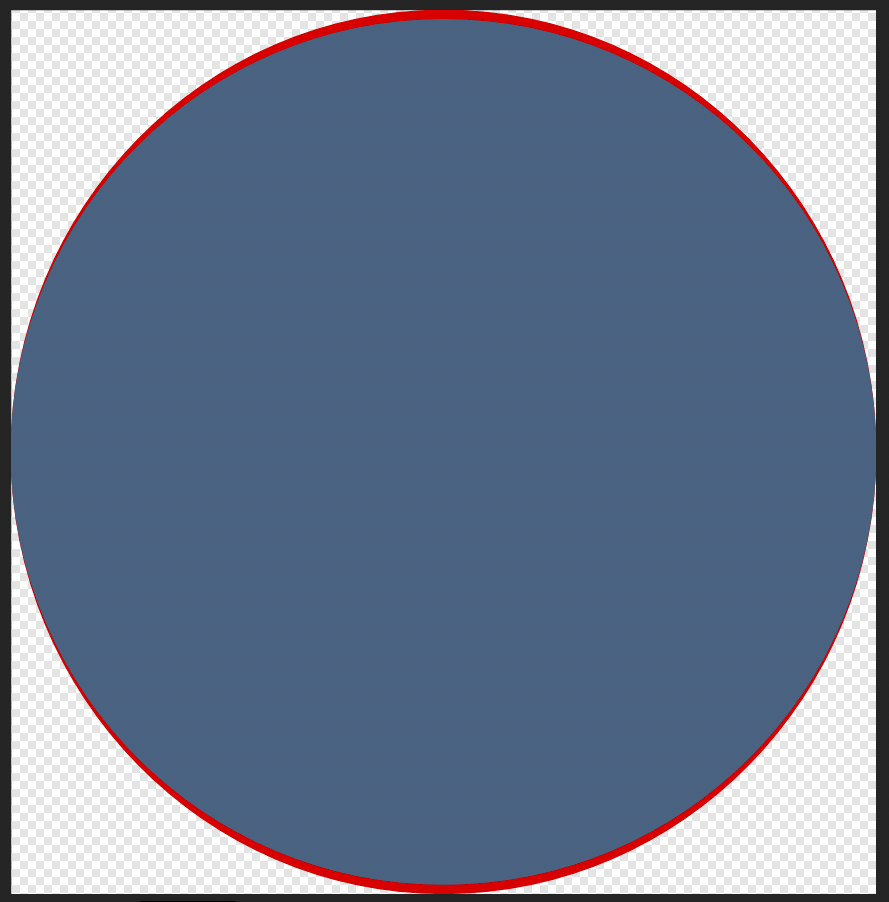
    @vectoradmin said in Perfect ellipse not so perfect?: @Ingolf Got the file by email. In the file, the width and height of the ellipse are different (seen in Transform panel). Yes, that should also be the result of a distortion. When drawing an ellipse, releasing the modifier key before releasing the mouse could cause this. I'll give it another shot when I return to my Mac late today. I was aware of this possibility so I did my best not to release it too early when I tried. On this Windows machine I cannot reproduce.
  • Custom added brush width sizes in Preferences default to 0.014 pts

    Moved
    2
    1
    0 Votes
    2 Posts
    3k Views
    VectorStylerV
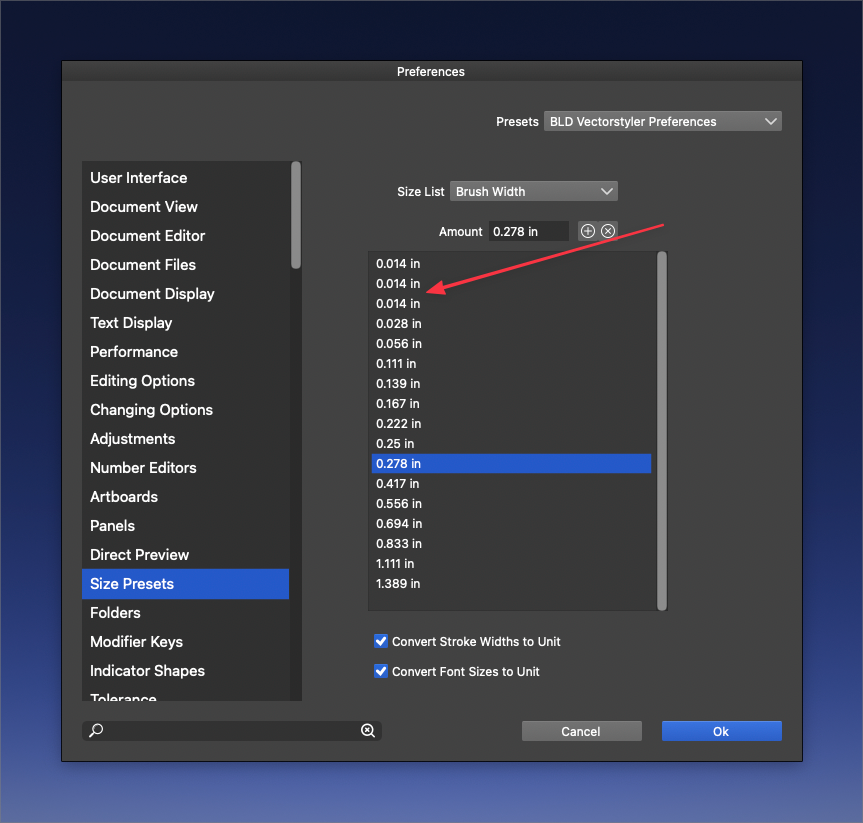
    @Boldline Looks like inplace editing is broken. The workarounds: input the number first and then click the (+) icon. highlight a number, edit it in the number field above the list and then click to select another number https://recordit.co/7W6GHuJLFH
  • Bug in the interface (navigator & canvas panels) ?

    Moved
    2
    2
    0 Votes
    2 Posts
    3k Views
    VectorStylerV
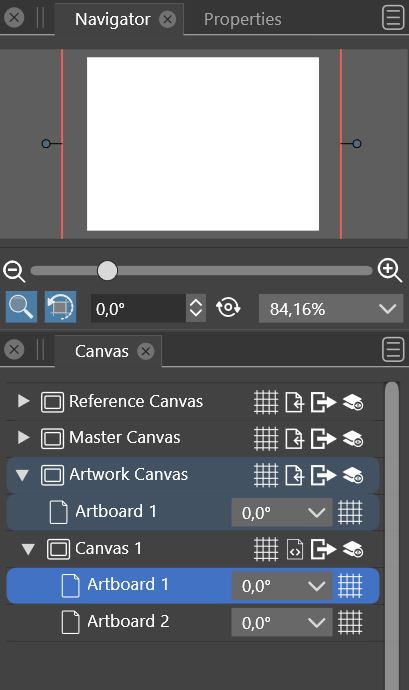
    @PatrickM It is not a bug. A VS document contains multiple canvases, that are shown in a hierarchy (Artwork Canvas contains Canvas 1). Canvases are not artboards: a single canvas can contain multiple artboards. Only a single canvas is shown at a time. This allows to have multiple illustrations / designs in a single VS document, and to have symbols or other assets in an editable form on some other canvas where they are actually used.
  • Hard to select object the first time when using shape effects

    Moved
    5
    0 Votes
    5 Posts
    5k Views
    VectorStylerV
    @Ingolf I add this to the backlog.
  • Colour tab not keeping settings in New Document Setup

    Moved
    3
    0 Votes
    3 Posts
    4k Views
    W
    @vectoradmin Thank you for fixing this in VS Update 1.1.010!
  • Problem with selecting object by dragging

    Moved
    2
    0 Votes
    2 Posts
    3k Views
    VectorStylerV
    @encart What is the active selection tool in the toolbox, when this occurs? If you encounter the issue, make a screenshot of the toolbox, and upload here. For example: dragging will not work if magic wand is active.
  • New user: Issues or user error?

    Moved
    18
    0 Votes
    18 Posts
    16k Views
    VectorStylerV
    @MajorTom The "Document Display Mode" should be set back to Metal. This does not affect the exporting issue, and the Software mode can be very slow for editing.
  • No splash screen in build 1.1.010

    Moved
    3
    0 Votes
    3 Posts
    4k Views
    J
    @vectoradmin Ok. I fix it by copying splash screen png from the previous build.
  • 0 Votes
    2 Posts
    3k Views
    VectorStylerV
    @encart It looks like the "Preview Shape Combine" option is enabled in the Preferences.
  • psd File Can Not Be Expanded

    Moved
    6
    0 Votes
    6 Posts
    6k Views
    VectorStylerV
    @DMBrown said in psd File Can Not Be Expanded: @b77 Yes, the Style Menu's Ungroup item is not available (it is grayed out.) I just tested this, and it seems to be working with a multilayered PSD file. But of course, there could always be some compatibility issue with specific version of PS. It would be great if you could share a sample PSD file where the layers are not imported correctly, send it to csraba at vectorstyler.com Thanks! BTW: ungroup is in the Object menu
  • Guides and grid color issues

    Moved
    2
    0 Votes
    2 Posts
    3k Views
    VectorStylerV
    @Ingolf In "Document Setup" -> Guides section, select a guideline color and confirm. New documents should inherit this color. (there are some problems related to this, that will get fixed).