Contour
The Contour effect creates a series of offset shapes around an object, blending toward a selected style. Use it to create parallel shapes or outline shading. A variable width profile lets you change the contour distance around the object. Adjust it interactively with the Contour  tool.
Apply contours to open paths or closed shapes, then adjust the effect in the Contour Panel or with Contour Options.
Keep these features in mind:
- The original object remains independently selectable. Changes to its shape or style update the contour.
- The effect creates a new contour object above or below the original. Positive widths create outer contours below it; negative widths create inner contours above it.
- The selected color mode determines the intermediate fill and stroke colors.
- Use a variable width profile to change the contour width locally. The Contour tool lets you create and edit these profiles, as well as adjust the overall width.
Overview
- Contour Panel - Create contours and adjust common settings.
- Contour Options - Access all contour settings.
- Contour Tool - Edit contour width and local variations interactively.
Creating Contours
- Open the Contour Panel from Effects - Contour or Window - Effects.
- Select an object.
- Click
 .
- Adjust the settings in the panel.
To create a contour interactively, activate the Contour tool. Drag from the object’s outline outward or inward to set the width.
You can also choose Effects - Contour - Create Contour to apply a contour with the default settings. Adjust it in the panel or with Effects - Contour - Contour Options.
To remove the effect, select the contour object and choose Effects - Contour - Remove Contour.
Expanding Contours
- Click an intermediate contour to select the contour object.
- Choose Effects - Contour - Expand Contour. The intermediate objects become a group.
- Ungroup the result to edit the objects individually.
Contour Examples
These examples show how contours change shape and style as they extend inward or outward.
Closed shape contour
A blue shape blends toward a yellow contour fill, creating overlapping filled shapes.
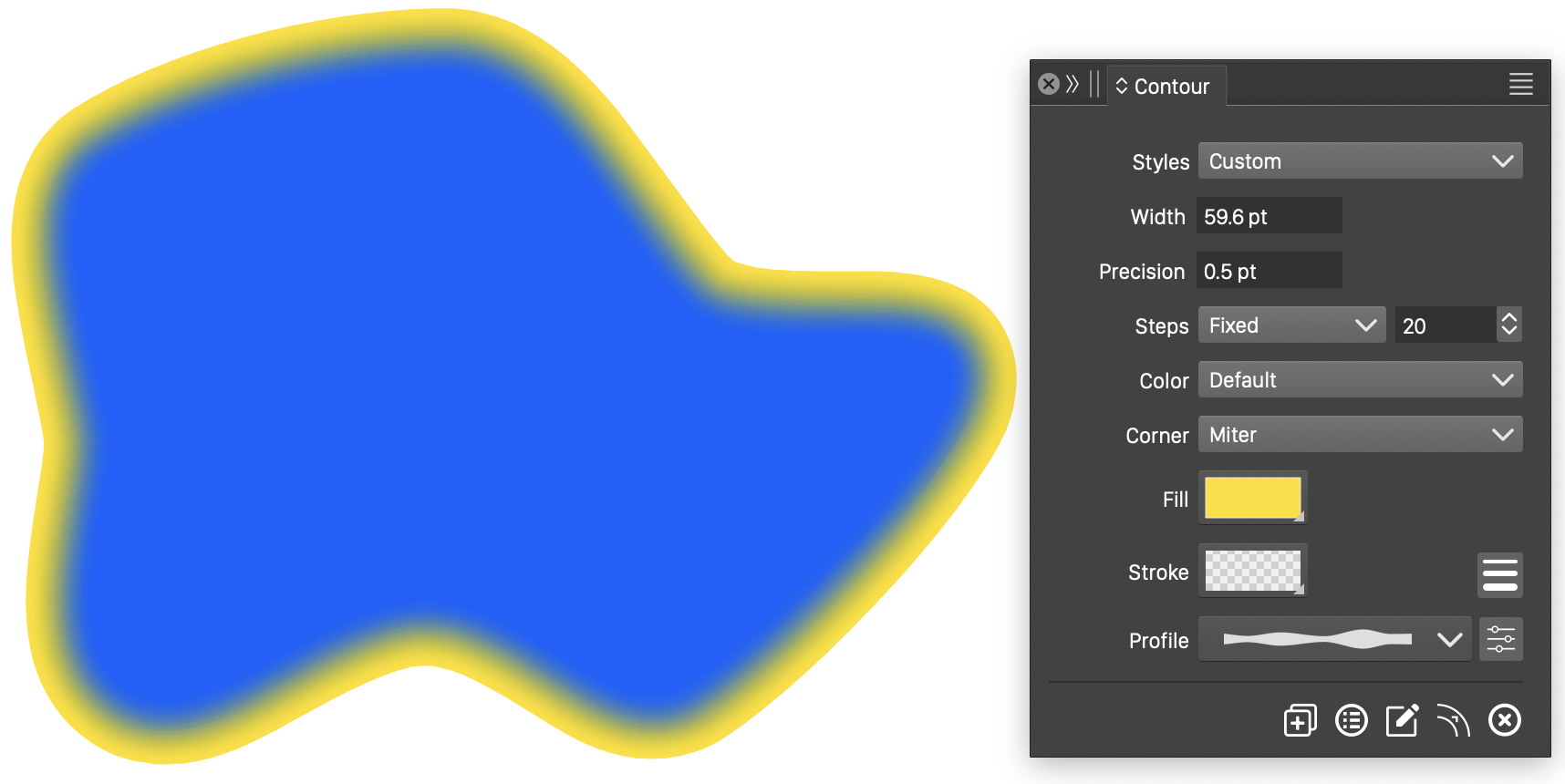
Contour around a closed shape.
Closed outline contour
This closed shape has a stroke and no fill. Its contours also use strokes, with the outer stroke color set in the Contour panel.
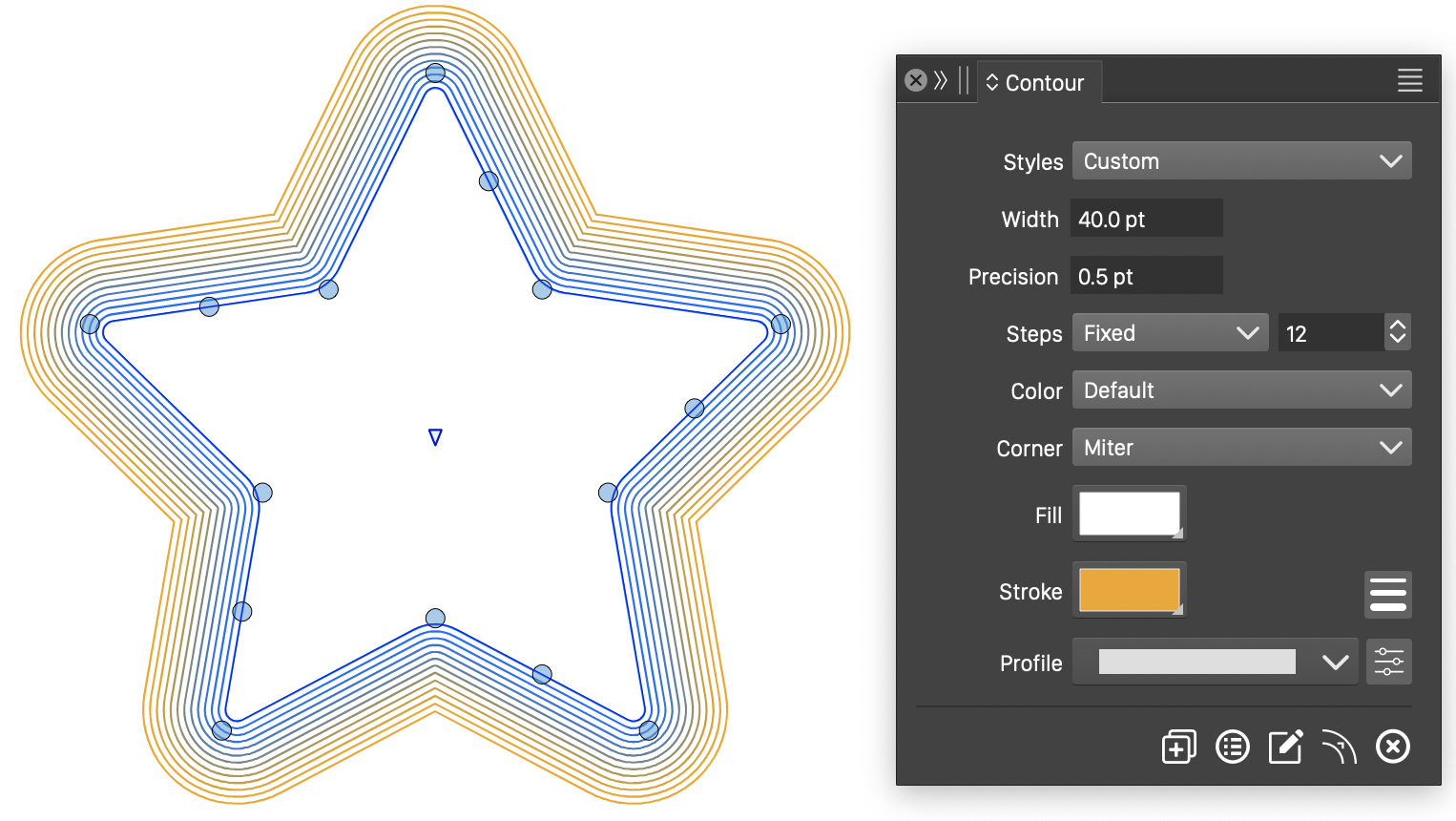
Contour around a closed outline.
Open outline contour
An open stroked path produces outlines at increasing distances from the original path.
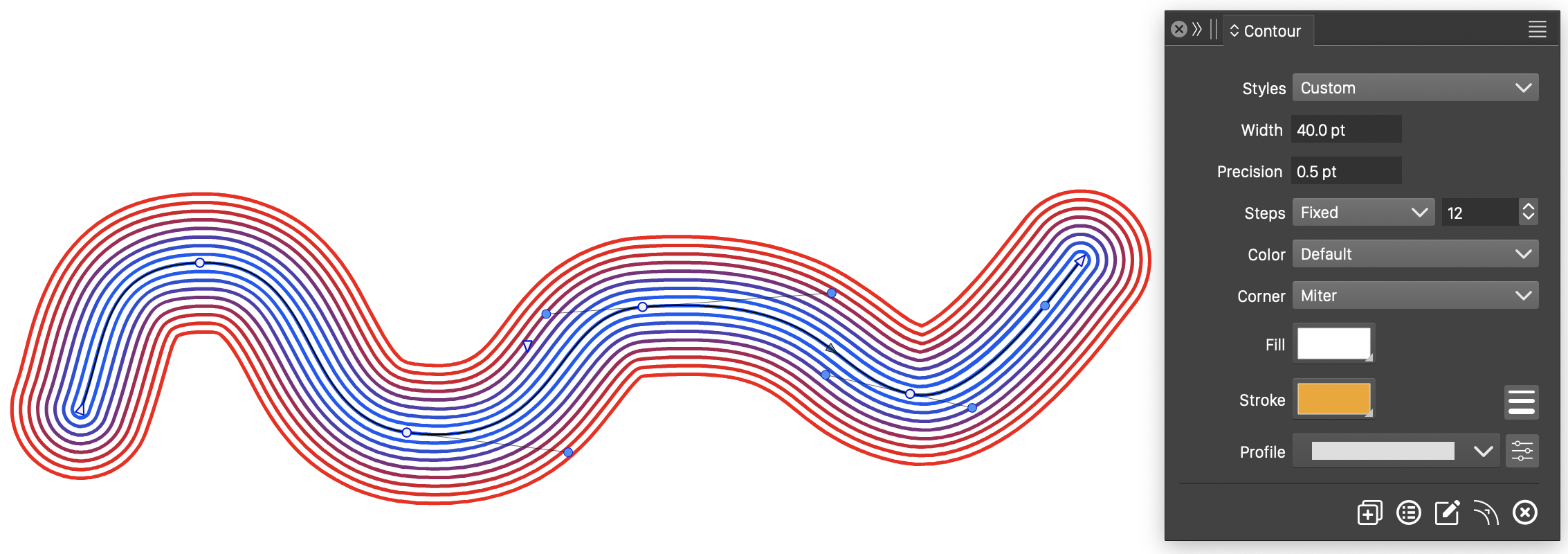
Contour around an open shape.
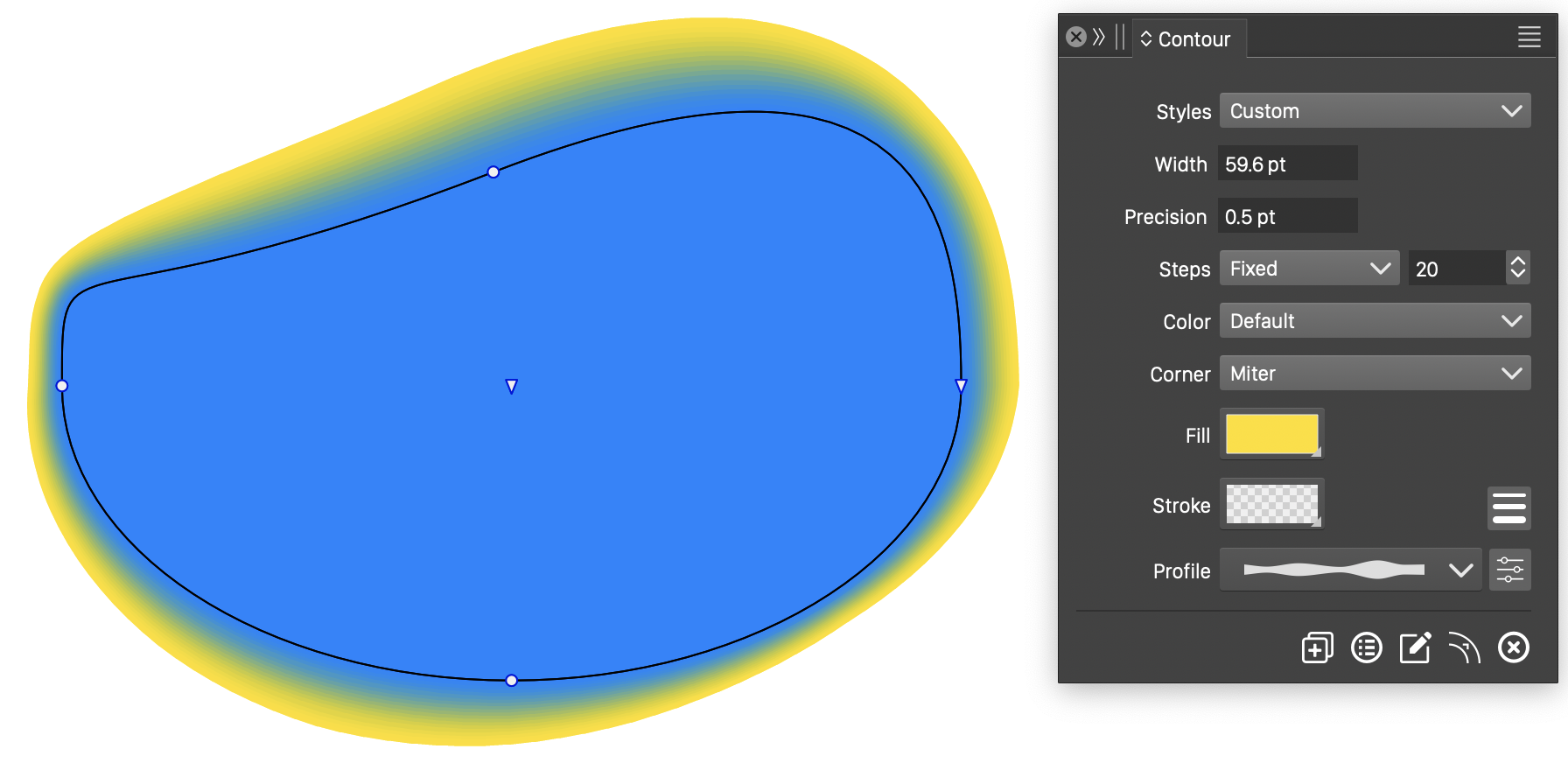
Variable width contour
A variable width profile changes the contour distance around this closed shape. Choose a profile in the Contour panel or edit it with the Contour tool.